PC · Windows 11
Windows.
Fix Windows errors, troubleshoot blue screens, and optimize your PC. BSOD diagnosis, driver fights, performance tuning, and step-by-step repair.
Diagnostic · 30 seconds
What's wrong with your Windows?
Pick what you're seeing. We'll jump you straight to the verified fix — not a 2,000-word essay.
What's breaking right now
Issues affecting the most Windows users this week, ranked by reader-report volume.
Which Windows should you buy?
Our top picks from the current lineup. Affiliate links via Amazon Associates — shopping through these supports the site at no extra cost.

Learn your Windows
Practical how-to guides, organized by what you're trying to do.
Fix & recover
5 guidesHigh CPU & processes
5 guidesFiles & storage
4 guidesPillar guides for Windows
Our deepest coverage on a single topic. Each pillar links to 20-50 cluster articles. Start here when a topic is new to you.
Compare two models
Pick one of the popular pairings — or read our full comparison archive.
Paint.NET is faster to learn for quick edits, while GIMP adds layer masks and curves for heavier work.
Read comparison →Windows 11 brings a cleaner interface and newer security features, while Windows 10 stays lighter on older hardware.
An SSD wins on speed and boot times, while an HDD offers far more storage per dollar for archives.
Latest Windows coverage
Everything new in Windows, sorted newest.
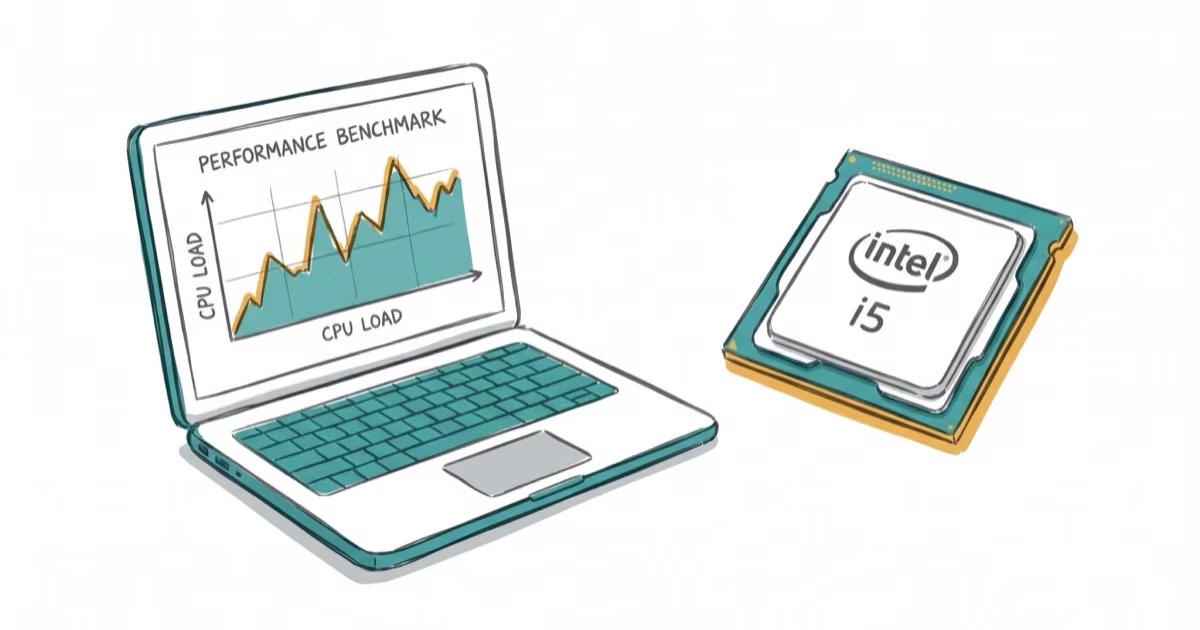
Core i5 Laptop Buying Guide 2026: How to Vet Listings
Use five marketplace examples to evaluate Core i5 laptop listings by processor generation, RAM, storage, seller, condition, warranty, and returns.
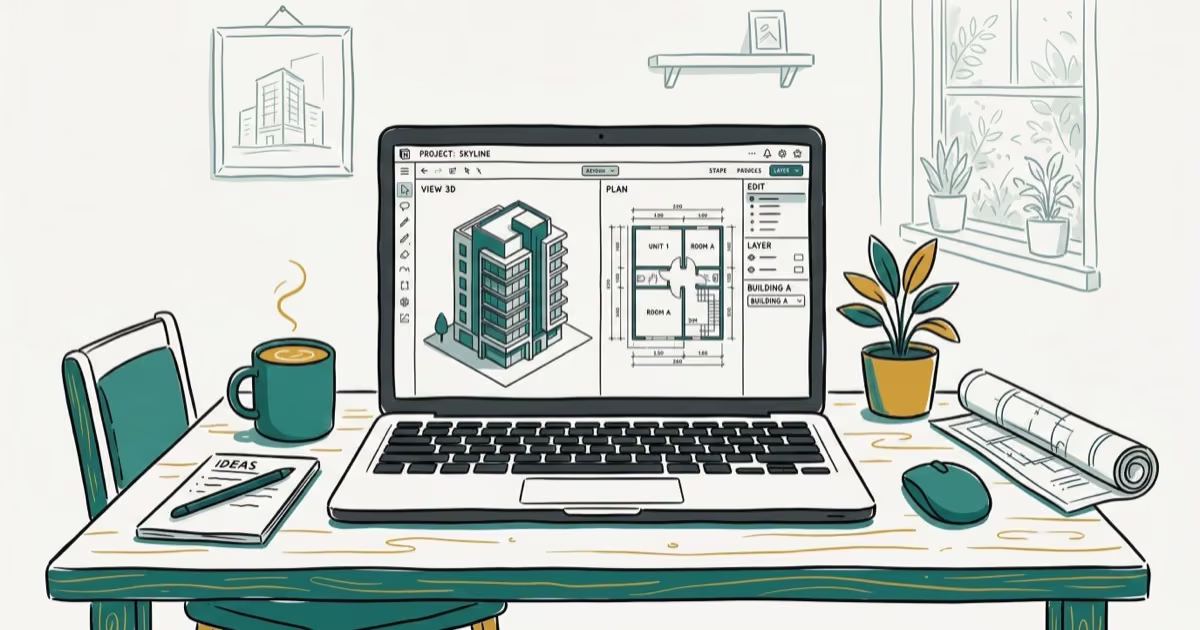
Best Laptop for Revit in 2026: Workload-Based Guide
Choose a Revit laptop by Autodesk’s 2026 workload tiers. Compare current mobile workstations, memory, graphics, storage, cooling, and upgrade needs.
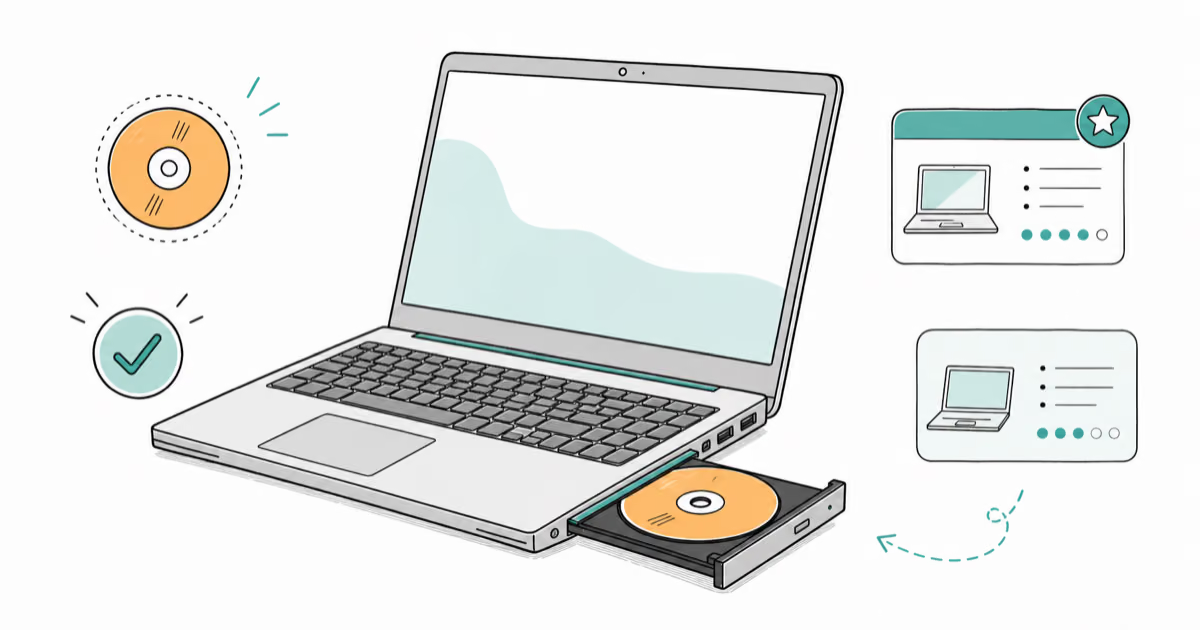
Built-In DVD Drive Laptop Guide: What to Check in 2026
We can’t confirm whether the Lenovo ThinkPad E570 is still sold new in 2026. Learn how to vet used or clearance laptops with built-in DVD drives.

Best Photo Viewer for Windows 10: 8 Picks + 2 to Avoid
Compare eight current photo viewers for Windows 10, plus two outdated apps to avoid. See format support, batch tools, editing features, and limits.
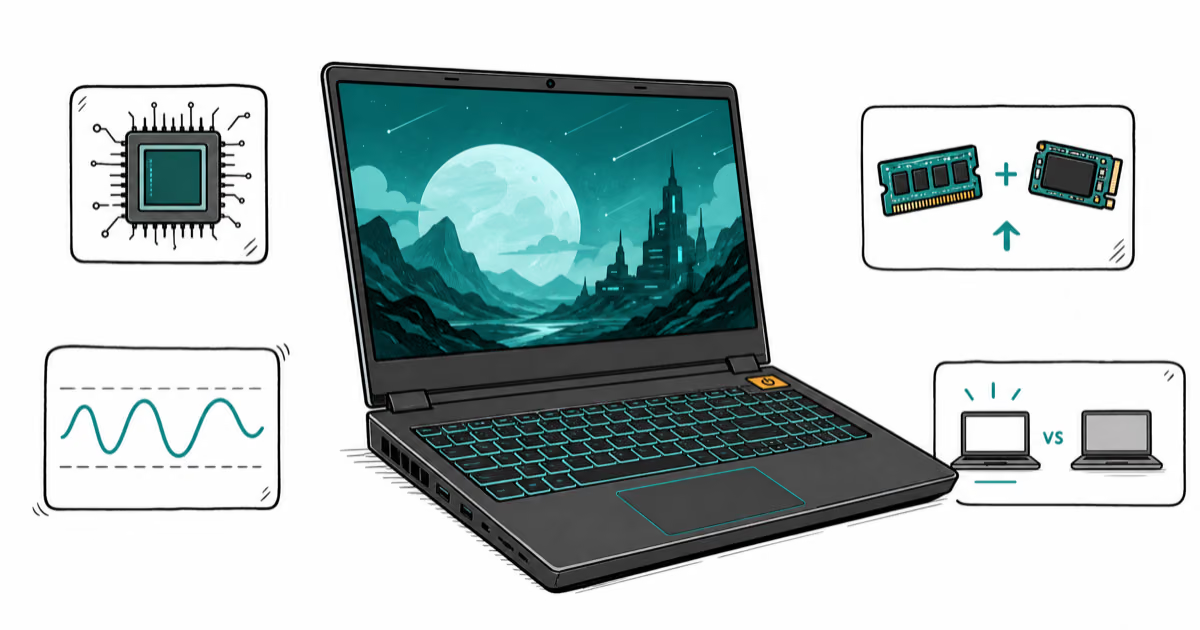
Gaming Laptops Under $600: Used-Buying Guide (2026)
Shop for a gaming laptop under $600 without mistaking discontinued models for current picks. Compare used Nitro 5, IdeaPad Gaming 3, TUF F15, and G15.
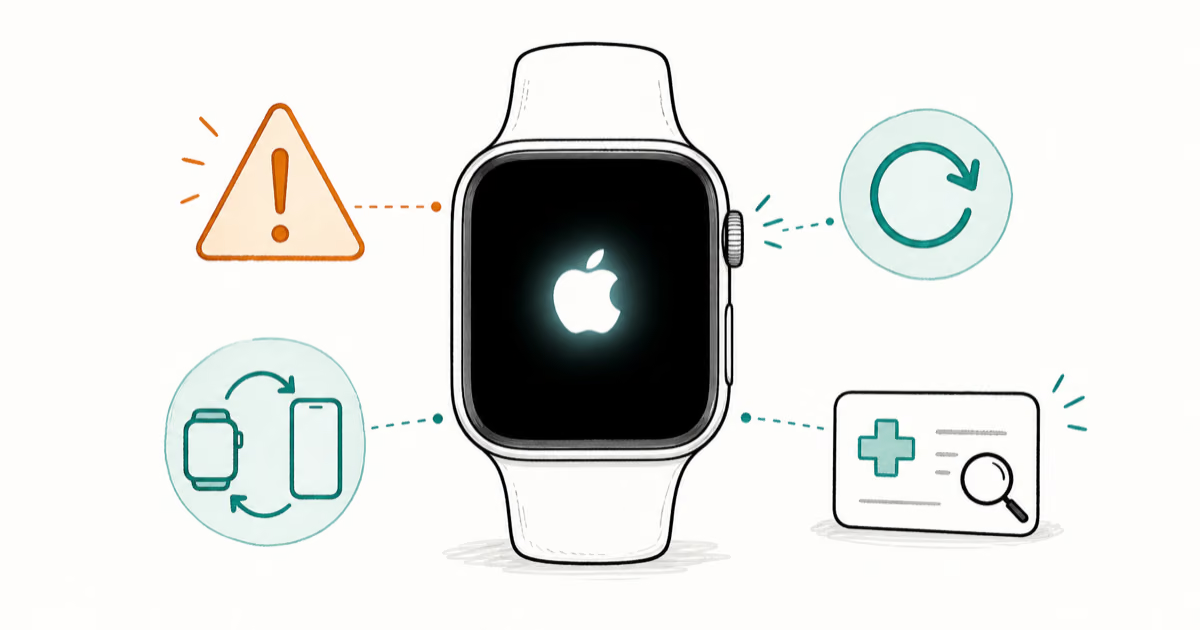
How to Fix an Apple Watch Stuck on the Apple Logo (2026)
Fix an Apple Watch stuck on the Apple logo with Apple's current force-restart, unpairing, software-update, backup, and service steps for a frozen watch.
Quick answers
The questions Windows owners ask us most. Tap any for the full breakdown.
What causes a kernel data inpage error on Windows?
It usually points to bad disk sectors or failing RAM. Run chkdsk and Windows Memory Diagnostic, then reseat your SATA or NVMe cables.
Read the full answer →Why is WSAPPX using so much CPU and disk?
WSAPPX spikes when the Microsoft Store updates apps in the background. Turning off automatic app updates stops most of the load.
Read the full answer →How do I stop the scanning and repairing drive loop?
It appears after an improper shutdown. Press Escape during boot to skip the scan, then run CHKDSK or Repair-Volume from an elevated prompt.
Read the full answer →How do I fix the your computer is low on memory warning?
Close heavy apps in Task Manager to free RAM, then raise the virtual memory size under System Properties to give Windows more headroom.
Read the full answer →How long does System Restore take on Windows?
Plan for 20 to 45 minutes on an SSD and up to 2 hours on a traditional hard drive. Allow at least an hour of disk activity before stopping it.
Read the full answer →Why is my laptop brightness not changing on Windows?
Most brightness faults trace back to display drivers. Update the graphics driver in Device Manager, then reinstall the Generic PnP Monitor entry.
Read the full answer →