macOS · MacBook
Mac.
macOS troubleshooting, Mac tips, and Apple desktop guides. Performance fixes, hidden shortcuts, and macOS upgrade survival kit.
Diagnostic · 30 seconds
What's wrong with your Mac?
Pick what you're seeing. We'll jump you straight to the verified fix — not a 2,000-word essay.
Mac OS pillars
What's breaking right now
Issues affecting the most Mac users this week, ranked by reader-report volume.
Which Mac should you buy?
Our top picks from the current lineup. Affiliate links via Amazon Associates — shopping through these supports the site at no extra cost.
Learn your Mac
Practical how-to guides, organized by what you're trying to do.
Fix & recover
5 guidesInstall & recovery server
4 guidesFiles & storage
4 guidesPillar guides for Mac
Our deepest coverage on a single topic. Each pillar links to 20-50 cluster articles. Start here when a topic is new to you.
macOS Tahoe
Everything we've published about macOS Tahoe (macOS 26) — the Liquid Glass redesign, which Macs support it, and whether you should update yet.
Open pillar guide →Pillar guide · MacmacOS 27
What we know about macOS 27 — the WWDC 2026 reveal, the likely compatible Macs, and whether the beta is worth installing.
Open pillar guide →Pillar guide · MacMac Tips & Tricks
Everything we've learned about getting more out of a Mac: storage cleanup, crash recovery, and the macOS shortcuts that save real time.
Open pillar guide →Compare two models
Pick one of the popular pairings — or read our full comparison archive.
macOS wins on polish and battery, Windows wins on games and hardware choice.
Read comparison →Air is lighter and cheaper, Pro adds active cooling and a brighter display for heavy work.
Apple silicon runs cooler with far better battery, Intel keeps wider legacy app support.
Latest Mac coverage
Everything new in Mac, sorted newest.
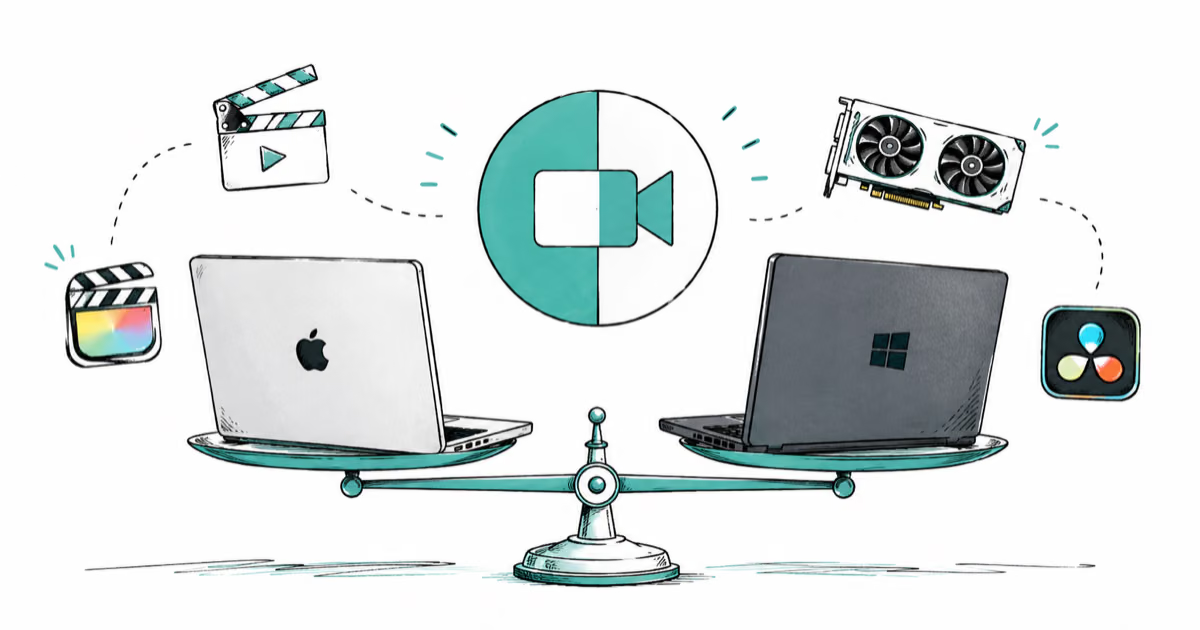
Mac vs PC for Video Editing: Honest 2026 Buyer Guide
Mac vs PC for video editing in 2026: ProRes media engine vs PC GPU, Final Cut vs Premiere vs Resolve, plus per-tier picks for 4K and 8K work.

Mac mini M6 vs M5 Pro: Which Model Should You Buy?
Mac mini M6 vs M5 Pro compared on price, memory, ports, displays, and real workloads. Find the better 2026 Mac mini for your desk and budget.

macOS 27 AI Features: Apple Intelligence, Siri, and Gemini
macOS 27 Golden Gate ships the rebuilt Siri on Google Gemini, Apple Intelligence Extensions for ChatGPT and Claude, and runs only on M-series Macs.

macOS 27 Won't Install on Intel Macs: Your Options
macOS 27 requires Apple silicon and won't install on Intel Macs. macOS 26 Tahoe is the final update. Here's what to expect and what to do next.
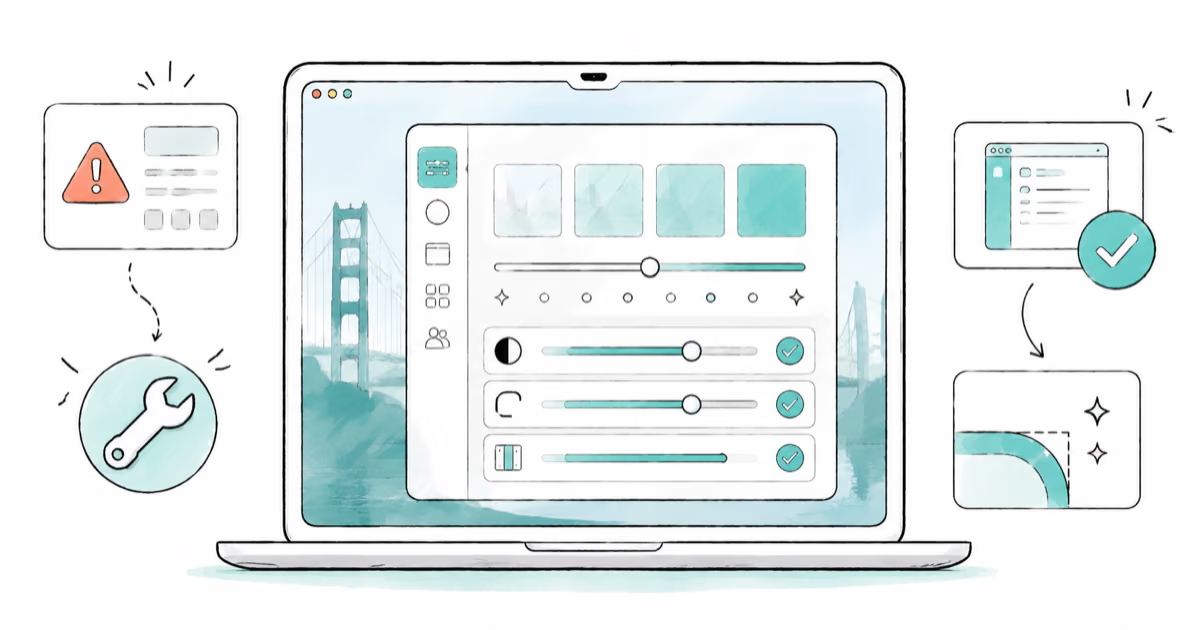
macOS 27 Liquid Glass: Every Readability Fix Explained
macOS 27 Golden Gate refines Liquid Glass with an intensity slider, better contrast, cleaner window corners, and edge-to-edge sidebars to fix readability.
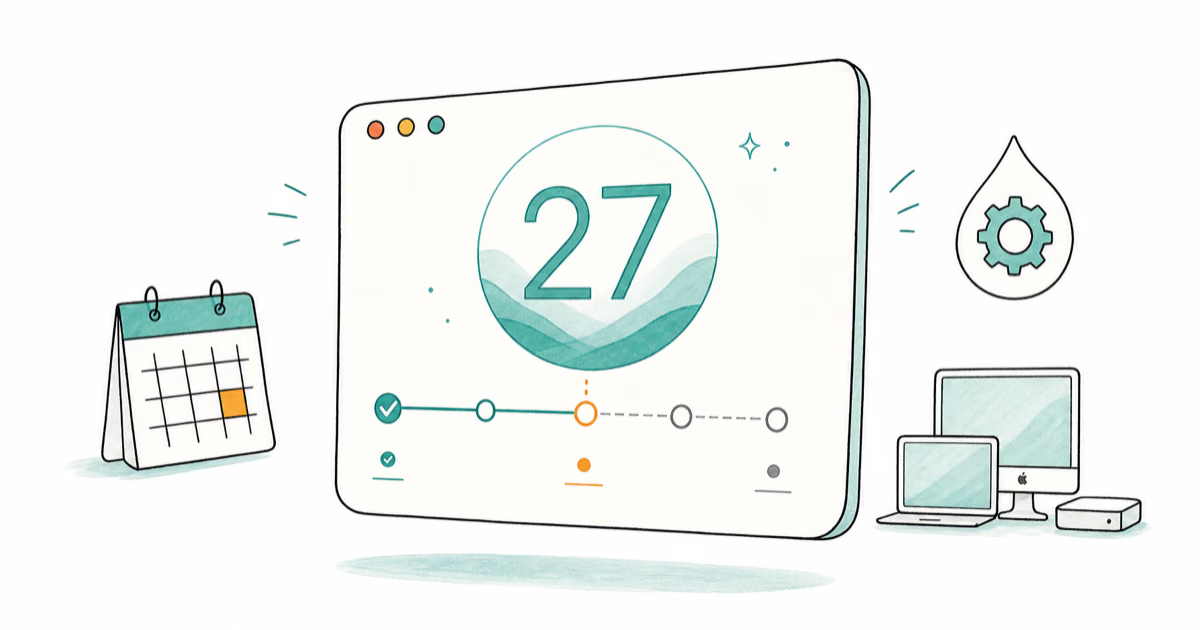
macOS 27 Golden Gate: Release Date and Compatible Macs
macOS 27 Golden Gate was announced at WWDC 2026. Here is the release date, the Apple Silicon-only compatible Mac list, and every confirmed new feature.
Quick answers
The questions Mac owners ask us most. Tap any for the full breakdown.
Why is my Mac running so slow after an update?
Spotlight reindexing, low free storage and login items are the usual causes; most settle within a day.
Read the full answer →Why won't my MacBook turn on?
Check the charger, then run an SMC reset and a power-cycle before assuming hardware failure.
Read the full answer →How do I stop the spinning beach ball on my Mac?
Force quit the stuck app, free up RAM and storage, then check Activity Monitor for the runaway process.
Read the full answer →How do I open an app that says the developer cannot be verified?
Use right-click Open or the Privacy and Security pane to approve a trusted app Gatekeeper blocked.
Read the full answer →How do I free up storage on a full Mac?
Clear caches, large downloads and old backups; modern SSDs do not need defragmenting.
Read the full answer →What does the screen is being observed message mean on Mac?
It flags an active screen recording or remote session; check sharing settings and recent profiles.
Read the full answer →