Samsung · Google · Pixel
Android.
Android tips, Samsung guides, and FRP bypass tutorials. Common errors, unlock walkthroughs, and the most-asked Android questions answered.
Diagnostic · 30 seconds
What's wrong with your Android?
Pick what you're seeing. We'll jump you straight to the verified fix — not a 2,000-word essay.
What's breaking right now
Issues affecting the most Android users this week, ranked by reader-report volume.
Samsung Galaxy keeps rebooting
Samsung · boot loop10%7 min →02Samsung Galaxy not charging
Samsung · charging8%6 min →03Google Play Services keeps stopping
Play Store · crash8%6 min →04Samsung FRP bypass after factory reset
FRP · reset6%10 min →05Samsung fingerprint not working
Biometrics · Samsung5%5 min →06Android system battery drain
Battery · system5%8 min →Which Android should you buy?
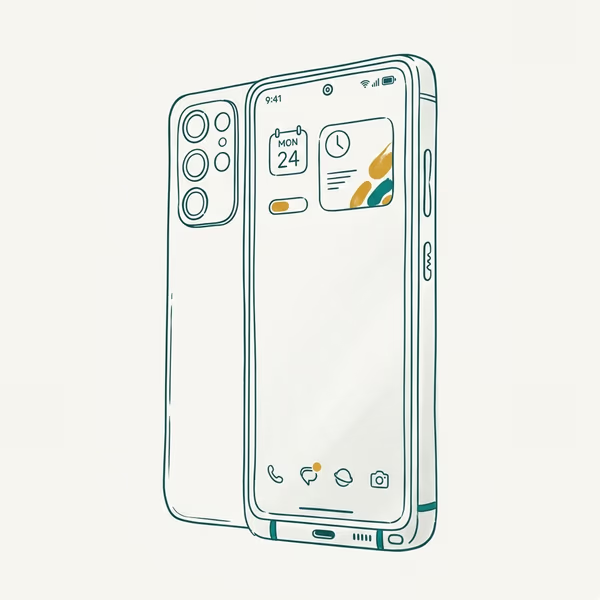
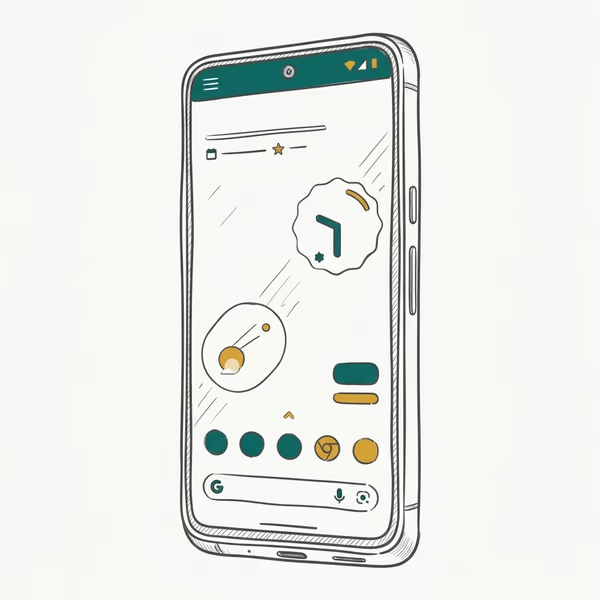
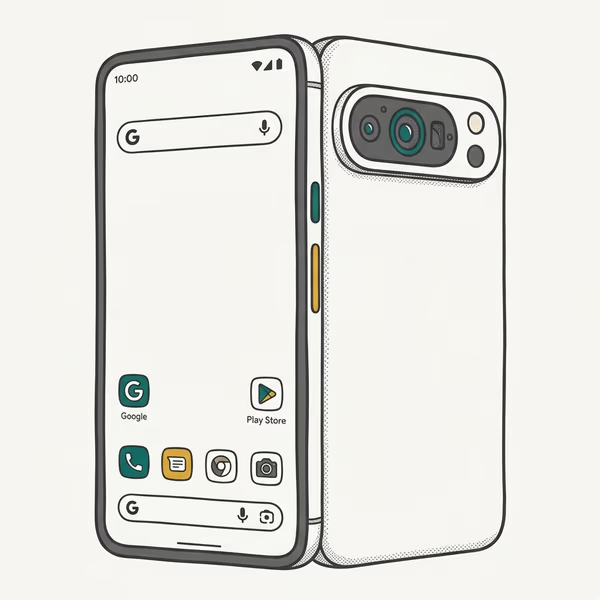
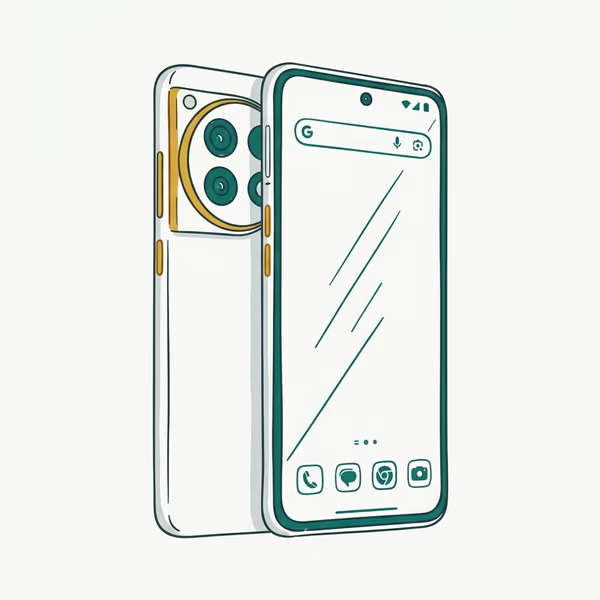
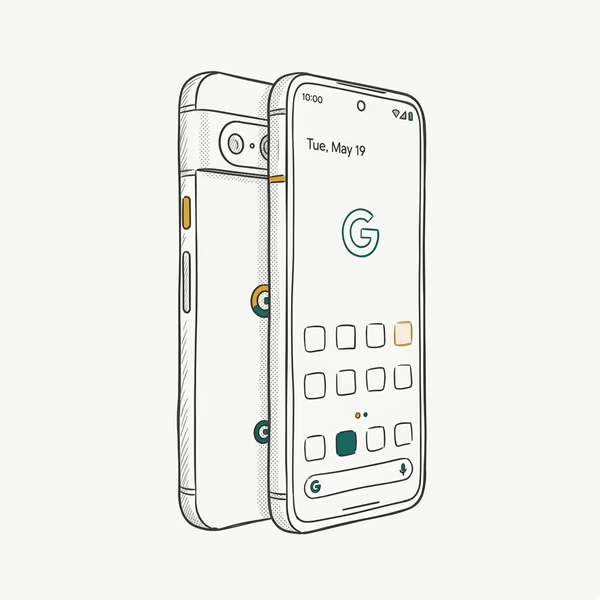
Our top picks from the current lineup. Affiliate links via Amazon Associates — shopping through these supports the site at no extra cost.
Learn your Android
Practical how-to guides, organized by what you're trying to do.
Unlock & passwords
4 guidesSetup & transfer
4 guidesFix & recover
5 guidesPillar guides for Android
Our deepest coverage on a single topic. Each pillar links to 20-50 cluster articles. Start here when a topic is new to you.
FRP bypass
Factory Reset Protection — what works on which brand, brand-by-brand, with the official paths first.
Open pillar guide →Pillar guide · AndroidSamsung Galaxy Guide
Everything we've worked out about Samsung Galaxy phones: One UI tricks, recovery-mode fixes, and the settings Samsung buries three menus deep.
Open pillar guide →Compare two models
Pick one of the popular pairings — or read our full comparison archive.
Samsung wins on zoom and brightness, Pixel wins on clean software and update length.
Galaxy packs more hardware features, Pixel keeps the cleaner stock Android experience.
OnePlus charges faster and costs less, the Galaxy has the stronger camera and longer support.
Latest Android coverage
Everything new in Android, sorted newest.

One UI 8.5 Problems: 2026 Fix Guide for Galaxy Phones
One UI 8.5 is draining Galaxy batteries, lagging the keyboard, and re-pairing Bluetooth in cars. Here are the per-issue fixes that work in 2026.

Pixel 11 vs Pixel 10: What Changed and Who Should Upgrade
Pixel 11 vs Pixel 10: same screen and camera resolution, new Tensor G6, 25W wireless, and Gemini Intelligence. Here is who should actually upgrade.
Change Location in Pokemon GO: Rules and Safe Options
Can you change location in Pokemon GO safely? Learn why GPS spoofing risks account strikes and which official features solve common access problems.
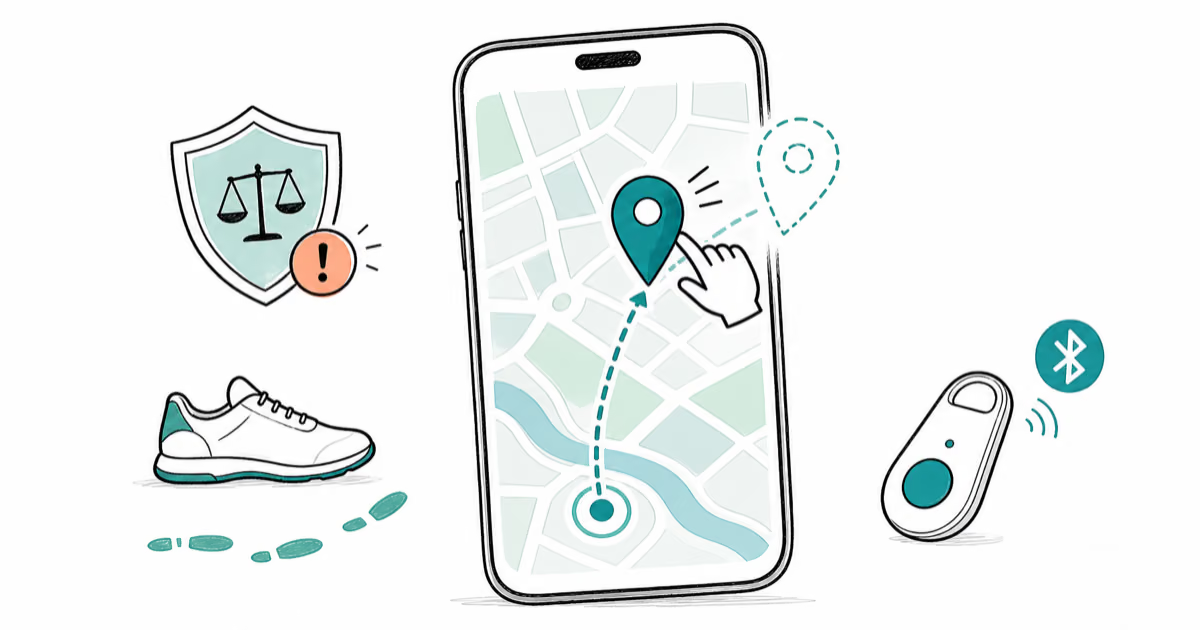
Fly GPS for Pokémon Go: Risks, Legal Methods, What Works
Fly GPS for Pokémon Go explained: why Niantic bans location spoofers, how Adventure Sync replaces most use cases, and legal alternatives to the bypass.
Albviral FRP Android 8: What It Is and Why to Avoid It
Albviral targets Factory Reset Protection on Android 8. Learn why that weakens an anti-theft lock and use official account recovery instead.
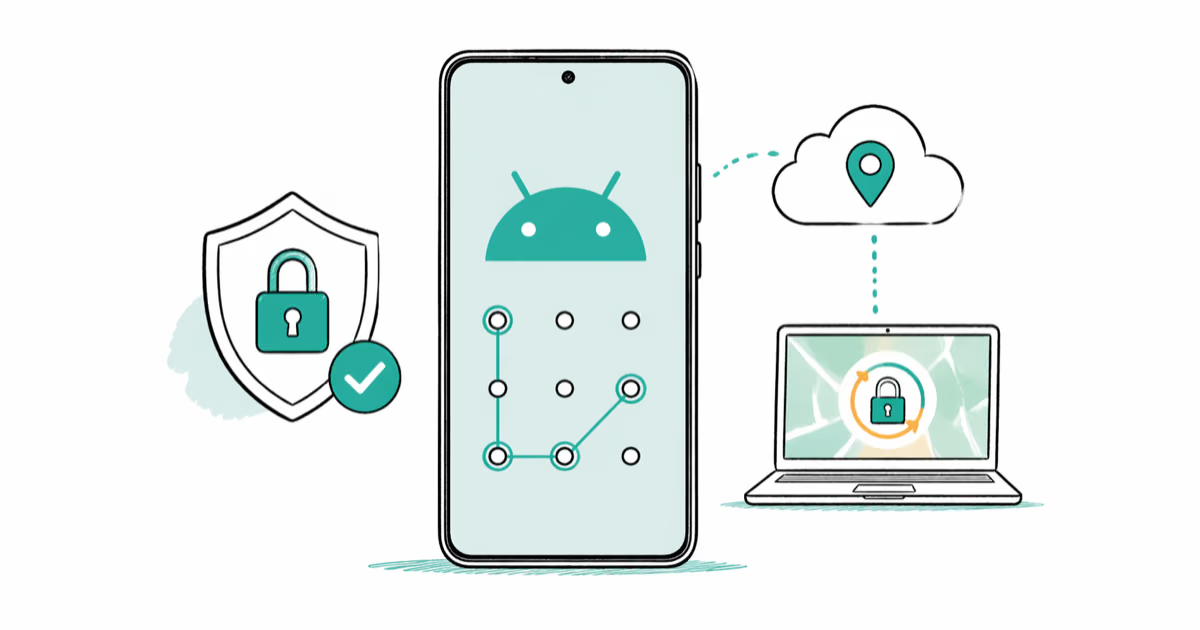
Forgot Android Password? Official Recovery Options
Forgot your Android PIN or pattern? Learn what Find Hub can do, why old ADB tricks no longer work, and when a factory reset erases local data.
Quick answers
The questions Android owners ask us most. Tap any for the full breakdown.
How do I unlock my Android phone if I forgot the password?
Use Find My Device, the Google account fallback, or a factory reset as the last resort on your own phone.
Read the full answer →Can I unlock my Android without losing my data?
Find My Device and Smart Lock can reset the screen lock without a wipe, but a forgotten Google account may still force a reset.
Read the full answer →Why does my Samsung Galaxy keep restarting?
A bad update, a failing battery, or a misbehaving app are the usual triggers behind a Galaxy boot loop.
Read the full answer →Why does Google Play Services keep stopping?
Clearing the Play Services cache, updating the app, and checking the date settings clears most crash loops.
Read the full answer →How do I recover my Google account after a factory reset?
Sign in with the same Google account that was on the phone before the reset to clear the FRP lock screen.
Read the full answer →Why is YouTube not working on my Android phone?
A stale app cache, an outdated app version, or a date and time mismatch are the most common causes.
Read the full answer →