Apple · iOS
iPhone.
Step-by-step iPhone fixes, hidden features, and honest comparisons. Updated weekly. Tested on real hardware we bought ourselves.
Diagnostic · 30 seconds
What's wrong with your iPhone?
Pick what you're seeing. We'll jump you straight to the verified fix — not a 2,000-word essay.
iPhone OS pillars
What's breaking right now
Issues affecting the most iPhone users this week, ranked by reader-report volume.
iPhone stuck on Apple logo after iOS update
iOS · boot loop 12% 6 min → 02iPhone screen mirroring not working
AirPlay · TV 9% 8 min → 03iPhone battery dying fast on iOS 18
Battery · iOS 18 8% 7 min → 04iPhone won't connect to Wi-Fi
Wi-Fi · network 6% 5 min → 05iMessage not delivering to one contact
iMessage · sync 5% 6 min → 06iPhone frozen and unresponsive
Hang · freeze 5% 5 min → 07iPhone 12 stuck in recovery mode
iOS · recovery 4% 8 min → 08AirDrop not working between iPhones
AirDrop · transfer 4% 6 min →Which iPhone should you buy?
Our top picks from the current lineup. Affiliate links via Amazon Associates — shopping through these supports the site at no extra cost.
Learn your iPhone
Practical how-to guides, organized by what you're trying to do.
Setup & migration
48 guidesCamera & photos
62 guidesBattery & performance
41 guidesPillar guides for iPhone
Our deepest coverage on a single topic. Each pillar links to 20-50 cluster articles. Start here when a topic is new to you.
iOS 26
Everything we've published about iOS 26 — what's new, what broke, who can run it, and whether you should update yet.
Open pillar guide → Pillar guide · iPhoneiOS 27 Beta
What we know about iOS 27 Beta — supported devices, install risks, and whether you should opt in.
Open pillar guide → Pillar guide · iPhoneiPhone tips & tricks
Everything we've learned about getting more out of your iPhone — verified across iPhone 12 through 17.
Open pillar guide → Pillar guide · iPhoneiPhone battery problems
The complete diagnostic — what kills iPhone batteries, what fixes them, and when it's time to replace.
Open pillar guide →Compare two models
Pick one of the popular pairings — or read our full comparison archive.
$200 gap, big jump on telephoto and ProMotion.
Same chip generation. AI features only on 16.
Identical except size + 5x tele on both this year.
Latest iPhone coverage
Everything new in iPhone, sorted newest.
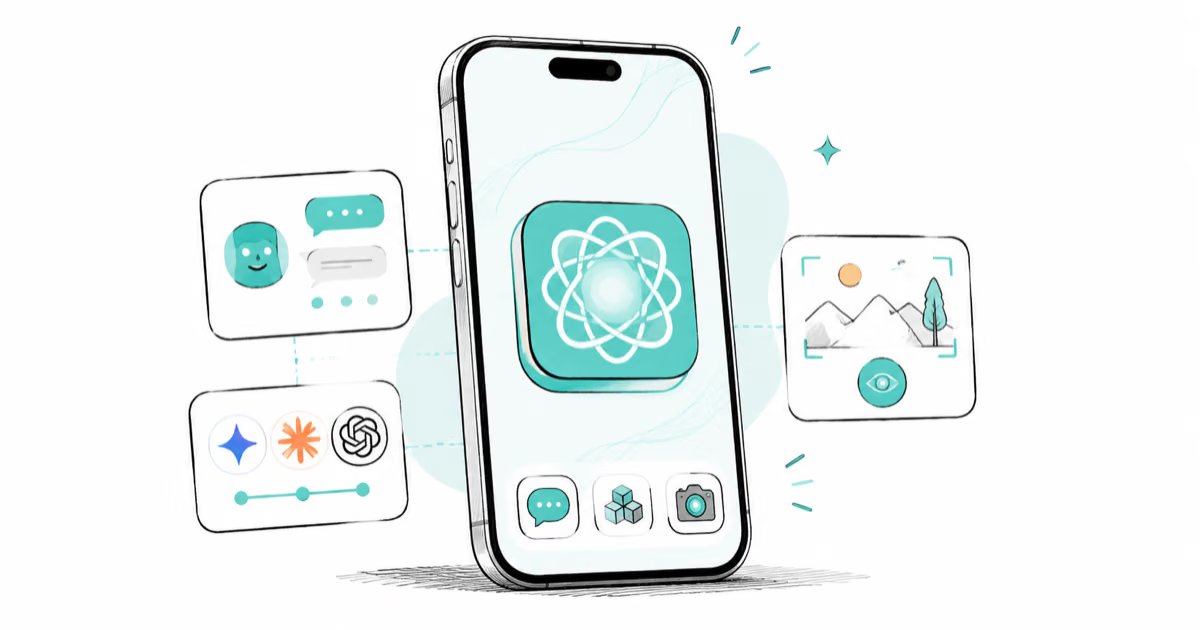
iOS 27 AI Features: Every Apple Intelligence Upgrade
iOS 27 brings a redesigned Siri with chat interface, third-party AI Extensions for Gemini and Claude, and Visual Intelligence built into the Camera app.

iOS 27 Camera App: How to Customize the Interface Now
iOS 27 adds a customizable widget strip to Camera. Add flash, resolution, depth of field, and Live Photo controls you actually use and hide the rest.

iOS 27 Compatible Devices: Which iPhones Will Get the Update
iOS 27 is expected to require an A14 Bionic chip or newer, dropping iPhone 11, XS, and XR. Full compatibility list and what to do if your device is cut.

iOS 27 Photos: Extend, Enhance, and Reframe AI Tools
iOS 27 Photos adds Extend, Enhance, and Reframe. Fill beyond the frame, fix color and lighting, and correct perspective. All three run on-device.

iOS 27 Release Date: WWDC, Beta Timeline, and Launch
iOS 27 is announced at WWDC 2026 on June 8. Developer beta drops the same day, public beta opens in July, full release expected mid-September 2026.
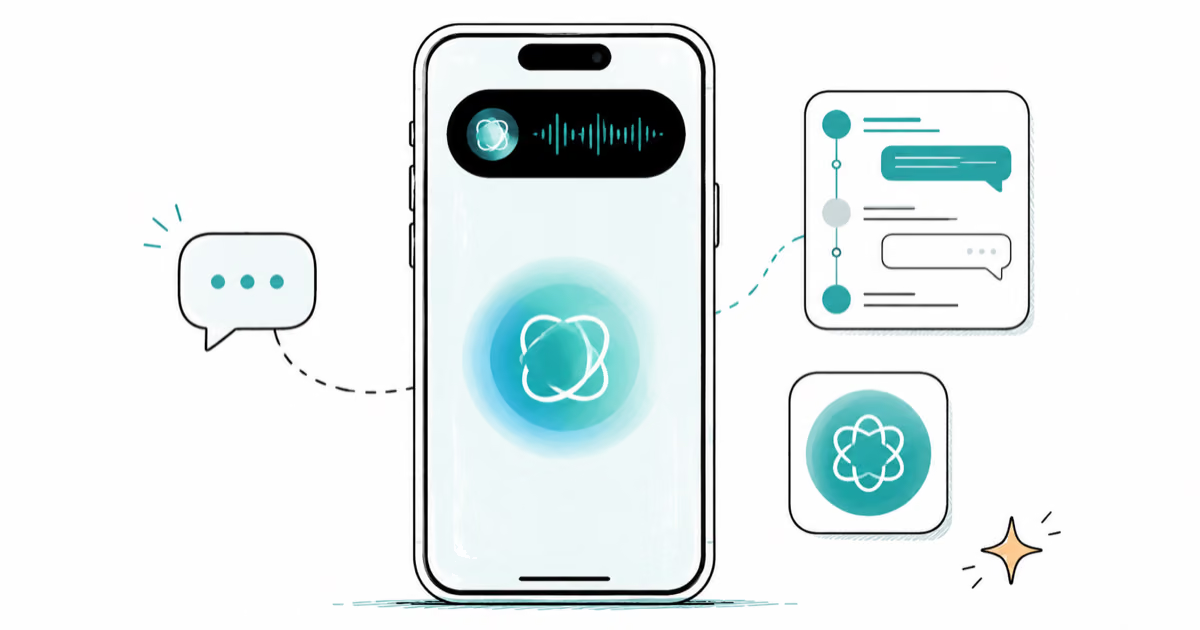
iOS 27 Siri Redesign: Chat Interface and the New Siri App
iOS 27 redesigns Siri with a chat interface, Dynamic Island home, a standalone Siri app, multi-step command support, and persistent conversation history.
Quick answers
The questions iPhone owners ask us most. Tap any for the full breakdown.
Why is my iPhone battery dying so fast?
Background app refresh, location services and dim-and-bright auto-brightness loops are the usual culprits.
Read the full answer →How do I fix an iPhone stuck on the Apple logo?
Force restart first; if that loops, recovery-mode restore from a Mac or PC is the next step.
Read the full answer →My iPhone is frozen — what now?
Force restart sequence: volume up, volume down, hold side button until the Apple logo reappears.
Read the full answer →Why isn't my iMessage delivering?
iMessage routes through Apple's servers; one stuck account on either end can drop a single thread.
Read the full answer →How do I move my data to a new iPhone?
Quick Start over Bluetooth handles most of it; iCloud or a Mac backup covers the rest.
Read the full answer →Can I downgrade iOS after an update?
Only within the brief signing window Apple keeps open after a new iOS release — typically 2-3 weeks.
Read the full answer →