iOS 27 Release Date: WWDC, Beta Timeline, and Launch
Apple says iOS 27 is coming this fall but has not announced the exact release date. See the confirmed timeline, beta status, and launch-day steps.

Quick AnswerApple says iOS 27 is coming this fall as a free software update. It has not announced the exact public-release date or launch time, so any narrower September window is still a forecast.
Apple has confirmed the season, not the day. iOS 27 is coming in fall 2026.
- Apple unveiled iOS 27 at WWDC26 and made developer testing available that day.
- Apple’s official iOS 27 page says the finished software is coming this fall.
- Apple has not published an exact public-release date or launch time.
- A narrow September date range based on past releases is a prediction, not an Apple announcement.
- Beta users should keep a backup and understand how to leave the beta track before installing.
#Has Apple Announced the iOS 27 Release Date?
Confirmed window: Apple’s official iOS 27 page says “coming this fall.” It gives no exact date or time.
Apple’s WWDC26 announcement gives the same boundary: the new software features will arrive as free updates in the fall. That’s the strongest current answer to “when does iOS 27 come out?” Our iOS 27 features guide covers what Apple previewed separately from when it ships.
Removed forecast: A previous version of this guide narrowed the launch to a September window by linking to what it called an iOS release-history archive. That link actually opened a Mac Studio technical-specifications page. Because the page didn’t support the claim and Apple hasn’t supplied a replacement date, the precise range has been removed. The mismatch leaves no evidence-backed reason to keep a day in the headline, summary, table, image, FAQ, or launch-day advice.
Historical patterns can help someone make a personal guess, but they don’t turn a forecast into a confirmed launch date. This page will use an exact day only after Apple publishes one.
#Confirmed iOS 27 Timeline
The useful timeline is shorter than many prediction calendars suggest:
| Milestone | Confirmed status | What it means |
|---|---|---|
| WWDC26 preview | June 8, 2026 | Apple unveiled iOS 27 and opened developer testing |
| Developer beta 7 | August 24, 2026 | Apple released build 24A5424a |
| Public beta access | Check Apple’s beta program | Apple lists the software offered to an enrolled device |
| Final public update | Fall 2026 | Apple has not announced the exact day or time |
According to Apple’s August 24 release entry, iOS 27.0 beta 7 is build 24A5424a. That developer-channel fact doesn’t establish the current public-beta seed or narrow the final fall release window.
Apple’s WWDC release said a public beta would follow the developer preview through the Apple Beta Software Program. The program page lets members enroll devices and shows the beta software currently offered to an eligible device.
Beta build numbers change during testing and don’t establish the final launch date. Apple doesn’t promise a fixed interval between seeds.
#Why We Are Not Predicting a September Day
Major iPhone software releases often arrive near new hardware, which makes a September estimate tempting. But the exact day can move, and Apple’s current source does not say that iOS 27 will launch on a Monday, Tuesday, or within a particular week.
The distinction matters if you are planning travel, a work-device rollout, an app deployment, or a repair. Treating a forecast as a deadline can leave you without enough time to test a critical app or make a current backup.
Use these labels when you see release-date coverage elsewhere:
- Confirmed: Apple has published the date on an official page or announcement.
- Expected: A publisher is making a forecast from past patterns or reporting.
- Beta available: Pre-release software can be installed; this says nothing by itself about the final day.
- Coming this fall: Apple’s current official window for iOS 27.
#How to Get the iOS 27 Public Beta
Beta warning: The public beta is optional. It’s for testing and feedback, not an early copy of the finished release. Our guide on whether to install the iOS 27 beta covers the decision in more depth.
Before enrolling, make a current backup that you can identify later. Apple’s iPhone update instructions tell users to back up before updating, connect the device to power, and use Wi-Fi. For beta software, a secondary device is safer than the phone you depend on for work, banking, travel, or authentication.
To join, sign in to the Apple Beta Software Program with the Apple Account used on the device and follow Apple’s enrollment instructions. Current iPhone software manages beta participation from Settings > General > Software Update > Beta Updates. Choose the public beta only if you accept that apps, accessories, battery life, or performance may not behave like the stable release.
Use Feedback Assistant to report repeatable problems.
#How to Leave the Beta Track
Turning off beta updates stops future beta offers; it doesn’t instantly replace the software already installed.
Apple’s current beta removal instructions use this path:
- Open Settings.
- Tap General.
- Tap Software Update.
- Tap Beta Updates.
- Tap Off.
After that, you can install the next public version when Apple releases one. If you need to return to the current public version immediately, Apple warns that restoring the device erases it first. Check that your backup is compatible with the version you are returning to before choosing that route. Don’t begin an erase until you have verified the backup you intend to restore.
Old configuration profiles apply to older beta methods. On current software, start with Beta Updates.
#How to Prepare for the Final Release
Stable-release path: You don’t need a beta to receive iOS 27. When Apple releases it, check Settings > General > Software Update.
Before launch day:
- Check the iOS 27 compatible-device list for your exact iPhone.
- Make a fresh iCloud or computer backup.
- Confirm you know the backup password if you use an encrypted computer backup. If not, use our encrypted backup password guide before updating.
- Connect to reliable Wi-Fi and power before starting the update.
- Read the Software Update screen before tapping Download and Install; that’s the current source for the version offered to your device.
Apple hasn’t published one iOS 27 download size. Software Update calculates the requirement for each phone.
#Will iOS 27 Arrive Before the Next iPhone?
Apple hasn’t compared the iOS 27 launch with a specific iPhone shipping day.
Past timing can explain why people expect the events to be close. It can’t prove which one will happen first in 2026. Wait for Apple’s event or release announcement before planning around a particular gap.
Apple says its software platforms are coming this fall, but it hasn’t promised one shared release day.
#Bottom Line
iOS 27 is in beta and the final update is coming in fall 2026. Apple has not announced the exact public-release date, launch time, download size, or its day-by-day relationship to the next iPhone launch.
Use Apple’s iOS 27 page for the official window and the Software Update screen for the version offered to your device. Any September day published before Apple confirms it should be read as a forecast.
#Frequently Asked Questions
What exact day will iOS 27 be released?
Apple has not announced an exact day. Its official iOS 27 page says the update is coming this fall.
What time will iOS 27 be released?
No launch time is confirmed. A time based on earlier Apple releases is a prediction until Apple publishes the iOS 27 schedule.
Is the iOS 27 public beta the finished release?
No. It’s pre-release software provided for testing and feedback. The final public update arrives separately.
Can I install iOS 27 on iPhone 11?
Yes. Apple’s official iOS 27 list includes iPhone 11, iPhone 11 Pro, and iPhone 11 Pro Max. Apple Intelligence availability is a separate hardware question; our compatible iPhones guide explains the distinction.
How large is the iOS 27 update?
Apple has not published one universal size. Check Settings > General > Software Update on your own iPhone when the release becomes available.
Do I need a beta profile?
Current iPhone software uses Settings > General > Software Update > Beta Updates. A removable beta profile applies to older installation methods, not the normal current path.
Will iPadOS 27 release on the same day?
Apple says its new software features are coming in the fall, but it has not confirmed that iOS 27 and iPadOS 27 will launch on the same day.
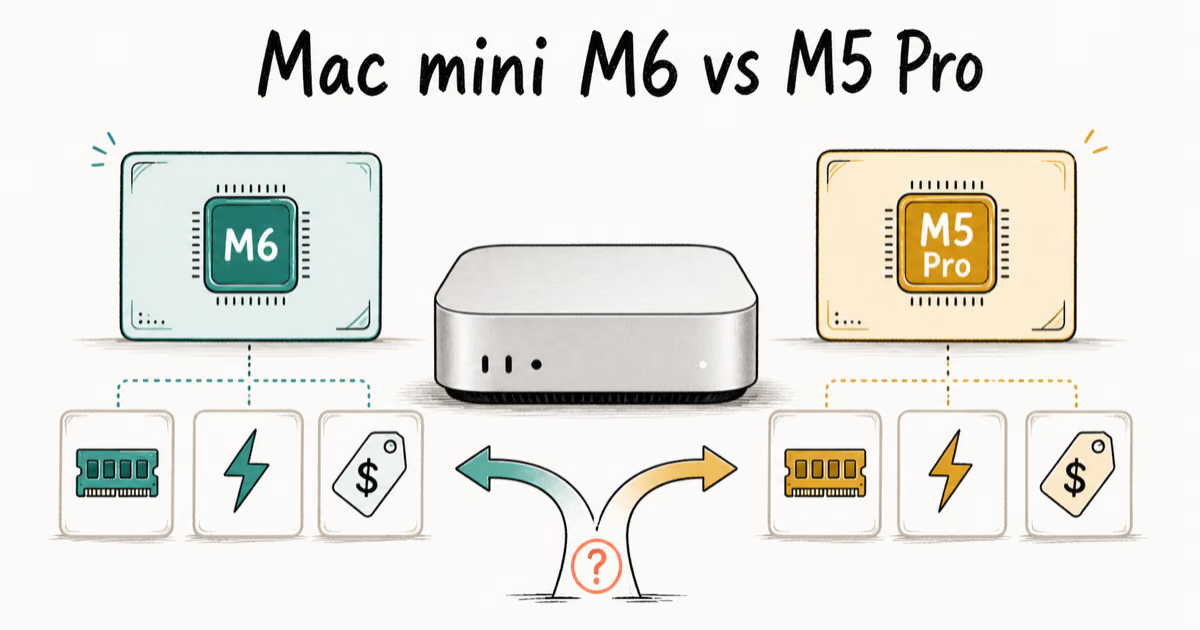
Mac mini M6 vs M5 Pro: Which Model Should You Buy?
Mac mini M6 vs M5 Pro compared on price, memory, ports, displays, and real workloads. Find the better 2026 Mac mini for your desk and budget.
Apple Siri Settlement: Who Qualifies and How to Claim
Apple's $250 million Siri settlement covers iPhone 15 Pro and iPhone 16 models bought June 2024 to March 2025. See who qualifies and how claims work.
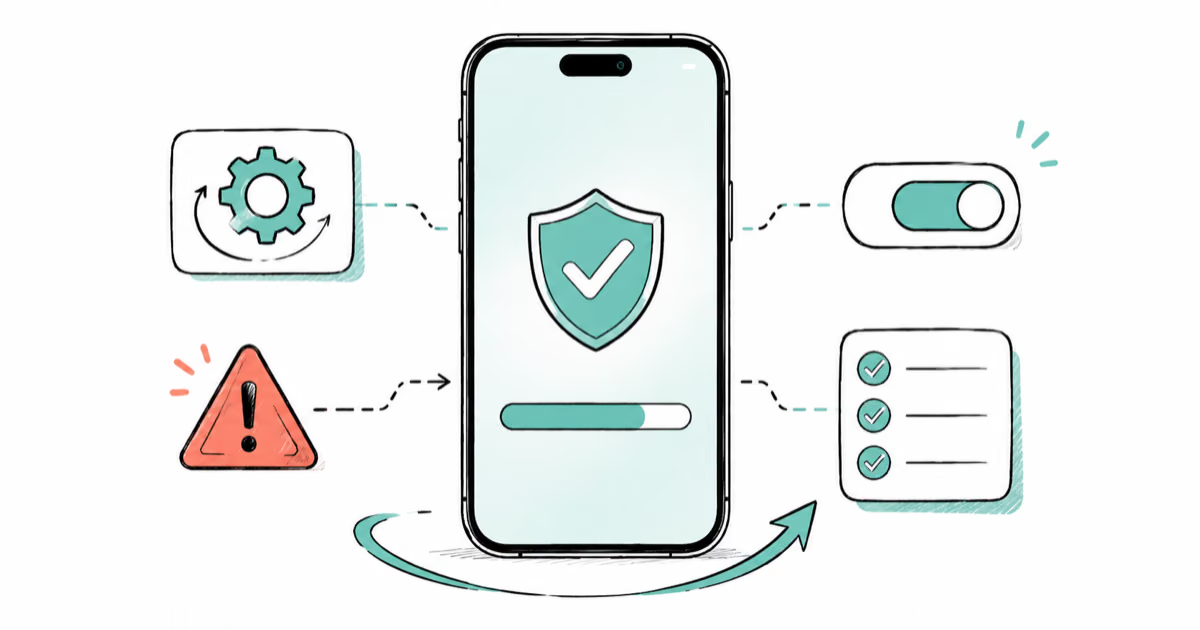
iOS 26.6.1 Security Update: What Apple Fixed and Who Gets It
Apple released iOS 26.6.1 on August 17 with 29 security fixes, including an IPSec interception bug. See what it patches, who gets it, and how to update.
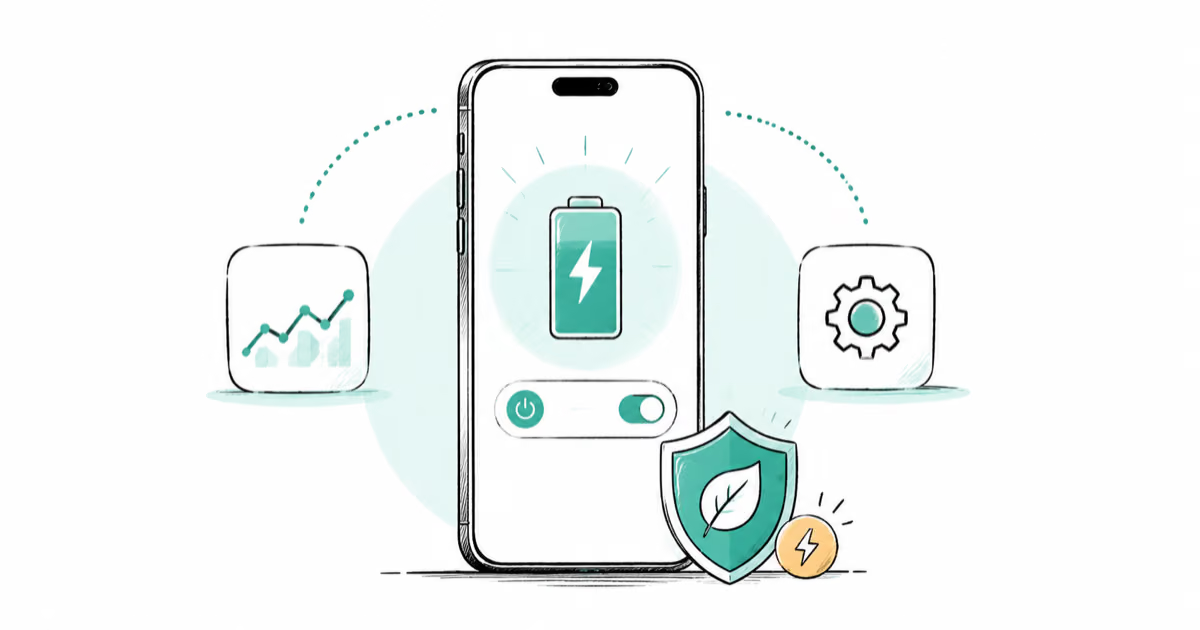
iPhone Adaptive Power: How It Works and When to Use It
Learn how iPhone Adaptive Power works, which models support it, what it changes, and when Low Power Mode is still the better battery-saving choice.