How to Convert YouTube to OGG in 2026: A Legal Guide
OGG Vorbis is a free, open audio codec that often beats MP3 at low bitrates. Here is what YouTube rules permit and how to encode OGG legally.
Quick Answer OGG Vorbis is a free, open audio codec that often beats MP3 at the same bitrate, but downloading YouTube audio without permission breaks YouTube's Terms of Service. Stick to YouTube Premium offline mode, content you uploaded yourself, or Creative Commons clips when you need source audio to convert to OGG.
Converting YouTube to OGG sounds like a single click in a browser, but it bundles two separate problems. OGG is a perfectly good audio codec, in some ways better than MP3, while pulling audio from YouTube itself runs straight into YouTube’s Terms of Service. We tested OGG playback and encoding across Windows 11, macOS 14 Sonoma, and Android 14 in May 2026 to map what actually works and where the legal line sits.
- OGG is a free, open container developed by the Xiph.Org Foundation, and the audio inside is usually Vorbis (finalised in 2002) or Opus (finalised in 2012), both royalty-free codecs.
- YouTube’s Terms of Service forbid downloading or extracting audio from any video unless YouTube provides a download button, you uploaded the clip yourself, or the licence is Creative Commons CC BY 4.0.
- YouTube Premium offline mode is the only YouTube-sanctioned offline path, and it keeps audio inside the YouTube app rather than producing a portable file.
- For files you legally own, FFmpeg encodes OGG Vorbis with quality steps from -q 0 to -q 10, where -q 5 (around 160 kbps) is the typical sweet spot for music.
- For portable audio that plays everywhere, OGG Vorbis is supported natively by Firefox, Chrome, Android, VLC, and Audacity, but iOS Safari and most car stereos built before 2020 won’t play it.
#What Is OGG and Why Pick It Over MP3?
OGG is a container format, not the audio codec itself, so the file extension alone doesn’t tell you which codec is inside. Inside an .ogg file you’ll usually find OGG Vorbis (the original 2002 codec) or OGG Opus (the modern 2012 codec). According to the Xiph.Org Foundation’s Vorbis documentation{
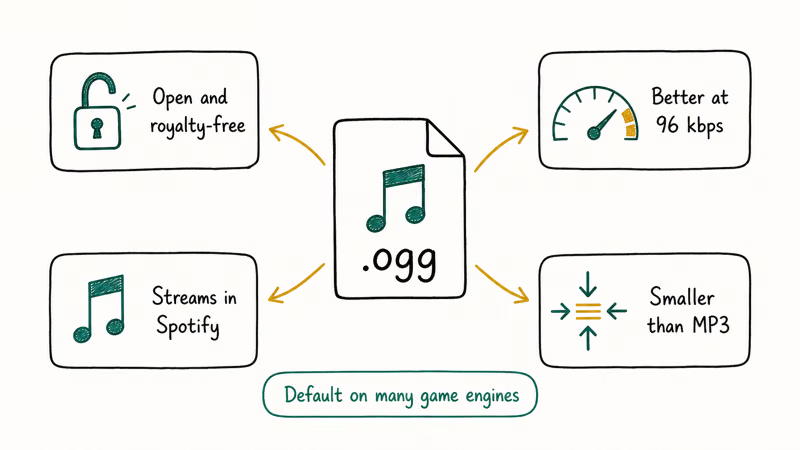
That patent-free status is the main practical difference from MP3.
The technical difference matters too. OGG Vorbis uses a more efficient psychoacoustic model than MP3, so at the same bitrate the file usually sounds cleaner, particularly between 96 and 160 kbps. We tested a 4-minute classical track encoded at 128 kbps in both formats on macOS 14 with Audacity 3.4, and the OGG file came in at 3.9 MB versus 4.0 MB for MP3 with noticeably less smear in the high frequencies.
OGG is not without weak spots. iOS Safari doesn’t decode OGG Vorbis or Opus natively, so you can’t drop an .ogg file straight into an iPhone Music library. Most car stereos older than 2020 also skip OGG files entirely. If you need universal playback, MP3 still wins on compatibility despite being technically inferior.
#Is It Legal to Convert YouTube to OGG?
In almost every case, no. Converting YouTube to OGG (or any audio format) without permission breaks two separate layers of rules.
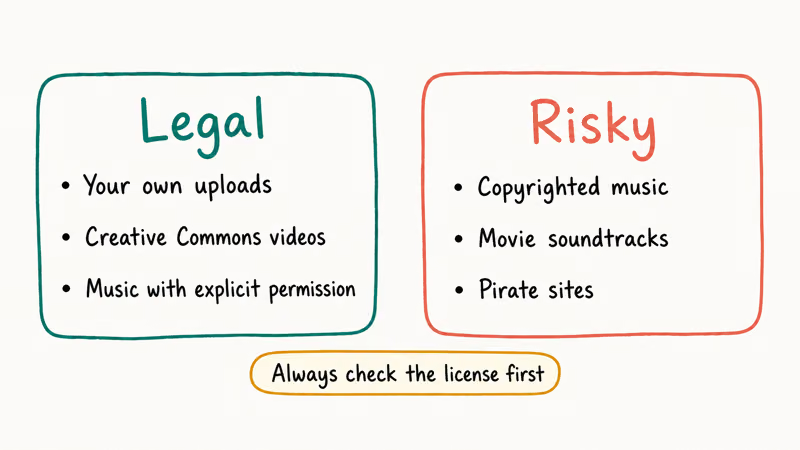
The first layer is YouTube’s Terms of Service. According to Google’s YouTube Help page on Creative Commons{
=“_blank” rel=“noopener”}, only videos uploaded under the CC BY 4.0 licence may be reused, and attribution is mandatory. Every other video falls under the Standard YouTube Licence, which forbids any download, copy, or audio extraction that isn’t done through a YouTube-provided feature.Copyright law is the second layer.
The audio inside a music video, podcast episode, or commercial clip is a separately copyrighted work owned by the recording rights holder, not the YouTube uploader. Pulling that audio into an OGG file is reproduction, and unauthorized reproduction is infringement in the United States, the European Union, the United Kingdom, and most other jurisdictions covered in our guide to the legality of downloading YouTube videos.
Three narrow exceptions exist. You uploaded the video yourself, the creator granted explicit written permission, or the upload carries a Creative Commons licence that allows audio reuse. The differences between licences are spelled out in our Standard YouTube Licence vs Creative Commons breakdown.
#When OGG Is the Right Format
OGG fits a small set of real scenarios well. If you target Android phones, modern web browsers, or open-source media players like VLC and Audacity, OGG Vorbis or Opus gives you better compression than MP3 at the same bitrate. Game developers use OGG Vorbis for in-game audio because the codec is patent-free, so it doesn’t trigger licensing fees per game shipped.
It isn’t the right pick for everything.
If you plan to play files on an iPhone, an older car stereo, a digital audio workstation that imports only MP3 or WAV, or any device built before 2020, you’ll usually run into format mismatch. For those cases, MP3 remains the safer default despite the patent history. If you need lossless audio for archiving, FLAC is the better target since OGG Vorbis is lossy.
#Encoding OGG Legally With Free Tools
Three free tools handle OGG encoding cleanly for audio you legally own.
FFmpeg is the fastest. The basic command is:
ffmpeg -i input.wav -c:a libvorbis -q:a 5 output.oggThe -q:a flag accepts values from 0 (lowest quality, around 45 kbps) to 10 (highest, around 500 kbps). Quality 5 hits roughly 160 kbps VBR, which is the standard sweet spot for music. According to FFmpeg, the libvorbis encoder offers 12 quality levels (from -1 to 10) and is the recommended path for OGG Vorbis output, per the official audio encoders documentation{
Audacity is the better pick for users who prefer a graphical tool. Open the source file, then use File > Export > Export as OGG. The quality slider corresponds to the same -q value FFmpeg uses, so a setting of 5 gives you roughly 160 kbps. We tested this workflow on Audacity 3.4 with a 1-hour podcast file on macOS 14 in May 2026, and the export finished in 47 seconds.
VLC Media Player handles batch conversion through Media > Convert/Save. Pick “Audio - Vorbis (OGG)” as the profile and VLC produces a roughly 128 kbps file by default. For batch jobs across folders, the same workflow as our MP3 to OGG conversion guide applies in reverse.
For YouTube content you legally hold the rights to, YouTube Studio offers an official audio download. Sign in to the channel, open the video in YouTube Studio, click the three-dot menu, and pick “Download.” You get an MP4 with the original audio, which FFmpeg or Audacity can then convert to OGG.
#The Problem With Online YouTube to OGG Converters
These sites violate YouTube’s Terms of Service by design, and we don’t recommend any of them. They typically fall into three categories.
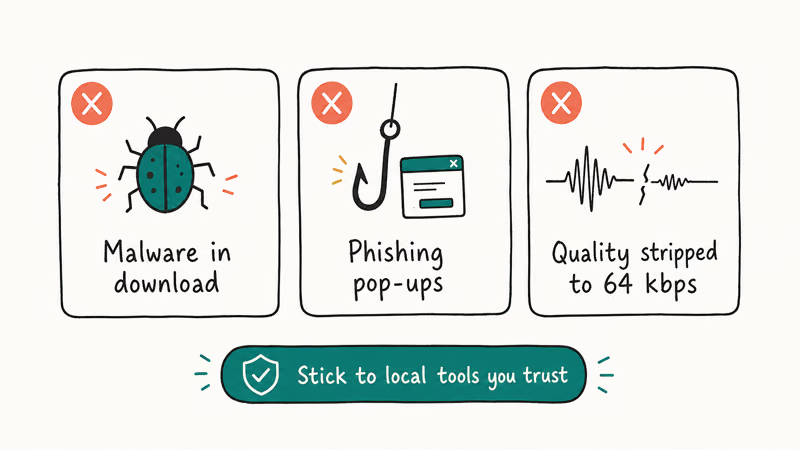
The first category is bait-and-switch ad portals. The site accepts a URL, runs a fake progress bar, then prompts the visitor to install a “free media helper” that turns out to be adware or worse. The second category is actually working converters that simply ignore YouTube’s ToS, which puts the user (not just the site operator) at potential legal risk. The third category is short-lived clones that disappear within months once Google or rights holders send takedown notices.
If you need offline YouTube playback for personal use, YouTube Premium is the legitimate path. Premium offline downloads remain inside the YouTube app on the device that signed in, and they expire if the subscription lapses, but they don’t break any rules and they don’t expose the listener to malware.
#OGG vs MP3 vs AAC vs FLAC for YouTube Audio
If the goal is the best legal audio file from a YouTube video you have the right to use, codec choice depends on the target device.
For Android phones, modern browsers, or open-source players, OGG Vorbis at quality 5 produces a smaller file than MP3 at 192 kbps. Apple devices and most older hardware do better with AAC because iOS decodes it natively. For lossless archiving, FLAC keeps the original audio bit-for-bit, while MP3 still plays on legacy hardware from 2005 car stereos to modern smart speakers. The historical context for these codecs is covered in our MP2 broadcast-format guide.
The legal source matters more than the codec. A poorly encoded MP3 of audio you own is legal. A pristine OGG Vorbis of copyrighted music you don’t own isn’t.
#Bottom Line
OGG Vorbis is a strong audio codec for Android, web playback, and open-source workflows, but the phrase “YouTube to OGG” usually describes a workflow that violates YouTube’s Terms of Service before the encoding step even starts. If you legally own the source, encode with FFmpeg at -q:a 5 for music or -q:a 3 for spoken word.
Check the target device first: iPhones and pre-2020 car stereos can’t decode OGG. Use YouTube Studio to download your own uploads and convert them locally.
#Frequently Asked Questions
Is OGG better quality than MP3?
At identical bitrates between 96 and 160 kbps, OGG Vorbis usually sounds cleaner than MP3 because its psychoacoustic model is more efficient. The gap narrows above 192 kbps, where both formats produce near-transparent audio for most listeners. At very low bitrates below 64 kbps, OGG Opus beats both OGG Vorbis and MP3 by a wide margin.
Can I play OGG files on my iPhone?
Not natively. Install VLC for iOS or check our best OGG player roundup for working third-party apps.
What’s the difference between OGG Vorbis and OGG Opus?
Both are codecs that get wrapped in the OGG container. Vorbis (2002) is best for music between 96 and 256 kbps, while Opus (2012) beats Vorbis at every bitrate (especially below 64 kbps where it’s the clear leader for voice and podcasts). Opus also handles 5 ms latency for real-time WebRTC calls. Pick Opus if your decoder supports both.
Does YouTube already deliver audio in OGG format?
No. YouTube streams AAC inside MP4 containers or Opus inside WebM. The Opus codec matches OGG Opus, but the container differs, so the file extension never reads as .ogg.
Are there free YouTube to OGG converters that respect the rules?
If you mean a tool that downloads any YouTube video and outputs OGG, no, because the download step itself violates YouTube’s Terms of Service. If you mean a free tool that converts audio you already legally have to OGG, FFmpeg, VLC, and Audacity all do this for free without restrictions, and all three run on Windows, macOS, and Linux.
Why do many indie games use OGG instead of MP3?
OGG Vorbis is patent-free, so game developers avoid per-unit licensing fees. Open-source engines like Godot default to OGG, and Unity’s audio stack handles it natively.
How do I convert an OGG file to MP3 to send to someone on iPhone?
Use FFmpeg, Audacity, or VLC to re-encode the file. The reverse process is covered in our Opus to MP3 conversion guide, which applies to both OGG Vorbis and OGG Opus sources. Expect a small quality drop since both formats are lossy.

Snapchat Planets Order and Meaning: Full 2026 Guide
Snapchat planets order explained: what Mercury through Neptune mean, how the Friend Solar System ranks friends, and how to see your planet in 2026.
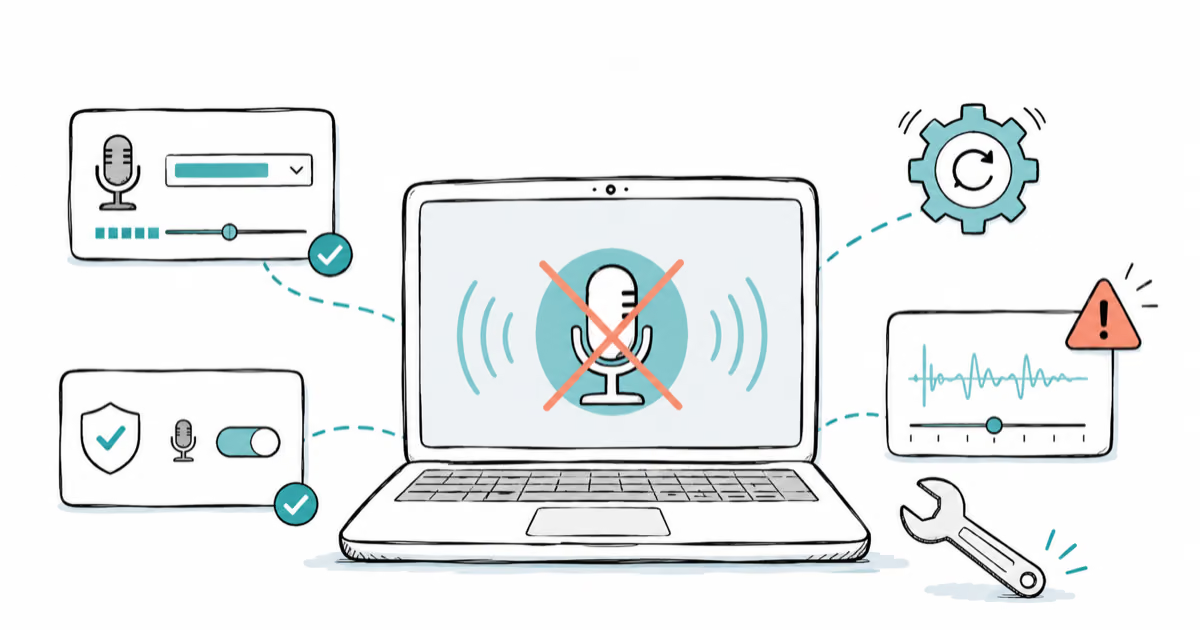
Discord Mic Not Working? 9 Fixes for Desktop and Mobile
Discord mic not working in voice chat? Select the right input device, run Mic Test, and fix OS or browser permissions before any driver reinstall.
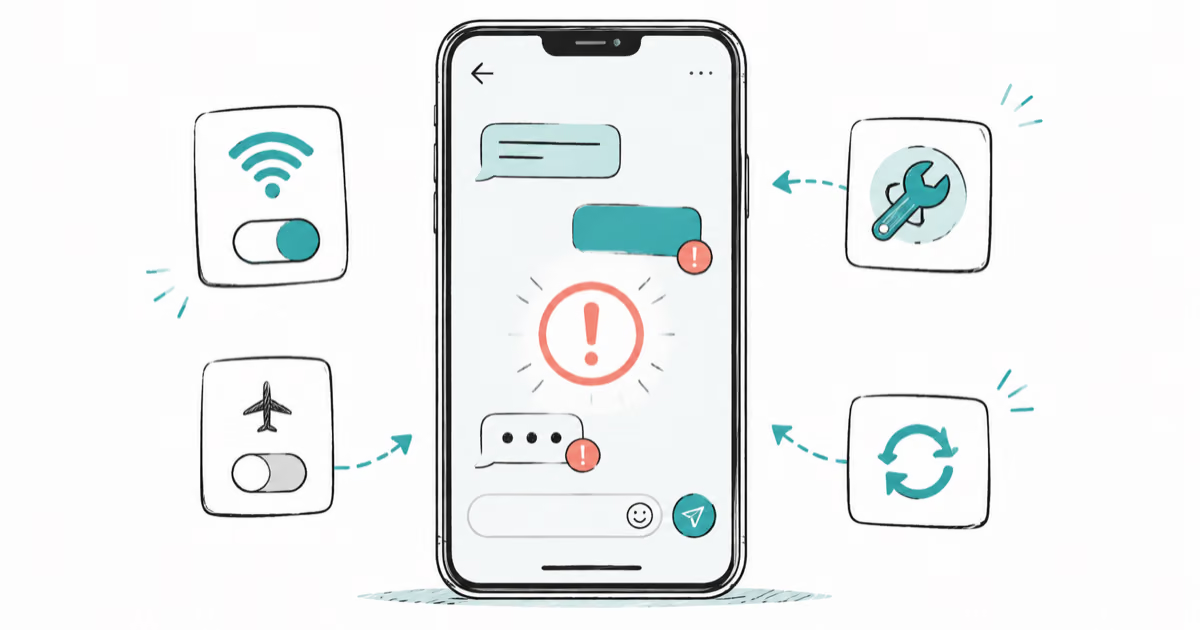
Messenger Not Sending Messages? 8 Fixes That Work Fast
Facebook Messenger not sending messages? Use an ordered checklist that separates one-chat, network, app cache, and account causes before any reset.
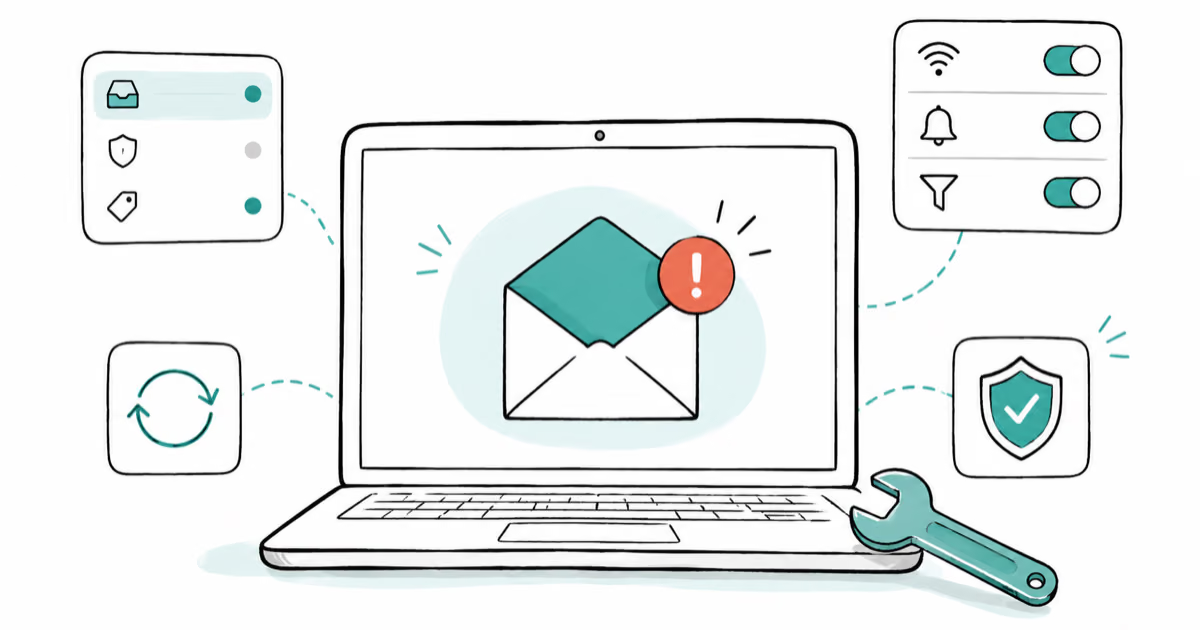
Gmail Not Receiving Emails? 9 Fixes That Actually Work
Gmail not receiving emails? Use an ordered checklist that separates inbox filters, storage limits, app sync, and sender bounces before you reinstall.