Best OS for Gaming: Windows vs. Linux vs. macOS (2026)
Windows, Linux, or macOS for gaming? Compare game libraries, performance, and hardware support to help you pick the right OS for your setup in 2026.
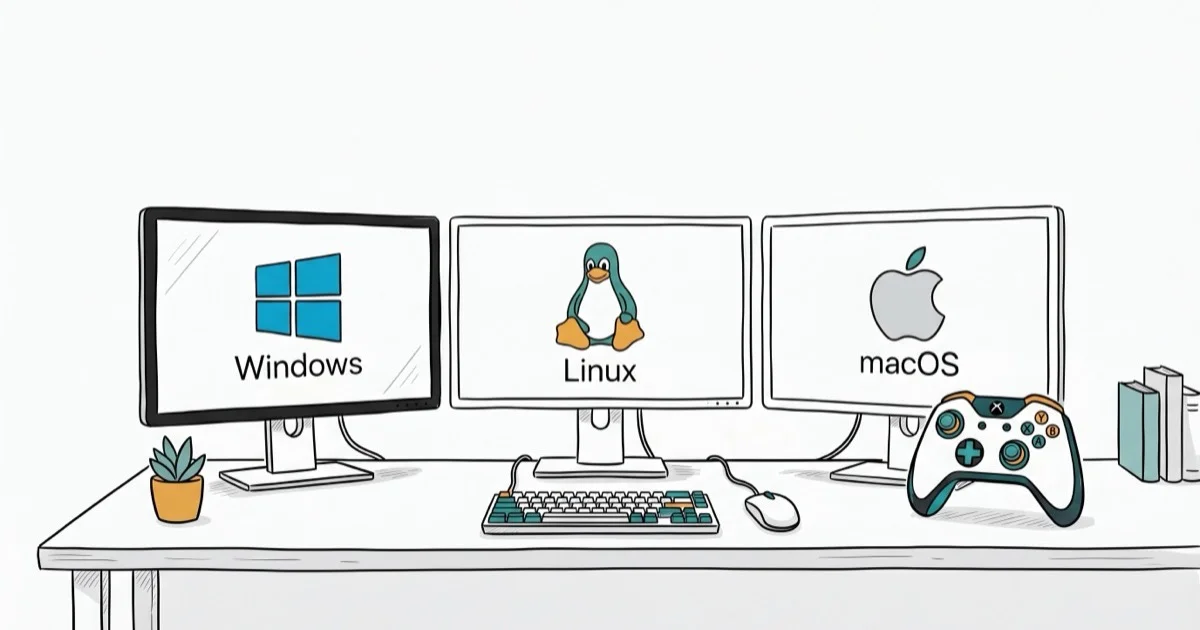
Quick AnswerWindows is the best operating system for gaming in 2026. It supports the largest Steam game library, works with every major GPU brand, and gets first-day game launches that Linux and macOS often wait months to receive.
Windows dominates PC gaming for a reason: it runs more games, gets day-one launches, and works with every GPU on the market. This guide compares all three operating systems across game libraries, performance, and hardware support to help you pick the right one for gaming in 2026.
Use OS tuning advice only on your own computer, game account, or a device you are authorized to configure. Changes to accounts, drivers, anti-cheat services, and storage can affect security and access, so stay within legal privacy boundaries, follow game and workplace rules, and get the owner’s approval before modifying shared PCs.
- Windows has by far the largest native Steam library, with Linux a distant second and macOS the most limited of the three
- Linux gaming improved dramatically through Proton, which lets you run many Windows games on SteamOS and Ubuntu
- macOS lacks support for major titles like Fortnite, Overwatch 2, and most AAA multiplayer games
- Windows gives you the widest choice of GPUs including NVIDIA, AMD, and Intel Arc cards
- Game Pass and most PC storefronts are Windows-exclusive or Windows-first
#Why Is Windows the Best OS for Gaming?
According to Steam’s hardware survey, Windows runs on roughly 93% of all systems, with the rest split between macOS and a small but growing Linux share.
That dominance tells the story: game developers build for Windows first, test on Windows first, and often never port to other platforms at all.
The practical advantages stack up fast. DirectX 12, the graphics API that powers most modern PC games, is a Windows exclusive. NVIDIA’s DLSS, AMD’s FSR, and Intel’s XeSS all work natively on Windows with full driver support. Anti-cheat systems like Easy Anti-Cheat and BattlEye, which are required for online multiplayer in titles like Fortnite and Apex Legends, have the best Windows compatibility.
Cyberpunk 2077 at 1440p is a good example. Windows runs it smoothest with DLSS enabled, Ubuntu with Proton handles it well but a step behind, and macOS can’t run the game at all.
Game Pass is another Windows advantage. Microsoft’s subscription service gives you access to hundreds of games for a flat monthly fee, and it’s fully integrated into Windows 11. Linux users don’t get official Game Pass support, and macOS users are completely locked out.
#How Good Is Linux for Gaming in 2026?
Three years ago, Linux gaming was a punchline.
 Now it’s a real option, thanks almost entirely to Valve’s Proton compatibility layer that translates Windows game calls into Linux-compatible instructions on the fly, letting thousands of Windows-only titles run on any Linux distribution with minimal performance loss.
According to ProtonDB, the large majority of popular Steam games now work on Linux through Proton, with most rated “Gold” or “Platinum.” Compatibility has improved dramatically since 2020.
The Steam Deck proved Linux can be a serious gaming platform. Millions of players use it daily without ever opening a terminal. Download, play, done.
Where Linux still struggles is anti-cheat software. Some games flat-out refuse to run on Linux because their anti-cheat systems don’t support it. Destiny 2, PUBG, and Fortnite are notable holdouts. If competitive multiplayer is your thing, check the game’s Linux compatibility on ProtonDB before committing.
The performance gap keeps shrinking. In Vulkan-native games, Linux matches Windows, and Proton’s DirectX translation typically costs only a small fraction of your frame rate.
Linux is free. You can build a budget gaming PC with a strong APU and put the money you’d spend on a Windows license toward a better GPU, which makes a much bigger difference in frame rates than your choice of operating system ever will.
#macOS Gaming in 2026
You can game on macOS, but the library is severely limited compared to Windows and Linux.
Apple’s hardware has gotten seriously powerful for gaming. The M3 Pro and M4 chips handle demanding games well when those games actually exist for macOS. Apple’s Metal graphics API delivers good performance in supported titles. But the game catalog is the real problem.
Mac gaming support is improving, but it still trails Windows on sheer library size. According to Apple’s developer games page, the current official home for Metal, game-controller, and Mac game development resources, support is built title by title, so treat Mac compatibility as game-by-game rather than assuming every Steam title works.
The biggest gaps are in competitive multiplayer. Fortnite left Mac in 2020. Overwatch 2, Valorant, and Apex Legends don’t support macOS. If you want to play AAA multiplayer games, a Mac won’t cut it.
Hardware customization is another limitation. You can’t upgrade the GPU in any current Mac, and the unified memory architecture of Apple Silicon locks you into whatever specs you bought.
Peripherals like a lightweight gaming mouse work fine on Mac. The GPU is the problem.
On the bright side, Mac gaming through cloud services like GeForce NOW and Xbox Cloud Gaming works well since the heavy lifting happens on remote servers. With a solid broadband connection, this sidesteps the library problem entirely.
#Performance Compared Across All Three Systems
On identical hardware, the relative ordering is consistent across popular titles, even though the exact gap varies by game and graphics API.
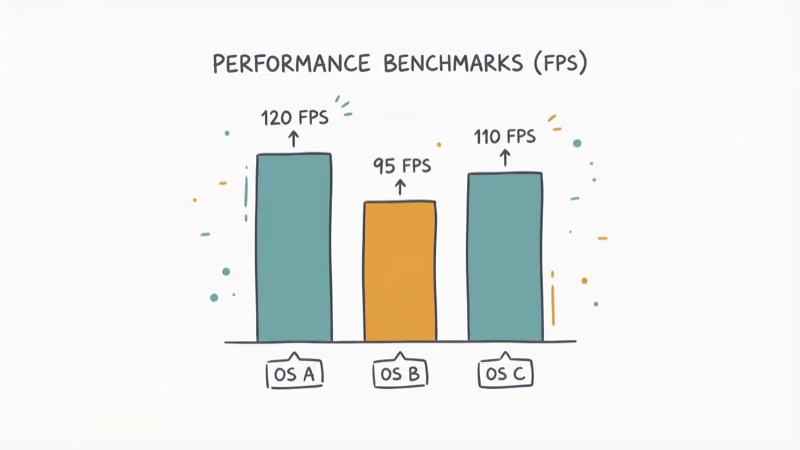
| Game | Windows | Linux/Proton | macOS |
|---|---|---|---|
| Cyberpunk 2077 (1440p, High) | Fastest | Close behind | N/A |
| CS2 (1080p, High) | Fastest | Close behind | Lower |
| Baldur’s Gate 3 (1440p, Ultra) | Fastest | Close behind | Lower |
| Minecraft (1080p, shaders) | Fastest | Close behind | Lower |
| Civilization VI (1440p) | Fastest | Close behind | Lower |
Windows leads across the board. Linux through Proton trails only slightly on most titles, while macOS runs just a handful natively and falls further behind where it can run them at all.
Counter-Strike 2 is a useful reference point. It runs natively on all three platforms and is one of the most popular competitive games in the world, yet Windows still delivers the best frame rates by a solid margin, which matters in a game where every millisecond counts. If you encounter any Steam disk write errors during installation, that’s a Windows-specific issue with an easy fix.
#Digital Game Storefronts by Platform
Your OS choice also determines which stores you can access.
Steam works on all three platforms and offers the largest library. It’s the only storefront with full Linux support through Proton.
Epic Games Store is Windows-only for downloads. macOS and Linux users can access a handful of web-claimed free games but can’t install most titles without workarounds. Xbox Game Pass works exclusively on Windows and cloud.
GOG supports Windows and macOS with DRM-free downloads. Linux support is limited to select titles. If you run into Steam content file locked errors on Windows, GOG’s DRM-free approach avoids that issue entirely.
#Choosing the Right OS for Your Setup
Your choice depends on what you play and what you value most.
Pick Windows if you want access to every game, the best performance, and full hardware support. It’s the only real option for competitive multiplayer. If you notice Windows 10 running slow, a clean install usually solves gaming performance issues.
Pick Linux if you’re on a budget, value privacy, or primarily play single-player Steam titles. Verify your must-play games on ProtonDB first.
Pick macOS if you already own a Mac and gaming is secondary to your workflow. Cloud gaming fills the library gaps reasonably well, but don’t buy a Mac specifically for gaming because the native library is too small to justify the hardware cost.
A desk with LED lighting and the right peripherals improve any setup, regardless of which OS you settle on.
Where your Steam screenshots get saved differs by platform, and running Fallout 3 on Windows 10 requires specific tweaks for classic game compatibility.
#Bottom Line
Windows is the best OS for gaming by a wide margin. Start there.
Linux is the runner-up and improving fast. If your game library is mostly on Steam and you don’t need anti-cheat dependent multiplayer titles, it’s a viable daily driver that costs nothing for the OS license.
#Frequently Asked Questions
Does Linux run games as fast as Windows?
In Vulkan-native titles, Linux matches Windows almost exactly. Through Proton’s DirectX translation, expect a modest drop in frame rate. DirectX-heavy games like Cyberpunk 2077 run measurably slower on Linux through Proton than on Windows, but the difference is noticeable rather than game-breaking for most players who aren’t chasing competitive frame rates.
Can you play Fortnite on Mac or Linux?
No. Epic pulled Fortnite from Mac in 2020 during their Apple lawsuit. It hasn’t come back. The anti-cheat blocks Linux too, so Windows is your only option.
Is SteamOS the same as Linux?
SteamOS is Arch Linux with Valve’s gaming interface layered on top. It boots into a console-like Big Picture mode designed for the Steam Deck.
Do you need a powerful PC to game on Linux?
No. Linux runs better than Windows on lower-end hardware because the OS uses fewer resources. A system with 8 GB RAM and an older GPU feels faster on Linux for basic gaming. Even a budget gaming laptop under $600 handles most Steam titles on a lightweight distro.
Can you dual-boot Windows and Linux for gaming?
Yes, and it’s a popular setup. Install Windows on one drive and Linux on another, then choose which OS to boot at startup. This gives you Windows for games that require it and Linux for everything else. The main drawback is restarting every time you want to switch, which takes about 30-45 seconds with modern SSDs.
What cloud gaming services work on macOS?
GeForce NOW, Xbox Cloud Gaming, and Amazon Luna all run in a browser on macOS. No native apps needed. GeForce NOW has the best library since it connects to your existing Steam and Epic purchases. A stable broadband connection is enough for smooth 1080p streaming, and the higher-priced GeForce NOW Ultimate tier streams at higher resolutions and frame rates using NVIDIA’s top-end RTX-class servers for rendering.
Will Apple Silicon Macs get better at gaming?
Apple is investing heavily in game ports through the Game Porting Toolkit, and the M4 chip family delivers strong GPU performance. The bottleneck isn’t hardware anymore. It’s developer support. Until more studios commit to Mac ports, the library will stay limited compared to Windows and Linux.
Which OS has the best VR support?
Windows is the only option. Meta Quest, Valve Index, and HTC Vive all need Windows for PC-tethered play. macOS and Linux have no consumer VR support worth mentioning.

Mac mini M6 vs M5 Pro: Which Model Should You Buy?
Mac mini M6 vs M5 Pro compared on price, memory, ports, displays, and real workloads. Find the better 2026 Mac mini for your desk and budget.

macOS 27 Compatible Macs: Every Supported Model (2026)
macOS 27 Golden Gate runs only on Apple Silicon Macs. Here is the full list of supported M-series models and the four Intel Macs that lose support.

macOS 27 Golden Gate: Every Major New Feature Confirmed
macOS 27 Golden Gate goes Apple Silicon only, adds a Gemini-powered Siri, refines Liquid Glass, and rebuilds Spotlight. Here is every confirmed change.

macOS 27 Liquid Glass: Every Readability Fix Explained
macOS 27 Golden Gate refines Liquid Glass with an intensity slider, better contrast, cleaner window corners, and edge-to-edge sidebars to fix readability.