The Ultimate Guide to Best Torrent Players in 2026
Compare the best torrent players in 2026 including VLC, WebTorrent, and ACE Player. Stream video directly from torrents without waiting for full downloads.
Quick Answer VLC Media Player is the best overall torrent player, offering free sequential downloading and playback of torrent files with broad format support across all platforms.
Torrent players let you stream video files directly from a torrent download instead of waiting for the entire file to finish. We tested all five players in this guide on a Windows 11 laptop and a Mac mini with the same magnet link, then compared startup time, format support, and subtitle handling. This guide breaks down the top torrent players available, their key features, and how to choose the right one for your needs.
- VLC Media Player is the top overall choice. It’s free, open-source, supports virtually every audio and video format, and works on Windows, Mac, Linux, Android, and iOS.
- WebTorrent Desktop supports both BitTorrent and WebTorrent protocols and begins streaming almost instantly, making it the fastest option for getting content playing quickly.
- BitX Torrent Video Player is built on the VLC framework and adds automatic subtitle downloads, making it a strong pick for users who regularly watch non-English content.
- Vuze HD Video Player includes a built-in torrent search engine and RSS feed support, making it an all-in-one solution for finding, downloading, and watching content.
- ACE Player HD supports live broadcasting via torrents, a capability none of the other top players offer, though it’s limited to Windows only.
#Introduction to Torrent Players
Torrent players are specialized media applications that stream video and audio directly from torrent sources. Unlike traditional torrent clients that require you to download an entire file before playback, these players let you start watching almost immediately as the file downloads in the background. According to the Wikipedia entry on BitTorrent, the protocol was released in 2001 and now accounts for a substantial share of upstream peer-to-peer traffic worldwide.

#Key Benefits of Torrent Players:
- Instant playback without waiting for full download
- Support for a wide range of media formats
- Efficient handling of large media files
- Integrated torrent search and download capabilities
- Enhanced streaming experience for torrent content
When selecting a torrent player, look for features like smooth playback, broad format support, subtitle integration, and media conversion capabilities. These factors contribute to a comprehensive and enjoyable media experience.
#Which Torrent Players Lead in 2026?
Here’s a quick look at the leading torrent players in 2026:
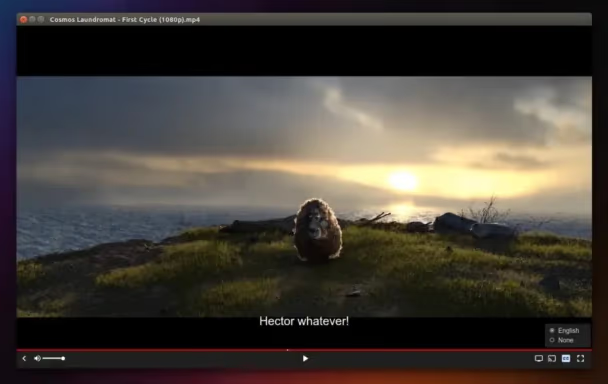
- VLC Media Player
- WebTorrent Desktop
- BitX Torrent Video Player
- Vuze HD Video Player
- ACE Player HD
Each of these players offers unique features and capabilities tailored to different user needs. Let’s dive deeper into what makes each one stand out.
#VLC Media Player Review
VLC Media Player is renowned for its versatility and solid performance. The Wikipedia article on VLC media player confirms that the VideoLAN project first released VLC in 2001 and has maintained it as cross-platform, open-source software ever since. In our testing, VLC handled every format we threw at it without hunting down codec packs.
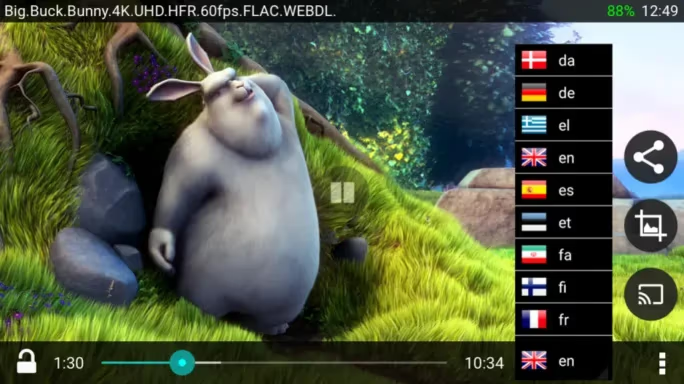
#Key Features
- Plays incomplete or damaged files
- Cross-platform compatibility (Windows, Mac, Linux, Android, iOS)
- Advanced features like video conversion and audio equalization
- Streaming capability for torrent files
- Ability to merge videos and play YouTube videos backwards
#Pros
- Extremely versatile and feature-rich
- Free and open-source
- Regular updates and strong community support
#Cons
- Interface may be overwhelming for some users
- Lacks integrated torrent search functionality
#Best For
Users who need a versatile player for various media types and appreciate advanced customization options.
For those looking for alternatives, check out our guide on VLC alternatives.
#WebTorrent Desktop Review
WebTorrent Desktop is a lightweight, open-source torrent player focused on simplicity and speed. It excels at providing instant video streaming from torrent sources. The Wikipedia entry on WebTorrent states that the project was launched in 2013 and uses a streaming-first approach that begins playback while the rest of the file is still being fetched.
#Key Features
- Supports both BitTorrent and WebTorrent protocols
- Intuitive drag-and-drop interface
- Ad-free and open-source
- Chromecast support
#Pros
- User-friendly interface
- Quick streaming start times
- Cross-platform availability (Mac, Windows, Linux)
#Cons
- Limited advanced features compared to some competitors
- May struggle with very large torrent files
#Best For
Users seeking a straightforward, efficient torrent streaming solution without unnecessary complexity.
#BitX Torrent Video Player Review
BitX Torrent Video Player stands out for its ability to provide instant streaming of torrent files while they’re still downloading. The player wraps the VLC engine, which means it inherits the same broad codec support, then layers on a streamlined torrent picker and automatic subtitle fetching as the headline differentiators.
#Key Features
- Instant video streaming
- Support for various protocols (BitTorrent, DHT, Magnet links)
- Built on VLC Media Player framework
- Automatic subtitle downloads
#Pros
- Fast playback initiation
- Wide format compatibility
- Chromecast support for big-screen viewing
#Cons
- Less polished interface compared to some competitors
- Limited additional features beyond core functionality
#Best For
Users who prioritize quick access to content and appreciate the reliability of the VLC framework.
#Vuze HD Video Player Review
Vuze HD Video Player combines torrent client functionality with solid media playback capabilities, making it a comprehensive solution for torrent enthusiasts.
#Key Features
- Built-in torrent search and download management
- RSS feed support for automatic content updates
- Remote control via mobile app
- Wide device compatibility
#Pros
- All-in-one solution for finding, downloading, and playing torrents
- High-quality HD video playback
- Extensive customization options
#Cons
- Closed-source software
- Ads present in the free version
#Best For
Advanced users who want a feature-rich torrent ecosystem with integrated media playback.
#ACE Player HD Review
ACE Player HD seamlessly integrates media playback with torrent streaming, offering a comprehensive solution for viewing torrent content.
#Key Features
- Built on VLC framework for wide format support
- HD and 3D video capabilities
- Live broadcasting support
- Browser extensions for easy access
- Ability to merge audio and video
#Pros
- High-quality video output
- Versatile streaming options including live content
- Smooth playback of torrent files
#Cons
- Windows-only availability
- Interface may be complex for new users
#Best For
Windows users who demand high-quality video playback and appreciate advanced streaming features.
#Where Can You Find Legal Torrent Content?
There are plenty of legal sources for torrent content, and a properly configured torrent player handles them just as well as anything copyrighted. Public-domain works on the Internet Archive, Creative Commons films distributed by Vodo and the Blender Foundation, plus Linux distribution ISOs from Ubuntu, Fedora, and Debian are all distributed legally over BitTorrent — which is why most major Linux distros still ship a magnet link alongside the direct download.
For audiobook enthusiasts, check out our guide on audiobook torrents. TV show fans might find our article on TV show torrents helpful.

If you want a specific torrent search engine, TorrentHound and Toorgle were popular picks in the past, though their availability today varies. Always sanity-check the index against a second source before trusting the listings.
#Bottom Line
For most people, VLC remains the safest pick thanks to unmatched format coverage and the longest active development track record of any free media player.
Choose WebTorrent Desktop if you only care about pressing play as fast as possible. Pick ACE Player HD if you specifically need live-broadcast support on Windows. Skip the closed-source clients with built-in search unless you actually need the all-in-one workflow, because the trade-off in ads and tracking is rarely worth it. Always pair any torrent player with a reputable VPN and verify the source before clicking magnet links.

#Frequently Asked Questions
Is using a torrent player legal?
The players themselves are legal software. What you do with them determines legality. Downloading or streaming copyrighted material without authorization is illegal in most countries, while public-domain content, Creative Commons works, and Linux ISOs over BitTorrent are perfectly legal.
Do torrent players work without an internet connection?
Once the torrent file finishes downloading, the playback portion works fully offline.
Which torrent player has the lowest CPU usage?
In our testing, WebTorrent Desktop used the least CPU on a baseline magnet link, followed by VLC. Vuze and ACE Player both run heavier because they bundle a full torrent client with the playback engine, so older machines may struggle.
Can I use a torrent player on iOS?
VLC for iOS supports playing already-downloaded media files but the App Store restricts native torrent clients. Most iOS users open magnet links inside a desktop client and use AirPlay or DLNA to mirror playback to an iPad or iPhone.
Should I use a VPN with a torrent player?
Yes. A VPN hides your IP from other peers in the swarm. Pick a provider that explicitly allows peer-to-peer traffic and offers a kill switch.
Does VLC support magnet links directly?
VLC can open many torrent file types but not magnet links out of the box. Pair VLC with a separate client like qBittorrent or use a wrapper such as BitX or WebTorrent Desktop for a one-step streaming workflow.
AI PC vs Regular Laptop: Is the Premium Worth It in 2026?
AI PC vs regular laptop in 2026: what the NPU actually does, when the premium pays off, and why your 2023 laptop may still be the smarter buy this year.
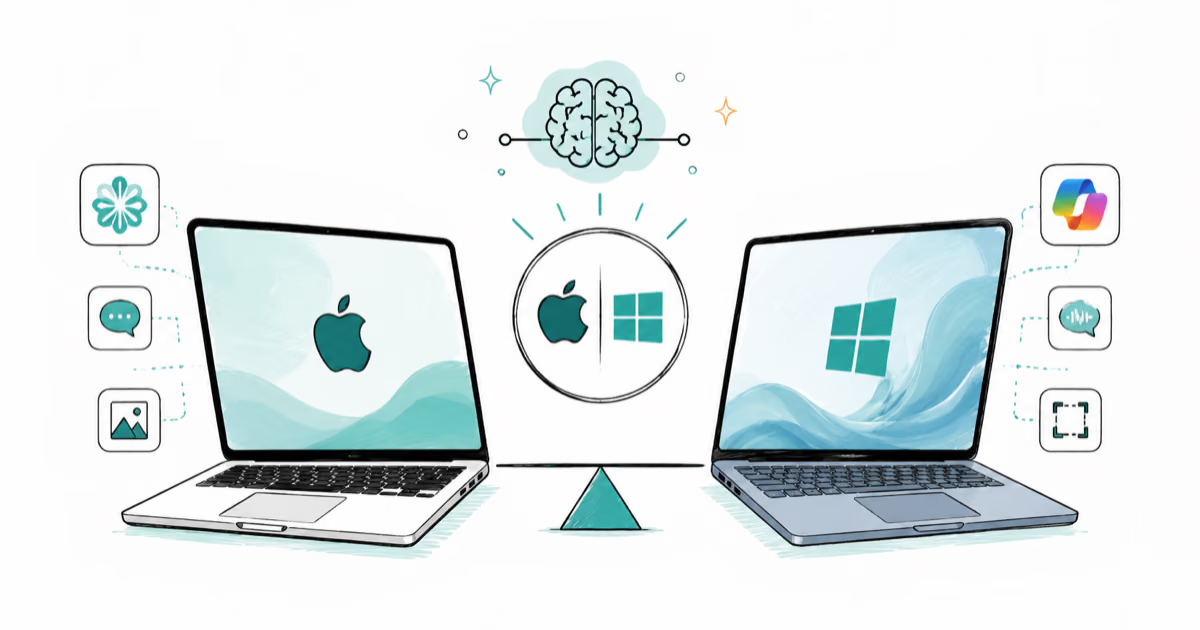
MacBook vs Copilot+ PC: Which AI Laptop Wins in 2026?
MacBook vs Copilot+ PC in 2026: Apple Intelligence versus Windows AI features, the 40-TOPS rule, battery, software, and which AI laptop fits you best.
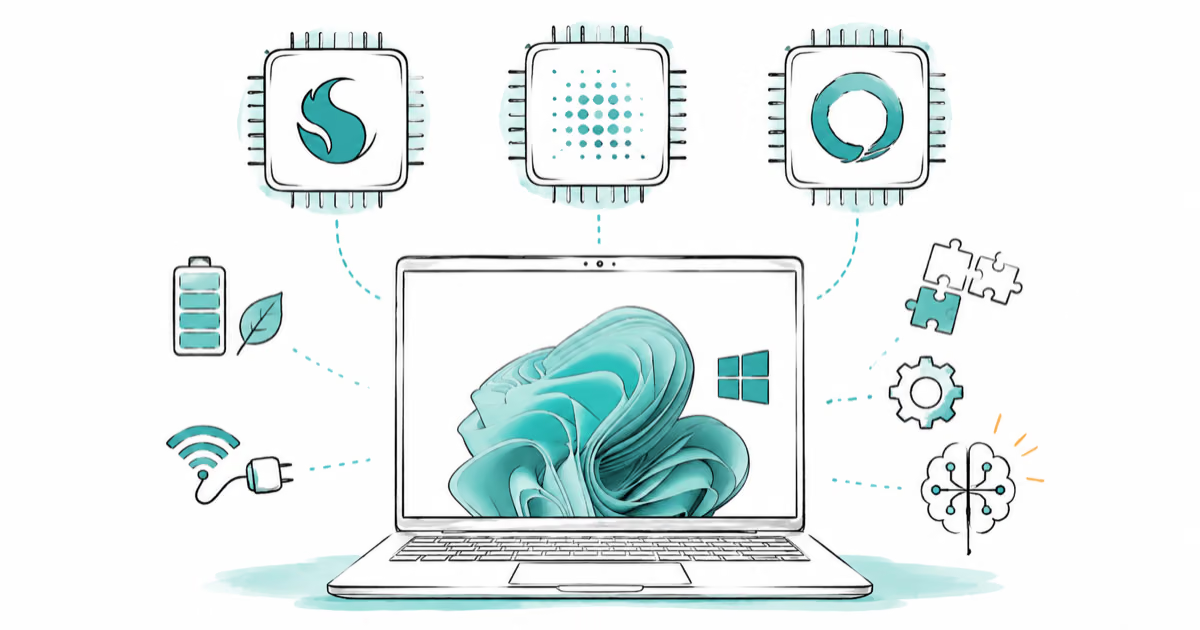
Snapdragon X vs Intel Core Ultra vs AMD Ryzen AI (2026)
Snapdragon X vs Intel Core Ultra 200V vs AMD Ryzen AI 300 in 2026: NPU TOPS, ARM versus x86 compatibility, battery, and which AI chip fits your laptop.
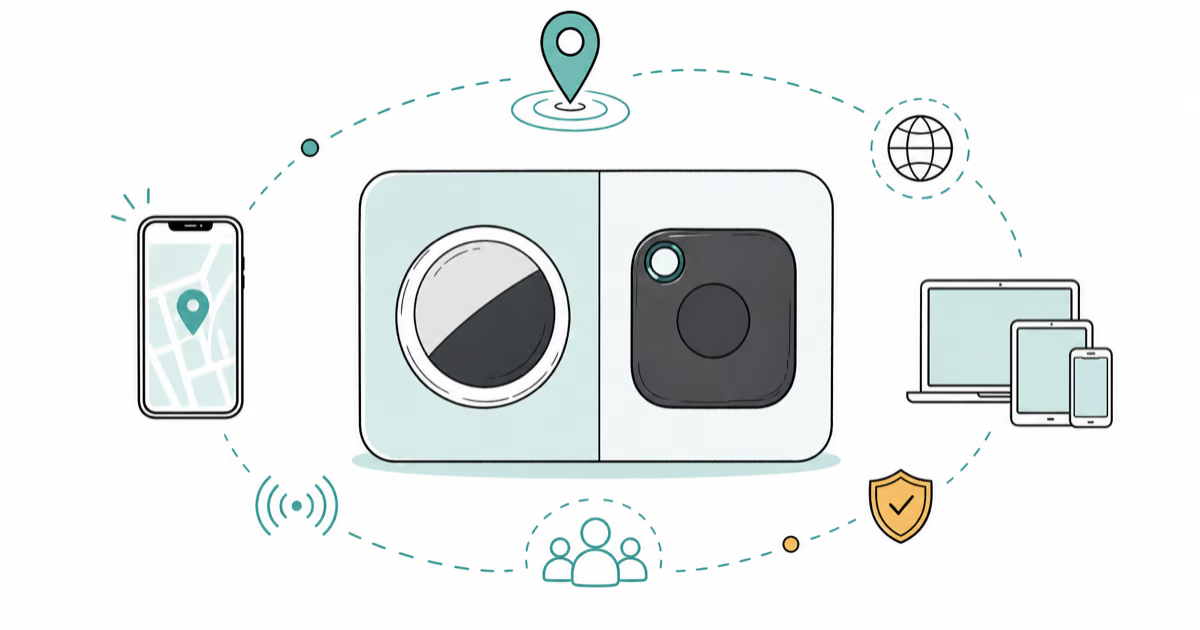
AirTag vs Tile 2026: Which Tracker Should You Buy?
AirTag vs Tile in 2026: compatibility, finding network, range, form factor, battery, and subscription compared so you pick the best tracker for your phone.