Best Gaming Desk with LED Lights: Top 8 Picks for 2026
Best gaming desks with LED lights in 2026: 8 models from $90 to $950 compared. Premium, mid-range, and budget picks with specs and honest pros and cons.
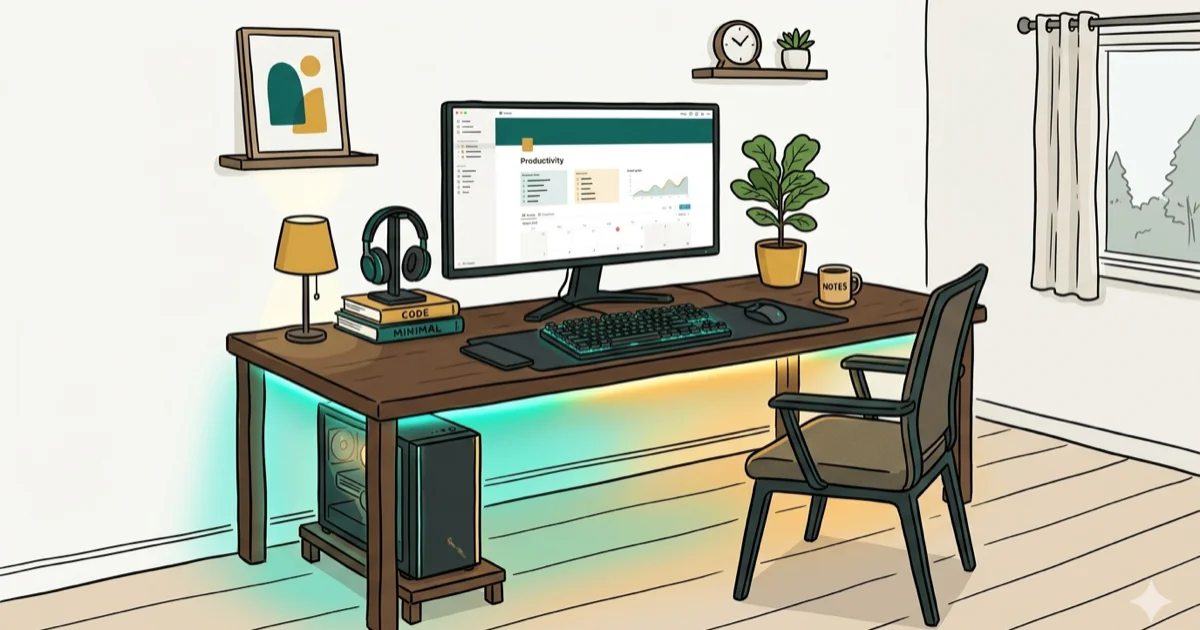
Quick AnswerThe best gaming desk with LED lights overall is the Cougar Mars 120, offering full-surface RGB across 5 lighting zones at around $300. For budget buyers, the Bestier Gaming Desk with LED strips starts at $130 and includes power outlets and optional shelving.
A gaming desk with LED lights does more than look good. The right model reduces eye strain during long sessions, sets the ambiance for streaming, and keeps your workspace organized with built-in cable management. The picks below cover LED desks across premium, mid-range, and budget tiers.
- The Secretlab Magnus Pro ($949) is the top premium pick with motorized height adjustment, all-metal construction, and optional RGB lighting kit sold separately.
- Cougar Mars 120 ($300) is the best mid-range choice with full-surface RGB across 5 zones, a built-in wireless charging pad, and 120x60cm desktop space.
- Bestier Gaming Desk ($130-$170) is the top budget pick with LED strips, integrated power outlets, flexible sizing, and optional shelving configurations.
- Homall Gaming Desk ($89.99) is the most affordable option with a carbon fiber tabletop and Z-frame design suited for smaller spaces under 100 square feet.
- Motorized sit-stand desks like the Cooler Master GD160 ARGB reduce back strain for sessions over 3 hours.
#Premium Gaming Desks with LED Lights (Over $700)
Secretlab Magnus Pro ($949)

The Secretlab Magnus Pro leads the premium tier with motorized sit-to-stand functionality, all-metal construction, and a comprehensive cable management channel running along the back edge. The RGB lighting kit is sold separately, which feels like an oversight at this price, but the desk itself is built to last.
The height adjustment range runs from 65 cm to 127 cm, and the 150x70cm desktop has room for a dual-monitor setup, full-size keyboard, and multiple peripherals.
Key specs: 150x70cm desktop, 65-127cm height range, all-metal frame, compatible with Secretlab’s magnetic accessory system.
Cooler Master GD160 ARGB ($899.99)
The Cooler Master GD160 ARGB includes a motorized height adjustment system with a collision detection sensor, customizable ARGB lighting, and a water-resistant worktop. According to Tom’s Guide’s review of gaming desks, motorized desks with collision sensors prevent accidental damage to expensive peripherals when the desk lowers into obstacles.
The ARGB lighting is fully programmable through Cooler Master’s software with sync support for compatible peripherals from Corsair, Razer, and others. Full-zone ARGB control is a top priority for streamers who want their setup to match on-screen action, and the GD160 delivers that without requiring a separate controller. At $899, it’s slightly less than the Magnus Pro with arguably better lighting features.
Key specs: Steel/aluminum construction, water-resistant surface, motorized lift with collision detection, ARGB lighting zones.
#Mid-Range Gaming Desks with LED Lights ($200-$500)
Cougar Mars 120 (around $300)
The Cougar Mars 120 stands out for its full-surface RGB lighting system spread across 5 independent zones, covering the desktop edges, headphone holder, and cup holder in coordinated color effects. The built-in wireless charging pad on the desk surface is a practical addition at this price point.
The built-in wireless charging pad sits on the desk surface for phones and accessories that support wireless charging. The 120x60cm desktop offers enough space for a triple-monitor setup or mixed gaming and work use, and Cougar states that the steel frame supports up to 80 kg of load across the full desktop surface.
Key specs: 120x60cm desktop, 5-zone RGB, wireless charging pad, cable management channel, steel frame, no height adjustment.
Eureka Z1S ($499)
A solid mid-range choice with a carbon fiber surface and blue LED accent lighting along the frame. Less flashy than the Mars 120 but cleaner-looking for setups where subtle lighting fits better. Includes a PC tower trolley and cupholder. The blue-only LED is a real limitation if you want color coordination with other RGB components.
Key specs: 44.5x24.2 inch desktop, carbon fiber surface, blue LED only, PC tower trolley included.
#Budget Gaming Desks with LED Lights (Under $200)
#Bestier Gaming Desk ($129.99 to $169.99)
The Bestier Gaming Desk earns its budget pick status through flexibility: it comes in multiple sizes, includes integrated power outlets with USB ports, and lets you choose from several shelving configurations at checkout.
The LED strip runs along the desk frame with standard RGB color cycling. The controller keeps the color modes basic, which fits the budget positioning. At its price, it’s the most feature-complete budget option on this list.
Key specs: Multiple sizes available (47 to 63 inches), integrated power outlets, LED strip, optional monitor stand and side shelves, steel frame.
armocity 2024 Upgrade Gaming Desk (around $150)
Good value if you want a monitor stand built in from the start. The long monitor shelf sits above the main desk surface, freeing up workspace below for your keyboard and accessories. LED lights run along the base and side shelves.
Key specs: Built-in long monitor stand, storage shelves, LED lighting, cupholder and headphone hook.
MetriX 7 Gaming Desk (around $200)
The MetriX 7 features a circuit board-inspired LED light pattern on the desktop surface itself, controlled by a remote. It looks truly unique and stands out from the standard LED strip approach most desks use.
Key specs: Illuminated desktop surface, remote-controlled LEDs, cupholder and headphone hook, limited size options.
Homall Gaming Desk ($89.99)
The Homall is the most affordable option with a carbon fiber-textured tabletop, Z-shaped steel frame, and basic LED strip along the frame. It’s compact and suited for smaller spaces.
For entry-level gaming desks, the main trade-off at under $100 is surface area: the Homall runs small at 44.5x24 inches, which limits setups to a single monitor plus accessories. But for a dedicated gaming corner in a shared bedroom or dorm, it works well.
Key specs: Carbon fiber surface, Z-frame, headphone hook and cupholder, LED strip, compact footprint.
#What Should You Look for When Buying a Gaming Desk With LED Lights?
Match the desk to your available space first. Measure the area you have, then filter by desktop dimensions. A 120cm-wide desk in a 90cm alcove is useless no matter how good the RGB looks. If space is tight, consider pairing with a cube computer case to reduce floor clutter.
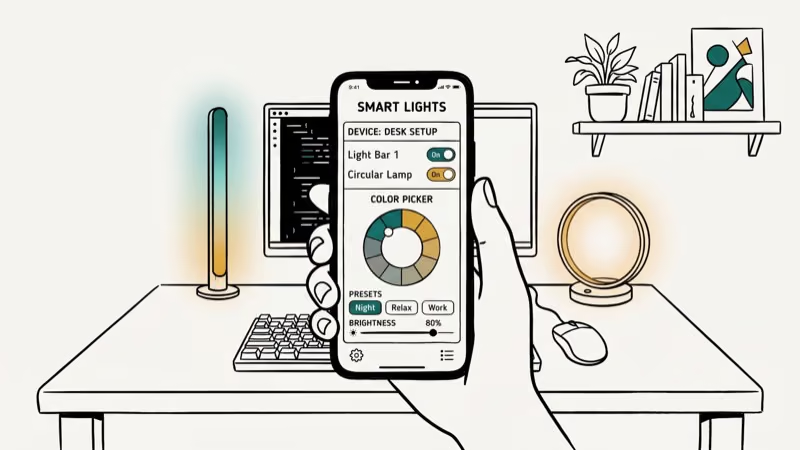
Budget determines the type of lighting, not just the price tag. Premium desks like the GD160 ARGB use synchronized ARGB zones. Budget desks use LED strips with basic RGB modes. Neither is objectively better, but ARGB syncs with other components while LED strips offer a colorful ambient effect at lower cost.
Height adjustment matters most if you split desk time between gaming and work. Fixed desks work fine for gaming-only setups, but if you work from home too, motorized sit-stand capability is worth the extra cost for long-term posture health.
Audio matters as much as lighting. A soundbar for gaming placed at desk level creates a more complete setup than relying on monitor speakers. Consider adding a silent gaming keyboard for late-night sessions.
#How Do You Set Up a Gaming Desk for Best Results?
Position the desk to minimize glare on your monitor. For most rooms, placing the desk perpendicular to the nearest window works better than facing the window directly. According to Wirecutter’s standing desk guide, the monitor top should align with your eye level when seated at about 18-28 inches from your eyes, which usually means adjusting desk height or adding a monitor arm for the right viewing angle.
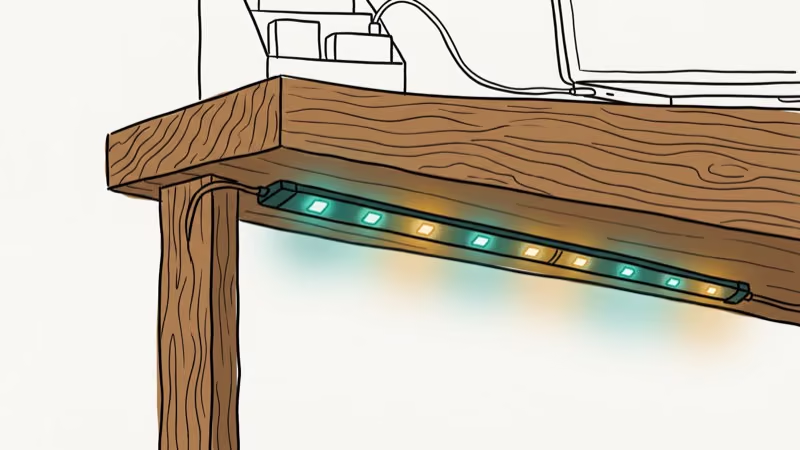
Use the cable management channels every LED gaming desk includes. Running cables through the channel and securing them with the included clips takes about 10 minutes during setup and saves hours of frustration later.
Experiment with LED colors before settling on a scheme. Cool whites and blues tend to reduce eye strain in dark rooms, while warm ambers and reds create a more cinematic ambiance for single-player gaming.
#Desk Maintenance Tips
Clean your LED gaming desk regularly to extend its lifespan and keep the lighting components working properly. Use a microfiber cloth for the desktop surface and a slightly damp cloth for the LED strips. Avoid spraying liquid directly on any electrical components.
Check the cable management channel monthly to ensure no cables have slipped or are pinching against the desk mechanism (especially important on height-adjustable models). Tighten any loose bolts or fasteners every few months.
#Bottom Line
For most buyers, the Cougar Mars 120 at around $300 offers the best combination of full-surface RGB lighting, practical features like wireless charging, and build quality. Budget shoppers will find the Bestier Gaming Desk the most flexible option under $170. If height adjustment is your priority and budget allows, the Cooler Master GD160 ARGB at $899 is the best-engineered option in the premium tier.
For a lightweight gaming mouse to complement your new desk, see the separate comparison. And for audio, the best Bluetooth headphones under $100 pair well with any of these setups.
#Frequently Asked Questions
Are gaming desks with LED lights worth it?
Yes, if you care about setup aesthetics or stream your gameplay. LED lighting enhances ambiance and reduces eye strain in dark rooms. The functional benefits like wireless charging pads and integrated power outlets at some price points add real value beyond the visual.
How do I clean the LED strips on my gaming desk?
Use a soft, slightly damp cloth. Avoid harsh chemicals or spraying liquid directly on the LED elements. For the desktop surface, a microfiber cloth with a small amount of isopropyl alcohol handles fingerprints and smudges on carbon fiber and metal surfaces.
Can I customize the LED colors on all gaming desks?
It depends on the model. Premium options like the GD160 ARGB offer full ARGB zone control through software. Mid-range and budget desks typically offer preset RGB color cycles with a controller button or app, with limited custom programming.
Do gaming desks with LED lights require special power sources?
Most use standard USB connections (5V) for the LED strips, which means any USB charger or the desk’s own integrated USB ports can power them. The motorized height adjustment systems require AC power through a standard wall outlet.
Are there gaming desks with LED lights suitable for multi-monitor setups?
Yes. The Cooler Master GD160 ARGB and Secretlab Magnus Pro both accommodate triple-monitor configurations at 150cm+ width. The Cougar Mars 120 handles dual monitors comfortably at 120cm. For single-monitor setups, even the Homall at 44.5 inches works.
How long do LED gaming desks last?
The mechanical desk components (frame, drawer slides, cable management) typically last 5-10 years with normal use. LED strips are usually rated for 30,000 to 50,000 hours by manufacturers, which translates to roughly 8-14 years at 10 hours per day. The LED driver hardware tends to fail before the light strips themselves, but replacement controllers are widely available for under $20 for most models.

Best Power Bank for iPad in 2026: Pro, Air, and Mini
Best power bank for iPad in 2026. Compare mAh tiers and USB-C PD wattage for iPad Pro, Air, and mini, plus airline Wh math, cables, and travel tips.

Best Power Bank With Built-In Cable: Top 2026 Picks
Best power bank with built-in cable picks for 2026. Compare single USB-C, multi-connector, and retractable laptop banks, plus airline Wh math.

Best Apple Watch Band for Working Out: Proven Picks
The best Apple Watch band for working out handles sweat and stays put on your wrist. Compare silicone, nylon, and titanium picks for runs and lifts.

Best Apple Watch Bands: Proven Picks by Size and Style
The best Apple Watch bands depend on your case size group first, then your use. Compare silicone, nylon, stretchy, and steel picks for the right fit.