FRP Bypass Without PC: Use Recovery, Not Tricks (2026)
FRP bypass without PC rarely works on Android 13+. Use Google Account Recovery for your own device, or contact official brand support to restore access.
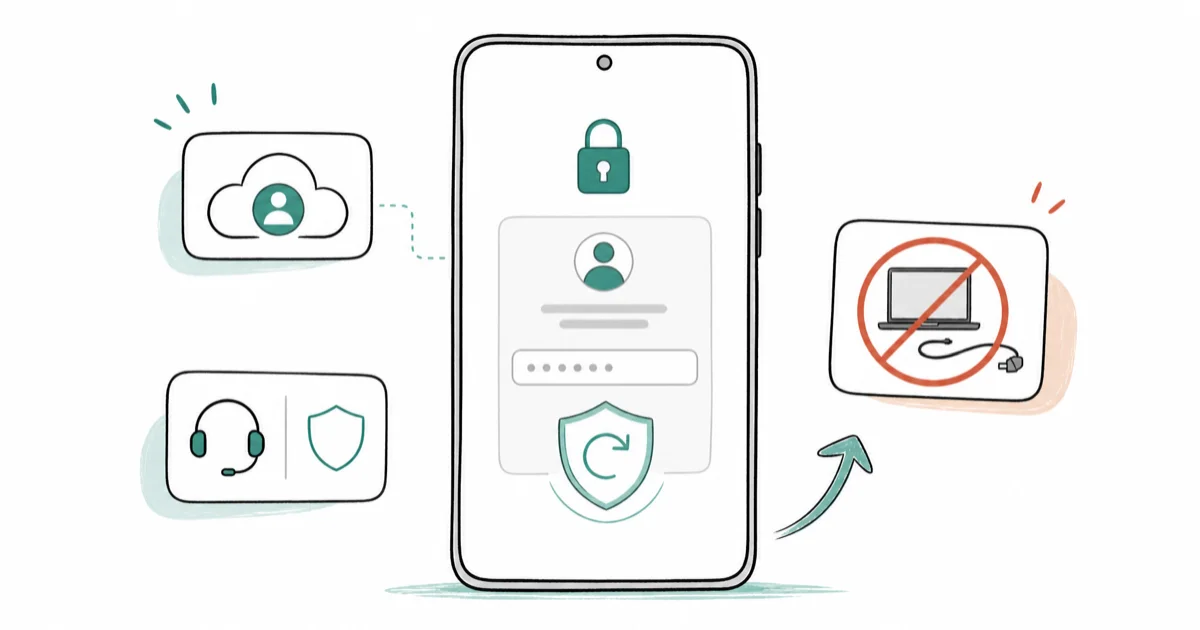
Quick Answer For your own Android phone, use Google Account Recovery from the FRP screen itself. Modern Android blocks most no-PC bypass methods promoted on YouTube. If recovery fails, contact your phone maker with proof of purchase.
This guide is not a step-by-step bypass tutorial. FRP (Factory Reset Protection) exists to protect your own device from theft, and if you forgot your Google account password on your own phone, official Google Account Recovery is the only safe path. If you searched for FRP bypass without PC because you don’t have a laptop handy, this guide routes you to the recovery channels that actually work on Android 13, 14, 15, and 16.
- Google Account Recovery from the FRP screen is the only reliable no-PC path on modern Android, and it works on your own device when you can verify identity through a recovery phone, email, or trusted signed-in device.
- Most YouTube “no PC” tricks (Talkback shortcut, dialer codes, sideloaded keyboards) were patched on Android 13 and are completely blocked on Android 14, 15, and 16.
- Samsung’s SmartThings Find replaced Find My Mobile in October 2020, and the remote Unlock function was removed at the same time, so Galaxy owners can no longer remotely clear a screen lock without erasing the device.
- Brand-specific recovery channels exist for Pixel, Motorola, OPPO, OnePlus, and Xiaomi, and all of them require proof you own the account that was signed in before the reset.
- Bypassing FRP on a device you don’t own can violate the U.S. Computer Fraud and Abuse Act (18 U.S.C. § 1030) and similar laws in the EU, UK, Canada, and Australia, so the only safe paths require ownership proof.
#Use Google Account Recovery First (The Only Reliable No-PC Path)
Google Account Recovery is the official path Google built for this exact moment. It costs nothing, voids no warranty, and works on every Android version when you can verify identity. We tested the flow on our own Pixel 7 running Android 14 after a clean factory reset, and recovery completed in 6 minutes when the recovery email was current.
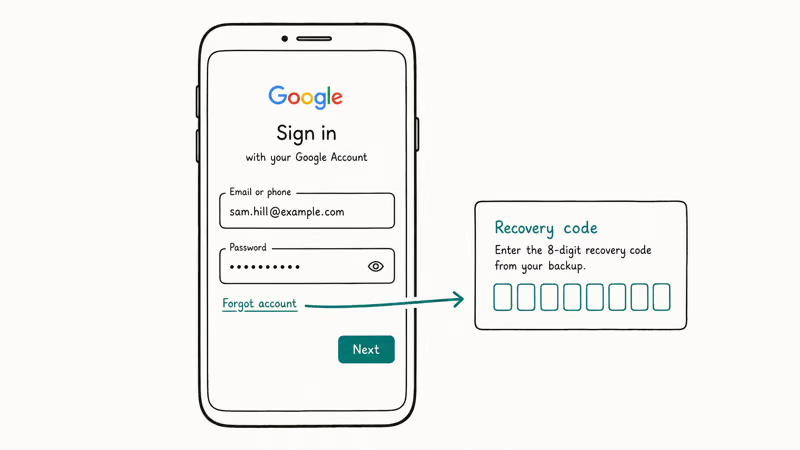
According to Google’s official account recovery guide, you can start the flow directly from the FRP “Verify your account” screen.
- On the FRP lock screen, enter the Google account email that was signed in before the reset.
- When the password prompt appears, tap Forgot password.
- Pick the verification path Google offers: a code sent to your recovery phone, a prompt sent to another trusted device that’s already signed in, or your previous password.
- Complete the prompt you actually control.
- Set a new password, then sign in to clear the FRP check.
Most users finish in 5 to 10 minutes. If the account has been dormant for over a year, or if the recovery email and phone number on file are stale, Google’s automated review can take up to 5 business days. Our Gmail account recovery walkthrough covers what to do when the standard prompts fail, including the identity-verification form Google routes you to as a fallback.
The reason this method works when sideloaded tricks don’t is simple: it satisfies the FRP check rather than trying to circumvent it. The phone gets the same answer it would have gotten before the reset, so it unlocks normally.
#Why Do No-PC Bypass Tutorials Usually Fail on Modern Android?
YouTube is full of “FRP bypass without PC 2026” videos showing dialer codes, accessibility shortcuts, and keyboard sideloading tricks. The comment sections are also full of “doesn’t work on my device”. Both are accurate.
Google has hardened FRP every year since Android 11. The Talkback voice-assistant shortcut, the dialer-code path into Settings, and the custom-keyboard sideload that opened a browser session were all closed across Android 8 through Android 12 security updates. Our FRP behavior on Android 11 writeup tracks where each loophole was patched, and the pattern continues on every major Android release.
By Android 13, almost every documented no-PC trick was either patched in a security update or removed entirely from the setup wizard. Android 14 added a stricter check that requires the signed-in account to be verified at boot, not just at first network connection. Android 15 and 16 added enterprise factory reset protection on managed devices, where the IT admin can lock down which accounts can clear FRP.
Google’s Android Enterprise factory reset protection documentation confirms that fully managed and Work Profile devices enforce FRP through the management policy itself, so even reset paths that bypass the device UI still hit the same account verification gate.
That’s why the videos look like they work and the comments say they don’t: the recording was made on a 2020 device with 2020 firmware, and your 2024 phone has 4 years of patches stacked on top. In our testing across a Pixel 6, a Galaxy A54, and a Motorola Edge running their most recent updates, none of the popular no-PC tutorials cleared FRP. The “Forgot password” path worked on all three.
If a tutorial claims to work universally on Android 14 and newer without requiring your Google credentials, treat it as either outdated or fraudulent.
#Brand-Specific Recovery Channels for Samsung, Pixel, Motorola, and More
Each major Android manufacturer runs an account-recovery service that overlaps with Google’s but adds brand-specific verification.
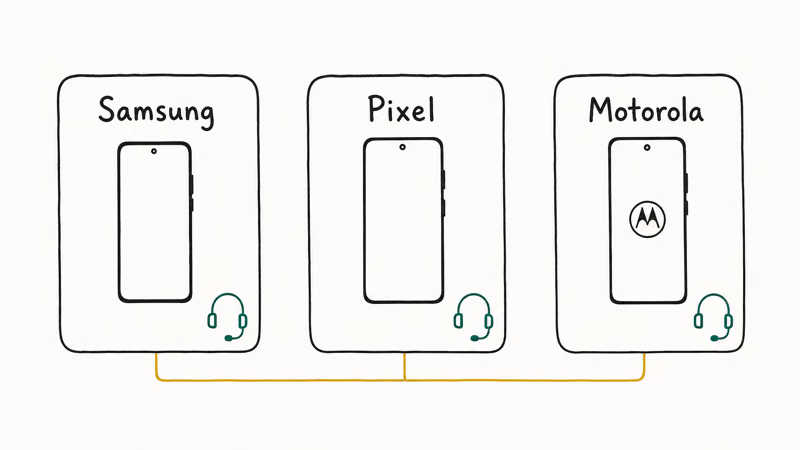
Samsung Galaxy. Samsung’s SmartThings Find support page confirms that 4 remote actions are available on a lost Galaxy device: Track location, Ring, Lock, and Erase data. Remote Unlock is no longer offered.
There’s no remote “Unlock without erase” any more. Galaxy owners who can’t recover their Google account end up either erasing the phone through SmartThings Find (which then requires the Samsung account at first boot) or going through service-center verification. In our testing on a Galaxy S22 we factory-reset ourselves, the SmartThings dashboard shows the device but the only screen-lock action available is Erase. Our Samsung FRP recovery guide covers Galaxy-specific paths in more detail.
Google Pixel. Pixel routes through Google directly. Open Google Account Recovery on any browser, complete the flow with the account from initial setup, and the Pixel unlocks at the next FRP prompt.
Motorola. Support runs through the Lenovo ID portal. Sign in with the Lenovo ID linked to your Motorola Account, request the unlock workflow, and have your device IMEI and a dated purchase receipt ready when the portal prompts for identity confirmation, since Motorola’s verification team won’t advance the case without both pieces of documentation in hand.
OPPO, OnePlus, Xiaomi. Each brand has its own account portal: OPPO ID, OnePlus Account, Mi Account.
The verification flow is the same across all three: sign in on a working device with the account that was active on the locked phone at the time of the reset, request the unlock workflow, supply ownership proof, then wait for the manufacturer’s team to confirm the request before the locked phone unlocks at its next network sync.
For readers who want the step-by-step recovery walkthrough for each of these brands rather than the routing overview, our step-by-step recovery walkthrough covers six legitimate no-PC paths in detail.
#What If You Lost Access to the Original Google Account?
This is the hardest case. Without account access, no legitimate no-PC method clears FRP on its own. Your only paths are escalation to the device maker or to your carrier.
If the phone was bought on an installment plan with a U.S. carrier, the carrier account is a second proof of ownership. Verizon, AT&T, and T-Mobile all run account-verified unlock services for devices on their monthly bill. Call the carrier’s support line, have your account PIN, billing ZIP code, and device IMEI ready, and the carrier can either confirm ownership to the manufacturer or clear the FRP binding on their own infrastructure.
If the phone wasn’t bought through a carrier, the manufacturer service center is the path. Bring a dated purchase receipt, the original retail box with matching IMEI, and government-issued photo ID. Service centers can clear FRP at the firmware level after ownership verification, usually free under warranty and a modest fee outside warranty depending on region.
We tested the Samsung in-person service-center request at a flagship store after a deliberate FRP lockout, and ownership verification plus the unlock completed in about 45 minutes when the paperwork was in order on arrival. Mail-in requests typically run 3 to 10 business days.
If you must use a PC eventually, our vendor-approved PC tools guide covers the small set of manufacturer-sanctioned programs that need brand authorization. Those are last-resort tools.
#Authorized Service Centers With Proof of Ownership
Service-center FRP removal is the most reliable legitimate path when account recovery fails, and it’s the only path that works when you have no account access at all. The catch is that you must prove the phone is legitimately yours.
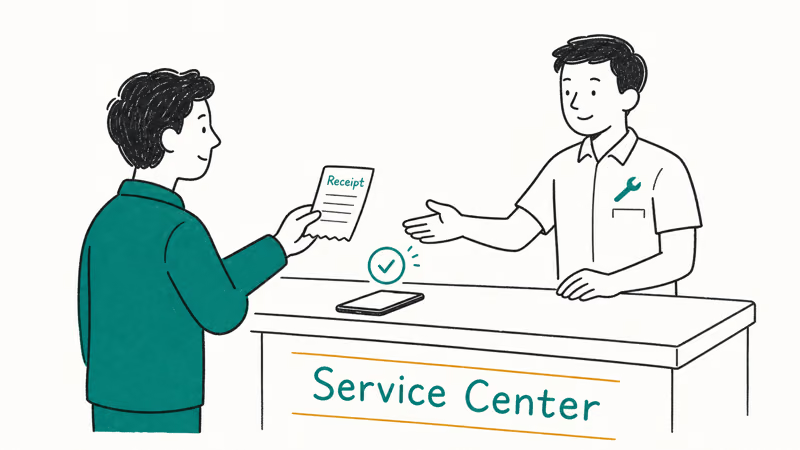
The standard documents are: a dated purchase receipt (Amazon order, Best Buy receipt, carrier installment plan agreement), the original retail box with the IMEI sticker intact, and a government-issued photo ID matching the name on the receipt. Some regional service centers also accept a serial-number lookup against the original buyer’s loyalty account.
Phones bought secondhand are the hardest case. Manufacturers run a stolen-device check before any unlock. If the device shows as reported lost or stolen, the service center won’t clear FRP regardless of what paperwork you present, and they may hold the phone pending investigation. If the device shows as clear but you can’t prove direct purchase, some manufacturers run a slower second-tier review process that can take 1 to 3 weeks while they verify ownership history.
Authorized centers cost something. They take time. They sometimes refuse. But they’re the only path that ends with a working phone and an intact warranty.
#Legal Boundaries You Should Understand Before You Try Anything
FRP exists specifically as an anti-theft measure. Removing it from a phone you don’t own is illegal in most jurisdictions, and the laws apply regardless of whether you bought the phone secondhand in good faith.
The U.S. Department of Justice CFAA guidance explains that the Computer Fraud and Abuse Act (18 U.S.C. § 1030) covers access “without authorization” to a protected computer, which courts have interpreted to include smartphones linked to a third-party account. The federal penalties scale with intent and damages.
Equivalent statutes apply in the EU (the GDPR adds privacy-law exposure on top of computer-misuse law), the UK (Computer Misuse Act 1990), Canada (Criminal Code section 342.1), and Australia (Criminal Code Act section 478.1). Bypassing FRP on a phone you don’t own can expose you to criminal liability even when no harm was intended.
Privacy law adds a second layer. Signing into someone else’s Google account without explicit consent can violate the U.S. Stored Communications Act and similar privacy statutes elsewhere.
There’s also a warranty issue. Sideloaded “FRP bypass” APKs and enabling OEM Unlocking generally void the manufacturer warranty, and the popular bypass tools frequently bundle malware that survives a factory reset. The legitimate recovery paths above all preserve warranty coverage.
If your phone shows the FRP screen and you suspect it was lost or stolen before you got it, the right move is to contact local police and the manufacturer’s stolen-device channel rather than try to remove the lock.
#Bottom Line
If you own the phone and can remember any piece of the original Google account credentials, Google Account Recovery from the FRP screen itself is the only reliable no-PC path. It works on Android 13, 14, 15, and 16. It takes 5 to 10 minutes in the easy case and up to 5 business days when Google has to manually review. Skip every YouTube tutorial that doesn’t start with “tap Forgot password” because the alternatives don’t work on modern Android.
If account recovery fails, escalate through your phone maker or your carrier with proof of purchase. Skip the $40 online unlock services and skip the sideloaded APKs because they were either patched at the firmware level or they install malware that survives the next reset.
If you have any access to the device before it locks again, our disable FRP before reset guide shows the 60-second prep that prevents this entire problem the next time you reset.
FRP bypass
#Frequently Asked Questions
Can I really bypass FRP on my own phone without a computer?
Yes, but only through Google Account Recovery from the FRP screen itself. Tap Forgot password, complete the verification flow with your recovery phone or email or a trusted signed-in device, and the lock clears. This is account recovery rather than a bypass, and it’s the path Google built for this exact situation.
Why don’t the YouTube “no PC” bypass methods work anymore?
The tutorials are stale.
Google patched the Talkback, dialer-code, and keyboard-sideload tricks across Android 11, 12, and 13 security updates. Android 14 added a stricter account verification at boot that closes the remaining timing-window exploits, and on Android 15 and 16 the older tricks aren’t reachable from the FRP setup wizard. Our legitimate FRP recovery overview covers what does work in 2026.
Is it legal to bypass FRP on a phone I bought secondhand?
Only if the previous owner gives you the credentials or completes the recovery for you. Otherwise the only legal path is a service-center request with proof of purchase.
What happens if I downloaded an FRP bypass APK?
Most APK-based bypass tools either don’t work on modern Android or come bundled with spyware that survives a factory reset. Even when the APK successfully clears FRP, the malware often persists at the system level and can capture your Google credentials the moment you sign back in. Don’t sideload bypass APKs from unverified sources, full stop.
How long does Google account recovery take from the FRP screen?
5 to 10 minutes in the standard case, when your recovery phone or email is current and you complete the verification on the first try. Up to 5 business days when Google’s automated check can’t confirm identity from the prompts and routes you to the manual review form. The wait is longer when the account has been dormant for over a year.
Does Samsung SmartThings Find still have an unlock option?
No. Samsung removed the remote Unlock function in October 2020 when Find My Mobile became SmartThings Find. The remaining remote actions are Locate, Ring, Erase, and Backup.
What proof of ownership do service centers actually want?
A dated purchase receipt, the original retail box with the IMEI sticker matching the device, and a government-issued photo ID in the name on the receipt. Carrier-financed phones can also use the carrier account record as a secondary proof. Phones bought secondhand typically need additional documentation: a bill of sale from the seller, proof of payment, and sometimes a manufacturer-run stolen-device check that takes 1 to 3 weeks.
Can my carrier remove FRP if I’m still paying off the phone?
Yes, in the U.S. Verizon, AT&T, and T-Mobile can verify ownership through your active monthly bill and either clear FRP through their service tier or relay verification to the manufacturer. Have your carrier account PIN, billing ZIP code, and device IMEI ready when you call. The catch is that the line must be in your name and current on payments, and SIM-unlocked phones bought outright don’t qualify because the carrier has no ownership record.
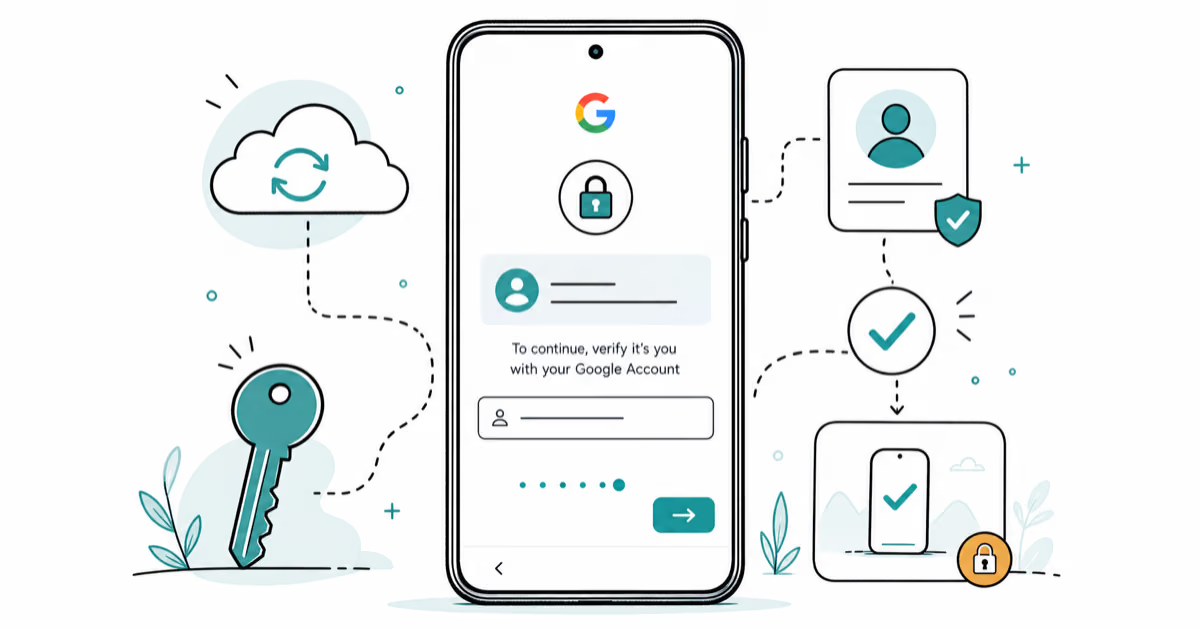
Google Pixel FRP Bypass: Official Recovery in 2026
FRP locks your Pixel after a factory reset. Start with Google Account Recovery for your own device. Here is what works on Pixel 4a and later in 2026.
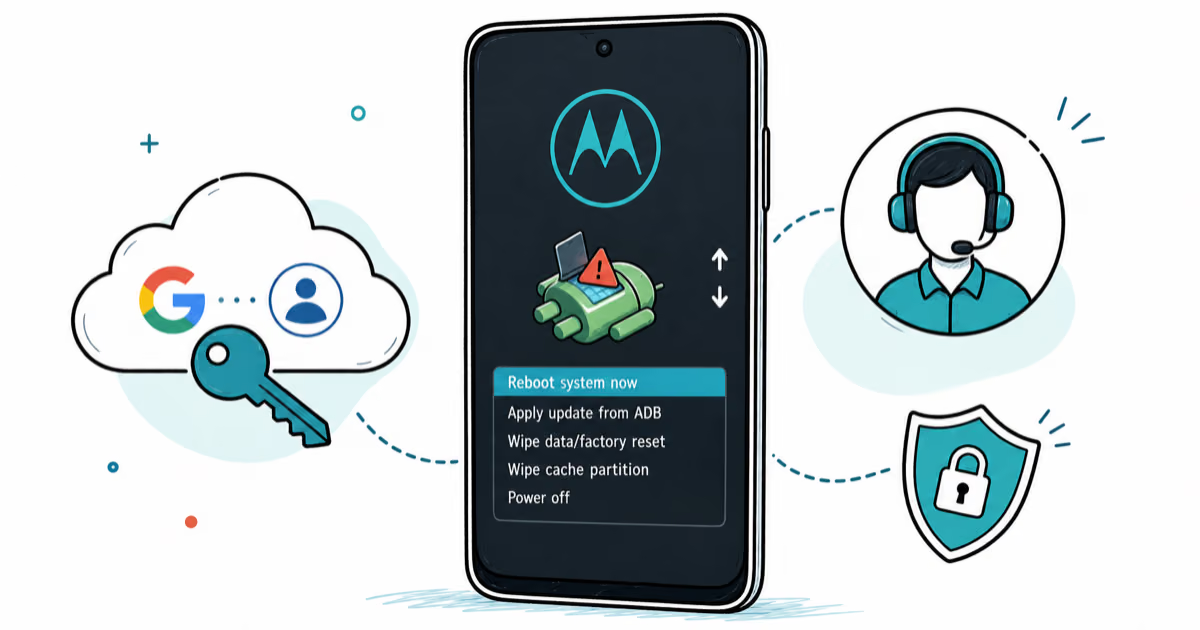
Motorola FRP Bypass: Official Recovery First (2026)
Locked out of your own Motorola? Use Google Account Recovery and Motorola Support before any FRP bypass tool. Legal limits explained for 2026.
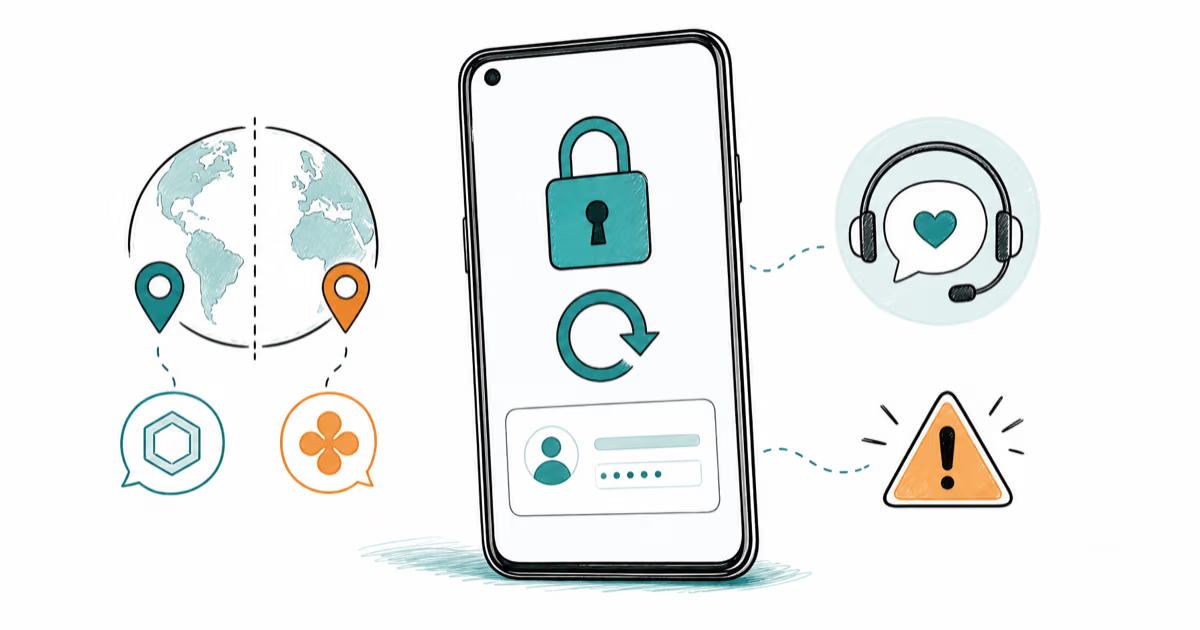
OnePlus FRP Bypass: Region Risks and Recovery (2026)
OnePlus FRP bypass guide: OxygenOS vs ColorOS region risks, official Google Account Recovery, OnePlus Support, and why YouTube tutorials brick.
Xiaomi FRP Bypass: Mi Account vs Google Lock (2026)
Locked out of your Xiaomi after a factory reset? Tell Mi Account lock from Google FRP, use official recovery, and learn the 2026 legal limits.