How to Check Your Discord Account Age: Quick Guide
Check your Discord account age in under a minute. Copy your User ID via Developer Mode and use a Snowflake calculator to find the exact creation date.
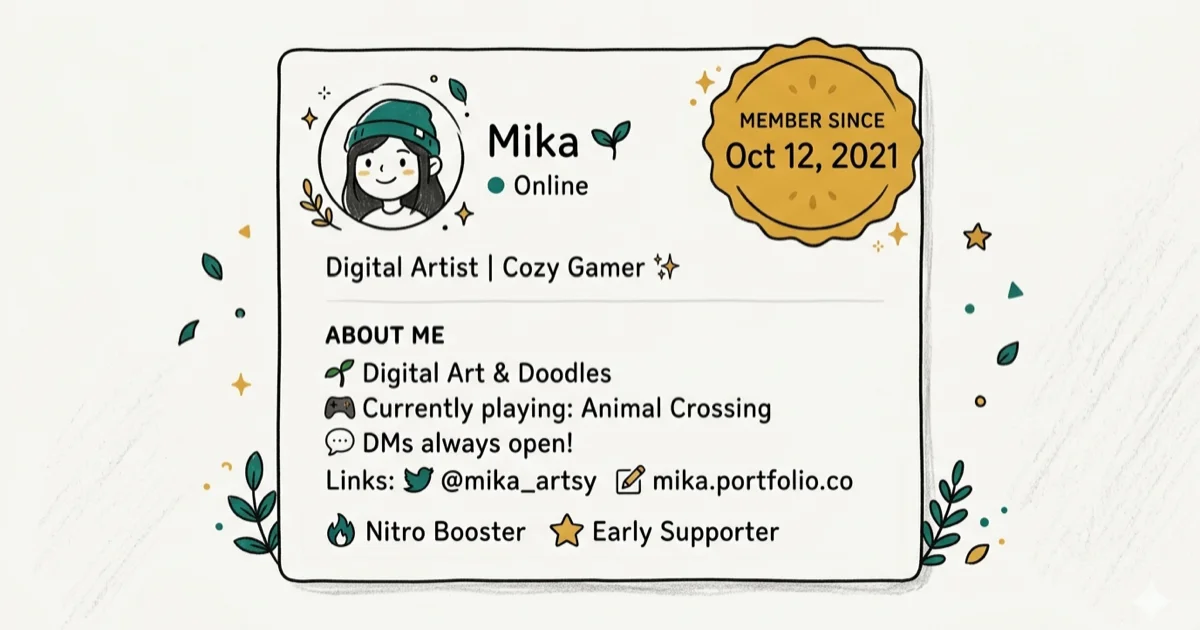
Quick AnswerYour Discord account age is encoded in your User ID. Copy your ID through Developer Mode, then use a Snowflake calculator like discord.id to convert it into the exact creation date.
Your Discord account age is baked into your User ID. Every Discord ID is a “Snowflake” that contains the exact timestamp of when the account was created. You don’t need any special tools or bots. Just copy the ID and run it through a free calculator.
- Every Discord User ID encodes the account creation timestamp down to the millisecond
- Enable Developer Mode in
Settings>Advancedto unlock the Copy User ID option - Free Snowflake calculators like discord.id convert any ID into a readable creation date
- Server moderators often check account age to filter spam accounts under 7 days old
- You can check anyone’s account age if you can see their profile in a server or DM
#What Is Discord Account Age and Why Does It Matter?
Discord account age is the time between when an account was first registered and today. According to Discord’s developer documentation, every user, server, channel, and message gets a unique Snowflake ID at creation. That ID isn’t random. The first 42 bits store a millisecond-precision timestamp relative to Discord’s epoch (January 1, 2015).
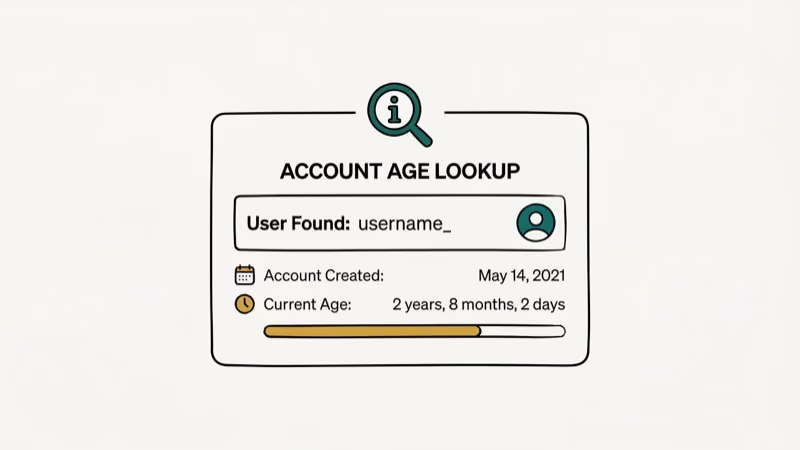
Server moderators rely on account age to block spam. Bots like MEE6 and Dyno can auto-kick accounts younger than a set threshold, typically 1 to 7 days. Trading and gaming communities also check it to gauge legitimacy.
The Snowflake method works on desktop, web, and mobile once Developer Mode is enabled. Most users can copy an ID and check it within minutes.
#How Do You Enable Developer Mode on Discord?
Developer Mode unlocks the ability to copy User IDs. Without it, the “Copy User ID” option won’t show up anywhere in the app.
On desktop or web:
- Open Discord and click the gear icon next to your username
- Select Advanced in the left sidebar under App Settings
- Toggle Developer Mode on
On mobile (iOS and Android):
- Tap your profile icon in the bottom-right corner
- Scroll down to Advanced and toggle Developer Mode on
According to Discord’s support article on finding IDs, Developer Mode stays active across sessions and devices. Enable it once and you’re set. If the Copy ID option doesn’t appear, restart Discord.
#How to Check Your Own Discord Account Age
Once Developer Mode is active, here’s how to grab your User ID and check the account age.
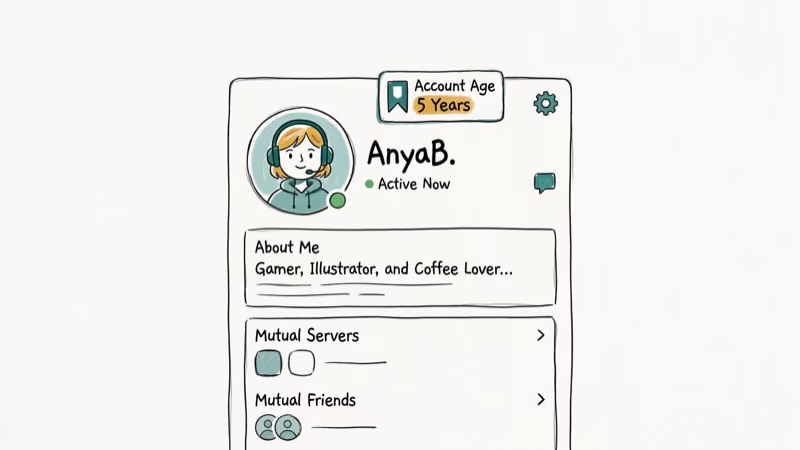
Step 1: Copy your User ID
On desktop, go to Settings > My Account. Click the three-dot menu next to your username and select Copy User ID. On mobile, long-press your username in a server chat or DM to find the same option.
Step 2: Use a Snowflake calculator
Open any of these free tools in your browser:
- discord.id — paste your ID and click Lookup
- snowsta.mp — paste and hit Enter
- Hugo.moe — paste and view the result instantly
Step 3: Read the creation date
The tool shows the exact date and time your account was created. Snowflake calculators usually return results quickly. Dates display in UTC, so adjust for your timezone.
#How to Check Someone Else’s Account Age
You can check any user’s account age as long as you can see their profile somewhere in Discord. Account age is derived from public User IDs, so checking it doesn’t violate Discord’s Terms of Service or any privacy laws. That said, avoid using this information to harass or discriminate against newer users.
Right-click any username or profile picture in a server or DM and select Copy User ID (on mobile, long-press instead). Then paste the ID into discord.id or another Snowflake calculator and the creation date appears instantly.
This works for anyone in your server member list, a shared DM, or your friend list. No mutual friend requirement.
If you’re a server moderator dealing with suspicious accounts, this is the fastest manual verification method available. Many moderators pair this with Discord bots that automatically flag new accounts joining the server, saving time on large communities with constant member turnover.
#Using Discord Bots to Check Account Age Automatically
Manual lookups work fine for one-off checks. For servers with hundreds of members, bots handle account age verification at scale without any manual effort from moderators.
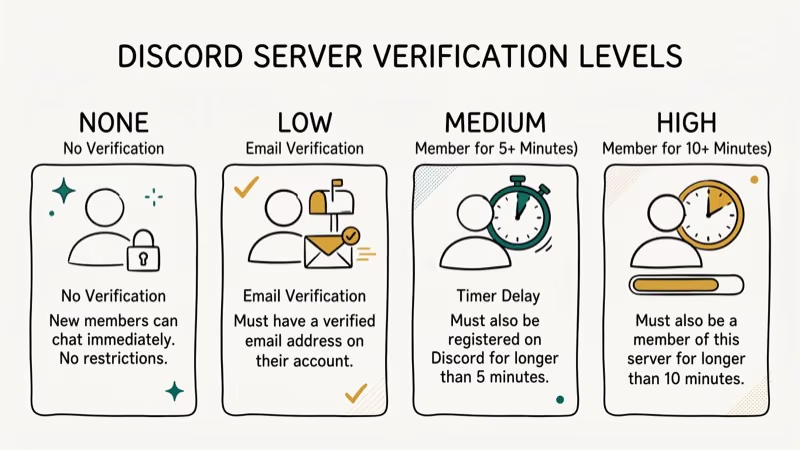
MEE6 and Dyno are the two most popular options.
When a new member joins, these bots show the creation date in a log channel, auto-kick accounts below a configurable age threshold, and flag suspicious accounts for moderator review. According to Discord’s safety documentation, server owners are responsible for managing their communities, and bots like MEE6 are the standard tool for enforcing those rules at scale.
Account age filtering is the single most effective anti-spam measure available to Discord server moderators. According to Wikipedia’s overview of Discord, the platform has grown to hundreds of millions of registered users — a user base so large that spam raids using newly created accounts became a significant problem for active communities, which is why MEE6’s account age filter became a default recommendation in server setup guides.
Setup is quick: authorize MEE6 at mee6.xyz, open the Moderation module, and set your threshold. MEE6 can then block or flag accounts below the age limit you choose.
#The Snowflake Formula Explained
Curious about the math? Discord’s API reference confirms that a Snowflake is a 64-bit integer where the first 42 bits store milliseconds since Discord’s epoch (January 1, 2015 at 00:00
UTC). According to Wikipedia’s article on Snowflake IDs, Twitter originally invented the Snowflake format in 2010 to generate distributed unique IDs at scale, and Discord adopted the same approach for its entire platform — every user, message, channel, and server uses it.Here’s the formula:
creation_timestamp = (snowflake_id >> 22) + 1420070400000
That gives you a Unix timestamp in milliseconds. Convert it to a human-readable date to see the exact account creation time.
This is why account age can’t be faked. Your User ID never changes, even if you update your username or display name. The creation timestamp is permanently baked into the number itself, and there’s no way to modify it after the fact.
#Account Age vs. User Age Requirements
Don’t confuse account age with Discord’s minimum user age requirement. Account age is how long the account has existed. User age is the person’s real age.
Discord requires users to be at least 13 in most countries. Based on Discord’s age requirement article, South Korea requires 14+, Vietnam 15+, and several European countries require 16+.
Age-restricted servers (18+ content) need separate verification through ID scanning or birthday confirmation. Completely different system.
If your account gets locked due to an age issue, that’s a different problem than what account age checking solves.
#Bottom Line
Copy your Discord User ID through Developer Mode and paste it into discord.id. The Snowflake ID system makes account age impossible to hide or fake, which is why it’s the go-to method for server moderation and personal curiosity alike. For automated checking at scale, set up MEE6 with an account age filter in about 3 minutes.
#Frequently Asked Questions
What does Discord account age mean?
Account age is the time elapsed since a Discord account was first created. It’s calculated from the timestamp encoded in the account’s Snowflake User ID. An account created on March 1, 2020 would be about 6 years old as of April 2026.
Can I check Discord account age on mobile?
Yes. Enable Developer Mode in your Discord mobile app under Profile > Advanced, then long-press any username to copy their User ID. Paste it into a Snowflake calculator like discord.id in your mobile browser. The whole thing takes about 30 seconds.
Can someone hide their Discord account age?
No. Account age is encoded in the User ID, which never changes. Changing your username, display name, or profile picture has no effect on the ID.
Why do some servers require a minimum account age?
Servers use minimum account age rules to fight spam and raids. Newly created accounts are more likely to be throwaway or bot-controlled. Common thresholds range from 1 day to 30 days, and this filtering requires a third-party bot like MEE6 or Dyno since Discord doesn’t offer it natively.
Is checking someone’s Discord account age against the rules?
No. User IDs are visible to anyone who shares a server or DM with that person. Checking account age through a Snowflake calculator is a standard moderation practice that Discord’s own documentation supports.
What is the Discord epoch used in Snowflake IDs?
January 1, 2015 at 00:00
UTC (Unix value: 1420070400000). All Snowflake timestamps count milliseconds from this date.How accurate is the account creation date from a Snowflake calculator?
Snowflake IDs store timestamps with millisecond precision. The creation date you get from discord.id or snowsta.mp is accurate down to the exact second. No estimation or rounding is involved.
Can I check the age of a Discord server or channel?
Yes. Servers and channels also use Snowflake IDs. Right-click a server name or channel name with Developer Mode enabled, copy the ID, and paste it into the same Snowflake calculator. The process is identical to checking a user account.

Google Messages Error 3100: Why RCS Is Broken on Galaxy
Google Messages RCS error 3100 hits Galaxy owners after phone or carrier switches. Google told 9to5Google a fix is coming. Here's what actually helps.

Is This Bank App Real? Spot a Fake App on Your Home Screen
A bank app can land on your home screen from a web page with no install warning. Learn the checks that tell a real banking app from a phishing web app.

Apps Crashing After iOS 27 Update? Fix Order (2026)
Apps crashing after the iOS 27 update? Update the app in the App Store first, then offload and reinstall to clear stale cache, then restart. The fix order.

Do AI Translation Earbuds Work Offline? What to Know
Do AI translation earbuds work offline? A few do with downloaded language packs, but most need the cloud. Here's what works offline and what you give up.