How to Check if Your Email Was in a Data Breach (2026)
How to check if your email was in a data breach using free tools like Have I Been Pwned and Google Password Checkup, plus what to do after a hit.
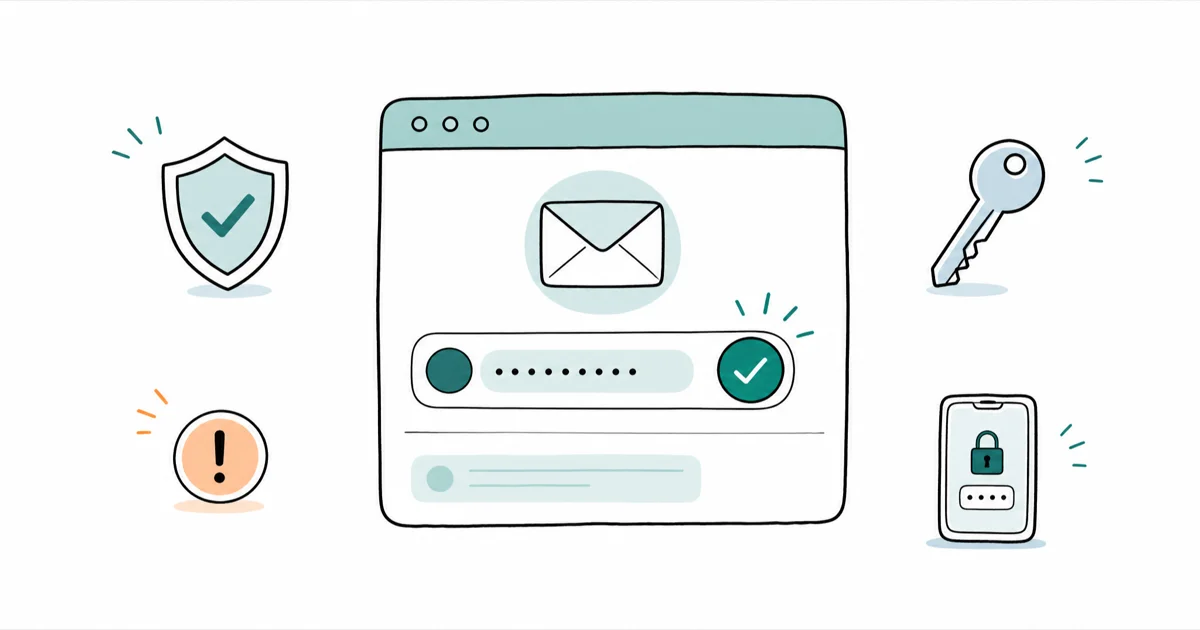
Quick AnswerCheck your email on Have I Been Pwned or Google Password Checkup. A hit means your data was exposed, not that you're hacked, so change that password and turn on two-factor.
To check if your email was in a data breach, run it through a free checker like Have I Been Pwned or Google Password Checkup. Both tools can surface known breach hits quickly. A hit isn’t panic-worthy, but it’s a signal to act fast.
- Have I Been Pwned is the most trusted free checker; enter your email and it tells you which breaches exposed your data
- A breach hit means your data leaked at some service, not that your account is actively compromised
- Never type a current password into a random breach site; only use tools that check a partial hash, never the full password
- After a hit, change that password everywhere you reused it and turn on two-factor authentication
- A clean result isn’t a guarantee, since private dumps and undisclosed breaches may not be indexed yet
#Why Checking for a Breach Matters in 2026
Being caught in a breach is no longer rare. The honest question isn’t whether your email has been exposed, but which breaches caught it and what leaked.
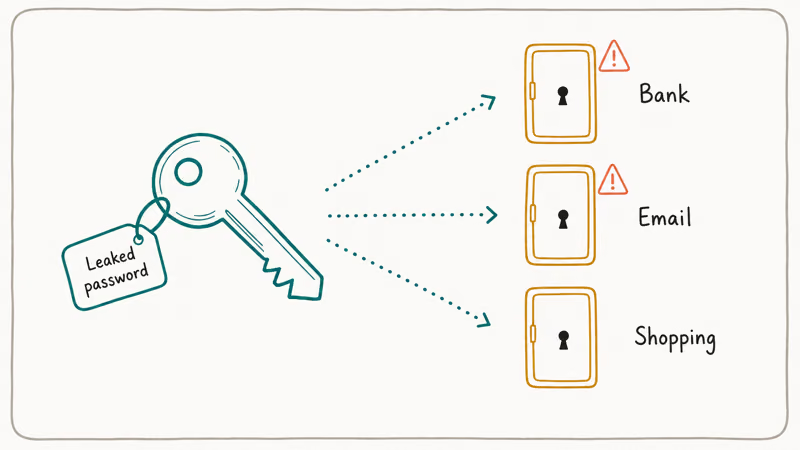
The risk isn’t the breach itself. It’s reuse. When a password leaks from one site, attackers try that same email-and-password combo on your bank, email, and shopping accounts, a tactic called credential stuffing. That’s why one old leak from a forum you forgot about can put a current account at risk years later.
Checking gives you a map of your exposure so you can fix the accounts that actually matter. If you want to know whether leaked data has spread further, our guide on how to tell if your email is on the dark web covers the next layer.
One ground rule: only check your own account, never someone else’s, since looking up another person’s email crosses a legal and privacy line.
#How Do You Check if Your Email Was Breached?
The process takes under a minute. Go to a reputable checker, enter your email address, and read the results.
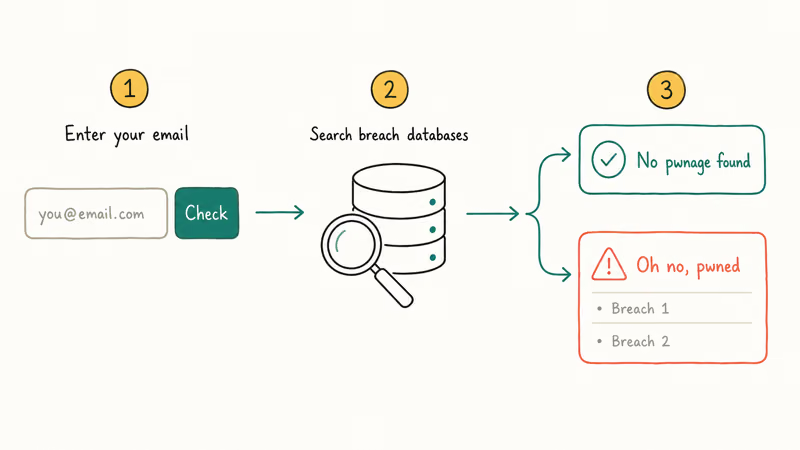
Have I Been Pwned is the standard. According to Have I Been Pwned, its companion password tool only ever sends a partial hash, never the password itself, so the check stays safe. Type your email into the search box on Have I Been Pwned, and you’ll get one of two answers: “good news, no pwnage found,” or “oh no, pwned,” followed by a list of exactly which breaches exposed your data and what fields leaked.
Read that breach list carefully. An exposed email and password means change the password; an exposed email alone mostly means more spam. If you also want to know who’s been buying or selling your address, a reverse email lookup can add context.
#The Best Free Tools for a Breach Check
You don’t need a paid service to check thoroughly. A few free tools cover most of the ground between them.
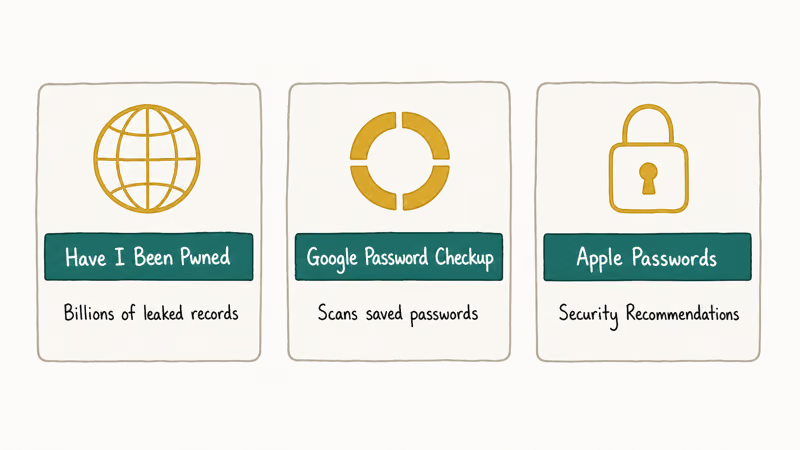
Have I Been Pwned is the broadest, indexing billions of leaked records from publicly disclosed breaches. Google Password Checkup, built into Chrome and every Google Account, scans your saved passwords against known breach databases and flags ones that are compromised, reused, or weak. Google recommends running its Password Checkup tool regularly, and the tool flags compromised, reused, or weak saved passwords.
Apple offers a similar tool: its built-in password manager surfaces compromised logins under Security Recommendations. Whichever you use, the action plan is the same.
#What Should You Do After a Breach Hit?
Treat a hit as a to-do list, not an emergency.
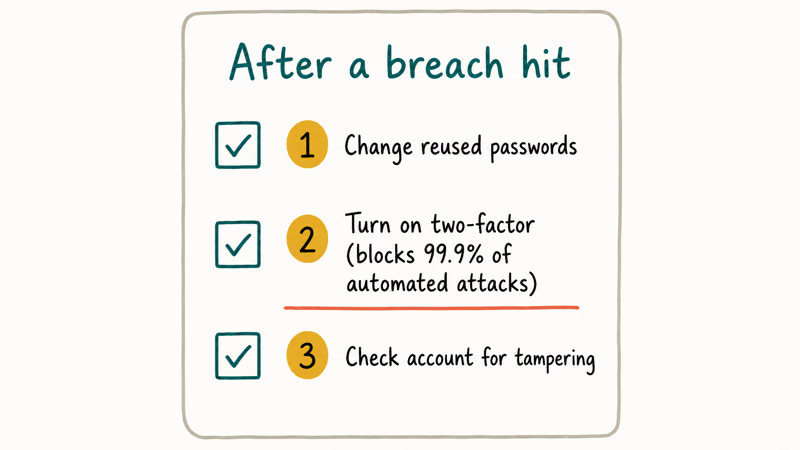
First, change the password on every site listed, plus anywhere you reused it. Make each new one long and unique.
Second, turn on two-factor authentication on your most important accounts: email, banking, and anything tied to money. According to Microsoft, enabling multifactor authentication blocks more than 99.9% of automated account-compromise attacks, which makes it the single highest-impact step here. Microsoft’s security research lays out why.
Third, check the breached account for tampering, like an unfamiliar forwarding rule on your email. If financial data leaked, monitor your bank statements and consider learning how to freeze your credit so no one can open accounts in your name. A freeze is free and reversible.
#How to Lock Down Your Accounts Long-Term
Cleaning up after one breach is reactive. The real fix is making the next breach a non-event.
A password manager does most of the heavy lifting. It generates and stores a unique 16-character password for every site, so a leak from one service can’t cascade to another. Our comparison of 1Password vs Bitwarden walks through two solid options if you haven’t picked one.
It also helps to shrink your footprint. Cutting your listings on people-search and data-broker sites reduces how much of your information is floating around to be cross-referenced, and our walkthrough on how to remove your personal info from data-broker sites shows the steps. Less exposed data means less for an attacker to chain together.
#What a Clean Result Doesn’t Tell You
A “no pwnage found” result feels reassuring, and it mostly is. Just don’t read it as a clean bill of health.
Breach-checkers only index breaches that have been publicly disclosed and loaded into their databases. Private dumps, undisclosed incidents, and very recent breaches may not appear yet, so a clean result today can flip next month. Set up breach notifications on Have I Been Pwned so you get an alert the moment your email shows up in a newly added breach.
Timing is the other limit. If you see suspicious logins, password-reset emails you didn’t request, or charges you don’t recognize, act on those signals no matter what any checker says. Real-world evidence outranks a database that hasn’t caught up.
#Bottom Line
Run your email addresses through Have I Been Pwned, and let Google or Apple scan your saved passwords. Fix any hit, then turn on two-factor.
Then make it permanent. Move to a password manager so every login is unique, and turn on breach alerts so the next leak reaches you before an attacker does. A breach is common, but with these steps it stays a footnote instead of a disaster.
#Frequently Asked Questions
Is Have I Been Pwned safe to use?
Yes. Entering your email only checks it against a list of known breaches and reveals nothing new to anyone. Avoid any site that asks you to type a full current password to “check” it.
Does a breach hit mean I’ve been hacked?
No. A hit means your data was exposed in a breach at some service, not that anyone has accessed your account. Whether you’re at real risk depends on what leaked and whether you reused that password elsewhere. Treat it as a prompt to change passwords, not proof of a break-in.
How often should I check my email for breaches?
Turn on breach notifications on Have I Been Pwned. You’ll be alerted the moment a new breach includes your email, which beats checking manually.
What’s the most important step after a data breach?
Turning on two-factor authentication on your key accounts. Even if your password leaked, two-factor authentication stops an attacker from logging in without your second factor. Microsoft has reported that it blocks the overwhelming majority of automated account attacks, which makes it the highest-value move you can make. Start with your email, since that account can reset most of your others.
Can I check passwords as well as my email?
Yes. Google Password Checkup, Apple’s password manager, and the Pwned Passwords tool all scan saved passwords against breach databases and flag compromised, reused, or weak ones. They check securely using a partial hash, so your actual passwords never leave your device in readable form.
Why do I keep showing up in new breaches?
New breaches happen constantly, and your email is in circulation across many services and data-broker lists. Each new company breach can re-expose the same address. Using a unique password per site limits the damage.
What if my email is clean but I still see strange activity?
Trust the strange activity. Breach-checkers only index disclosed breaches, so a clean result can miss private dumps or very recent incidents. If you’re getting reset emails you didn’t request or seeing unfamiliar logins, change the password and enable two-factor authentication immediately, regardless of what the checker shows. A checker that hasn’t caught up is no reason to ignore real warning signs.

Is This Bank App Real? Spot a Fake App on Your Home Screen
A bank app can land on your home screen from a web page with no install warning. Learn the checks that tell a real banking app from a phishing web app.
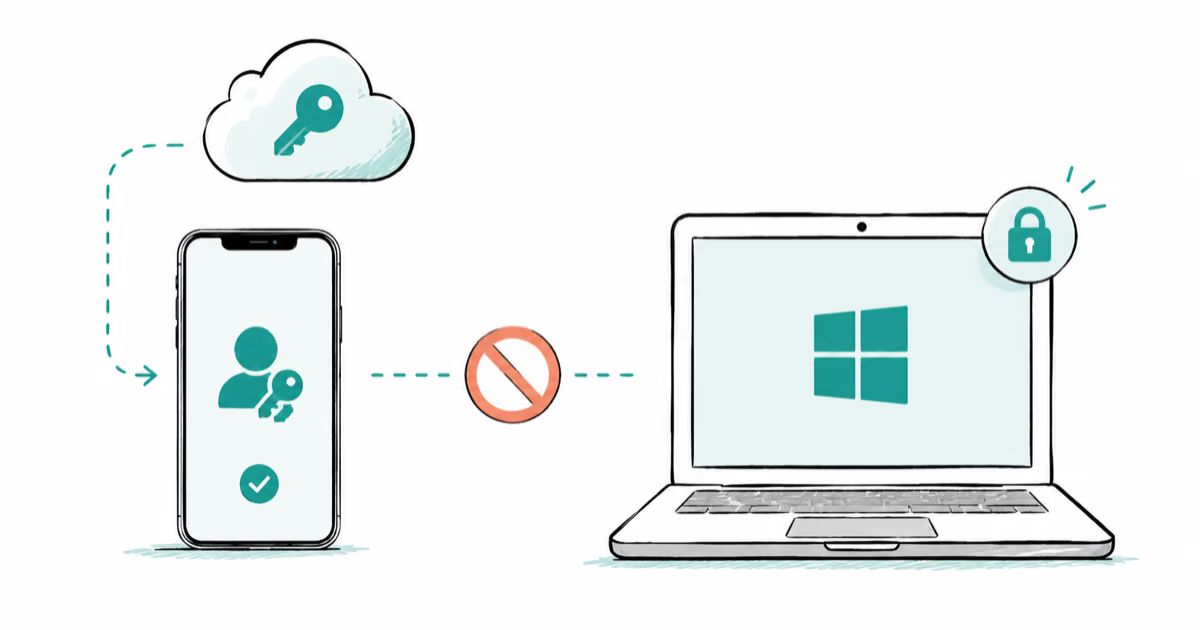
Passkeys Not Syncing Between iPhone and Windows? Read This
Passkeys not syncing between iPhone and Windows is by design, not a bug. Here is why iCloud passkeys skip Windows Hello and the three ways to fix it.
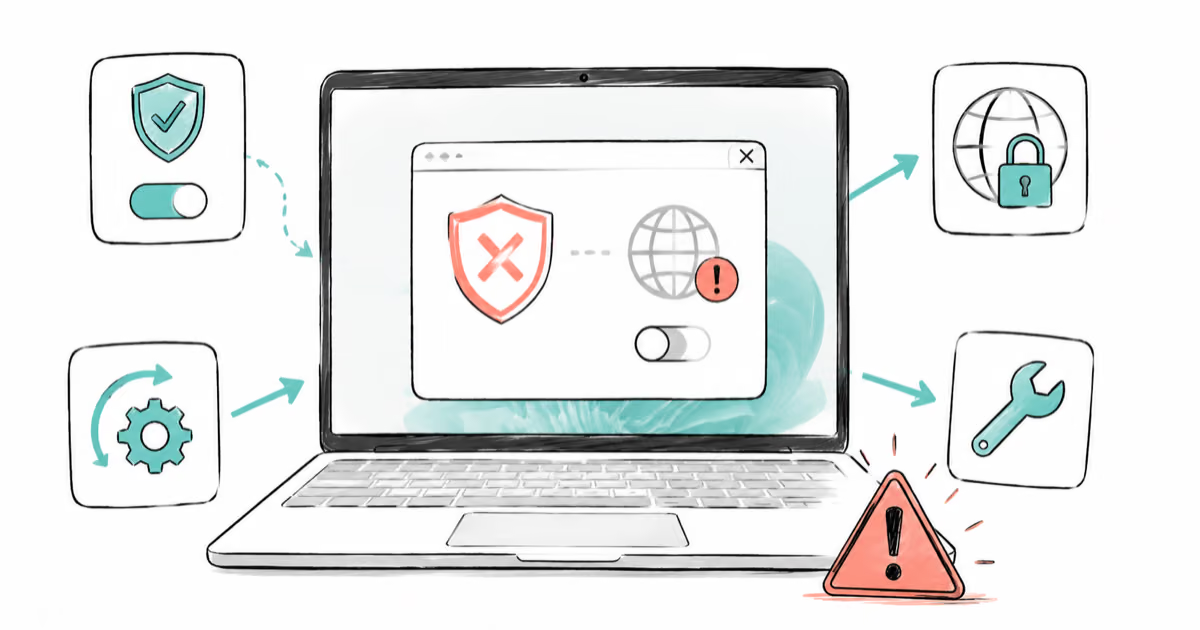
VPN Not Working on Snapdragon X? Why It Fails, How to Fix
Your VPN won't install or connect on a Snapdragon X Copilot Plus PC because Windows on ARM can't emulate the network driver. Here are the fixes that work.
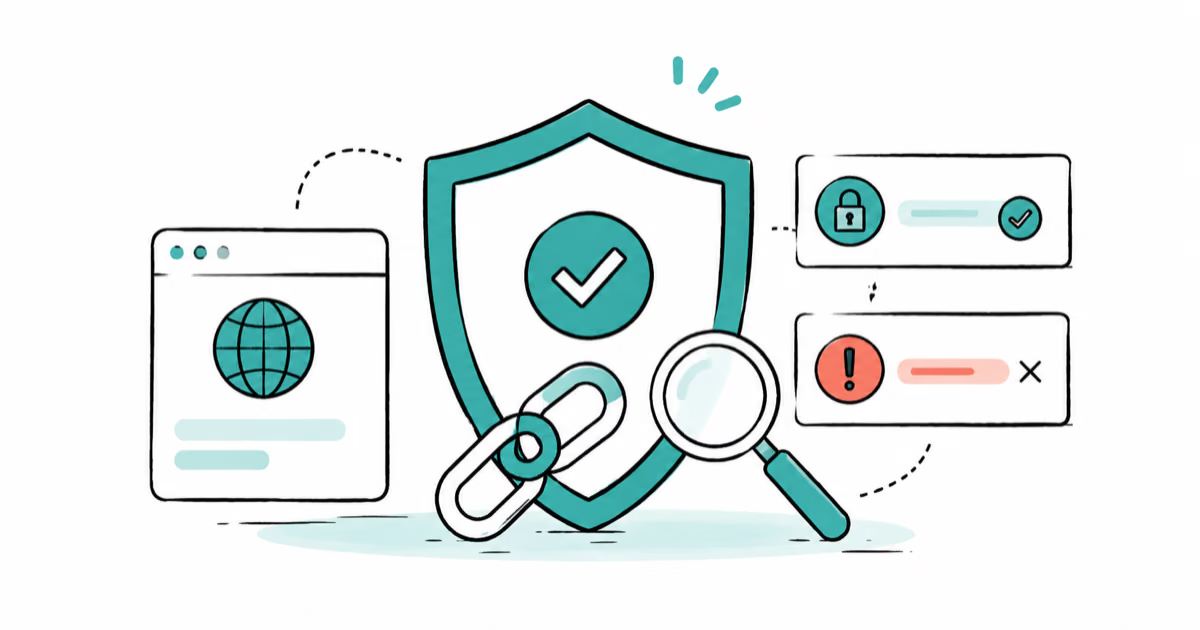
How to Check If a Link Is Safe Before You Click It
Learn how to check if a link is safe with official-first steps: read the real domain, use the app instead, and treat scanners as a second opinion only.