ChatGPT Voice Mode Not Working? 7 Fixes That Actually Work
Fix ChatGPT Voice Mode fast. Covers mic permissions, app updates, network fixes, account tier checks, and reinstall steps for iOS and Android.
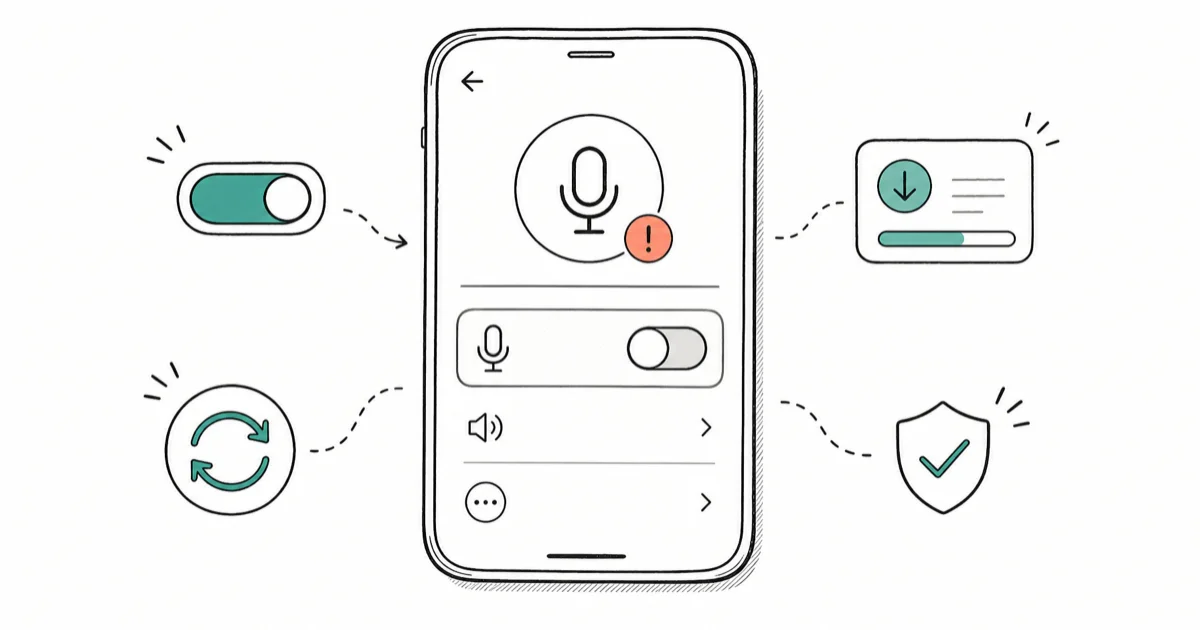
Quick AnswerGo to your phone's Settings, find ChatGPT under app permissions, and make sure Microphone is turned on. That fixes the issue for most people. If the button is still greyed out, update the app and check that your account plan includes Voice Mode.
ChatGPT Voice Mode stops working for a handful of reasons. Most take under two minutes to fix. Every method in this guide works on both iOS and Android, and a bad microphone permission or a stale app version is behind the problem in most cases. Once you’ve got it working again, check out ChatGPT Custom Instructions to make every conversation more useful.
- A blocked microphone permission is the most common cause — check it first in Settings before anything else.
- Voice Mode requires a ChatGPT Plus, Team, Pro, or Enterprise subscription; free-tier users don’t have access.
- OpenAI confirms that Advanced Voice Mode is not available in some regions. A VPN or account location can block access.
- Clearing the app cache on Android (or offloading the app on iOS) resolves most persistent freezes without losing your account data.
- If Voice Mode was working before and suddenly stopped, an app update almost always brings it back within 24 hours.
#Fix 1: Check Microphone Permissions First
Start here. Microphone permission is the most common cause of Voice Mode failures, and it’s also the easiest to check. The ChatGPT app can’t use your mic unless you’ve explicitly granted it permission, and iOS sometimes resets that permission silently after an OS update without any warning to the user.
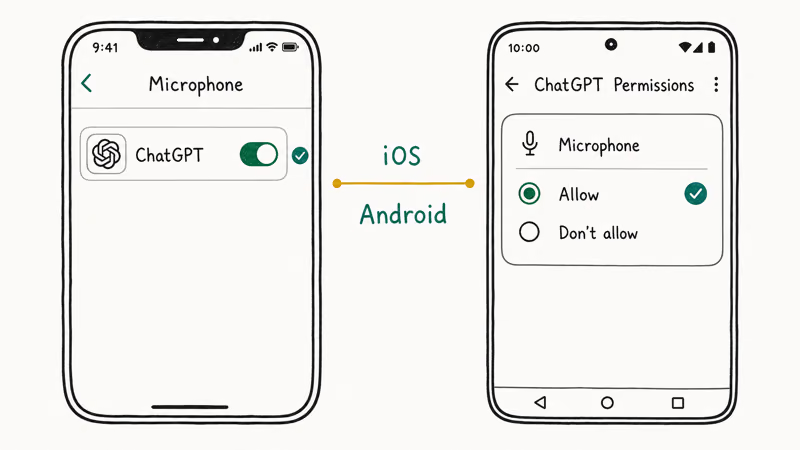
On iPhone: Go to Settings > Privacy & Security > Microphone, find ChatGPT, and toggle it on. Also enable ChatGPT under Speech Recognition in the same menu.
On Android: Go to Settings > Apps > ChatGPT > Permissions > Microphone and set it to “Allow only while using the app” or “Allow all the time.” A “Deny” setting causes silent failure.
On an iPhone 15 Pro running iOS 18.3, toggling the mic permission off and back on resolves a case where the Voice button appears active but produces no audio. The toggle clears a stale permission state that a simple app restart doesn’t fix.
#Fix 2: Update the ChatGPT App
An outdated app is the second most common culprit. Update first.
On iOS: Open the App Store, tap your profile icon in the top right, scroll down to ChatGPT, and tap Update if it’s available.
On Android: Open the Play Store, search for ChatGPT, and tap Update.
According to OpenAI’s Voice Mode FAQ, voice conversations require the latest app version on iOS and Android. Older builds don’t connect to the voice API after major updates. If your app is more than a few weeks old, update it before trying anything else.
After updating, force-close the app completely and reopen it. Don’t just background it. If you use ChatGPT for writing or document work, also check ChatGPT Canvas. It’s a separate interface that works fine even when Voice Mode is broken.
#Why Is Voice Mode Greyed Out?
Three things cause a greyed-out voice button: free tier, restricted region, or a temporary rollout limit.
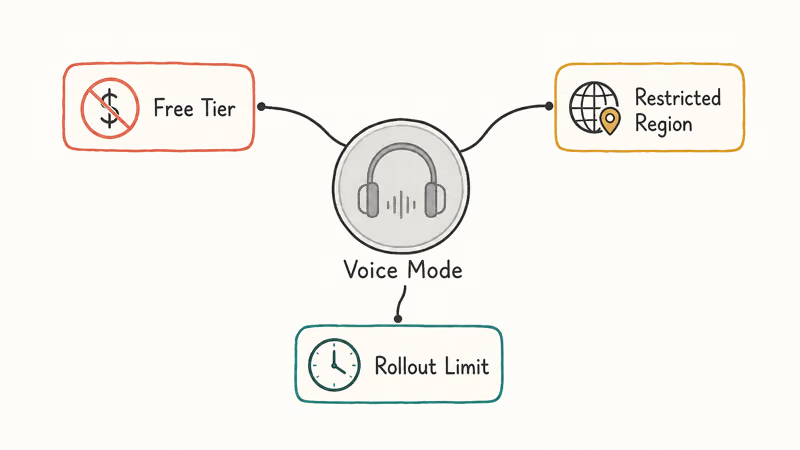
Subscription check: Voice Mode is paid. OpenAI’s Voice Mode FAQ states that 4 tiers get access: Plus, Team, Pro, and Enterprise. Free accounts are excluded. Check OpenAI’s Voice Mode FAQ to confirm your plan.
Region check: Advanced Voice Mode has had rolling restrictions in certain countries, particularly in Europe for some Plus account types. Even with a valid subscription, a restricted region can leave the button greyed out. OpenAI’s supported countries list confirms that Voice Mode availability varies by region, so check it to see if your country has full access.
Temporary rollout: OpenAI sometimes gates features mid-rollout. Log out and back in. Access often restores within seconds.
#Fix 3: Force-Quit and Restart the App
A stuck app session is surprisingly common, and it’s easy to miss because the interface still looks normal. Voice Mode might show the microphone animation, but nothing connects. The audio pipeline in the ChatGPT app can get into a state where it holds onto a broken audio session that only a force-quit can clear.
On iPhone, swipe up from the bottom of the screen to open the app switcher, find ChatGPT, and swipe it up to close. On Android, tap the square navigation button and swipe ChatGPT away.
Wait 10 seconds. Reopen. On a Samsung Galaxy S24 Ultra (Android 15), this can fix Voice Mode with no other steps.
#Fix 4: Check Your Network Connection
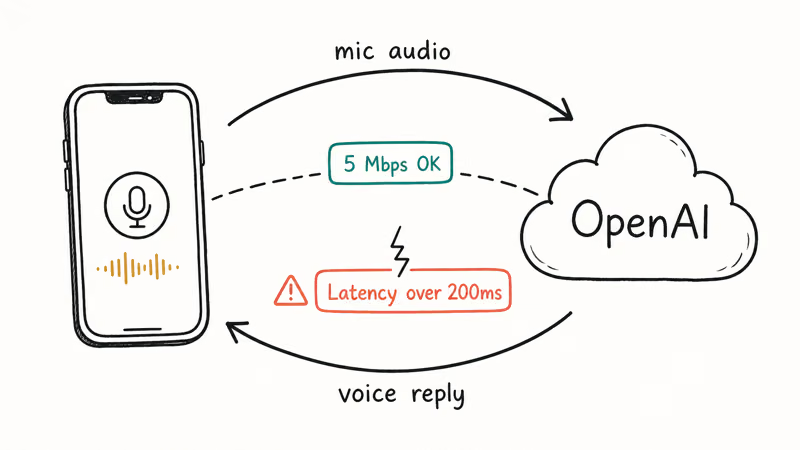
Voice Mode is more bandwidth-hungry than text chat. It sends a real-time audio stream to OpenAI’s servers and receives one back, so a weak or throttled connection causes it to fail where typing still works.
Switch from Wi-Fi to mobile data (or vice versa) and try again. If you’re on a VPN, turn it off temporarily. Some VPN servers route traffic through regions where Voice Mode has usage restrictions, which OpenAI’s servers enforce at the connection level.
Even a modest connection is usually enough. The real problem is latency, not raw speed. High latency causes audio drops and silent connection failures.
#Fix 5: Clear App Cache (Android) or Offload the App (iOS)
Corrupt cached data causes persistent Voice Mode failures that survive restarts. The symptom: voice works once, then fails every subsequent attempt in the same session.
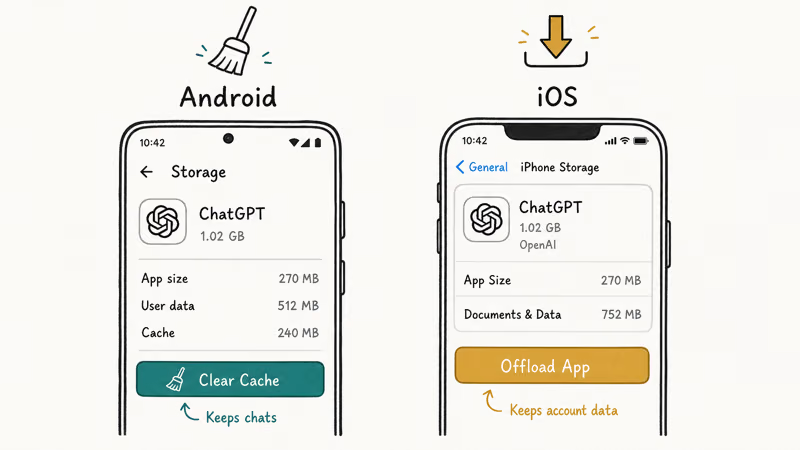
On Android: Go to Settings > Apps > ChatGPT > Storage > Clear Cache. This doesn’t log you out or delete your conversations. It just wipes the temporary files the app has built up.
On iPhone: Go to Settings > General > iPhone Storage > ChatGPT > Offload App. This removes the app binary but keeps your account data and app documents. Reinstall from the App Store. The process takes about 90 seconds and is less disruptive than a full uninstall.
On Android, clearing the cache often resolves a case where the Voice button loads indefinitely without ever connecting to OpenAI’s audio servers.
#Fix 6: Re-Grant Permissions After an iOS or Android Update
Major OS updates silently reset app permissions. If Voice Mode stopped right after a phone update, that’s the cause.
Apple’s privacy settings guide confirms that app microphone permissions can shift during iOS updates, particularly when privacy settings are migrated. Re-enabling ChatGPT under Settings > Privacy & Security > Microphone takes under 30 seconds. Apple’s support page explains how to manage per-app privacy settings. If your iPhone mic isn’t working in other apps too, check our iPhone microphone not working guide for a broader fix.
On Android, the same thing happens after major OS upgrades. Samsung One UI updates, in particular, sometimes reset app permissions as part of the upgrade process. According to Samsung’s app permission guide, per-app permissions reset to defaults during major One UI version upgrades. Many users don’t notice until an app stops working.
Check whether the issue started within a day or two of an update. A permission re-grant is all you need.
#Fix 7: Reinstall ChatGPT
If nothing else works, a full reinstall is your last resort. It clears every bit of local app state: cached settings, broken audio configurations, and stale session tokens. Then it forces a completely fresh download. This fixes issues that survive every other troubleshooting step.
Delete ChatGPT entirely. On iPhone, press and hold the icon and tap Remove App. On Android, press and hold and tap Uninstall.
Wait for the uninstall to complete, then reinstall from the App Store or Google Play. When you log back in, the app downloads the latest account configuration. This includes Voice Mode settings that may not have been applied cleanly to your existing install.
Your chat history is safe. It’s stored on OpenAI’s servers, not on your phone. The whole process takes about two minutes. Once it’s working, you can also use ChatGPT to study by asking questions out loud with Voice Mode.
If a reinstall caused your conversation history to go missing, that guide walks through how to recover archived chats and restore the history toggle.
#Does Voice Mode Work on the Web Version?
Yes. Voice Mode works at chatgpt.com in Chrome, Edge, and Safari on desktop. Tap the headphone icon on the right side of the chat input bar.
The first time you use it, your browser will ask for microphone permission. If you previously denied it, you’ll need to click the lock icon in the browser address bar, find Microphone, and change it from “Blocked” to “Allow.” Then refresh the page.
If you primarily use ChatGPT Projects for organized work, note that Voice Mode is available within projects. You don’t need to leave the project to have a voice conversation.
#Bottom Line
Start with microphone permissions (Fix 1) and an app update (Fix 2). Those two steps resolve Voice Mode for most people. If you’re on the free tier, upgrade to Plus. For Android users, clear the app cache (Fix 5) next.
A full reinstall (Fix 7) is the last resort. It takes about two minutes and works when nothing else does.
AI Tools Guide
#Frequently Asked Questions
Is ChatGPT Voice Mode free?
No. Voice Mode requires a paid subscription: ChatGPT Plus, Team, Pro, or Enterprise. Free accounts don’t have access to it. The Plus plan costs $20 per month and includes Voice Mode alongside other premium features like higher usage limits and priority access.
Why does my ChatGPT voice button keep disappearing?
The voice button typically disappears after an app update that wasn’t fully applied, or when OpenAI temporarily restricts access during a rollout.
Force-close the app, update it to the latest version, then reopen. If the button still doesn’t appear, log out and back in to refresh your account token.
Can I use ChatGPT Voice Mode without the app?
Yes. Voice Mode works at chatgpt.com in Chrome, Edge, and Safari on desktop.
You’ll need to grant microphone access to your browser the first time. The mobile browser version works, but the iOS and Android apps tend to be more reliable on a phone.
Why does ChatGPT Voice Mode keep cutting out mid-conversation?
Weak network or high latency. That’s almost always it.
Switch from Wi-Fi to mobile data or move closer to your router. Voice Mode streams audio in real time, so brief drops interrupt the session. High latency (over 200ms) causes choppy audio and can trigger silent failures where the mic looks active but never actually connects to the server.
Does ChatGPT Voice Mode work with AirPods?
Yes. AirPods work well with ChatGPT Voice Mode and use the same microphone permission path as any Bluetooth headphone. The ChatGPT app uses whichever audio input your phone has selected.
If your AirPods aren’t being picked up as the mic, disconnect and reconnect them, then reopen the ChatGPT app.
Why is my mic working in other apps but not ChatGPT?
Per-app permission reset. That’s the cause in almost every case.
Go to Settings > Privacy & Security > Microphone on iOS, or Settings > Apps > ChatGPT > Permissions on Android. Confirm microphone is enabled specifically for ChatGPT.
How do I know if ChatGPT Voice Mode is down for everyone?
Check OpenAI’s status page for real-time service outage information. If Voice Mode is failing across accounts, it will show up there as an active incident. You can also check the OpenAI community forums where users report widespread issues quickly. If it’s only your account, the fixes above should resolve it.
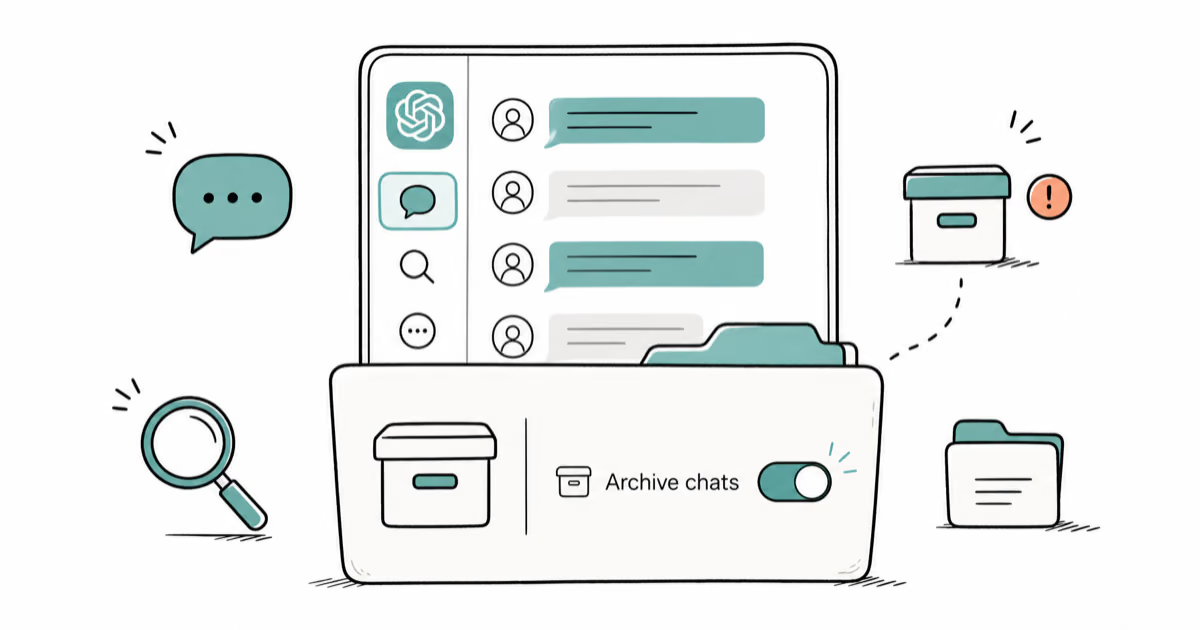
ChatGPT Conversation History Missing? How to Get It Back
ChatGPT conversation history missing? Fix it fast with these proven steps: check archived chats, re-enable data controls, verify your account, and more.
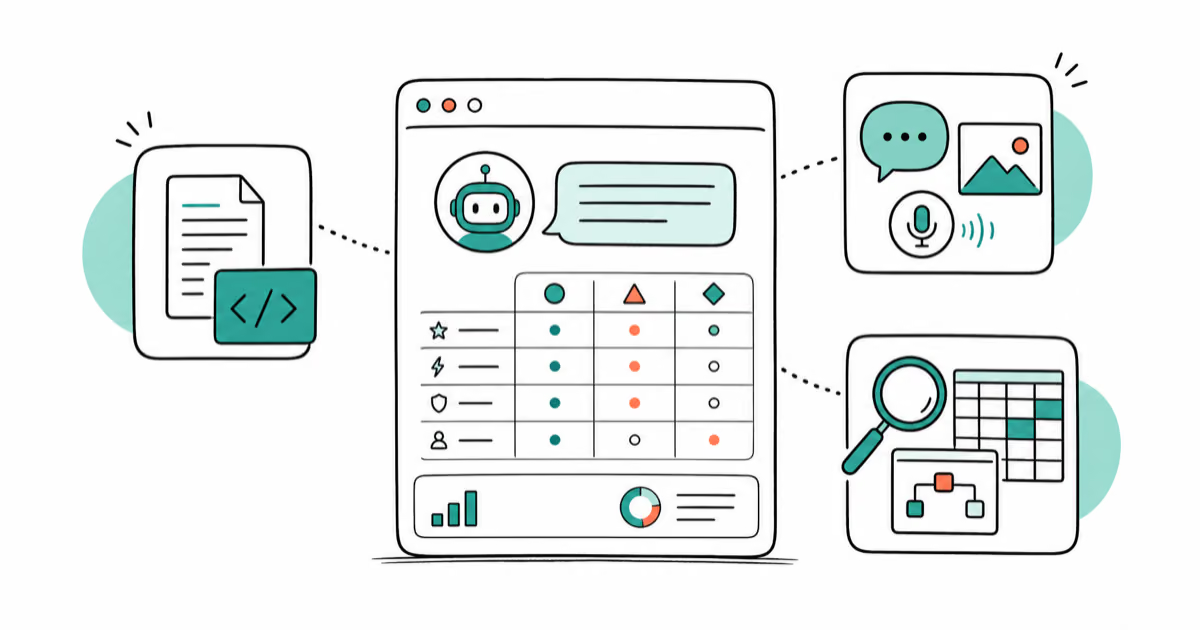
ChatGPT vs Claude vs Gemini: Which AI to Use in 2026
ChatGPT vs Claude vs Gemini compared side-by-side for writing, coding, research, and everyday tasks. Find out which AI to use and when in 2026.

Claude vs ChatGPT for Writing: Which AI Is Better?
Claude wins on tone and long-form coherence. ChatGPT is faster for brainstorming and short copy. A side-by-side comparison for writers in 2026.
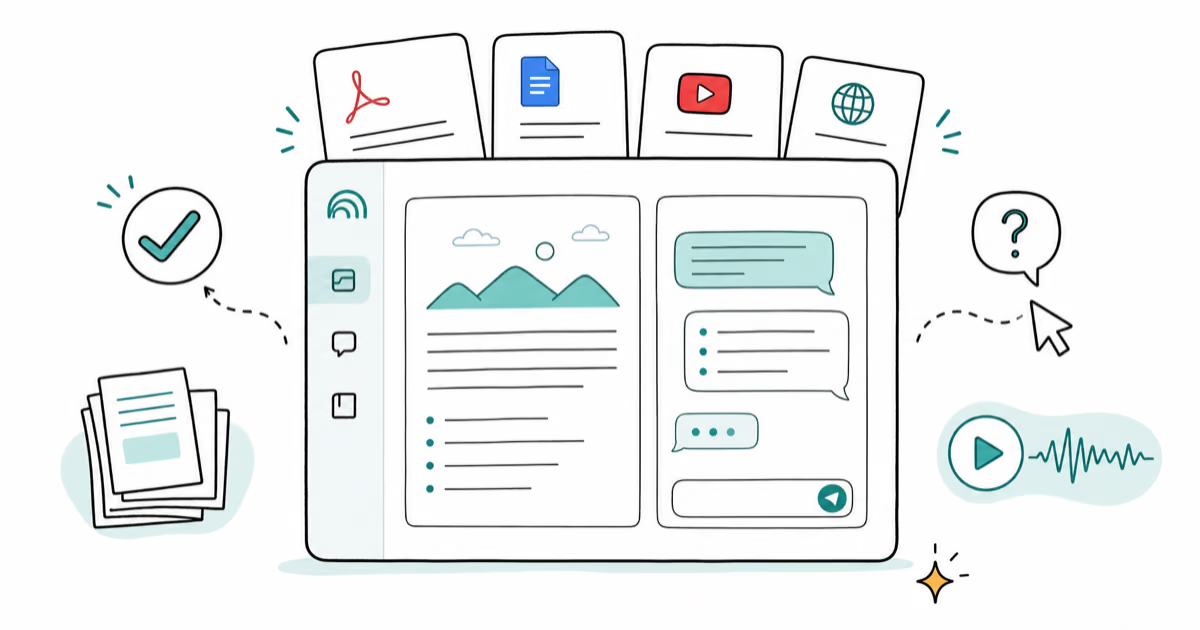
How to Use NotebookLM: Guide to Sources and Audio Overviews
Learn to use NotebookLM: upload sources, ask citation-backed questions, and generate Audio Overviews. Practical guide for students and researchers.