Best GPS Tracker Apps: Legal Methods and Privacy Tips
Find your lost phone or share locations safely with legal GPS tracker apps. Covers Find My, Life360, Google Family Link, and unwanted tracking detection.
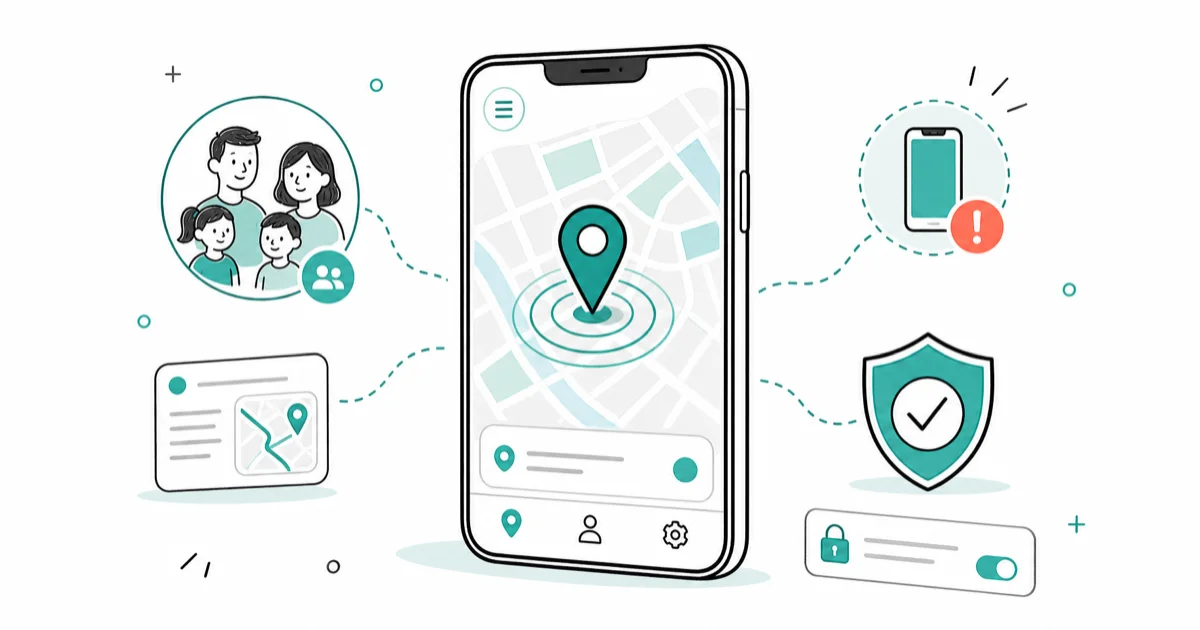
Quick AnswerThe best GPS tracker apps for legitimate use are Find My (Apple), Google Find Hub, and Life360. These tools help you locate your own lost phone, share locations with family members who consent, and monitor your children with their awareness.
Your phone has built-in GPS tracking tools that work right now. Apple’s Find My and Google’s Find Hub can locate your own lost or stolen phone in seconds, and family location-sharing apps like Life360 let everyone in your household stay connected with full consent.
There are plenty of GPS tracking methods across iPhone and Android, but only a handful work well for everyday use. This guide covers only legal, consent-based tracking options for finding lost devices, family safety, and parental monitoring.
- Find My (Apple) and Find Hub (Google) locate your own phone for free, even offline
- Life360 and Apple Family Sharing share family locations, but every person must opt in
- Google Family Link and FamiSafe are transparent parental tools for children under 13
- Tracking an adult’s phone without consent is a federal crime under the CFAA and ECPA
- Suspect unwanted tracking?
Check Settings>Privacy>Location Services forunfamiliar apps
#Built-in Phone Locators You Already Have
Every modern smartphone ships with a free GPS tracking tool. No downloads needed.
Apple Find My works across Apple devices signed into the same Apple Account. Apple’s Find My setup page explains how to turn on Find My, Find My network, and Send Last Location. On a supported iPhone, Apple’s current iPhone guide confirms that Find My network can keep it locatable for up to 24 hours after it’s turned off.
Google Find Hub does the same thing for Android phones. Go to android.com/find from any browser and sign in with your Google account. You can ring your phone at full volume (even on silent), lock it, or erase all data. On a modern phone, the location typically updates within seconds.
Both tools are free and only work for devices signed into your own account. That’s the key point.
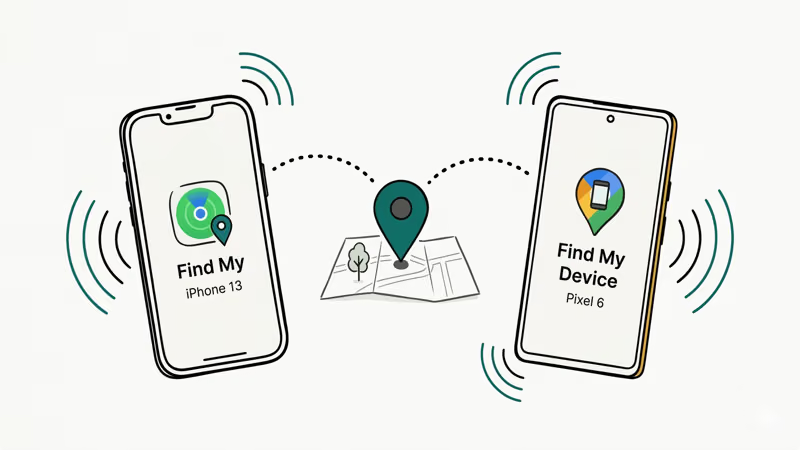
#What About Offline Tracking?
Apple’s Find My network uses nearby Apple devices to relay a lost device’s Bluetooth signal. Google’s Find Hub documentation states that Android devices participate in a crowdsourced network using end-to-end encrypted location information. Actual accuracy varies; Google says its GPS estimate can be accurate to around 20 meters and may be less accurate inside buildings or underground.
#Is It Legal to Track Someone’s Phone?
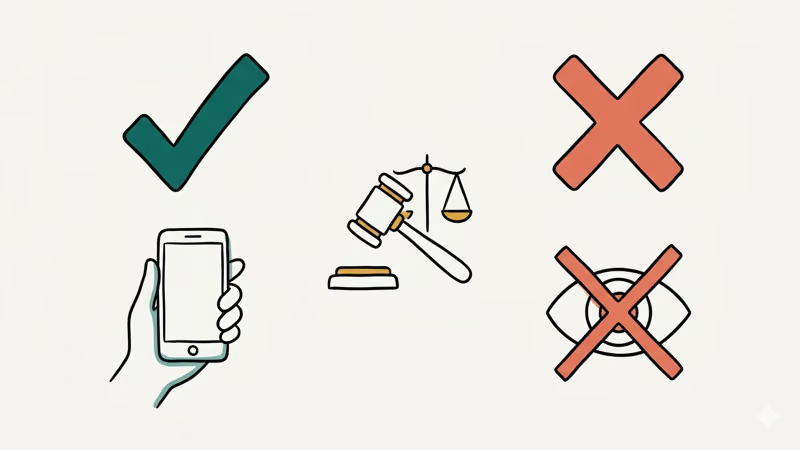
You can track your own device freely. Tracking another adult’s device without their explicit consent is illegal.
In the United States, the Computer Fraud and Abuse Act (CFAA) makes it a federal crime to access someone’s device or account without authorization. The Electronic Communications Privacy Act (ECPA) prohibits intercepting electronic communications. State laws vary, but most have stalking statutes that specifically cover GPS tracking.
What’s legal: locating your own lost or stolen phone, parents monitoring minor children (under 18) with parental control tools, employers tracking company-owned devices with written employee consent, and family location sharing where every member actively opts in.
What’s not legal: installing tracking software on another adult’s phone, accessing someone’s account to view their location, or monitoring anyone who hasn’t consented.
Penalties are not theoretical. The CFAA sets different maximum sentences depending on the offense, resulting harm, and prior convictions; it isn’t a single five-year rule. State stalking laws may add separate charges when someone installs tracking apps on a partner’s phone.
#Family Location-Sharing Apps That Require Consent
These apps let families share locations voluntarily. Everyone opts in.
#Life360
Life360 has over 66 million monthly users. Everyone in your “Circle” must download the app and accept an invitation themselves.
The free tier includes location sharing and place alerts. According to Life360’s current US plans, Silver is $9.99 per month with seven days of location history and crash detection; Gold is $16.99 with 30 days of history and roadside assistance; Platinum is $24.99 and adds more protection services.
#Apple Family Sharing
All-Apple households get this for free through Find My. Each family member accepts an invitation from their own Apple ID and can stop sharing at any time.
#Google Maps Location Sharing
Google Maps has a built-in location sharing feature. Open Google Maps > tap your profile picture > Location sharing > Share location. You pick who sees your location and for how long (1 hour, 3 hours, or until you turn it off). The other person gets a notification, so there’s no way to share without them knowing.
#Best Parental Monitoring Tools for Transparent Use
Parental monitoring is one of the few legal scenarios where you can track a minor’s device. But child psychologists and the American Academy of Pediatrics recommend transparency: tell your kids you’re using these tools and explain why.
#Google Family Link
Google Family Link is free and built into Android. It lets parents see their child’s device location, set screen time limits, approve app downloads, and filter content. The child sees a Family Link icon on their phone, so they know monitoring is active. Setup takes about 5 minutes.
#FamiSafe by Wondershare
FamiSafe’s current family pricing lists the monthly plan at $9.99. Its quarterly plan is $19.99, equivalent to $6.66 per month, and both renew automatically.
Geo-fence alerts trigger soon after a device crosses the boundary, and the battery impact stays modest. Unlike hidden tools, FamiSafe shows a visible icon on the child’s device so there’s no deception involved.
#Apple Screen Time
Screen Time is built into every iPhone and iPad. Go to Settings > Screen Time to set it up. Free.
#How to Detect if a Tracking App Is on Your Phone
If you’re worried someone installed a tracking app on your phone without your knowledge, here’s how to check. Most articles about GPS tracking skip this entirely, but knowing how to protect yourself from unauthorized tracking is just as important as knowing how to find your own lost device.
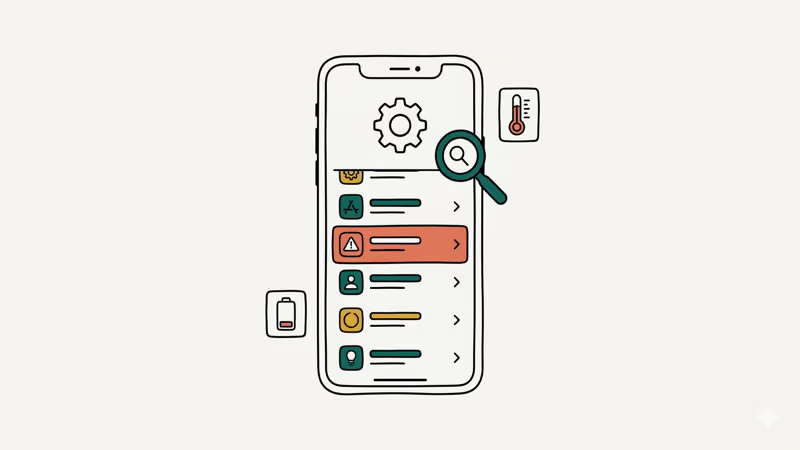
#Signs Your Phone May Have Unwanted Tracking Software
- Battery draining faster than usual (tracking apps use GPS and data constantly)
- Unexplained data usage spikes in your cellular settings
- Your phone feels warm even when you’re not using it
- Unfamiliar apps appear in your app list or running processes
- Your phone takes longer to shut down (some apps transmit data during shutdown)
#How to Check on iPhone
Check Settings > Privacy & Security > Location Services for apps with “Always” permission. Then check Settings > General > VPN & Device Management.
When in doubt, back up your data and do a factory reset.
#How to Check on Android
Go to Settings > Apps > See all apps and look for generic names like “System Service.” Then check Settings > Location > App location permissions for “Allow all the time” entries.
Also check Settings > Biometrics and Security > Device Admin Apps for unknown entries.
According to Malwarebytes’ research, antivirus apps like Malwarebytes or Bitdefender can detect most commercial stalkerware.
If you find tracking software you didn’t install, take screenshots for evidence and remove it. Contact local law enforcement if needed. The National Domestic Violence Hotline (1-800-799-7233) provides support for people in unsafe situations.
#Can You Track a Lost Phone Without an App?
Yes. No extra app needed if Find My or Find Hub is already linked to your account.
For iPhones, go to iCloud.com/find from any browser. Sign in with your Apple ID, and your device appears on the map. You can also ask a friend with an iPhone to open the Find My app and tap “Help a Friend” at the bottom of the Me tab.
For Android, go to android.com/find and sign in with your Google account. Done.
If your phone is powered off, both services show the last known location. Apple’s Find My Network can sometimes locate powered-off iPhones if other Apple devices are nearby. For more methods, check our guide on how to track a lost phone.
Your carrier may offer device-location assistance or its own tracking tools. Ask support what’s available.
#Bottom Line
Start with the free tools on your phone. Find My and Find Hub cover the core tasks of locating, ringing, locking, or erasing your own device.
For family location sharing, Life360 or Apple Family Sharing work well when everyone agrees to participate. For parental monitoring, Google Family Link and Apple Screen Time are free, transparent, and built into the OS.
Skip any app that promises “undetectable” or “stealth mode” tracking. Those are illegal, and using them risks federal criminal charges. If you suspect someone is tracking your phone without your consent, check your location permissions and do a factory reset.
For family location by number with mutual opt-in, see consent-based ways to track a phone by number.
#Frequently Asked Questions
Is there a free GPS tracking app for my own phone?
Yes. Find My (Apple) and Find Hub (Google) are free and pre-installed. They locate, ring, lock, or erase your own device from any browser.
Can I track my child’s phone legally?
Parents can legally monitor minor children’s devices in all 50 US states. Google Family Link (free, Android) and Apple Screen Time (free, iOS) are the recommended tools. Child development experts suggest telling your child about the monitoring rather than hiding it, as transparency builds trust and teaches healthy digital habits early.
What should I do if I find a tracking app on my phone?
Take screenshots for documentation, then remove the app. Change all your passwords, especially your Apple ID or Google account password. If you feel unsafe, call the National Domestic Violence Hotline at 1-800-799-7233.
Does airplane mode stop GPS tracking?
Airplane mode disables cellular and Wi-Fi connections, which prevents your phone from transmitting its location to tracking services. However, the GPS chip itself can still function, and Apple’s Find My Network on newer iPhones may still work in limited cases. For more details, see our guide on airplane mode and GPS.
How accurate are phone GPS tracker apps?
Google says GPS-based estimates can be accurate to around 20 meters, while buildings and underground locations may reduce accuracy. Wi-Fi and cell towers can also contribute to an estimate, so treat the map radius as a confidence range rather than an exact spot.
Can someone track my phone without installing an app?
Not directly. But if someone has your Apple ID or Google account credentials, they can see your location through iCloud.com or google.com/android/find. Enable two-factor authentication on both accounts to prevent this.
Do I need consent to share my location with family?
Yes. Every legitimate family location-sharing app (Life360, Apple Family Sharing, Google Maps) requires each person to actively opt in. Nobody can be added without their knowledge.
How can I stop someone from tracking my location?
Open Settings > Privacy & Security > Location Services (iPhone) or Settings > Location (Android). Review which apps have location access and turn off sharing for anything you don’t recognize. You can also disable “Share My Location” entirely in your device settings, which cuts off all apps at once. For a deeper look, check our guide on detecting spyware on your phone.

Is This Bank App Real? Spot a Fake App on Your Home Screen
A bank app can land on your home screen from a web page with no install warning. Learn the checks that tell a real banking app from a phishing web app.
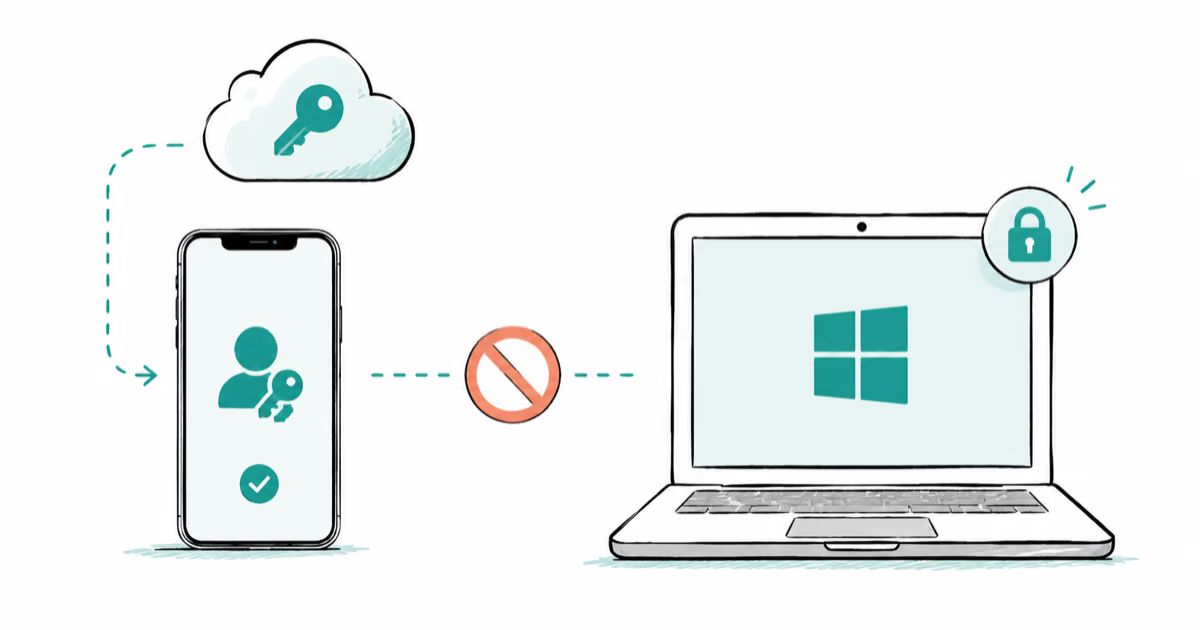
Passkeys Not Syncing Between iPhone and Windows? Read This
Passkeys not syncing between iPhone and Windows is by design, not a bug. Here is why iCloud passkeys skip Windows Hello and the three ways to fix it.
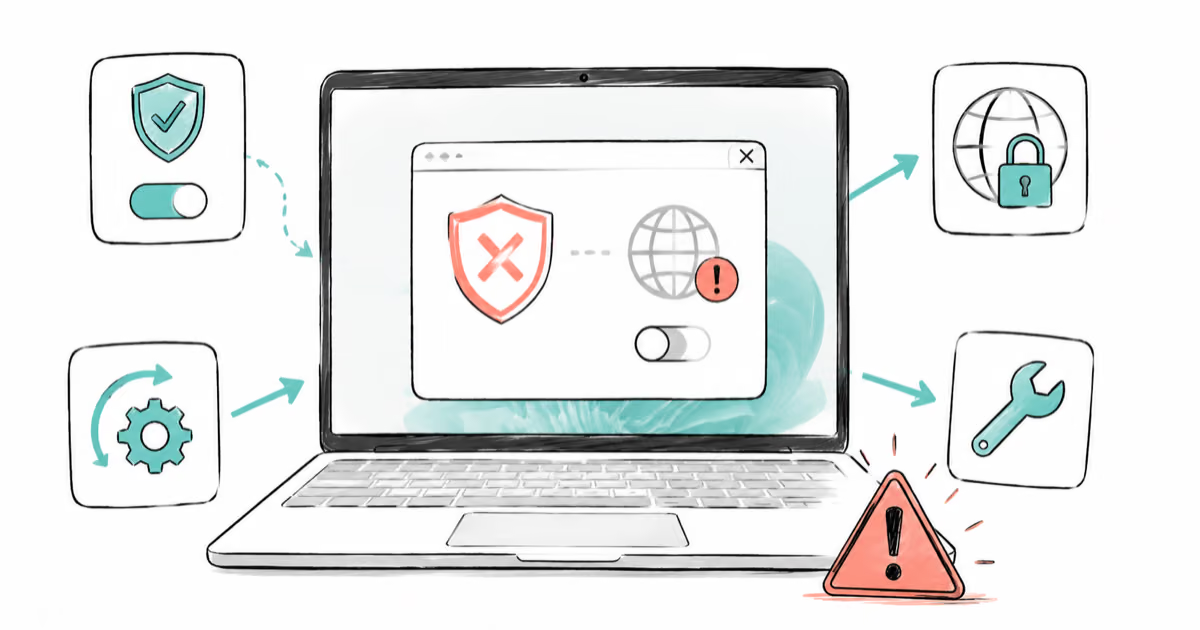
VPN Not Working on Snapdragon X? Why It Fails, How to Fix
Your VPN won't install or connect on a Snapdragon X Copilot Plus PC because Windows on ARM can't emulate the network driver. Here are the fixes that work.
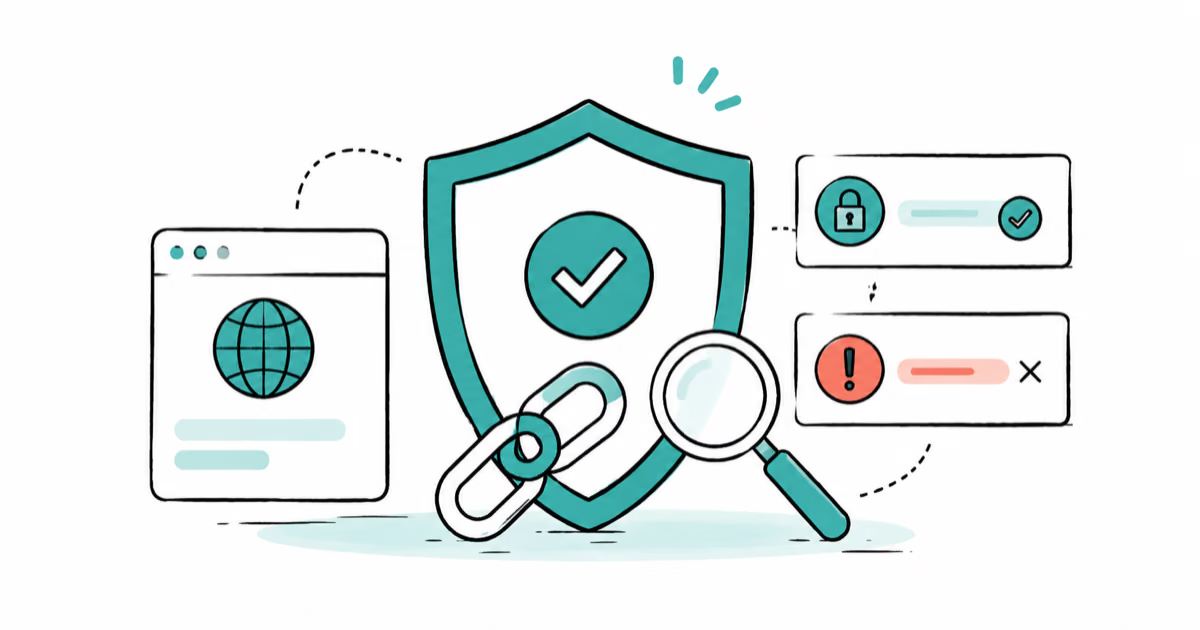
How to Check If a Link Is Safe Before You Click It
Learn how to check if a link is safe with official-first steps: read the real domain, use the app instead, and treat scanners as a second opinion only.