How to Track a Stolen Phone by IMEI Number for Free
Track a lost phone using its IMEI, your carrier, a police report, and built-in tools. Covers Android and iPhone; IMEI persists after a SIM swap.
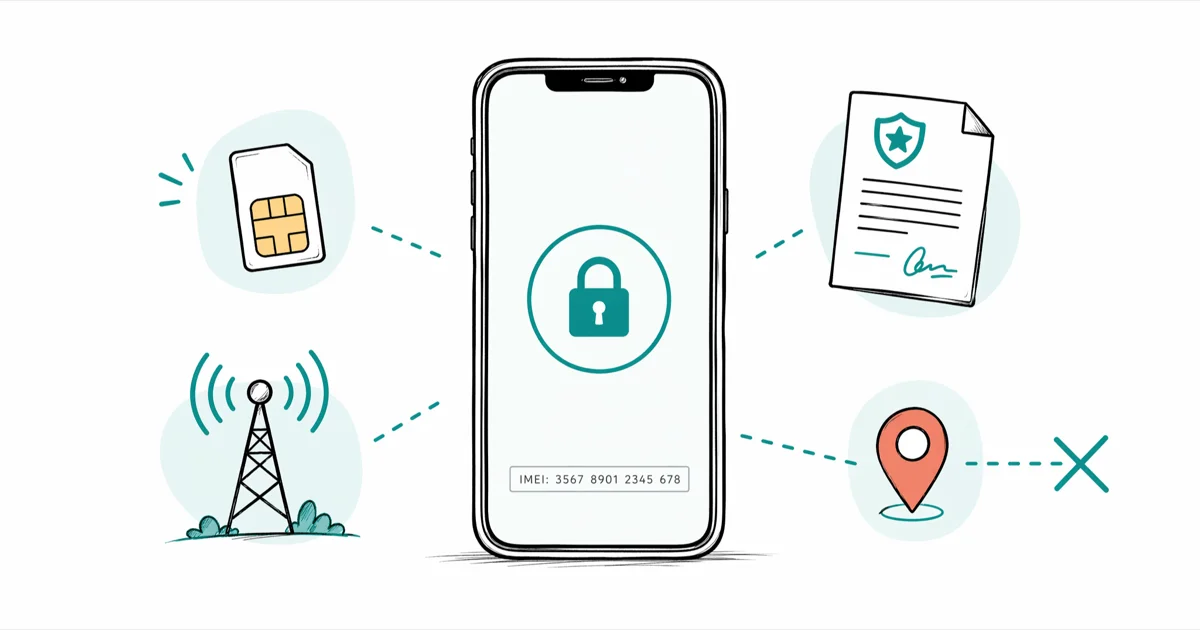
Quick AnswerContact your carrier with the phone's IMEI and file a police report. The carrier can block it on its network and share the status with participating registries; consumers can't track GPS location from the IMEI alone.
An IMEI is a 15-digit hardware code that stays with the device after a SIM swap. It supports carrier blocking, not consumer GPS tracking, so use Find My or Find Hub first. Then call your carrier and file a police report for a device or account you own.
- IMEI is a 15-digit hardware ID found on your box, under Settings, or by dialing *#06#
- Carriers can block your IMEI on their network and share the status with participating registries
- Law enforcement may request carrier records through the appropriate legal process; consumers can’t
- Find Hub and Find My give real-time GPS tracking, independent of IMEI
- Free websites claiming to track any phone by IMEI don’t access carrier data. They’re not accurate.
#What Does an IMEI Number Actually Do?
IMEI stands for International Mobile Equipment Identity. It’s a 15-digit number tied to the hardware, not the SIM card. When someone swaps the SIM, the IMEI stays with the device.
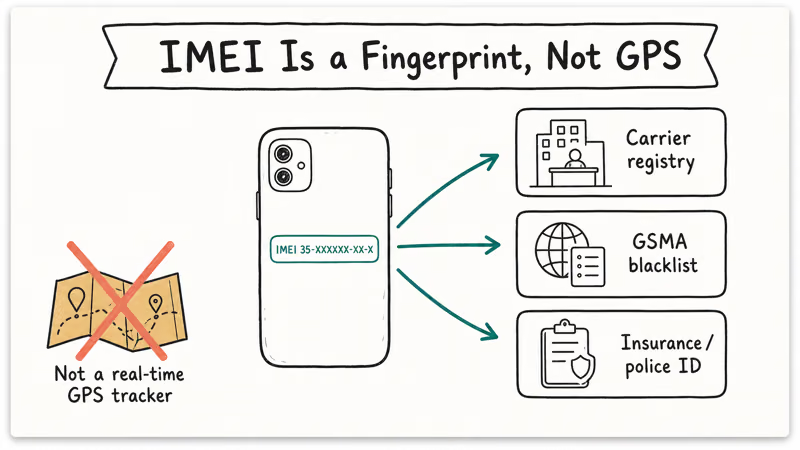
When your phone connects to a cellular network, it identifies the device to the carrier. Carriers can use that identifier for network access and blocking, while consumers don’t have direct access to carrier location records.
You can find your IMEI in three ways:
- Dial *#06# on any phone — it appears immediately
- Go to
Settings>General>About(iPhone) orSettings>Aboutphone (Android) - Check the original box or the SIM card tray area on older devices
Write it down and store it somewhere separate from your phone. Most people only look for it after the phone is already gone.
#IMEI Tracking Without Police: What’s Actually Possible
Not much. The number itself doesn’t broadcast GPS coordinates. Consumers can’t use an IMEI lookup site to access carrier location records; lawful access depends on the jurisdiction and request.
Free websites claiming to track any phone’s location using just the IMEI aren’t accurate. Sites like these rarely return anything beyond a country-level guess such as “United States.” They typically generate a general region based on carrier coverage area. Not the device’s actual position.
What IMEI can do without police:
- Blacklisting: Your carrier flags the IMEI and may share that status with participating networks
- Proof of ownership: Useful for insurance claims or when working with law enforcement
- GSMA device check: The GSMA’s Device Check database lets you verify if a device is reported stolen before buying a used phone
According to GSMA’s Device Registry documentation, participants can report stolen IMEIs and share block lists to help prevent connections on other participating networks.
#What to Do Immediately After Losing Your Phone
Speed matters because powering off or resetting a phone can interrupt consumer tracking. Start with the built-in location service immediately.
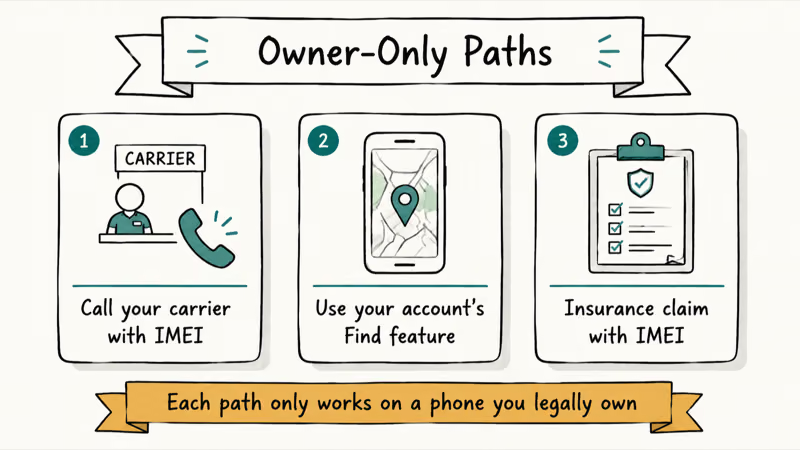
Step 1: Use built-in tracking first
Before anything else, try Find Hub (Android) or Find My (iPhone). These give you GPS-accurate real-time location if the phone is on and connected to data. Both work even if a new SIM is inserted, as long as the phone hasn’t been factory reset.
Check our full walkthrough in the how to track a lost phone guide for both platforms.
- Android: Go to android.com/find and sign in with your Google account
- iPhone: Go to icloud.com/find and sign in with your Apple ID
According to Google’s Find Hub support page, the service can show the device’s last known location even if it’s currently offline. That’s important: even if someone powers the phone down right after stealing it, the last location is still logged in your Google account. Check it immediately.
Step 2: Call your carrier
Have your IMEI ready. Ask the carrier to mark the device lost or stolen, block it on the carrier’s network, and log the request. Keep the case number.
Step 3: File a police report
Bring your IMEI number, the carrier case number, and any last-known location from your tracking app. The report creates an official record for carrier, insurance, and lawful follow-up.
Step 4: Report to your insurance provider
Report the loss promptly if you have phone insurance. Follow your policy’s deadline and provide the police report number if the insurer requests it.
#Android’s Find Hub and the Role of IMEI
Android’s Find Hub uses your Google account, the phone’s GPS, Wi-Fi, and cellular radio to determine location. IMEI isn’t involved in the consumer-facing part of the service.
Four things Find Hub can do: show the phone’s last known location on a map, play a sound for nearby misplacement, lock the device with a new PIN, and erase it remotely. The map feature is the most useful for stolen devices.
For iPhone owners, the Find My iPhone checker guide covers the equivalent Apple options. On supported Android phones, Remote Lock can show a custom callback message on the lock screen.
According to Google’s support documentation, current locations need power and a network connection.
#How to Check If a Used Phone Is Blacklisted by IMEI
If you’re buying a used phone, checking the IMEI is non-negotiable. Participating carriers may reject service for a device that their registry marks lost or stolen.
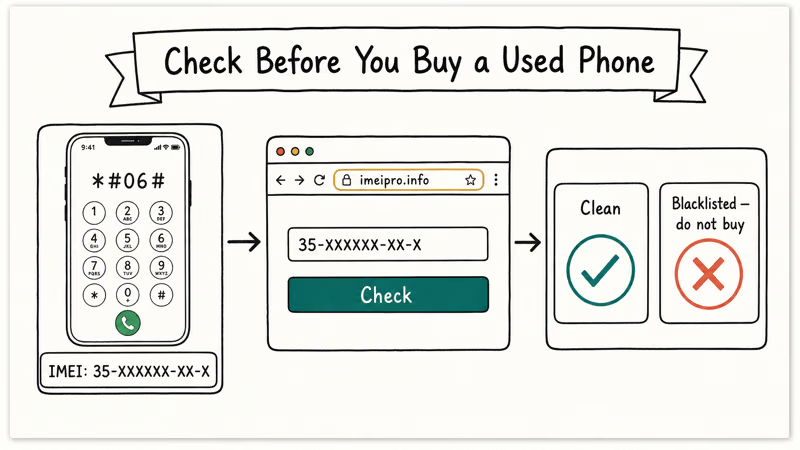
Three ways to check:
- Dial *#06# on the phone to get the IMEI, then visit CTIA’s Stolen Phone Checker, a free tool maintained by the wireless industry
- Ask the carrier directly: most carrier stores will run an IMEI check while you wait
- Check the GSMA database: the international registry used by participating operators
CTIA, the trade group representing the US wireless industry, runs that checker alongside GSMA’s Device Check registry. Participating carriers can share lost or stolen status, but implementation and timing vary.
Running this check before paying can save you from buying a device that won’t work on participating networks.
#What Happens After You Report a Stolen Phone?
After checking Find My or Find Hub, call your carrier and file the police report. The carrier can add the IMEI to its blocked list and share that status through participating industry databases, but there is no universal completion window.
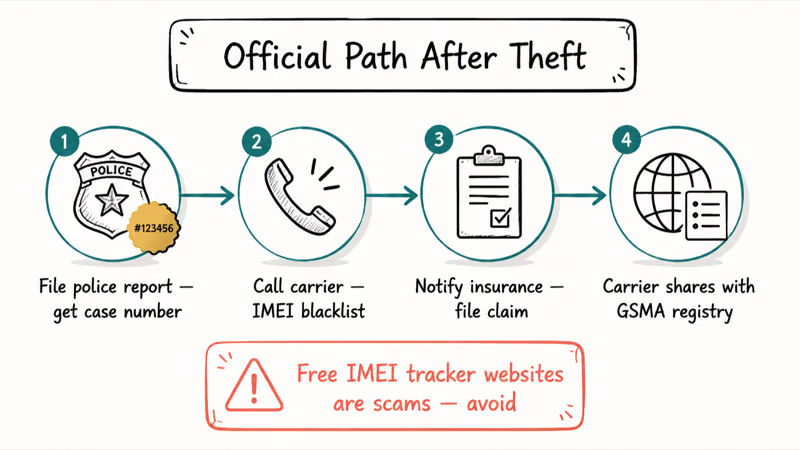
International coverage depends on GSMA participation and each carrier’s implementation.
Law enforcement access to carrier records depends on the applicable legal process. It isn’t a guaranteed recovery path.
If the phone is turned on with data access, the built-in tracking apps are still your fastest option. IMEI reporting is more about protecting the device from being resold and supporting a potential insurance claim. If the phone is already off, see our guide on how to locate a phone that’s turned off.
Also useful: track someone’s location via text message covers how family safety apps work as a proactive alternative to post-theft recovery. And tracking a cell phone location online covers the digital tools available from any browser.
#Bottom Line
An IMEI report supports carrier blocking; it isn’t a real-time GPS solution. Use Find My or Find Hub first, then call your carrier with the IMEI and file a police report. Any request for carrier location records is a separate legal process.
If you’re buying a used phone, run a free IMEI check through CTIA’s tool before handing over money.
#Frequently Asked Questions
Can I track my phone’s location using just the IMEI number?
Not accurately. IMEI doesn’t transmit GPS coordinates, and consumers can’t use it to retrieve carrier location records. Free websites claiming to locate any phone by IMEI aren’t accurate. Use Find Hub or Find My for real-time GPS tracking.
How do I find my IMEI number if my phone is already lost?
Check the original box, purchase receipt, or carrier account. Some Apple or Google account device pages also show the IMEI, depending on the device registration and details available.
Does IMEI blocking still apply after someone changes the SIM?
The hardware IMEI stays the same after a SIM change, so the carrier’s block can still apply. That doesn’t give you consumer location tracking.
How long does it take for a carrier to block a stolen phone’s IMEI?
Timing varies by carrier. The carrier first blocks the IMEI on its own network, then shares the status with participating industry databases. International blacklisting varies by country and registry participation.
Is there a free way to check if a phone’s IMEI is blacklisted?
Yes. Visit stolenphonechecker.org or ask the carrier to check the IMEI before you buy the phone.
What information do I need before calling my carrier about a stolen phone?
IMEI number, account PIN, phone number, and device make/model. That’s it.
Can police actually recover a stolen phone using the IMEI?
Sometimes. Law enforcement may be able to request relevant carrier records through the appropriate legal process. Find Hub or Find My can provide a more precise last-known location when the service is available, but recovery depends on the circumstances and jurisdiction.
Should I try to retrieve my stolen phone myself using the IMEI location?
No. Even if you have a general location, attempting to retrieve a stolen phone yourself is dangerous. Provide the location information to police and let them handle recovery. Use the remote lock and remote wipe features through your Google or Apple account to protect your data in the meantime.

Is This Bank App Real? Spot a Fake App on Your Home Screen
A bank app can land on your home screen from a web page with no install warning. Learn the checks that tell a real banking app from a phishing web app.
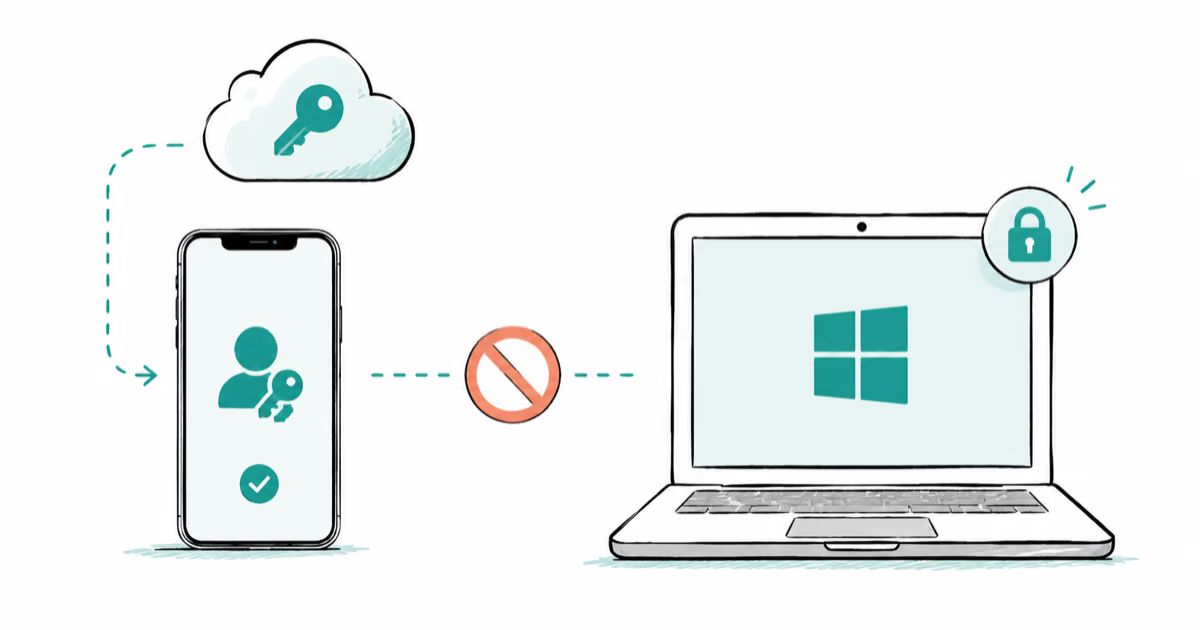
Passkeys Not Syncing Between iPhone and Windows? Read This
Passkeys not syncing between iPhone and Windows is by design, not a bug. Here is why iCloud passkeys skip Windows Hello and the three ways to fix it.
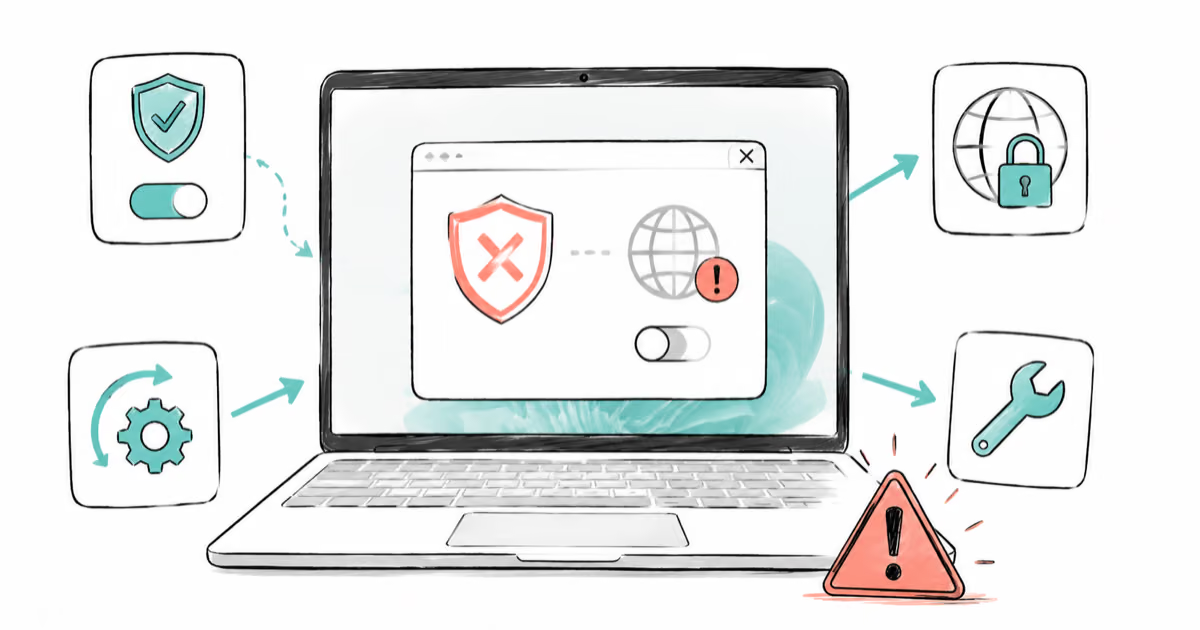
VPN Not Working on Snapdragon X? Why It Fails, How to Fix
Your VPN won't install or connect on a Snapdragon X Copilot Plus PC because Windows on ARM can't emulate the network driver. Here are the fixes that work.
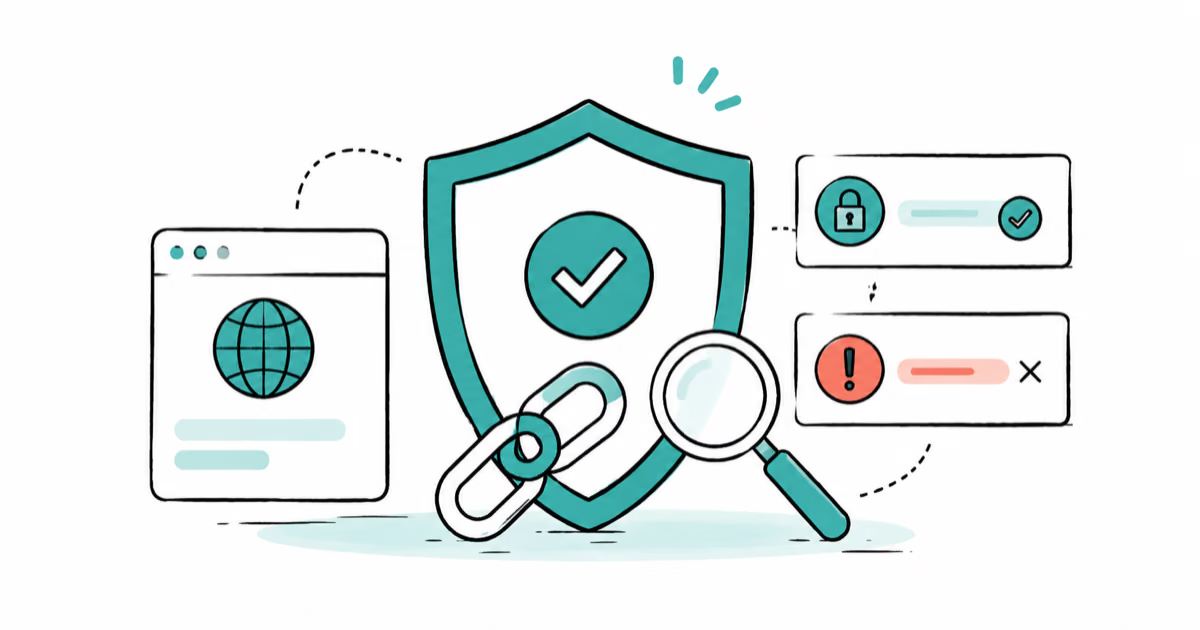
How to Check If a Link Is Safe Before You Click It
Learn how to check if a link is safe with official-first steps: read the real domain, use the app instead, and treat scanners as a second opinion only.