Albviral FRP Android 8: What It Is and Why to Avoid It
Albviral targets Factory Reset Protection on Android 8. Learn why that weakens an anti-theft lock and use official account recovery instead.
Quick AnswerAlbviral FRP Android 8 is an unofficial tool that claims to bypass Google Factory Reset Protection. Don’t use it; recover the original Google account or ask the manufacturer to verify ownership instead.
Albviral FRP Android 8 is an unofficial tool promoted as a way around Google’s Factory Reset Protection.
- Factory Reset Protection stops an erased phone from being activated by someone who can’t prove prior access
- Albviral isn’t an official Google or phone-maker recovery method
- Don’t enter Google credentials into an unverified unlock package
- Recover an account that was previously added and synced to the phone
- If account recovery fails, bring proof of purchase to the manufacturer or an authorized service center
Only use the recovery paths below for your own phone or one you’re explicitly authorized to service. This page doesn’t provide bypass instructions or downloads. Defeating a security lock on someone else’s device can expose their data and may violate computer-access and privacy laws.
#What Is Albviral FRP Android 8?
Albviral is a third-party package that claims to get an Android 8 device past the Google verification screen after a factory reset. It isn’t published or supported by Google, and we couldn’t verify a trustworthy publisher, support policy, or current official download.
A factory reset erases local user data, but it doesn’t make protected hardware unclaimed.
#Why FRP Is an Anti-Theft Boundary
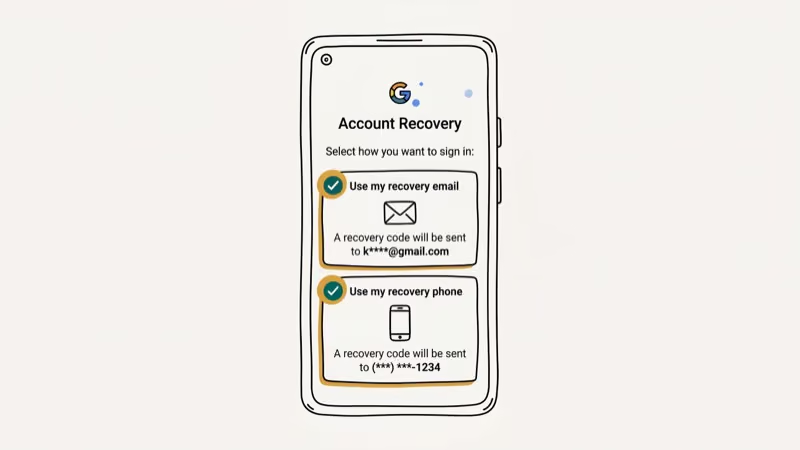
According to Google’s device-protection guidance, a protected phone that is reset without permission can be used only by someone who knows its screen lock or a Google account previously added to it. Google also states that setup won’t continue if the user can’t provide that information.
That is the security purpose Albviral claims to defeat. Ownership language on a bypass site doesn’t make the mechanism safe, and possession of a phone isn’t the same as authorization to unlock it.
#Risks of Albviral and Similar Packages
Don’t trust the package with credentials. A tool that asks you to weaken device security and then enter account details creates no reliable way to know where those details go.
The old article also said installing apps from outside Google Play bypassed Android’s malware protections entirely. That was inaccurate. According to Google Play Protect Help, Play Protect checks potentially harmful apps from other sources and may ask to send unknown apps to Google.
That scan doesn’t prove an unverified package is safe.
Don’t create a disposable Google account for a bypass or submit a verification code to an unlock seller.
If you already entered credentials, act now. Remove the package, then use a trusted device to secure your Google account. Change the password, sign out unfamiliar sessions, and replace any recovery details you don’t recognize.
#How Can the Owner Recover an FRP-Locked Phone?
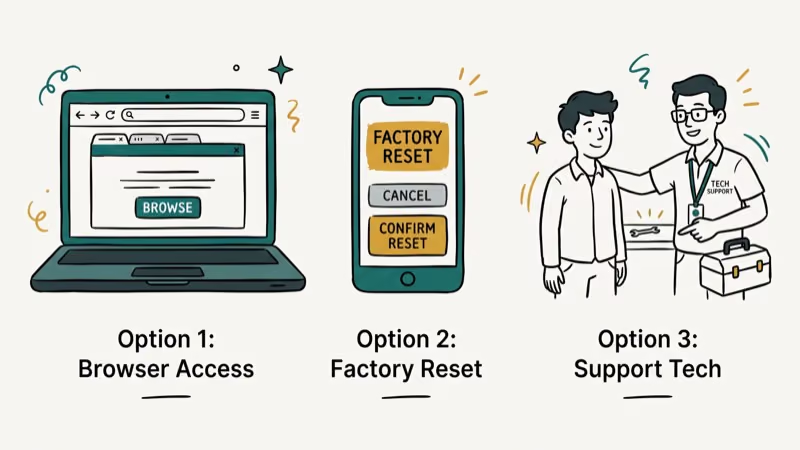
Start with account recovery. Use the Google account that was on the phone before it was reset.
- Open Google’s account recovery page on a different, trusted device.
- Recover the email address or password for an account previously added and synced to the locked phone.
- Return to Android setup and use that recovered account when Google asks for ownership verification.
Google’s account recovery instructions cover forgotten passwords, forgotten usernames, and missing verification codes. Our Google account recovery after a factory reset guide explains how to prepare without weakening FRP.
Bring proof of ownership. If self-service recovery fails, contact the phone maker or an authorized service center. Take the purchase receipt, carrier invoice, photo ID, and the device’s IMEI if requested. Requirements vary by manufacturer and country, and proof of purchase doesn’t guarantee removal. Our Samsung recovery guide explains the backup and repair options for Galaxy owners.
Google’s locked-device guidance says that a phone you can’t unlock must be erased before you set it up again.
Only backups can restore the erased data, and the old lock information may still be required. Check our Android backup and restore guide before erasing a phone you can still access.
#A Used Phone Still Tied to the Seller
For a secondhand phone, stop setup.
Ask the seller to recover their own Google account and properly remove it from the phone, or return the device for a refund. Never ask the seller to send you a password or one-time verification code.
If the seller disappears, open a marketplace or payment dispute.
Save the listing, messages, receipt, and IMEI. A phone that can’t be separated from the previous owner’s account may be lost or stolen, so an unlock package is the wrong response.
#Preventing FRP Lockouts
Before a handoff, remove your account.
Do this in Settings while you can still unlock the device. Google’s device-protection page states that removing the Google account turns off that protection. Then run the factory reset from Settings.
Keep your recovery details current. Our FRP handoff guide covers the owner-authorized sequence before a reset.
#Bottom Line
Don’t use Albviral to get around FRP. Recover a Google account that was previously synced to the phone, return a seller-locked device, or take proof of ownership to the manufacturer.
FRP bypass
#Frequently Asked Questions
Is Albviral FRP Android 8 safe?
No trustworthy source establishes that it’s safe. It isn’t an official Google recovery tool, and an unverified package shouldn’t receive your account password or verification code.
Why does Android ask for the old Google account after a reset?
FRP is designed to stop someone from erasing a phone and activating it without the prior owner’s credentials. Google accepts an account that was previously added and synced to the device, not any newly created Gmail account.
Can a factory reset remove FRP?
No. A reset triggers the ownership check on a protected device. It also erases local data, so repeating the reset doesn’t create a data-preserving recovery path.
What if I forgot the email address on the phone?
Use Google’s username and account recovery options from a trusted device. Details such as your recovery phone, recovery email, and a familiar sign-in location can help Google verify the account.
Can a service center remove the lock with a receipt?
The service center must decide. Bring the original receipt or carrier invoice and photo ID, but confirm its local ownership requirements before traveling.
What should I do with a secondhand FRP-locked phone?
Ask the seller to remove their account or accept a return. If they won’t help, use the marketplace dispute process and keep the IMEI and transaction records as evidence.
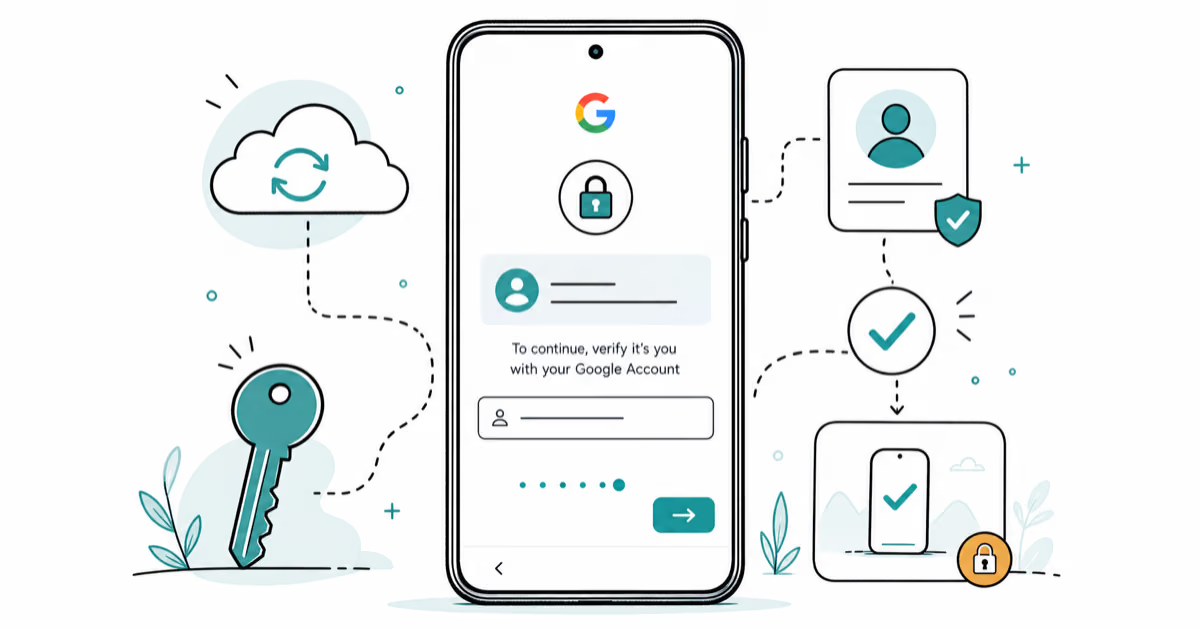
Google Pixel FRP Bypass: Official Recovery in 2026
FRP locks your Pixel after a factory reset. Start with Google Account Recovery for your own device. Here is what works on Pixel 4a and later in 2026.
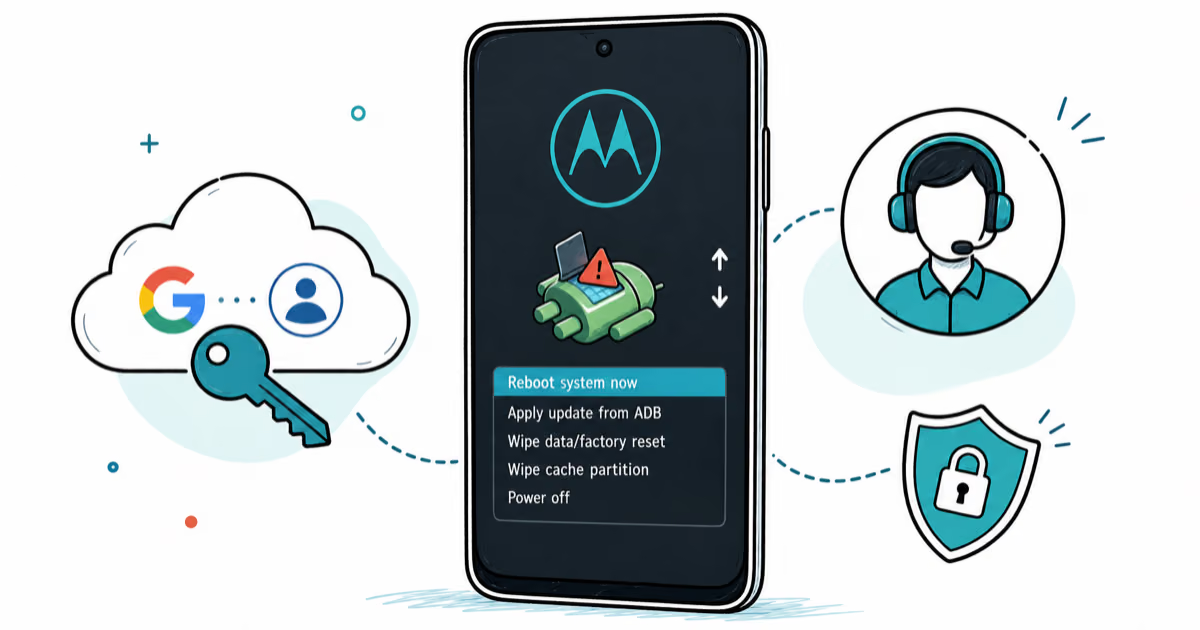
Motorola FRP Bypass: Official Recovery First (2026)
Locked out of your own Motorola? Use Google Account Recovery and Motorola Support before any FRP bypass tool. Legal limits explained for 2026.
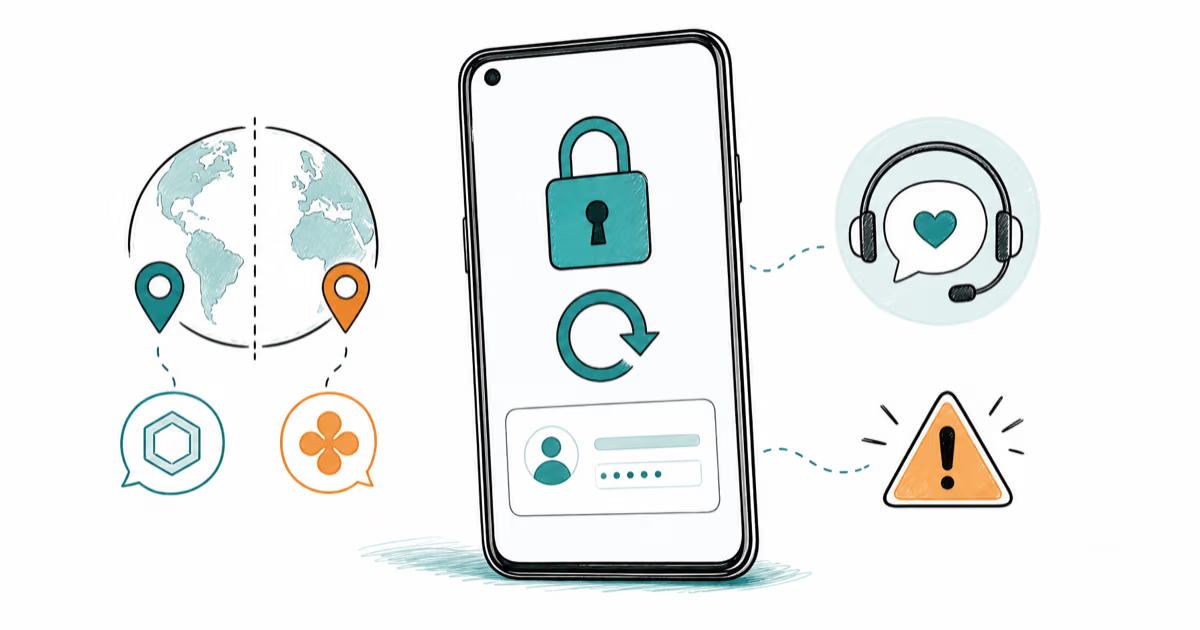
OnePlus FRP Bypass: Region Risks and Recovery (2026)
OnePlus FRP bypass guide: OxygenOS vs ColorOS region risks, official Google Account Recovery, OnePlus Support, and why YouTube tutorials brick.
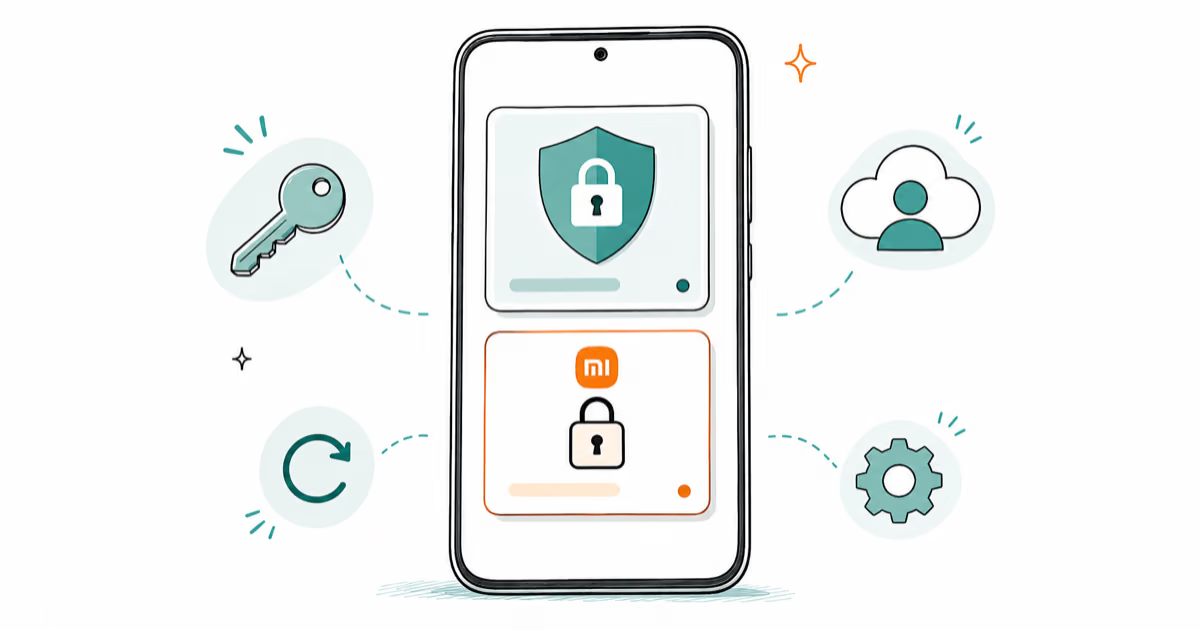
Xiaomi FRP Bypass: Mi Account vs Google Lock (2026)
Locked out of your Xiaomi after a factory reset? Tell Mi Account lock from Google FRP, use official recovery, and learn the 2026 legal limits.