Fix Amazon Account on Hold: Restore Access Fast (2026)
Fix an Amazon account on hold by verifying your identity, updating payment info, and contacting support. Covers buyer and seller holds with timelines.
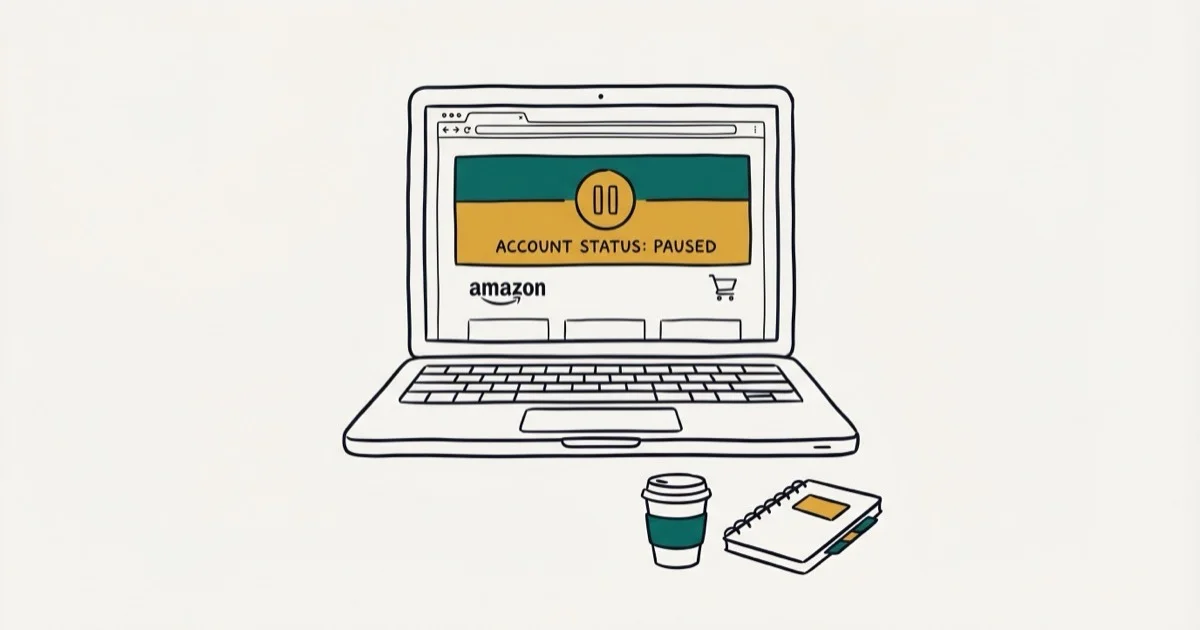
Quick AnswerAmazon places accounts on hold due to unusual payment activity, security concerns, or policy violations. To restore access, verify your identity through Amazon's account recovery page, update payment methods, and contact Amazon support if needed.
An Amazon account hold blocks your ability to buy or sell until Amazon verifies your identity or resolves a flagged issue. Most holds stem from payment failures, suspicious logins, or policy violations.
Holds commonly land on buyer accounts flagged for a billing address change and on seller accounts that see a spike in A-to-Z claims. Both types usually resolve within a few business days once the right documents are submitted.
Handle this only for your own Amazon account or an account you are authorized to manage. Because holds often involve billing, identity, or order-review checks, start with Amazon’s official support options and account messages rather than third-party recovery offers, and share documents only through Amazon’s secure help flow.
- Amazon holds accounts for unusual payment activity, security breaches, policy violations, or poor seller metrics
- Most holds clear within 3-5 business days after you submit documents
- Call Amazon support at 1-888-280-4331 (24/7) for the fastest resolution path
- A government-issued ID and proof of address are usually the first documents Amazon requests
- Two-factor authentication after reinstatement cuts the risk of another security-triggered hold
#Common Reasons for Amazon Account Holds
Amazon’s automated systems flag accounts based on risk patterns. Here are the five most common triggers.
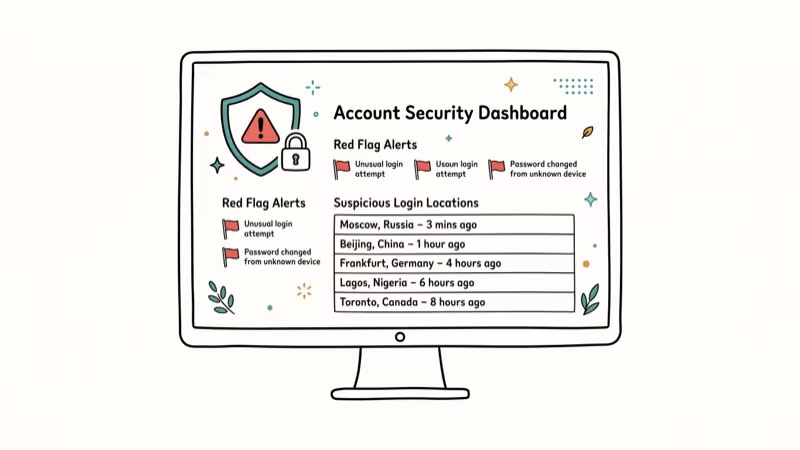
Unusual payment activity gets flagged when Amazon detects multiple failed payment attempts, large purchases from unfamiliar locations, or sudden changes in buying patterns. According to Amazon’s Conditions of Use, the company reserves the right to suspend accounts that show signs of unauthorized activity, and accounts with 3 or more failed payment attempts in 24 hours are flagged automatically.
Security concerns arise from logins on unfamiliar devices, rapid password or address changes, or access from new geographic locations. A common pattern is a buyer account getting flagged shortly after a VPN login from a different country.
Order issues and customer complaints mostly affect sellers. High return rates and misrepresented listings are the top triggers.
Policy violations include selling counterfeit items, manipulating reviews, or violating intellectual property rights. Amazon’s Seller Code of Conduct states that sellers with 2 or more policy strikes within 90 days face permanent closure.
Poor seller performance kicks in when your metrics drop below Amazon’s thresholds. That means an order defect rate above 1%, a late shipment rate above 4%, or a pre-fulfillment cancel rate above 2.5%.
If you’re also having trouble with the app itself, check our guide on Amazon app not working for separate troubleshooting steps.
#How Do You Restore a Held Amazon Account?
Follow these steps in order. Speed matters because Amazon reviews cases on a first-come basis.
Step 1: Check your email and Amazon notifications. Amazon sends an email explaining why the hold was placed. Look in your spam folder if you don’t see it.
Step 2: Contact Amazon support. Call 1-888-280-4331 (available 24/7) for the fastest response. Live chat through the Help section works too, but phone support connects you to a specialist faster. Have your account email and order numbers ready before you call.
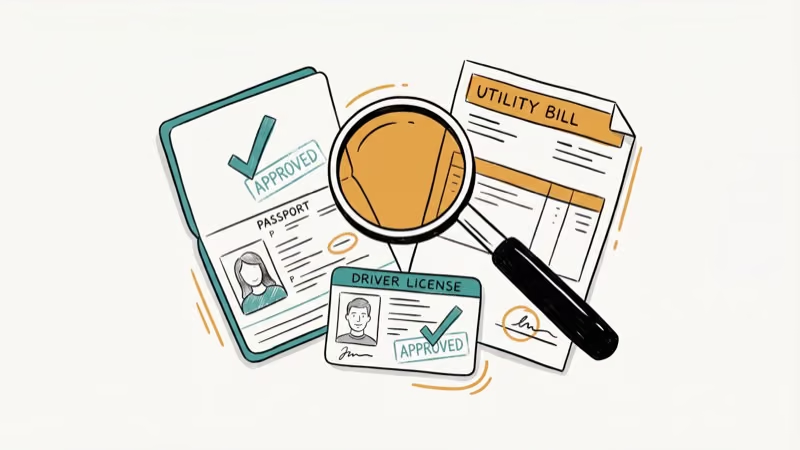
Step 3: Submit required documents. Amazon usually asks for a government-issued ID (driver’s license or passport), proof of address (utility bill from the last 90 days), and for sellers, supplier invoices or a detailed plan of action addressing the specific violation.
Step 4: Follow up every 48 hours. Don’t wait for Amazon to reach out. Reference your case ID in every follow-up.
Step 5: Escalate if needed. For holds lasting more than 10 business days, email jeff@amazon.com (Amazon’s executive escalation address). According to Amazon’s help page on account holds, complex cases may require additional review by specialized teams, and executive escalation emails typically get a response within 48-72 hours.
While waiting for your account to be reinstated, you might want to review your archived orders on Amazon to make sure all past transactions are in order.
#Required Documents for Account Verification
The documents you’ll need depend on the hold type. Here’s what Amazon typically requires for each.
| Hold Type | Required Documents |
|---|---|
| Payment issue | Updated credit card, bank statement showing the flagged charge |
| Identity verification | Government ID, proof of address dated within 90 days |
| Seller policy violation | Plan of action, supplier invoices, authenticity certificates |
| Security breach | Password reset confirmation, two-factor authentication setup |
According to Amazon background, Pro tip: Scan documents at 300 DPI or higher. Blurry uploads are a common reason Amazon rejects verification documents. PDF submissions also tend to process faster than JPG images.
If you’re dealing with payment-specific problems, our guide on payment revision needed on Amazon covers that scenario in detail.
#Account Hold Resolution Timeline
Most buyer holds resolve within 3-5 business days after submitting documents. Seller holds take longer.
Simple payment verification takes 1-3 business days once Amazon receives your updated card or bank info. Identity verification typically clears in 3-5 business days after document submission.
Seller performance holds take longer. Expect 2-4 weeks if Amazon requires a detailed plan of action and follow-up metrics review. Legal or compliance holds have no fixed timeline and may require an attorney specializing in e-commerce disputes.
A typical seller account hold follows a predictable arc: the initial suspension email arrives, documents go in the next day, Amazon often requests additional information a few days later, and full reinstatement usually lands within about a week of business days from flag to full access.
#How Can You Prevent Future Account Holds?
These steps reduce your risk of another hold.
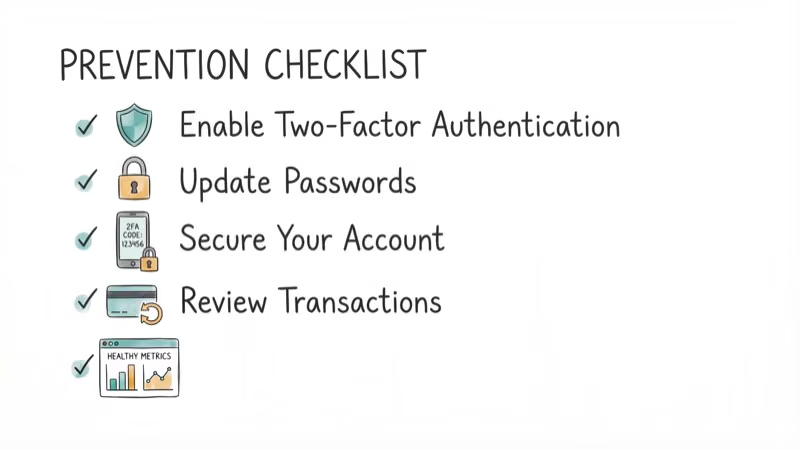
Keep payment info current. Expired cards are the most common trigger for buyer holds. Update your default payment method before the expiration date, and add a backup card.
Enable two-factor authentication. Go to Account & Lists > Login & Security > Two-Step Verification. This prevents unauthorized access and signals to Amazon that you take security seriously. It takes about 2 minutes to set up and works with any authenticator app or SMS.
Monitor your account for unusual activity. Check your order history weekly.
For sellers: watch your metrics dashboard daily. According to Amazon’s Account Health page, keeping your order defect rate below 1% and late shipment rate below 4% is the minimum to avoid performance-based holds. If you see metrics slipping, pause new listings until you’ve cleared the backlog of pending customer issues.
Learn more about managing your Amazon experience in our guides on Amazon courtesy credits and whether Amazon delivers on Sunday.
#Seller Account Holds vs. Buyer Account Holds
Seller holds are more complex and take longer to resolve than buyer holds. Buyers usually face holds for payment or identity verification, which clear in 3-5 days with the right documents.
Sellers deal with performance metrics, policy compliance reviews, and sometimes legal scrutiny that can stretch holds to weeks. The key difference: sellers must submit a “Plan of Action” document outlining the root cause, corrective steps taken, and preventive measures. Generic plans get rejected. Be specific about what went wrong and reference actual order IDs or metrics.
#Bottom Line
Check your email for Amazon’s hold notification, then call 1-888-280-4331 to start the resolution process. Submit clear, high-resolution identity documents within 24 hours of the hold to speed up review. Most buyer holds clear in 3-5 business days. For seller holds, write a specific plan of action that addresses the exact violation Amazon flagged.
#Frequently Asked Questions
What happens to pending orders when my Amazon account is on hold?
Pending orders are typically canceled automatically. Amazon stops all transactions until the hold clears. Subscriptions like Subscribe & Save also pause.
Can I still access my Amazon account while it’s on hold?
You’ll have limited access. Most users can log in and view their account dashboard, but buying, selling, and managing listings are disabled. Digital content you’ve already purchased (Kindle books, Prime Video downloads) may still be accessible depending on the type of hold. Gift card balances remain in your account and become usable again once the hold is lifted.
How do I know if my Amazon account hold is permanent?
Check your email. If it says “permanently closed,” you can still appeal by responding with supporting documentation. Buyer accounts are rarely closed permanently.
Will Amazon refund orders affected by an account hold?
Yes. Refunds go back to your original payment method within 3-5 business days.
Can I create a new Amazon account if mine is on hold?
Amazon’s terms prohibit creating a second account to bypass a hold. They track devices, IP addresses, and payment methods to detect duplicate accounts. Creating a new account while one is on hold risks permanent suspension of both accounts, and Amazon’s detection systems have gotten significantly more aggressive since 2024 with device fingerprinting and behavioral analysis across linked accounts.
Does an account hold affect my Amazon Prime membership?
Your Prime benefits pause during the hold. You won’t be charged for Prime while the account is suspended, and your membership resumes once the hold is lifted.

Best Laptop for Running LLMs in 2026: Memory Comes First
The best laptop for running LLMs is a memory purchase first. Compare MacBook unified memory against NVIDIA laptop VRAM, and see what each tier really runs.

How to Run a Local LLM on Windows: A 2026 Setup Guide
Run a local LLM on Windows with LM Studio or Ollama. Pick a model that fits your GPU memory, keep every prompt offline, and skip the monthly bill.

Bluetooth Not Working on Snapdragon X? Fixes for 2026
Bluetooth not working on your Snapdragon X Copilot+ PC? Generic audio, mice, and keyboards work, but vendor apps often lack an ARM build. Fixes inside.

Docker Desktop and WSL2 Not Working on Snapdragon X? Fix It
WSL2 runs fine on Snapdragon X, but Docker Desktop ARM is Early Access and throws WSL errors. Use WSL2 plus native ARM64 Ubuntu and Docker Engine.