Smishing Text Scams: How to Identify One in Seconds
Learn to identify a smishing text scam in seconds. We break down the red flags, the most common fake-text patterns, and exactly how to report one safely.
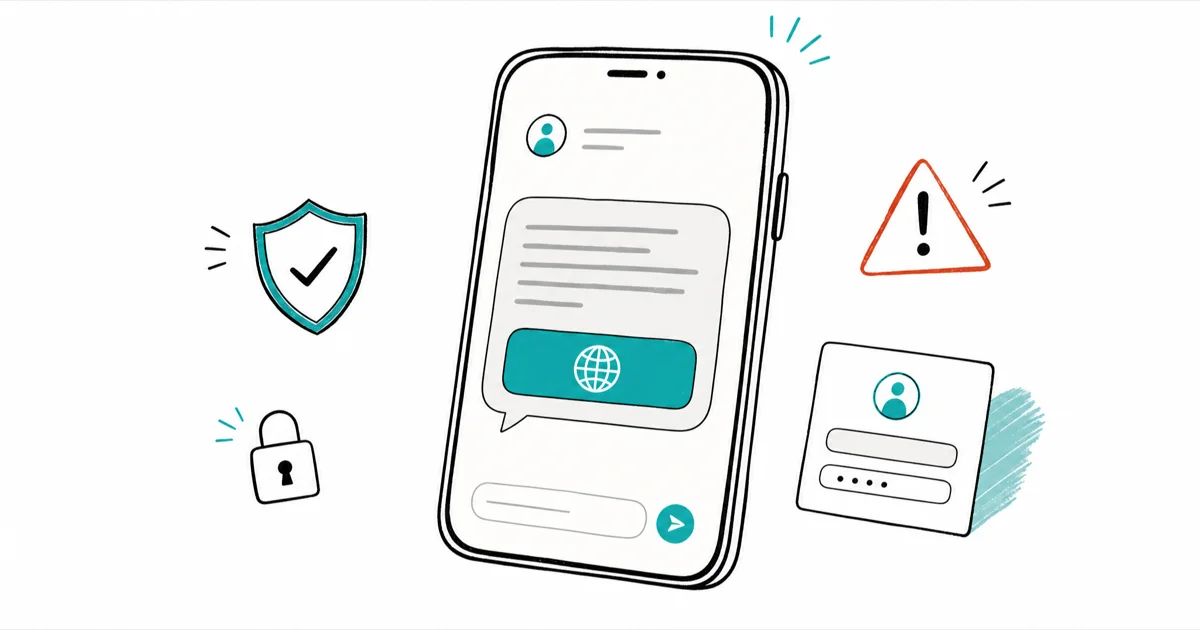
Quick AnswerA smishing text is a scam SMS that fakes urgency to push you toward a link that steals your login or card details. Real companies never ask for passwords by text, so never tap it.
A smishing text scam is a fraudulent SMS designed to make you panic and tap a link. Most smishing texts follow the same basic script: impersonate a trusted brand, create urgency, and push you toward a link. You can spot a fake quickly once you know the tells.
- Smishing is SMS phishing: a scam text that impersonates a bank, delivery service, or agency to steal your login or card details
- The core red flags are false urgency, a request for personal information, and a link that isn’t on the company’s real domain
- Real companies and government agencies never ask for passwords, PINs, or card numbers by text
- The safe response is to not tap the link, screenshot the message, forward it to 7726, then delete and block the sender
- Replying “stop” or “wrong number” only confirms your number is active and invites more scam texts
#Smishing Is Phishing by Text
Smishing is phishing delivered over text instead of email. The name blends “SMS” and “phishing,” and the goal is identical: trick you into handing over something valuable.
The payload is almost always one of two things. Either the link leads to a fake login page that harvests your username and password, or it leads to a form that captures your card number and billing details. Tapping the link rarely infects your phone on its own, but the page you land on is built to drain whatever you type into it.
A third payload has shown up in banking campaigns: instead of a login form, the page walks you through adding a “bank app” to your home screen, which our guide to the fake bank app scam breaks down in full.
What makes 2026 harder is AI-written scam text. Many fakes now have clean grammar, the right tone, and sometimes a detail about you pulled from an old breach. The polish is new. The underlying tells haven’t changed at all.
#How Do You Identify a Smishing Text?
You can flag almost any smishing attempt with a three-part gut check, and it takes seconds.
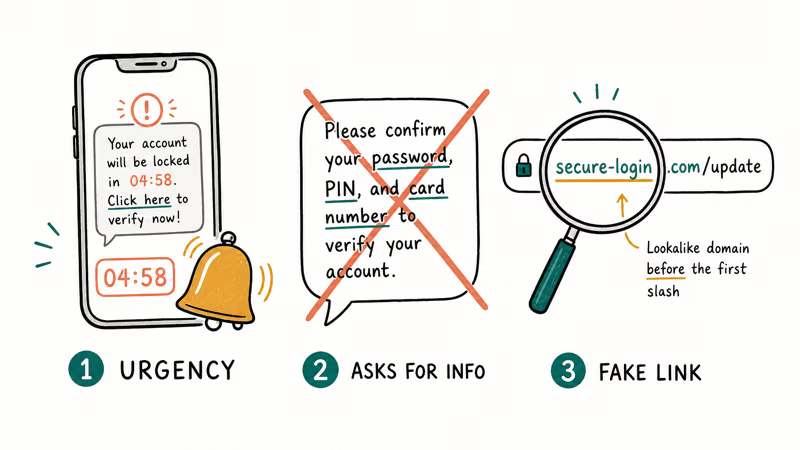
False urgency is the loudest signal. A scam text manufactures pressure by implying an immediate response is required or that a window is about to close, because a panicked person doesn’t pause to check the details. A real bank won’t threaten to close your account in the next hour by text.
The second tell is a request for sensitive information. According to the FTC, legitimate companies never ask for your password, PIN, or card number over SMS, so any text that does is fake by definition.
The third tell lives in the link. Look at the domain before the first single slash, not the words around it. A genuine bank or carrier link sits on the company’s real domain, while a scam uses a lookalike, a URL shortener, or a string that has nothing to do with the brand.
#The Most Common Smishing Scams Right Now
Most smishing reuses the same handful of disguises, and recognizing the costume makes the scam obvious.
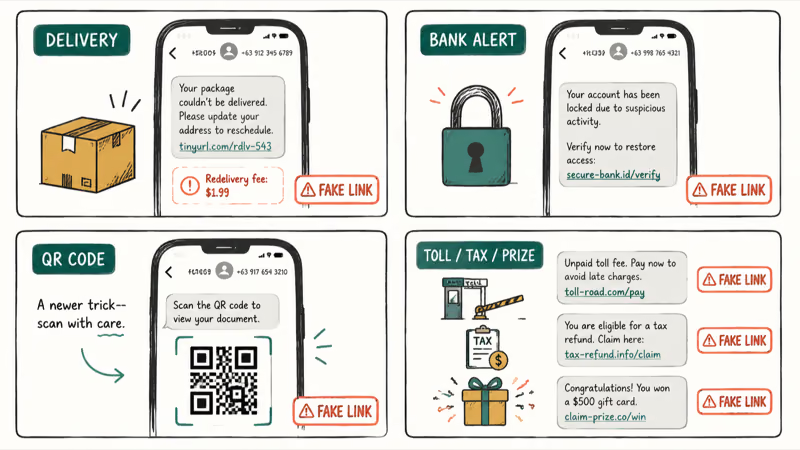
Fake delivery texts lead the pack, usually claiming a package “couldn’t be delivered” and demanding a small redelivery fee. We cover that exact pattern in our guide to the USPS text scam, and the tell is always a link that isn’t on the carrier’s real domain. Bank and card alerts are next, warning that your account is locked, then pushing you to a fake login.
A newer twist swaps the link for a QR code, which dodges the “don’t tap links” instinct. We break that down in our explainer on the QR code scam known as quishing. If you’re curious whether simply replying is dangerous, our piece on whether you can get hacked by replying to a text answers that directly.
Toll-road, tax-refund, and prize texts round out the list, all running the same urgency-plus-link formula.
#What Should You Do With a Suspicious Text?
The first move is to do nothing the text wants: don’t tap the link, don’t call the number, and don’t reply. Even a “stop” reply confirms your number is live.
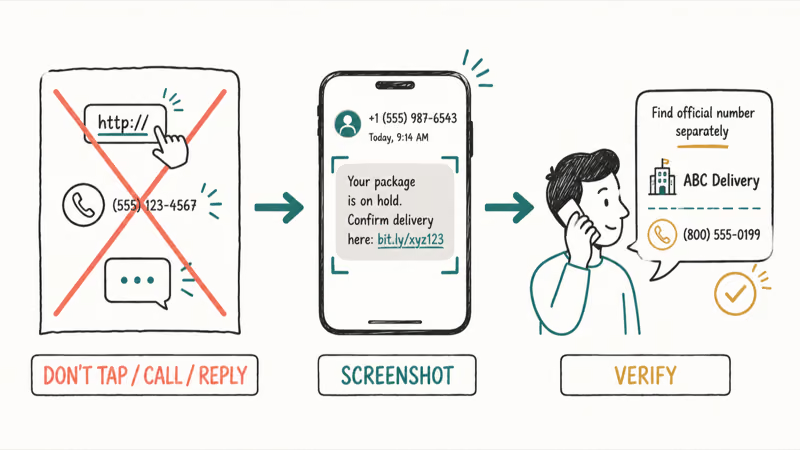
Instead, capture evidence first. Take a screenshot, which grabs the sender, the text, the link, and the timestamp in one image without you ever touching the link. If the text claims to be from a company you use, look up that company’s real number yourself and call to verify.
Already tapped or typed something in? Treat it as exposed. Change that account’s password immediately, turn on two-factor authentication, and watch for unfamiliar logins. A stolen number can also be used to hijack your accounts, so it’s worth learning how to prevent SIM swapping before it happens.
#How to Report a Smishing Text
Reporting is quick and really helps shut scammers down. Use more than one channel, since each feeds a different database.
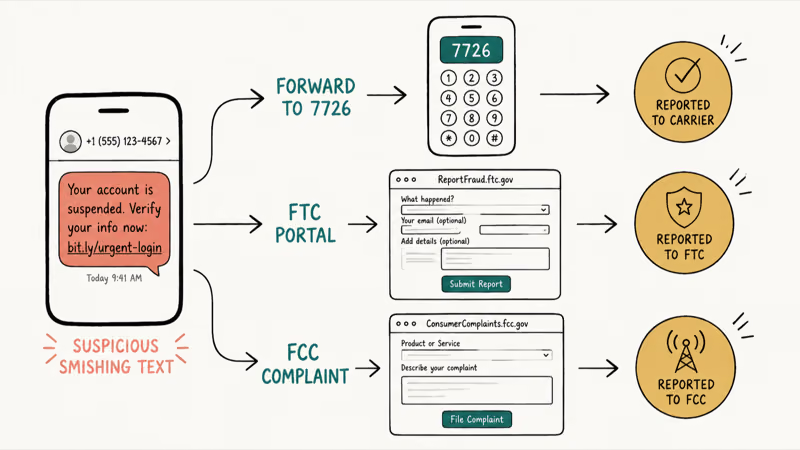
The fastest step is your carrier. According to the FTC, forwarding a scam text to 7726 reports it to your wireless carrier, which can then identify and block the sender. The short code spells “SPAM” on a keypad.
After you forward a scam text to 7726, your carrier may send an automated reply asking for the originating number, and providing it helps the carrier trace the source. Major carriers including AT&T, T-Mobile, and Verizon all support it.
Also file with the agencies: the FTC’s fraud reporting portal and the FCC complaint page.
Your iPhone can help too. Apple recommends turning on its Filter Unknown Senders setting, so texts from numbers not in your contacts sort into a separate list and stop interrupting you.
#How to Cut Down Future Scam Texts
You can’t stop every scam text, but you can shrink the flood. Most smishing reaches you because your number is circulating on data-broker lists and in old breach dumps.
Reducing that exposure is the long game. Trimming your listings on people-search sites cuts off one major supply line, and our walkthrough on how to remove your personal info from data-broker sites shows the process. Blocking each sender, keeping iOS updated, and using your phone’s built-in spam filter all chip away at the volume over time.
The mindset matters more than any setting. Treat every unsolicited text as suspicious until proven otherwise.
#Bottom Line
If a text creates urgency, asks for personal information, or carries a link that isn’t on the real company’s domain, it’s smishing. Don’t tap, don’t reply, screenshot it, forward it to 7726, then delete and block the sender.
Turn on Filter Unknown Senders on your iPhone, keep your number off data-broker sites, and you’ll see far fewer of these. When in doubt, look up the company’s real number yourself and call, because no legitimate business will be upset that you double-checked.
#Frequently Asked Questions
What does “smishing” actually mean?
Smishing blends “SMS” and “phishing.” It means scam texts that impersonate a trusted company to steal your logins or card details.
Can I get hacked just by opening a smishing text?
Opening and reading a text is generally safe. The danger starts when you tap the link, call the number, or type information into the page the link opens. The text itself is bait, so reading it to identify the scam won’t compromise your phone. Just don’t interact with anything inside it, and never tap a link to “see where it goes.”
Should I reply “STOP” to a scam text?
No. Replying anything, including “stop” or “wrong number,” confirms to the scammer that a real person owns the number. That makes you a more valuable target and usually leads to more scam texts. Replying “stop” only works for legitimate marketing senders.
What happens when I forward a text to 7726?
Forwarding to 7726 sends a copy of the scam text to your wireless carrier, which uses it to identify and block the sender. Your carrier may reply asking for the phone number the scam came from, and giving it helps them trace the source. The service is free and supported by all major US carriers. The more people who report the same number, the faster the carrier can shut it down.
How can I tell if a delivery text is real?
A real carrier text only reaches you if you opted into its tracking service, and it never asks for a fee or your address by reply. The fastest check is the link’s domain: a genuine USPS, UPS, or FedEx link sits on the company’s real domain. When unsure, track the package directly on the carrier’s official app.
Why am I suddenly getting so many scam texts?
A surge usually means your number hit a new data-broker list or a recent breach dump. Removing it from people-search sites cuts the volume over time.
Do iPhones have a built-in tool to filter scam texts?
Yes. Apple’s Filter Unknown Senders feature moves texts from numbers not in your contacts into a separate list, so they don’t trigger notifications. You can also report a message as junk directly from the Messages app, which sends it to Apple and your carrier. Neither stops every scam, but together they cut the noise significantly.

Is This Bank App Real? Spot a Fake App on Your Home Screen
A bank app can land on your home screen from a web page with no install warning. Learn the checks that tell a real banking app from a phishing web app.
Passkeys Not Syncing Between iPhone and Windows? Read This
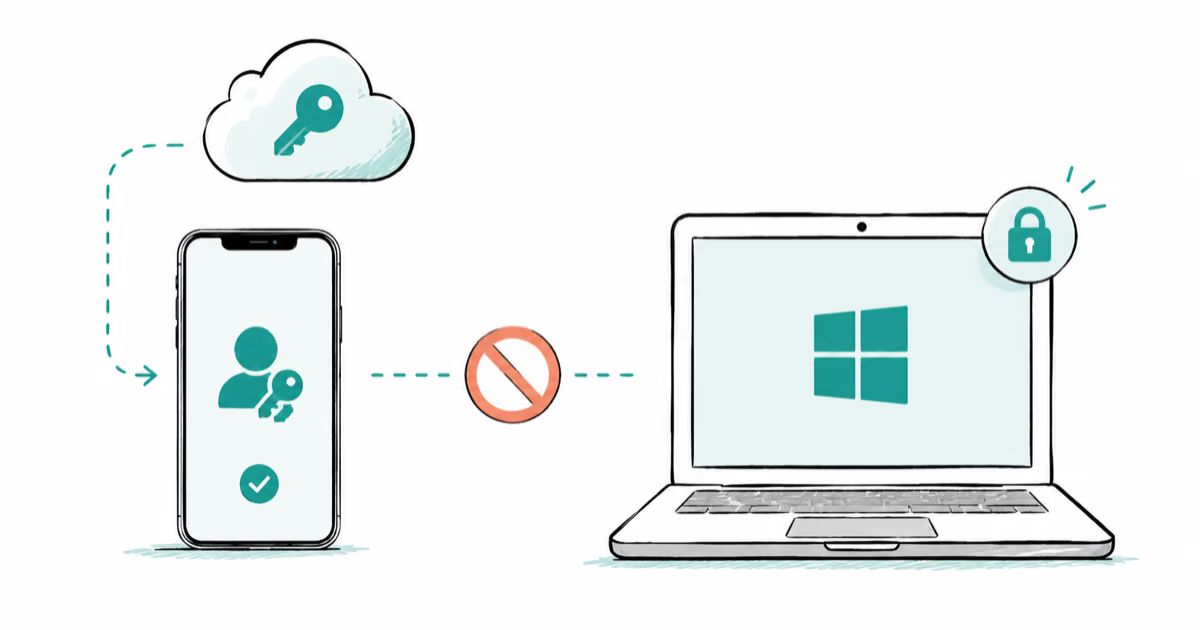
Passkeys not syncing between iPhone and Windows is by design, not a bug. Here is why iCloud passkeys skip Windows Hello and the three ways to fix it.
VPN Not Working on Snapdragon X? Why It Fails, How to Fix
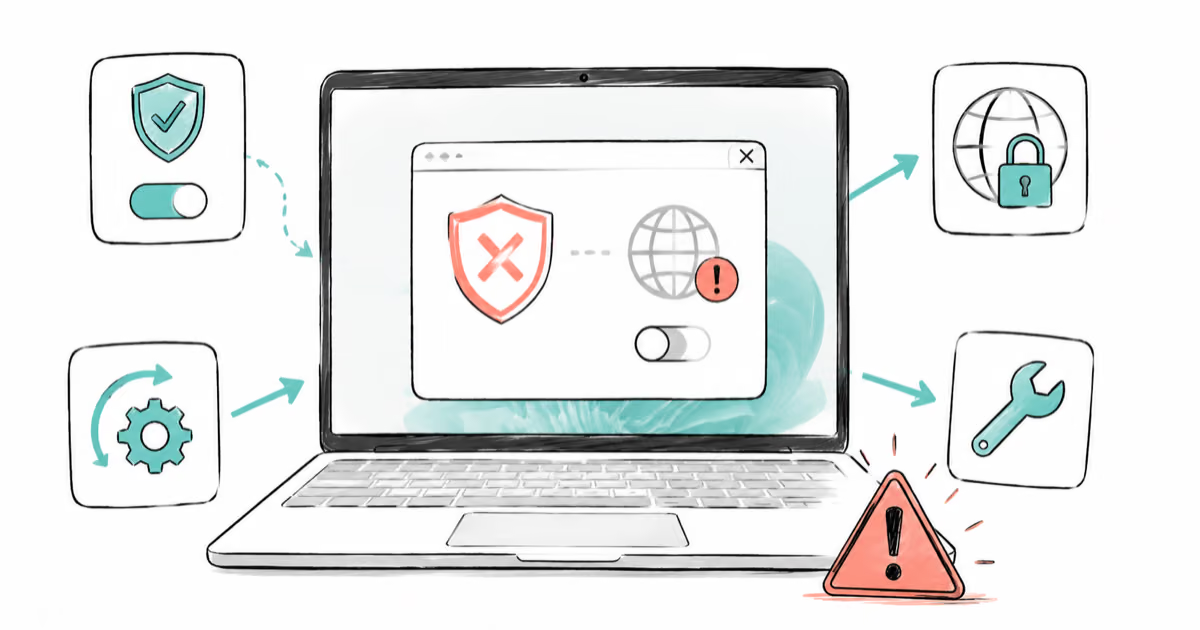
Your VPN won't install or connect on a Snapdragon X Copilot Plus PC because Windows on ARM can't emulate the network driver. Here are the fixes that work.
How to Check If a Link Is Safe Before You Click It
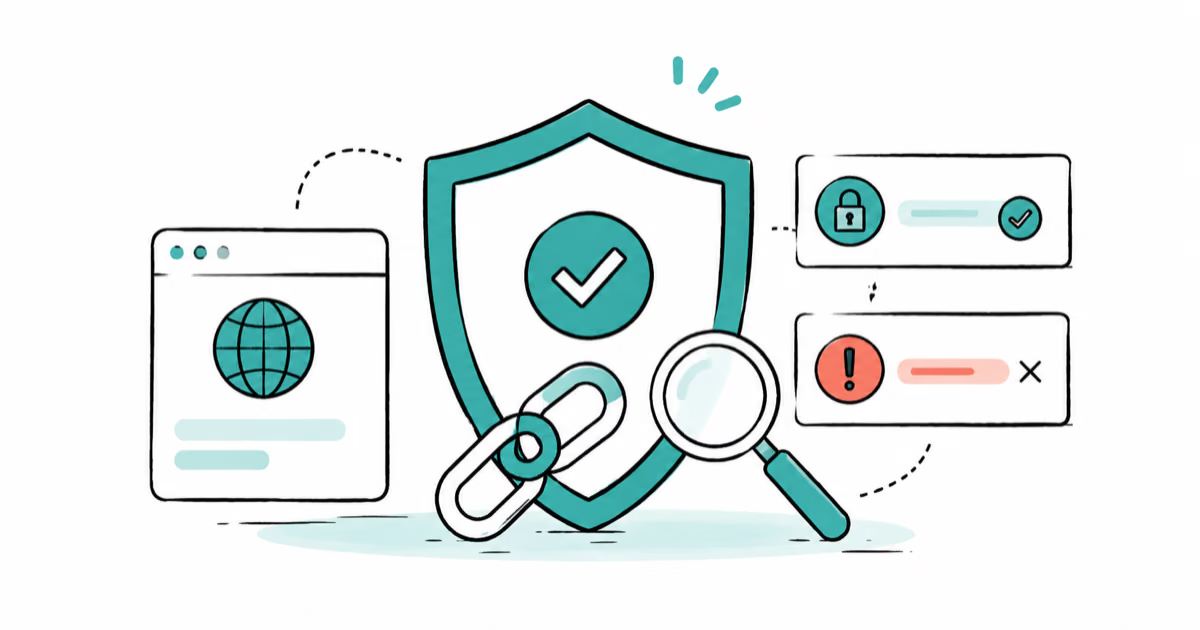
Learn how to check if a link is safe with official-first steps: read the real domain, use the app instead, and treat scanners as a second opinion only.