iPadOS 27 Features: Every Confirmed Change for Your iPad
iPadOS 27 brings a smarter Siri, Apple Intelligence in Photos and Safari, Visual Intelligence, and Files browsing up to 5x faster. Here is the full list.
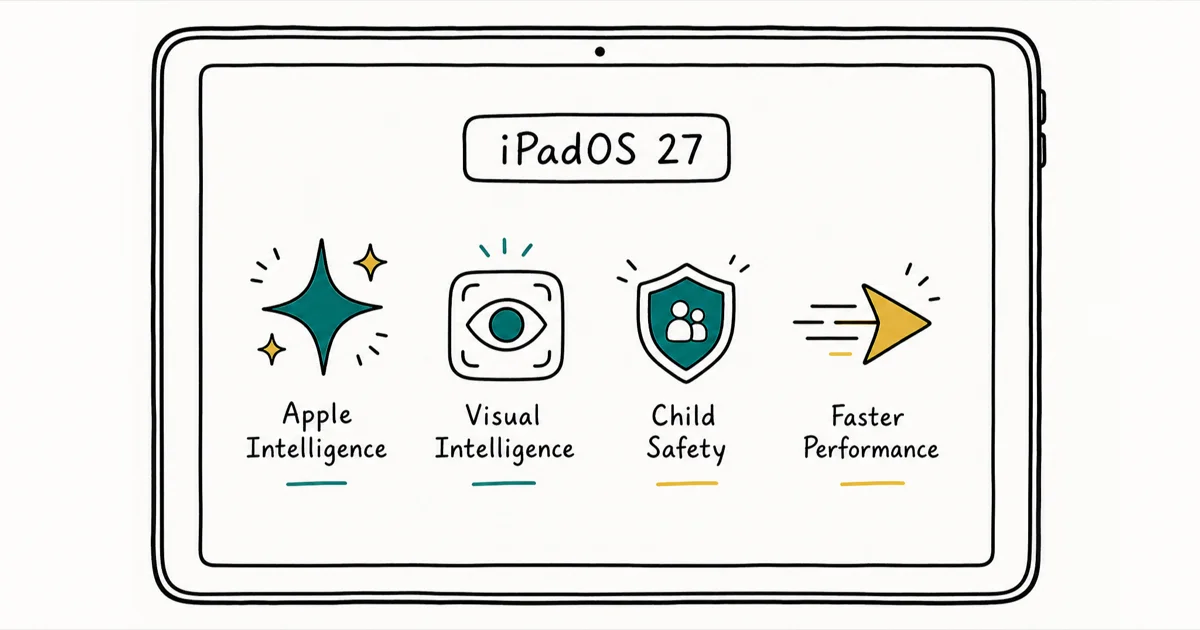
Quick AnsweriPadOS 27 adds a more capable Siri, deeper Apple Intelligence in Photos, Messages, and Safari, Visual Intelligence, and Files transfers up to 5x faster. It's a free update this fall.
iPadOS 27 leans on Apple Intelligence to make the iPad smarter and faster, without relearning the interface. The biggest iPadOS 27 features land in apps you already use, including a real speed jump in Files. Apple confirmed the lineup at WWDC 2026.
Apple’s preview and WWDC announcements separate the features available in the developer beta from the items still on the roadmap.
- iPadOS 27 adds a more capable Siri powered by Apple Intelligence, with a dedicated app and natural conversations
- Apple Intelligence reaches deeper into Photos, Messages, and Safari, including Reframe, Extend, and Clean Up photo editing
- Files browsing and transfers to an external drive are up to 5x faster, tested by Apple on an iPad Pro 11-inch (M4)
- Visual Intelligence now reads what is onscreen, and new Ask to Browse child safety controls route website requests through Messages
- Apple Intelligence needs an iPad mini (A17 Pro) or an M1 iPad or later, and the heaviest on-device tasks want M4 with at least 12GB of memory
#The Apple Intelligence Overhaul
The release centers on Apple Intelligence. According to Apple’s iPadOS preview, Siri is “powered by Apple Intelligence and more helpful than ever,” with “richer answers, natural conversations, and a new, dedicated app.” That is a step up from the assistant most people stopped trusting for anything beyond timers.

The same intelligence layer pushes into the apps you open most. Apple states that Apple Intelligence “enhances the apps you use most, like Photos, Messages, and Safari.” In Photos that means new editing tools, in Safari it means tab grouping and smarter suggestions, and in Messages it shows up in the child safety flow described below.
This maps closely to the iPhone side. Our iOS 27 AI features guide breaks down the same Apple Intelligence stack on the phone.
The Photos editing tools (Reframe, Extend, and Clean Up) are tied to M1-and-later iPads, which lines up with Apple putting on-device processing behind that chip requirement.
#Is iPadOS 27 Faster?
Yes, and the clearest gain is in Files. Apple confirms that “browsing and transferring files from iPad to an external drive is up to 5x faster,” based on testing with an iPad Pro 11-inch (M4) and an external SSD. That’s the single hardest number Apple put behind the release. 9to5Mac reported that the same up to 5x figure applies, listing “up to 5x faster browsing and transfers in Files for iPadOS” in its iOS 27 speed coverage.
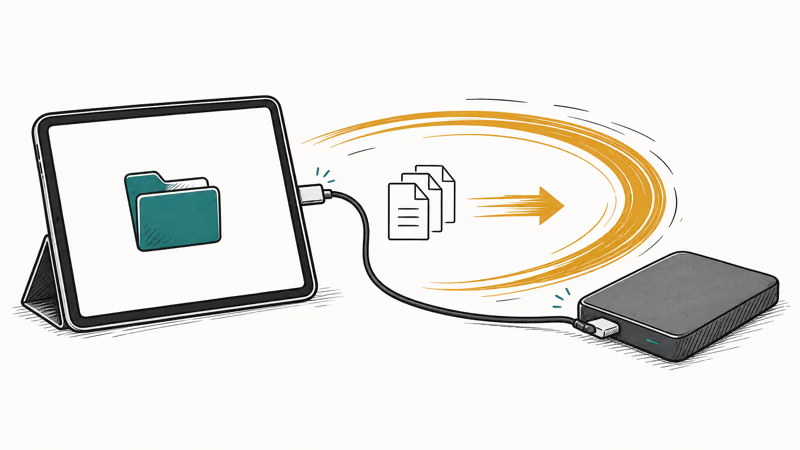
That 5x figure is a best case tied to fast external storage, so older iPads with USB-C and slower drives will see less. Still, anyone who moves large project files, video, or photo libraries on and off an external SSD should feel the difference.
The broader speed work mirrors the iPhone side, where Apple cited faster app launches and quicker AirDrop. Our iOS 27 performance breakdown covers those phone numbers in detail.
Because the up-to-5x Files figure comes from Apple’s M4-and-external-SSD benchmark, older supported iPads should expect a smaller gain.
#What Can Visual Intelligence Do on iPad?
Visual Intelligence moves to the iPad and reads what is already on your screen, not just what the camera sees. Apple says it “lets you learn more and take action about virtually anything onscreen,” working with Siri to answer questions about displayed content through a screenshot or Apple Pencil markup.

In practice, that means circling a product in a screenshot to search for it, asking about text in an image, or pulling an event into your calendar from a flyer. The camera-based version came to iPhone first, and our iOS 27 Visual Intelligence guide explains how that phone feature works, while the iPad version extends the same idea to whatever is already onscreen, whether that is a webpage, a PDF, or a photo you are editing.
#New Child Safety Controls With Ask to Browse
iPadOS 27 adds Ask to Browse, a parental control that gates new websites. Apple describes it plainly: “kids must request permission to access new websites,” and “parents can take a closer look at the request in Messages before approving.”
The request flows through Messages. A parent doesn’t need to be holding the iPad to approve or deny it.
This sits alongside the existing Screen Time controls rather than replacing them. The approval happens remotely. For families sharing an iPad, that’s one of the more practical additions in the release, since a parent never has to grab the device to unlock a single site request.
Ask to Browse is built for your own children or a managed family device, so use it only on an iPad you own or oversee through Family Sharing, with the child aware that requests route to a parent. It’s a parental tool, not a way to monitor another adult’s browsing without their knowledge, and using it to track another person without their consent can violate privacy laws.
#iPad Models That Get Apple Intelligence
Not every iPad that runs iPadOS 27 gets the full Apple Intelligence feature set. Apple lists the baseline as “iPad mini (A17 Pro), iPad models with M1 and later.”
According to Apple’s Apple Intelligence page, that supported list spells out “iPad Pro (M1 and later),” “iPad Air (M1 and later),” and “iPad mini (A17 Pro).” The most demanding on-device tasks need more memory, and Apple specifies “iPad models with M4 and later and at least 12GB of unified memory” for those.
So the tiers shake out like this:
- No Apple Intelligence: older A-series iPads that may still take the iPadOS 27 base update but lack the chip
- Standard Apple Intelligence: iPad mini (A17 Pro) and M1 through M3 iPads
- Full on-device features: M4 iPads with 12GB or more of memory
If you are weighing an upgrade purely for the AI tools, the chip matters more than the model year. Check our full iPadOS 27 compatible iPads list to confirm your model qualifies. For the equivalent iPhone breakdown, our iOS 27 compatible iPhones guide shows where Apple Intelligence draws the line on the phone side.
#iPadOS 27 Release Date and Beta Timeline
Apple confirmed that “iPadOS 27 coming this fall” as a free update, and the developer beta arrived on June 8. Apple has kept iterating since, seeding developer beta 3 on July 6, 2026, and the first public beta opened in July 2026. Our iOS 27 release date timeline tracks the parallel iPhone schedule, which has historically shipped alongside iPadOS in the same fall window, so the two updates tend to land together.
There’s one caveat on Siri. Apple notes “Siri AI coming in English later this year,” so the smarter assistant isn’t part of the day-one fall release for everyone, and it requires an Apple Intelligence-enabled device on top of that. If you rely on Stage Manager and run into trouble after the update, our Stage Manager troubleshooting guide walks through the most common fixes you can try before contacting support, including a quick toggle that clears most layout glitches.
#Bottom Line
Install it, with one caveat about timing.
iPadOS 27 is worth the update for the Files speed gain alone on an M4 iPad, and for everyone else the value sits in the Apple Intelligence rollout across Photos, Safari, and Messages plus Ask to Browse for families. The catch: the smarter Siri is a “later this year” item, so don’t expect the full assistant on day one. M1 through M3 iPads get most of the AI tools now, while older A-series iPads see mainly the performance work.
iOS 27 Beta
#Frequently Asked Questions
When does iPadOS 27 come out?
Apple confirmed iPadOS 27 arrives as a free update this fall. The developer beta landed on June 8, 2026, and the public beta opened in July 2026.
Is the new Siri available at launch?
No. Apple says the more capable Siri is coming in English later in the year and will be available in beta first. It also requires an Apple Intelligence-enabled iPad, so it’s not part of the day-one fall release for everyone.
How much faster is the Files app in iPadOS 27?
Apple reports up to 5x faster browsing and transfers from iPad to an external drive, based on testing with an iPad Pro 11-inch (M4) and an external SSD. Real-world gains depend on your iPad’s chip and the speed of your external storage, so older devices will see less.
Which iPads support Apple Intelligence in iPadOS 27?
Apple lists the iPad mini (A17 Pro) and iPad models with M1 and later. The heaviest on-device features want an M4 iPad with 12GB of memory or more.
What is Ask to Browse?
Ask to Browse is a new child safety control that makes kids request permission before visiting new websites. Parents review and approve or deny each request directly in Messages, so they don’t need physical access to the child’s iPad.
Can older iPads install iPadOS 27?
Yes, in most cases. Many iPads that ran iPadOS 26 can take the base iPadOS 27 update, but devices without an Apple Intelligence-capable chip miss the AI features. On those iPads the update is mostly about the underlying performance improvements rather than the new intelligence tools, so the Files speed work and general responsiveness still apply even when Siri, Visual Intelligence, and the Photos editing tools stay locked out.
Does Visual Intelligence work on iPad?
Yes. In iPadOS 27, Visual Intelligence reads content already on your screen, letting you ask Siri about it through a screenshot or an Apple Pencil markup, in addition to the camera-based version.
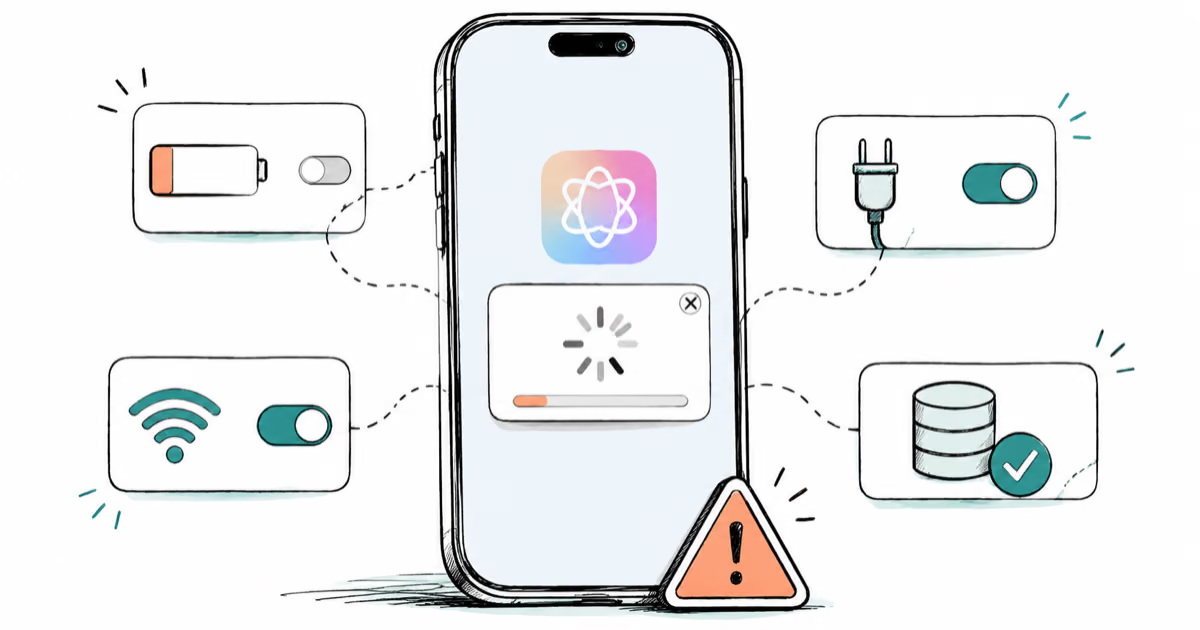
Apple Intelligence Not Working on iPhone? Fixes (2026)
Apple Intelligence not working on iPhone after iOS 27? Turn off Low Power Mode, stay on Wi-Fi while charging, and free up 7 GB. Step-by-step fixes.

Apps Crashing After iOS 27 Update? Fix Order (2026)
Apps crashing after the iOS 27 update? Update the app in the App Store first, then offload and reinstall to clear stale cache, then restart. The fix order.

Genmoji or Image Playground Not Working? iOS 27 Fix
Genmoji or Image Playground not working on iOS 27? Turn on Apple Intelligence, free up 7 GB, drop Low Power Mode, and let the image model finish.
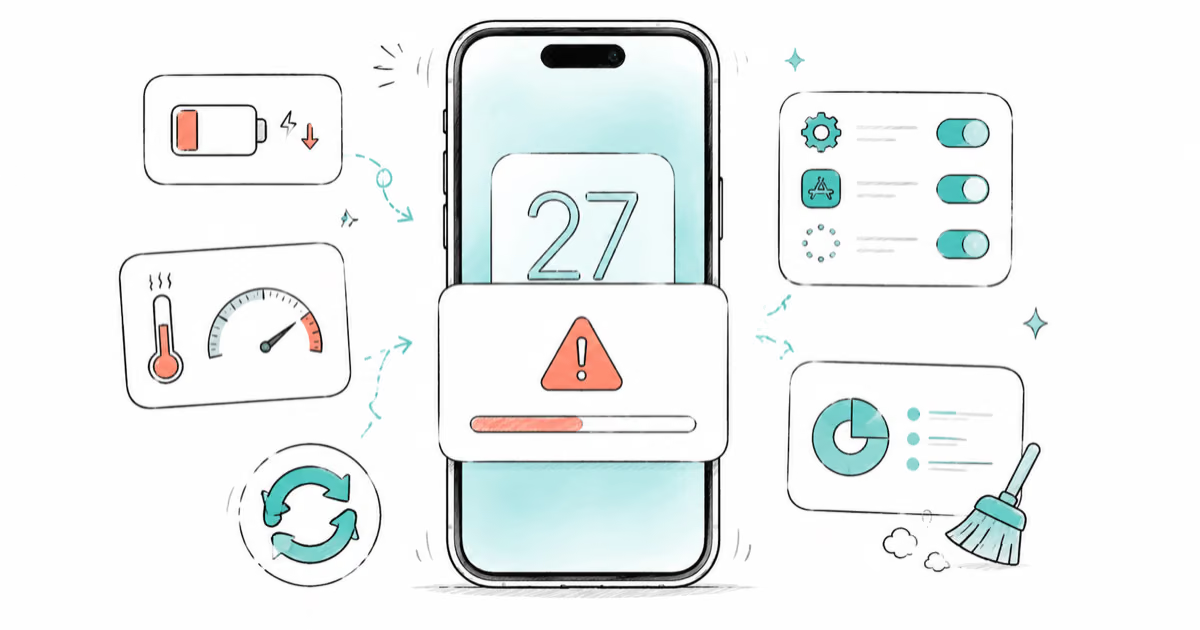
iOS 27 Problems and How to Fix Each of Them (2026)
iOS 27 problems? Battery drain, overheating, Wi-Fi drops, crashing apps, and Apple Intelligence stuck. Each problem with its top fix and full guide here.