DoorDash Payment Methods: All Options and How to Add Them
All DoorDash payment methods in one place: credit cards, Apple Pay, Google Pay, PayPal, Venmo, and gift cards with setup steps and security tips.
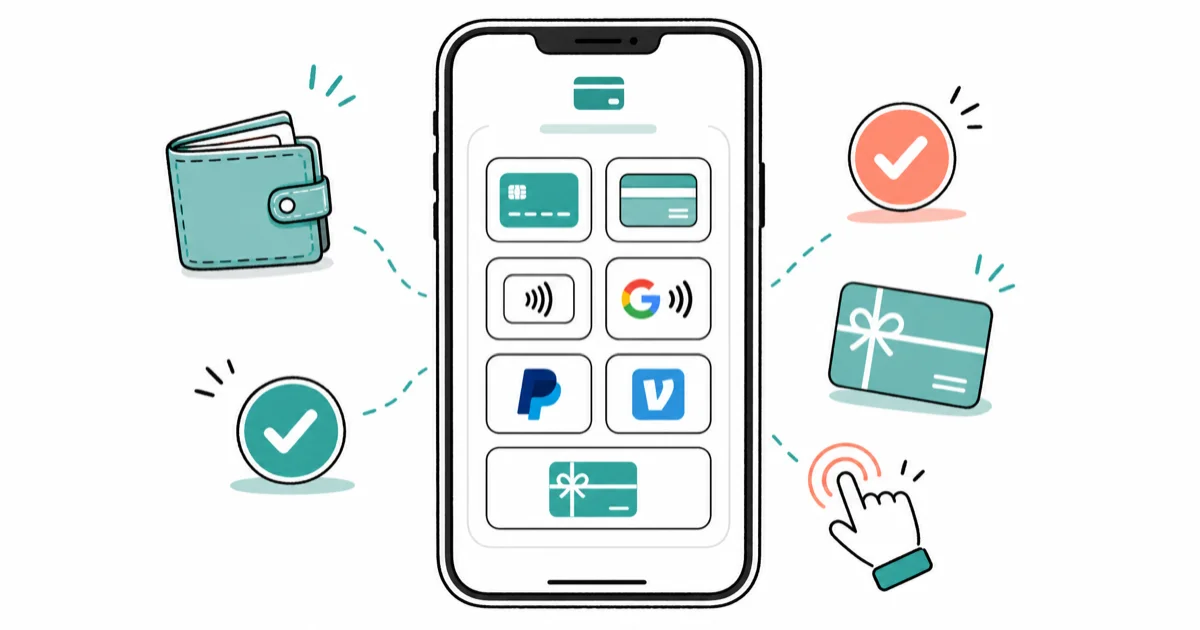
Quick AnswerDoorDash accepts credit and debit cards, Apple Pay, Google Pay, PayPal, Venmo, and DoorDash gift cards. To add a payment method, go to Account > Payment > Add Payment Method in the DoorDash app. You can set a default and switch at checkout.
DoorDash supports more payment options than most people realize. This guide covers each one on both iOS and Android, including what actually works and the quirks you should know about before checkout.
- DoorDash accepts credit/debit cards, Apple Pay, Google Pay, PayPal, Venmo, and gift cards
- Apple Pay and Google Pay use tokenization, so your card number is never stored with DoorDash
- Credits combine with any payment method, but you can’t split an order between two separate cards
- Adding a payment method takes under a minute via
Account>Payment>Add Payment Method - No extra fees for PayPal or Venmo; refunds return to the original payment method
#What Payment Methods Does DoorDash Accept?
DoorDash accepts six categories of payment: credit and debit cards (Visa, Mastercard, Amex, Discover), Apple Pay, Google Pay, PayPal, Venmo, and DoorDash credits or gift cards.
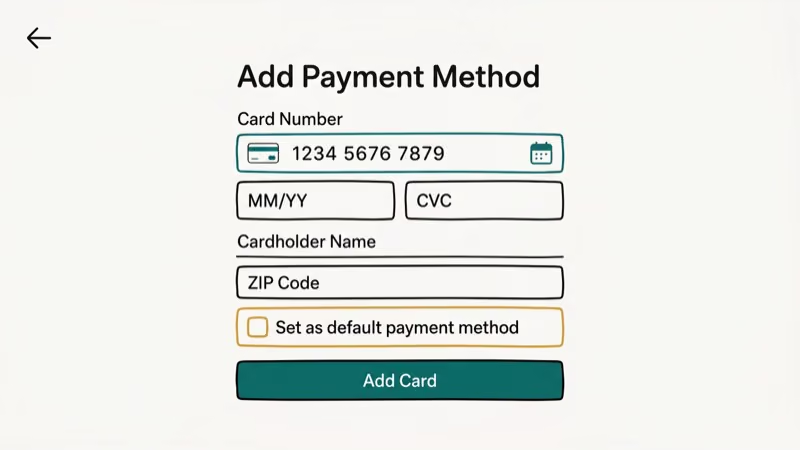
All six methods process orders on both iOS and Android. Cash isn’t accepted. Wikipedia confirms that DoorDash operates in over 27 countries as of 2024, and the cashless payment requirement applies across all markets. International credit cards work in most cases, though some cards with foreign transaction restrictions may decline.
#Credit and Debit Cards: The Standard Option
Credit and debit cards are the most reliable payment method on DoorDash. Visa, Mastercard, American Express, and Discover are all supported.
To add a card, open DoorDash and go to Account > Payment, tap Add Payment Method, choose Credit or Debit Card, enter your card details, and save.
Pro tip: Manual entry is more reliable than card scanning. The camera scan occasionally misreads digits on worn cards.
Credit cards offer stronger fraud protection than debit cards. If a fraudulent charge appears, credit card chargebacks are generally easier to resolve than debit card disputes. For customers who place frequent orders, rewards cards can earn meaningful points over time.
#Apple Pay and Google Pay: Fastest Checkout
Digital wallets are the fastest way to pay on DoorDash. Apple Pay works on iPhone, iPad, and Mac. Google Pay works on Android devices and Chrome.
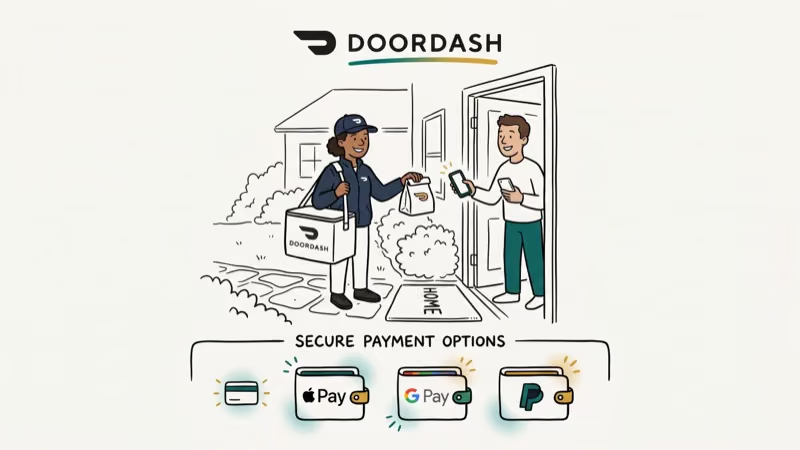
To set up Apple Pay, make sure it’s enabled in Wallet & Apple Pay on your iPhone, then go to DoorDash Account > Payment Methods, tap Add Payment Method, choose Apple Pay, and follow the prompts.
Setting up Google Pay:
The process is identical. In DoorDash, go to Payment Methods, select Add Payment Method, and choose Google Pay.
The security advantage is significant. According to Apple’s documentation on Apple Pay security, Apple Pay uses tokenization: a unique device account number replaces your actual card number for every transaction. DoorDash never sees your real card details, and its receipt only shows a masked token, not your card digits.
Google Pay works identically. Google’s Wallet security page states that virtual account numbers replace your real card for every transaction.
#PayPal and Venmo: The Third-Party Options
PayPal and Venmo both work as payment methods on DoorDash. They’re useful if you maintain balances in those apps or prefer an extra layer of separation between DoorDash and your bank.
To connect PayPal or Venmo, go to Account > Payment Methods, tap Add Payment Method, choose your app, log in, and authorize the connection.
No extra fees. DoorDash doesn’t charge anything extra for PayPal or Venmo.
Refunds return to the original payment method. If you pay with Venmo, a refund goes back to Venmo. This usually processes within 3-5 business days.
For Venmo users who run into balance issues, see how to use your Venmo balance to pay on DoorDash specifically. If your Venmo account is locked, see how to unfreeze a Venmo account before trying to pay.
#DoorDash Credits and Gift Cards
DoorDash credits come from two sources: promotional credits DoorDash adds to your account, and gift cards you purchase or receive.
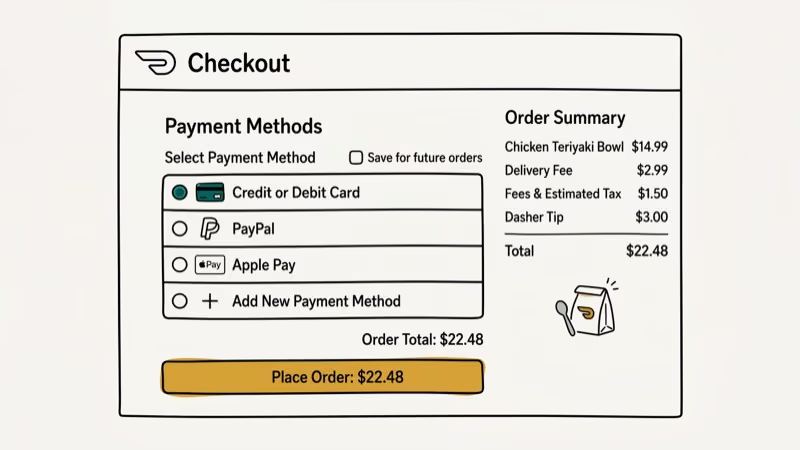
To redeem a gift card, go to Account > Payment Methods, tap Add Gift Card, enter the code, and the balance appears immediately.
Combining credits with other payments: Credits apply automatically at checkout. If your order exceeds your credit balance, the remaining amount charges to your default payment method. You can’t split a payment between two separate cards, but credits combined with a card works fine.
Gift cards are available on DoorDash’s website, the app, and at major retailers. Denominations typically range from $25 to $200.
#Managing Your Payment Methods
Keeping your payment info organized prevents checkout delays.
To set a default payment method:
- Go to
Account>Payment Methods - Select the payment method you want as default
- Tap Set as Default
To remove a payment method:
- Go to
Account>Payment Methods - Swipe left on the method you want to remove (iOS) or tap the three-dot menu (Android)
- Tap Delete
For a step-by-step walkthrough, see how to remove a payment method from DoorDash.
Important: Keep at least one active payment method on your account at all times. Removing your last card without adding another may prevent checkout.
#Why Is My DoorDash Payment Failing?
Payment issues fall into three categories.
Card declined: Verify the card number, expiration date, and billing address are current. A mismatch between your billing address and what DoorDash has on file is the most common cause, accounting for the majority of declined payment reports. Also check with your bank if multiple attempts fail, because some banks flag DoorDash as unusual and block the first transaction.
Can’t add a payment method: Make sure the card number has no spaces or typos. For PayPal or Venmo, log out and back into those apps before trying to link again.
Missing credits: Credits take up to 24 hours. Contact DoorDash support if they’re still missing.
If you’re a Dasher dealing with payout issues, see what to do when DoorDash Fast Pay is not working and how to cash out on DoorDash for the Dasher-side perspective.
#Payment Security Best Practices
DoorDash complies with PCI DSS (Payment Card Industry Data Security Standard), which requires encryption of stored payment data and regular security audits. In practice, this means your card numbers are encrypted at rest and never stored in plain text.
Additional steps to protect yourself:
- Use a dedicated credit card for DoorDash rather than your primary debit card
- Enable push notifications from your bank so you’re alerted instantly to any charge
- Review your DoorDash order history monthly to catch any unexpected charges
- Avoid saving payment info while on public Wi-Fi
#Bottom Line
All six payment methods on DoorDash work reliably. Apple Pay and Google Pay are the fastest at checkout and offer the strongest security through tokenization, while credit cards give you the best fraud protection. PayPal and Venmo work well if you maintain balances there, and DoorDash credits apply automatically and combine with any other method.
#Frequently Asked Questions
Does DoorDash accept cash payments?
No. DoorDash is cashless. All orders require a digital payment method at checkout.
Can I use multiple payment methods for a single order?
You can combine DoorDash credits with one other payment method. You can’t split an order between two credit cards or two digital wallets.
What happens if I need a refund?
Refunds go back to the original payment method used for the order. Credit card refunds typically appear within 3-5 business days. PayPal and Venmo refunds appear in the same timeframe.
Is it safe to save payment information on DoorDash?
DoorDash stores payment data following PCI DSS standards, which requires encryption at rest and prohibits plain-text card storage. In practice, that means even if their servers were compromised, your card details wouldn’t be directly exposed. For the strongest protection, use Apple Pay or Google Pay: with tokenization, DoorDash never stores your actual card number at all, just a device-specific token that’s useless outside the transaction.
Can I use international credit cards on DoorDash?
Yes, most international credit cards work on DoorDash if they support US transactions. Some cards with international restrictions or foreign transaction blocks may decline. Check with your card issuer before ordering.
How do I change my default payment method?
Go to Account > Payment Methods, select the card or wallet you want as default, and tap Set as Default. The change takes effect immediately for your next order.

Google Messages Error 3100: Why RCS Is Broken on Galaxy
Google Messages RCS error 3100 hits Galaxy owners after phone or carrier switches. Google told 9to5Google a fix is coming. Here's what actually helps.

Is This Bank App Real? Spot a Fake App on Your Home Screen
A bank app can land on your home screen from a web page with no install warning. Learn the checks that tell a real banking app from a phishing web app.

Apps Crashing After iOS 27 Update? Fix Order (2026)
Apps crashing after the iOS 27 update? Update the app in the App Store first, then offload and reinstall to clear stale cache, then restart. The fix order.

Do AI Translation Earbuds Work Offline? What to Know
Do AI translation earbuds work offline? A few do with downloaded language packs, but most need the cloud. Here's what works offline and what you give up.