How to Change Your Voice on Skype: 5 Best Tools (2026)
Change your voice on Skype using Voicemod, Clownfish, or MorphVOX. Covers free and paid options with setup steps for Windows, Mac, iPhone, and Android.
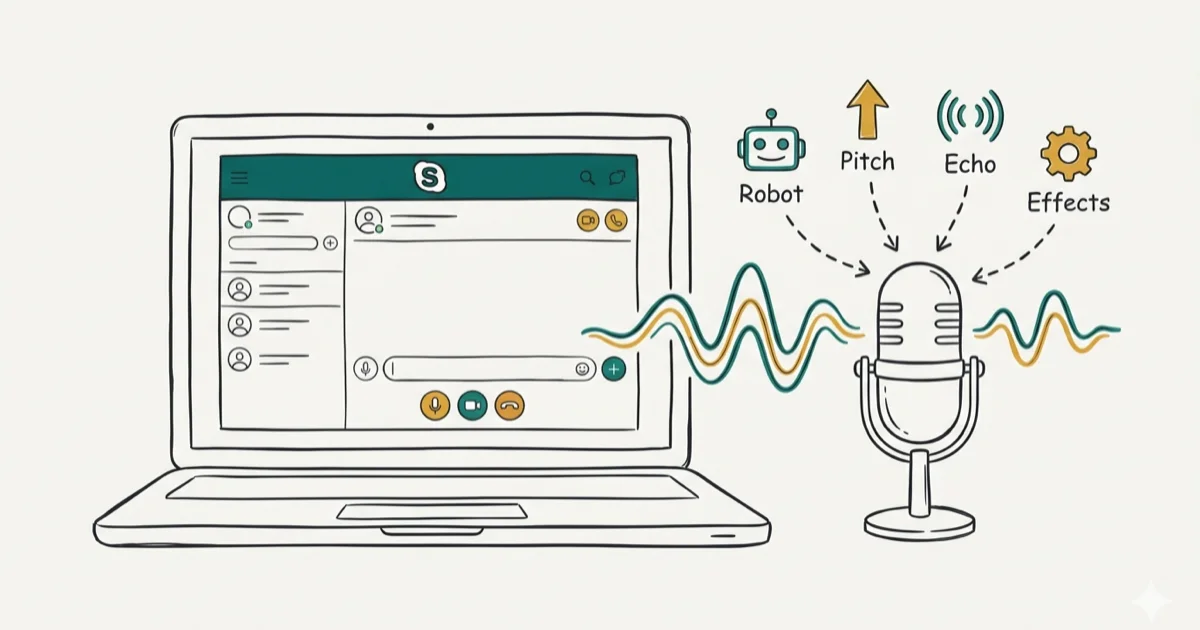
Quick AnswerInstall a voice changer app like Voicemod or Clownfish, set its virtual microphone as Skype audio input under Settings > Audio & Video, then pick any voice effect before or during your call.
Voice changers let you swap your natural sound for robot, chipmunk, or deep-bass effects on any Skype call. This guide covers 5 popular voice changers for Windows, Mac, and mobile, and each one takes only a few minutes to configure from scratch.
- Voicemod and Clownfish are the two best free voice changers for Skype on Windows, each offering 80+ voice effects out of the box
- Set your voice changer’s virtual microphone as the input device in Skype’s Audio & Video settings before starting any call
- MorphVOX Pro costs $39.99 and adds noise cancellation plus echo removal that free tools lack
- Mobile users can record altered audio with Voice Changer Plus (iPhone) or Voice Changer with Effects (Android) and send clips through Skype chat
- Always test your voice effect in a solo call before going live so the other person hears clean audio without distortion
#How Do You Set Up a Voice Changer for Skype?
Every voice changer creates a virtual microphone between your real mic and Skype.
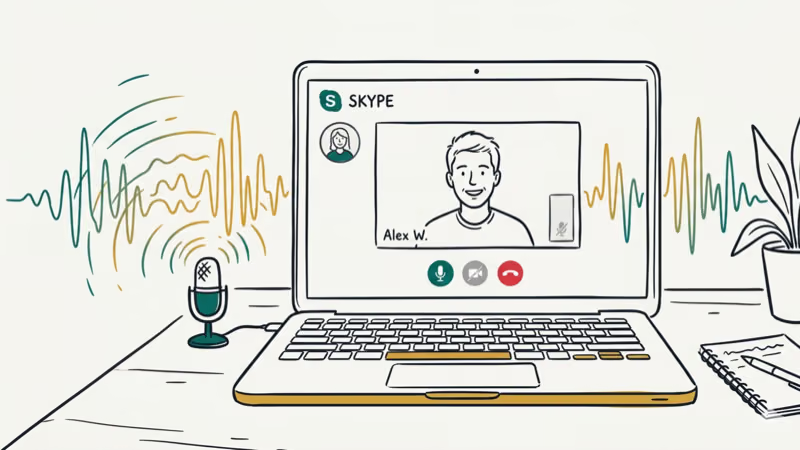
On Windows, open Skype and click the three-dot menu > Settings > Audio & Video. Under the Microphone dropdown, select the virtual device your voice changer installed. On Mac, go to Skype > Preferences > Audio/Video and pick the same virtual mic.
With a tool like Voicemod, the virtual microphone appears within seconds of installation. The key is to change the mic setting before you start the call. According to Microsoft’s Skype audio troubleshooting guide, incorrect audio device selection is the top reason users don’t hear effects during calls. If you also use voice changers for Zoom, the setup process is almost identical.
#Using MorphVOX to Change Your Skype Voice
MorphVOX is a dedicated voice modulation tool with built-in noise cancellation and echo removal. The free version (MorphVOX Junior) includes a handful of presets, while MorphVOX Pro ($39.99) unlocks the full library.
You can transform your voice into male, female, child, or custom tones. MorphVOX Pro keeps latency low enough that call quality holds up even on long calls, with no noticeable degradation.
#Key Features
- Background noise elimination that filters out keyboard clicks and fan hum
- Over 50 voice effects including robot, alien, and monster
- Works with Skype, games, and other VoIP apps simultaneously
- Built-in Voice Doctor that calibrates your mic volume automatically
#Steps to Use MorphVOX With Skype
Download and install MorphVOX from the Screaming Bee website. Open Skype, go to Settings > Audio & Video, and set the microphone to Screaming Bee Audio.
Pick a voice effect in MorphVOX, then start your Skype call.
The echo cancellation feature is particularly useful if you’re on speakers rather than headphones. MorphVOX Pro is designed to stay light on system resources, so it won’t noticeably slow down older machines during a call. You can also explore voice changers for Discord if you use both platforms.
#Which Voice Changers Work on iPhone and Android?
Skype’s mobile apps don’t support real-time virtual microphones the way desktop versions do. Instead, mobile voice changers let you record and share altered audio clips through Skype chat.
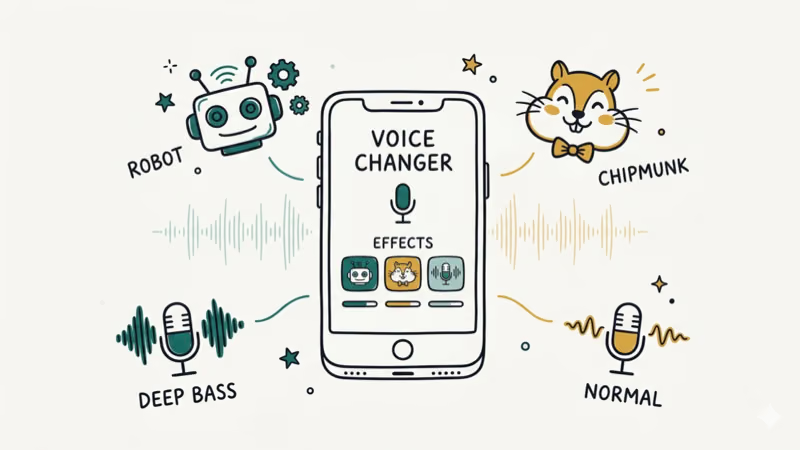
#Voice Changer With Effects (Android)
This free Android app has 40+ voice effects and lets you apply them to pre-recorded audio or record in real time. According to Google Play Store data, it’s been downloaded over 100 million times, making it the most popular voice changer on Android.
- AI-powered text-to-speech with custom voice styles
- Share modified audio directly to Skype, WhatsApp, and other apps
- Works offline without an internet connection
#Voice Changer Plus (iPhone)
Voice Changer Plus offers 55 different voice effects and background sounds. It’s free with in-app purchases for premium filters.
- Full voiceover support with trimming tools
- Save and export clips in multiple formats
- Share directly to Skype via the iOS share sheet
For more creative audio tools, check out our roundup of anime voice generators.
#Clownfish and Voicemod: Free Desktop Options
These two free apps cover most users’ needs without spending a dollar. Both install a system-wide virtual microphone, so they work with Skype, Google Meet, and every other VoIP app on your machine.
#Clownfish Voice Changer
Clownfish is fully free and open-source. The developer confirms that the app works with all Windows versions from 7 through 11 and hooks into the system audio driver directly, so every app on your PC picks up the voice effect automatically.
Install Clownfish and let it detect your default microphone. Right-click the Clownfish icon in your system tray and select Voice Changer, then pick an effect like male, female, alien, or Atari.
Open Skype and make your call. That’s it.
The Sound Effects Mixer lets you blend up to 4 effects at once, and combining something like “robot” and “echo” can produce a surprisingly convincing sci-fi voice.
#Voicemod
Voicemod has a free tier with a rotating selection of voices and a Pro license ($45/year) that unlocks all 100+ effects permanently. It’s one of the most polished voice changers available.
Download Voicemod, create a free account, and select your real mic as input during setup. Open the Voicebox tab, pick an effect, then set your Skype microphone to Voicemod Virtual Audio Device.
Curious about privacy? Check whether Voicemod is safe. While you’re at it, you can change your Skype display name to complete your new persona.
#Tips for Better Voice Effects on Calls
A few quick adjustments make a big difference in how natural your voice effect sounds to the other person.
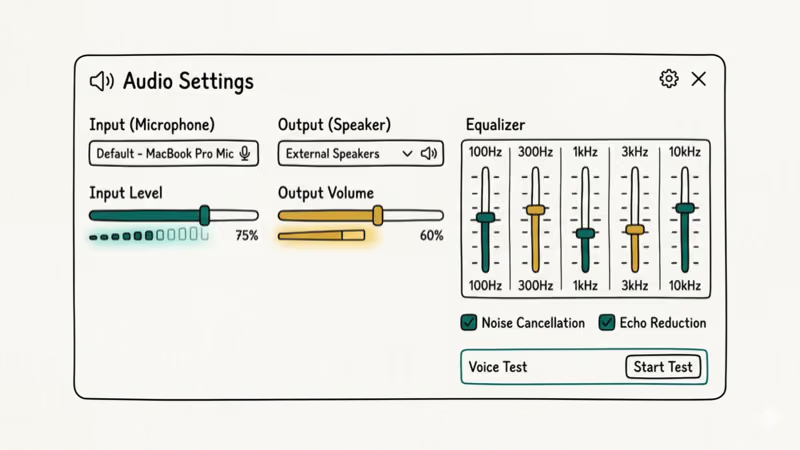
Use headphones instead of speakers to prevent the voice changer from picking up its own output through the mic. Keep your mouth about 6 inches from the microphone for consistent volume. Run a test call to yourself before going live with anyone else.
#Raising Your Pitch Without Software
You can shift your pitch naturally, though the range is limited compared to software.
- Breathe from your diaphragm to increase airflow, which raises pitch slightly
- Speak through your nose for a thinner, higher tone
- Adjust your posture so your throat stays open
These tricks won’t give you a chipmunk or robot voice, but they can add subtle variety to your delivery. For dramatic changes, a voice changer app is the practical choice.
#Bottom Line
Voicemod and Clownfish are the best free picks for Skype voice changing. Voicemod gives you a polished UI with 100+ effects, while Clownfish works at the system level with zero Skype configuration.
For professional-grade noise cancellation, MorphVOX Pro at $39.99 is worth it. Mobile users should grab Voice Changer with Effects (Android) or Voice Changer Plus (iPhone) for sharing altered clips through Skype chat.
#Frequently Asked Questions
Is it legal to change your voice on Skype?
Yes, it’s legal in most countries for pranks, content creation, and privacy purposes. Just don’t use voice changing to commit fraud or impersonate someone.
Do voice changers work on Skype video calls?
They do. Voice changers modify your microphone’s audio output regardless of call type, so the effect applies to both audio-only and video calls. Your webcam feed stays completely unaffected since the software only processes the audio stream, not the video signal. This means you can pair a voice effect with face filters from a separate app if you want the full package.
Will a voice changer hurt Skype call quality?
It depends on the app. Voicemod and MorphVOX Pro add only minimal latency, which is unnoticeable.
What free voice changers work with Skype?
Clownfish and Voicemod’s free tier are the two most reliable picks. Clownfish is completely free with no feature locks. Voicemod’s free version rotates a limited set of voices daily but still covers basics like robot, chipmunk, and deep voice effects that most casual users want.
Can you switch back to your normal voice mid-call?
Yes. In Voicemod, click “Clean” in the Voicebox. In Clownfish, right-click the tray icon and select “Turn off.”
Do Skype mobile apps support real-time voice changing?
Not directly. iOS and Android don’t let third-party apps intercept the microphone during a Skype call. The workaround is recording altered voice clips with apps like Voice Changer Plus, then sending them as audio messages through Skype’s chat feature. It’s not real-time, but it gets the job done for pranks and fun exchanges.

Google Messages Error 3100: Why RCS Is Broken on Galaxy
Google Messages RCS error 3100 hits Galaxy owners after phone or carrier switches. Google told 9to5Google a fix is coming. Here's what actually helps.

Is This Bank App Real? Spot a Fake App on Your Home Screen
A bank app can land on your home screen from a web page with no install warning. Learn the checks that tell a real banking app from a phishing web app.

Apps Crashing After iOS 27 Update? Fix Order (2026)
Apps crashing after the iOS 27 update? Update the app in the App Store first, then offload and reinstall to clear stale cache, then restart. The fix order.

Do AI Translation Earbuds Work Offline? What to Know
Do AI translation earbuds work offline? A few do with downloaded language packs, but most need the cloud. Here's what works offline and what you give up.