Best Anime Voice Generators: Complete Guide for Creators
Compare the best anime voice generators for content creators. Reviews of free AI tools like Musicfy, Speechify, and Animaker with tips.
Quick AnswerMusicfy is the top free anime voice generator, offering over 100 character voices including Goku and Satoru Gojo with no cost to get started.
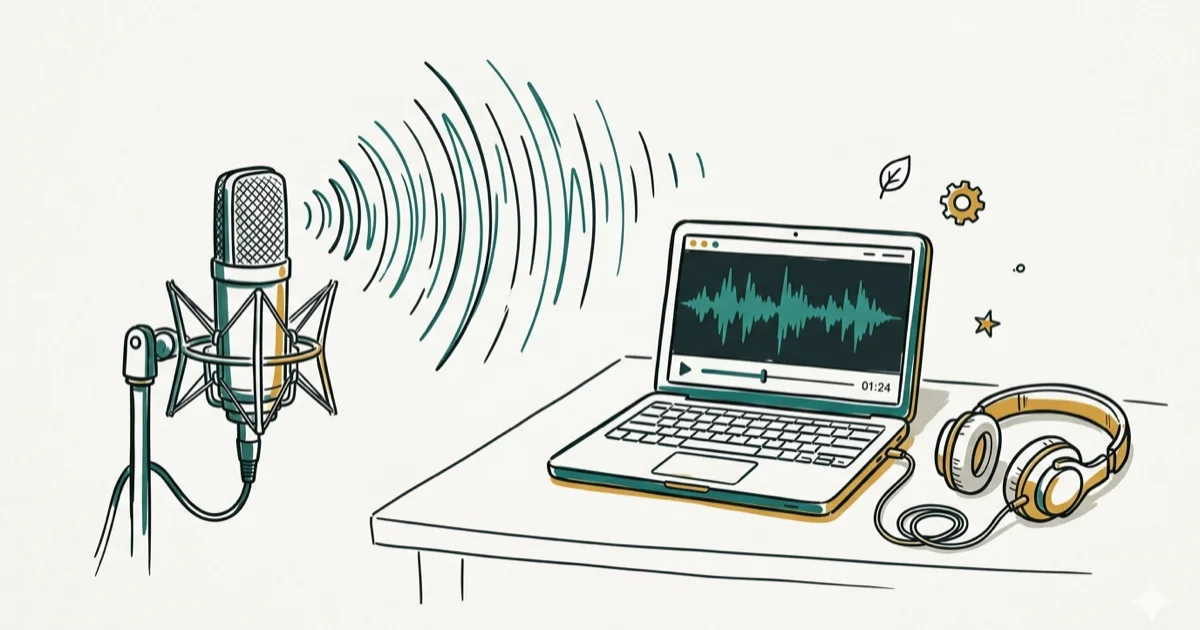
Anime voice generators turn typed text into character voices using AI, and they’ve gotten remarkably good in 2026. Across the major free platforms, Musicfy tends to produce the most natural-sounding character voices with the least amount of manual tuning needed.
Create anime-style voices only from your own account, your own recordings, or material you have permission to use, especially when a voice resembles a real actor, creator, or friend. Start with official tool documentation, licensed voice libraries, and consent-based upload rules so the output fits the service terms and gives you a clear support path for removals or disputes.
- Musicfy offers 100+ free anime character voices including Goku and Satoru Gojo with no upfront cost
- Animaker has 800+ human-like voices in 170 languages, the widest multilingual support available
- These tools work by analyzing voice datasets and applying pitch and modulation patterns unique to each character
- Using a copyrighted anime character voice in commercial content can trigger copyright claims from rights holders
- Breaking long scripts into shorter 2-3 sentence segments gives you more control over pacing and tone
#What Is an Anime Voice Generator?
An anime voice generator uses AI and text-to-speech (TTS) technology to produce voices that sound like anime characters. You type text, select a voice, and the tool converts it to audio with the pitch, tone, and inflections of that character. According to ElevenLabs’ 2024 blog coverage, the voice cloning market has expanded rapidly in recent years, driven largely by content creators and fan communities.
These tools are used for:
- YouTube video narration and anime review channels
- Fan-made animations and abridged series
- Social media content on TikTok, Instagram, and Reels
- Podcasts and audiobooks with character dialogue
- Accessibility for visually impaired anime fans
- Voice acting practice and character development
#Top 5 Free Anime Voice Generators
#Musicfy (Best Overall)
Musicfy is our top pick. It offers over 100 character voices including Goku, Satoru Gojo, Naruto, and more. The Goku voice is immediately recognizable straight out of the box, with no parameter adjustments needed for a usable result.
- Free to start with a generous trial
- Real-time generation with instant preview
- Simple interface that requires zero audio experience
- Supports both voice generation and music creation
#Speechify (Best Audio Quality)
Speechify produces some of the highest-quality audio output in this category. The voices sound less robotic and more natural, especially for longer scripts. According to Speechify’s product page, their AI models are trained on over 50,000 hours of human voice recordings for natural intonation.
- Customizable pitch, speed, and modulation per voice
- Real-time text-to-speech preview
- Export in MP3, WAV, and OGG formats
- Premium subscription includes commercial use rights
#Animaker (Best Multilingual Support)
Animaker has the widest language support with over 800 voices in 170 languages. If you’re creating anime content for a non-English audience, Animaker is the clear choice.
- Japanese, Korean, Chinese, Spanish, and 166 other languages
- Built-in video editor for combining voice with animation
- Free tier available with watermark
#Wavel AI (Best Customization)
Wavel AI gives you the most granular control over voice characteristics. You can adjust pitch, speed, emotion, and breathing patterns to create highly specific character voices. The controls are precise enough to build a custom villain voice that sounds nothing like any existing character.
- Advanced parameter controls for pitch, speed, emotion
- Real-time generation and preview
- API access for developers building voice features
- Supports batch processing for long scripts
#TopMediai (Best Variety)
TopMediai offers the largest selection of anime-style voices across different archetypes: shonen heroes, magical girls, villains, and side characters.
- Diverse voice library covering most anime archetypes
- User-friendly interface with preset character templates
- Multiple export formats and quality settings
- Supports both anime and realistic voice styles
#How Do You Get the Best Voice Output?
Follow this workflow for the best output:
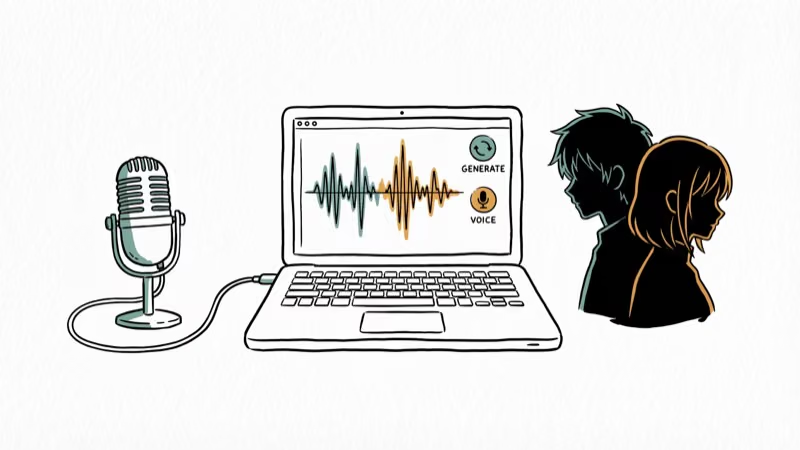
- Choose the right voice for your character’s personality
- Break your script into short segments of 2-3 sentences each
- Use punctuation deliberately because commas add pauses and periods change intonation
- Adjust pitch and speed to match the emotional tone of each segment
- Preview and regenerate until the output sounds right
- Export at the highest quality (WAV for editing, MP3 for final delivery)
Some creators also use voice changers for YouTube and TikTok voice modification tools alongside anime generators for more creative flexibility.
For meeting-based content, voice changers for Google Meet add a fun twist when used appropriately with colleagues who are in on the joke.
#Popular Uses for Anime Voice Generators
Content creators use these tools across multiple platforms:
- YouTube: Anime review channels, reaction videos, and fan dubs use character voices for narration and dialogue
- TikTok and Instagram: Short-form anime content with character voiceovers gets millions of views weekly
- Gaming: Role-players use anime voices in D&D sessions and video game streams for character immersion
- Education: Japanese language teachers use anime voices to make lessons more engaging for students
- Podcasts: Story-driven podcasts add anime character voices for dialogue sections
#AI Technology Behind the Voices
The AI behind these tools analyzes thousands of voice samples to learn patterns:
- Machine learning models trained on voice datasets replicate natural speech rhythms
- Voice cloning tech can recreate specific character voices from as little as 30 seconds of sample audio, according to Google’s VALL-E research
- Emotional nuance is handled by separate models that detect sentiment in the text and adjust tone accordingly
- Continuous updates improve quality with each new model version
For additional voice modification, male to female voice changers and anonymous voice changers expand what’s possible beyond anime character voices.
#Legal and Ethical Considerations
Using anime voice generators responsibly matters:

- Copyright risk: Voices closely imitating specific copyrighted characters can trigger takedowns on YouTube and TikTok. Bandai Namco, Toei Animation, and other major studios actively monitor for unauthorized use of their character likenesses.
- Commercial use: Always check the platform’s terms. Musicfy’s free tier doesn’t allow commercial use. Speechify Premium does.
- Platform policies: YouTube’s synthetic content disclosure policy requires disclosing AI-generated voices in content
- Ethical use: Don’t use AI voices to impersonate real voice actors or create misleading content
#Bottom Line
Musicfy is the best starting point because it’s free and has the widest selection of recognizable anime character voices. If you need higher audio quality for professional projects, upgrade to Speechify Premium. For multilingual content, Animaker is the only real option with 170+ language support. Keep your scripts short, use punctuation to control pacing, and always check copyright terms before monetizing content with character voices.
#Frequently Asked Questions
Are anime voice generators free to use?
Most offer free tiers with limitations. Musicfy’s free version gives you access to all 100+ voices with daily generation limits. Speechify and Animaker have free trials that add watermarks or limit export quality. Paid plans start at $5-15/month.
Can I use anime voice generators for commercial projects?
It depends on the platform. Speechify Premium and Wavel AI include commercial use rights in their paid plans. Musicfy’s free tier is for personal use only. Always read the terms of service before monetizing content.
How realistic are AI-generated anime voices?
They’ve improved dramatically in 2026. Musicfy’s Goku voice is close enough to the anime to be instantly recognizable, even if it isn’t a perfect match. Speechify produces the most natural-sounding output overall, though character accuracy varies by voice.
Can I create my own custom anime voice?
Yes. Wavel AI and Speechify allow voice cloning from uploaded audio samples. You need at least 30-60 seconds of clean audio for the AI to generate a usable clone. Quality improves with more sample data.
Is it legal to imitate copyrighted anime character voices?
There’s no definitive legal precedent yet, but it’s risky for commercial use. Toei Animation and Bandai Namco have issued takedowns for content using AI-generated voices of their characters. For personal, non-commercial fan projects, enforcement has been minimal so far.
What’s the best anime voice generator for beginners?
Start with Musicfy because it requires zero audio experience. Pick a voice, paste your text, and hit generate. No parameter tuning needed for decent results. Move to Speechify or Wavel AI once you want more control over the output.

Pixel 11 vs Pixel 10: What Changed and Who Should Upgrade
Pixel 11 vs Pixel 10: same screen and camera resolution, new Tensor G6, 25W wireless, and Gemini Intelligence. Here is who should actually upgrade.

Best Power Bank for iPad in 2026: Pro, Air, and Mini
Best power bank for iPad in 2026. Compare mAh tiers and USB-C PD wattage for iPad Pro, Air, and mini, plus airline Wh math, cables, and travel tips.

Best Power Bank With Built-In Cable: Top 2026 Picks
Best power bank with built-in cable picks for 2026. Compare single USB-C, multi-connector, and retractable laptop banks, plus airline Wh math.

Best Apple Watch Band for Working Out: Proven Picks
The best Apple Watch band for working out handles sweat and stays put on your wrist. Compare silicone, nylon, and titanium picks for runs and lifts.