Budget Gaming PC Build 2026: Full Parts List Under $1,000
Budget gaming PC build for 2026 with a full parts list: CPU, GPU, motherboard, RAM, SSD, PSU, and case. We explain realistic pricing in a tough market.
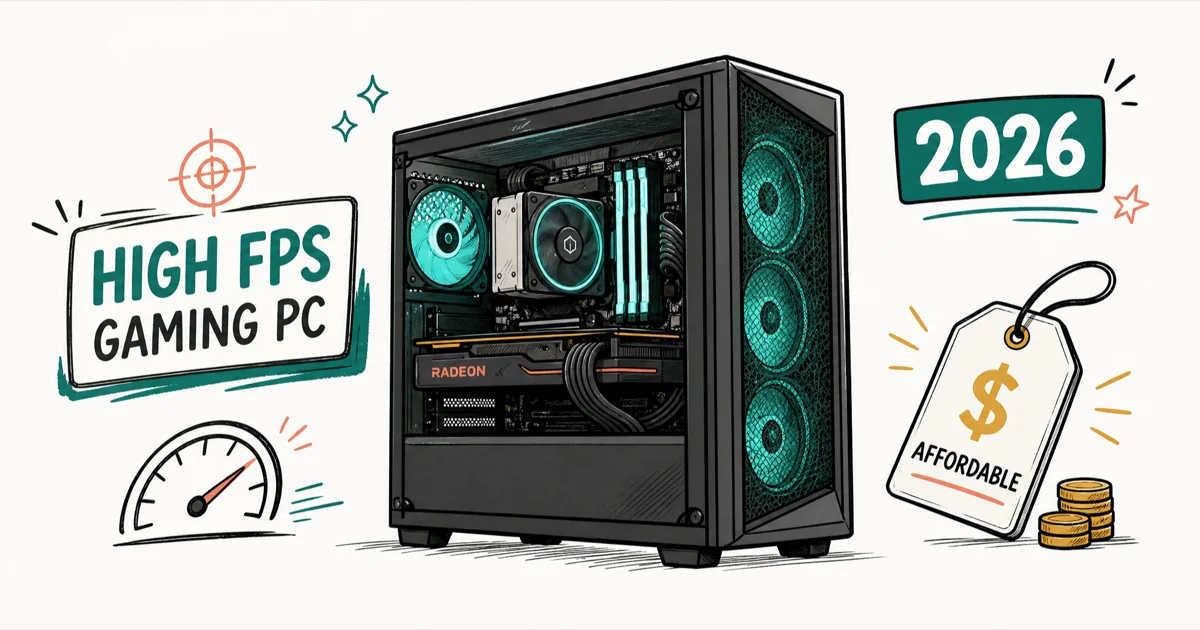
Quick AnswerA solid budget gaming PC in 2026 pairs a 6-core Ryzen 5 CPU with an RX 9060 XT 16GB or RX 7600, 32GB of RAM, a 1TB Gen4 SSD, and a quality 650W PSU. Expect to spend around $1,000 to $1,150 given current RAM and GPU prices.
A budget gaming PC build in 2026 starts with a 6-core Ryzen 5 CPU, a current 16GB graphics card, 32GB of RAM, and a 1TB Gen4 SSD. A full parts list at current market prices lands near $1,000 to $1,150. RAM, storage, and GPU prices have all climbed, so “budget” buys less than it did a year ago.
- Spend 40 to 50 percent of your budget on the GPU. It has the biggest single effect on frame rates.
- A 6-core, 12-thread Ryzen 5 is the budget CPU sweet spot. Overpaying on the CPU starves the GPU.
- Two real paths exist: a future-proof AM5 build (Ryzen 5 9600X) or a cheaper AM4 value build (Ryzen 5 5600).
- 32GB of RAM and a 1TB Gen4 SSD are the 2026 baseline. 16GB is the bare minimum and will feel tight.
- A genuine $1,000 build is hard right now. Several outlets put a comparable rig closer to $1,150 to $1,250 after tax.
#Is a Budget Gaming PC Still Worth Building in 2026?
Short answer: yes, but go in with realistic expectations. The market is the toughest it’s been in years for cheap builds.
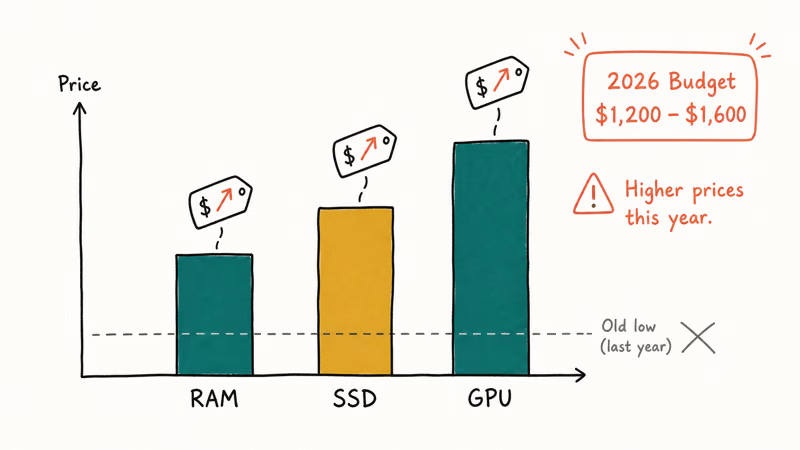
A memory shortage has pushed RAM and SSD prices up sharply, and GPU prices stay high because gamers and AI buyers chase the same silicon. According to Tom’s Hardware’s best PC builds guide, the entry tier shifted upward so far that a true $500 build no longer makes sense, with the lowest tier now starting around $800.
It gets worse on the prebuilt side too. Tom’s Guide’s gaming PC roundup found that a truly cheap gaming PC is harder to find than ever, since the best systems also tend to cost the most.
So set the target honestly. A great-value 2026 budget build is roughly $1,000 to $1,150 for the tower, and it’ll run new games at 1080p Ultra and reach into 1440p. If that’s out of reach, a prebuilt gaming PC under $500 is a sensible starting point you can upgrade later.
#Which Platform Should a Budget Build Use?
You’ve got two smart routes, and the right one depends on whether you value upgrades or rock-bottom price.
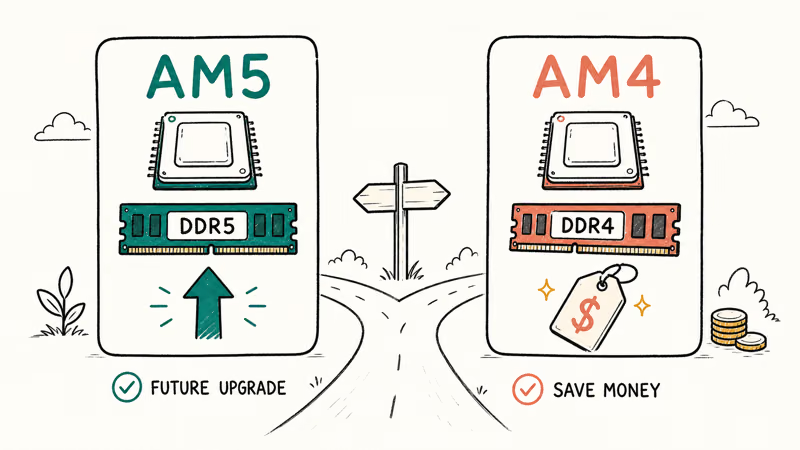
The future-proof route is AM5. A Ryzen 5 9600X on a B650 board uses DDR5 and drops straight into AMD’s current socket, so you can swap in a faster Ryzen 9000 chip or a stronger GPU down the line. XDA’s first-time Ryzen build guide recommends getting the platform choice and BIOS basics right before anything else, and AM5 is the one with room to grow.
The value route is AM4. A Ryzen 5 5600 on a B550 board with DDR4 sidesteps the worst of the DDR5 price inflation, and it still delivers strong 1080p Ultra and 1440p High gaming. You give up the long upgrade path, but you save real money today, which can go toward a better GPU.
If you want integrated graphics as a stopgap before adding a card, our best APU guide covers chips that game without a discrete GPU at all. It’s a useful fallback when GPU prices spike.
#A Complete Budget Gaming PC Parts List
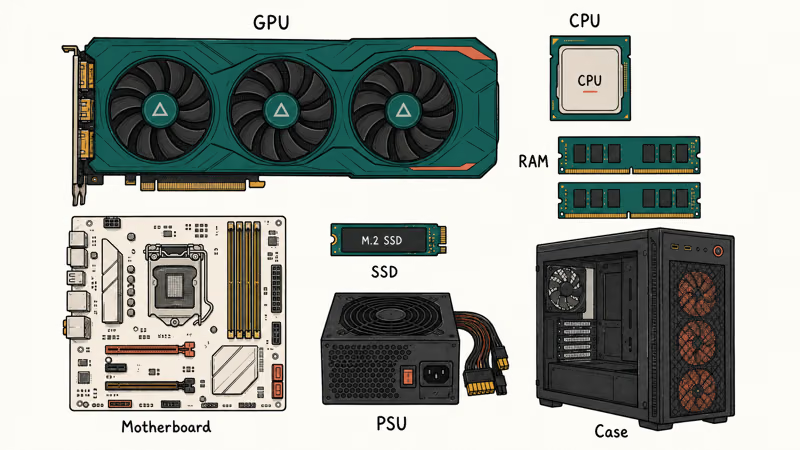
Here’s a balanced build that prioritizes the GPU, holds the line on a quality PSU, and keeps the rest sensible. Swap the AM5 parts for the AM4 equivalents if you want to trim cost.
#CPU: AMD Ryzen 5 9600X (or Ryzen 5 5600 to save)
The AMD Ryzen 5 9600X brings 6 cores and 12 threads with strong gaming clocks, and because it sits on the current AM5 socket, you can later drop in a faster Ryzen 9000 chip without replacing the board. That headroom is the whole reason to pay a little more here. Six cores is plenty for gaming, streaming, and background apps, and spending more would just steal from the GPU budget.
As an Amazon Associate, fone.tips earns from qualifying purchases.
Want to save? Drop to the AMD Ryzen 5 5600 on AM4. Same 6 cores, ships with a cooler, frees up cash for the GPU. The only catch is a dead-end upgrade path.
#GPU: AMD RX 9060 XT 16GB (or RX 7600)
This is where most of your money goes, and it should. The AMD Radeon RX 9060 XT 16GB is the value champion of the current generation. Its 16GB buffer and low power draw handle 1080p Ultra and respectable 1440p.
On a tighter budget, the AMD Radeon RX 7600 is a proven 1080p performer that still delivers great frame rates in current games. Aim for at least 8GB of VRAM whatever you pick. If you can stretch to a 16GB card, do it, because that extra memory is what keeps a budget GPU relevant as games keep getting heavier on textures.
#Motherboard: B650 (AM5) or B550 (AM4)
Match the board to the CPU. A B650 motherboard pairs with the Ryzen 5 9600X for DDR5, while a quality B550 motherboard is the AM4 value choice. Skip the cheapest board.
#RAM: 32GB DDR5-6000 CL30 (or DDR4-3200 CL16)
Get 32GB. On AM5, a 32GB DDR5-6000 CL30 EXPO kit is the sweet spot. Don’t skimp to slower DDR5-5200, because Ryzen leans on memory speed. A 2x16GB DDR4-3200 CL16 kit covers the AM4 build, and our RAM guide for the Ryzen 5 5600X explains why DDR4-3600 is ideal on that older platform.
#Storage and PSU: 1TB Gen4 SSD and a 650W Bronze unit
A 1TB Gen4 NVMe SSD is the storage floor in 2026, because modern games are huge and a single 1TB drive fills fast. The power supply is the other place not to cut corners. Buy a reputable 650W 80 Plus Bronze PSU, since a cheap unit failing can take your GPU and motherboard with it.
#Case: Spend $80 to $120 on Airflow
Don’t grab the cheapest case. A mid-tower airflow case in the $80 to $120 range keeps temperatures sane.
#How to Split Your Budget Across Parts
The split is the thing most first-time builders get wrong, and getting it right is what separates a smooth build from a stuttery one.
Put the GPU first. In a gaming build, a strong graphics card with a modest CPU beats a flashy CPU with a weak GPU. The best CPU for the RTX 3070 guide makes the same point from the other direction, showing how a mismatched, overpowered CPU is wasted money on a gaming box.
| Component | Budget share | Notes |
|---|---|---|
| GPU | 40-50% | Biggest impact on FPS |
| CPU | 12-18% | 6-core Ryzen 5 is plenty |
| RAM + storage | 18-25% | 32GB + 1TB Gen4 baseline |
| Motherboard | 10-12% | Don’t buy the cheapest |
| PSU + case | 12-15% | Quality protects the rest |
Recommended budget split for a 2026 gaming PC build
#Performance You Can Expect From This Build
Set expectations by resolution. At 1080p this build runs new AAA games at high to ultra settings, and competitive titles fly. At 1440p you’ll mix high and ultra and lean on FSR upscaling in the heaviest games.
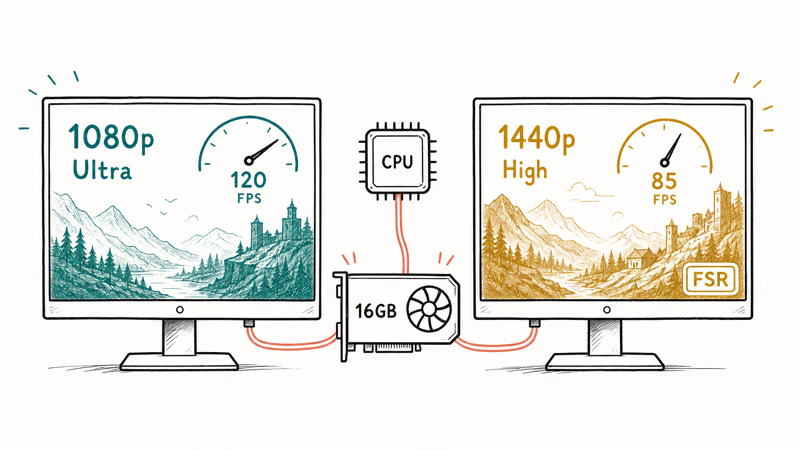
A 6-core Ryzen 5 paired with a current 16GB card holds smooth frame rates at 1080p Ultra across modern releases, and a well-built budget rig like this should stay viable for three to four years. The best GPU for 1080p 144Hz guide is worth a read if a high-refresh 1080p monitor is your target, since the GPU is what feeds those frames.
#Common Budget-Build Mistakes to Avoid
A few predictable errors quietly ruin otherwise good budget builds. Sidestep these and you’ll save money and headaches.
The first is buying a cheap power supply. A viable 2026 build needs an adequate PSU from a reputable brand, since a no-name unit puts every other part at risk. The second is overspending on the CPU at the GPU’s expense, which leaves you with a snappy desktop and disappointing frame rates. The third is grabbing 16GB of RAM to hit a price, then fighting stutter in newer games that want 32GB.
Don’t forget the motherboard’s role in longevity. A solid board with good BIOS support lets you upgrade the CPU later, and our Ryzen 7 5800X motherboard guide explains how chipset tiers map to features on AM4, which applies directly to the value build above. Pair smart and this PC grows with you.
#Bottom Line
Build around the GPU, get 32GB of RAM and a 1TB Gen4 SSD, and never cheap out on the power supply. Choose AM5 with a Ryzen 5 9600X if you want an upgrade path, or AM4 with a Ryzen 5 5600 to save money now. Budget about $1,000 to $1,150, check live pricing before you buy each part, and you’ll have a PC that plays today’s games well and lasts for years.
#Frequently Asked Questions
Can you build a good gaming PC for under $1,000 in 2026?
You can build a capable one, but it’s tight. Current RAM, SSD, and GPU prices have pushed a comparable parts list closer to $1,000 to $1,150, and some outlets land near $1,250 after tax. Prioritize the GPU and you’ll still get strong 1080p Ultra performance.
Should I choose an AM4 or AM5 platform for a budget build?
Pick AM5 if you want a future upgrade path, since it uses DDR5 and accepts newer Ryzen chips. Pick AM4 if you want to save money now, because DDR4 dodges the worst memory inflation while still gaming well at 1080p and 1440p.
How much RAM do I need for gaming in 2026?
Get 32GB. 16GB is the bare minimum and feels cramped once a browser and Discord are open.
What’s the most important part in a budget gaming PC?
The GPU, easily. Spend 40 to 50 percent of your budget there, since it drives frame rates more than any other part.
Do I really need a 1TB SSD?
Effectively, yes. Modern games routinely take 100GB or more each, so a single 1TB Gen4 NVMe drive fills up fast. It’s the practical storage floor in 2026, and you can always add a second drive later.
Can this build handle 1440p gaming?
Yes, with realistic settings. A current 16GB card like the RX 9060 XT runs many 1440p games at high settings and uses FSR upscaling to smooth out the most demanding titles, though you may drop a few settings in the very heaviest releases. It shines brightest at 1080p Ultra, where it doesn’t have to lean on upscaling at all, so treat 1440p as a comfortable bonus rather than the headline target for this tier of build.
Is it cheaper to build or buy a prebuilt right now?
It’s closer than usual. With component prices high, a DIY build doesn’t always undercut a comparable prebuilt the way it once did, so compare both. A budget prebuilt can be the smarter buy when GPU and RAM prices spike, with DIY winning on upgradeability.
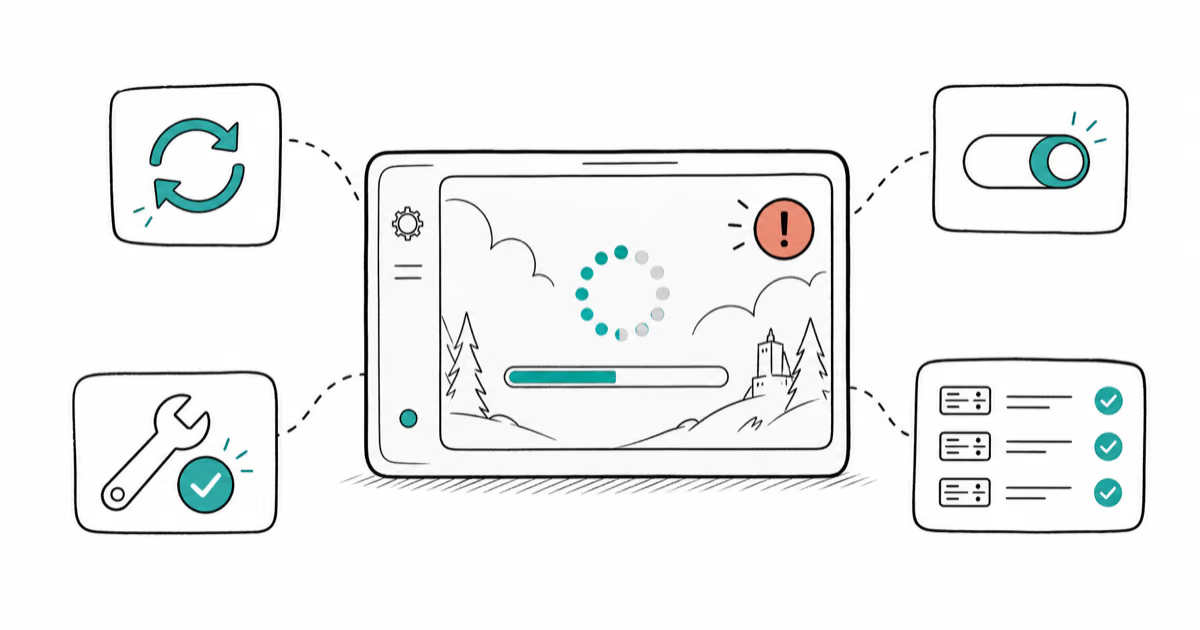
Fortnite Stuck on the Loading Screen? Fix It in 2026
Fortnite stuck on the loading screen? Check server status, fix the Windows N Media Pack and DirectX 11 on PC, clear the console cache, and verify files.
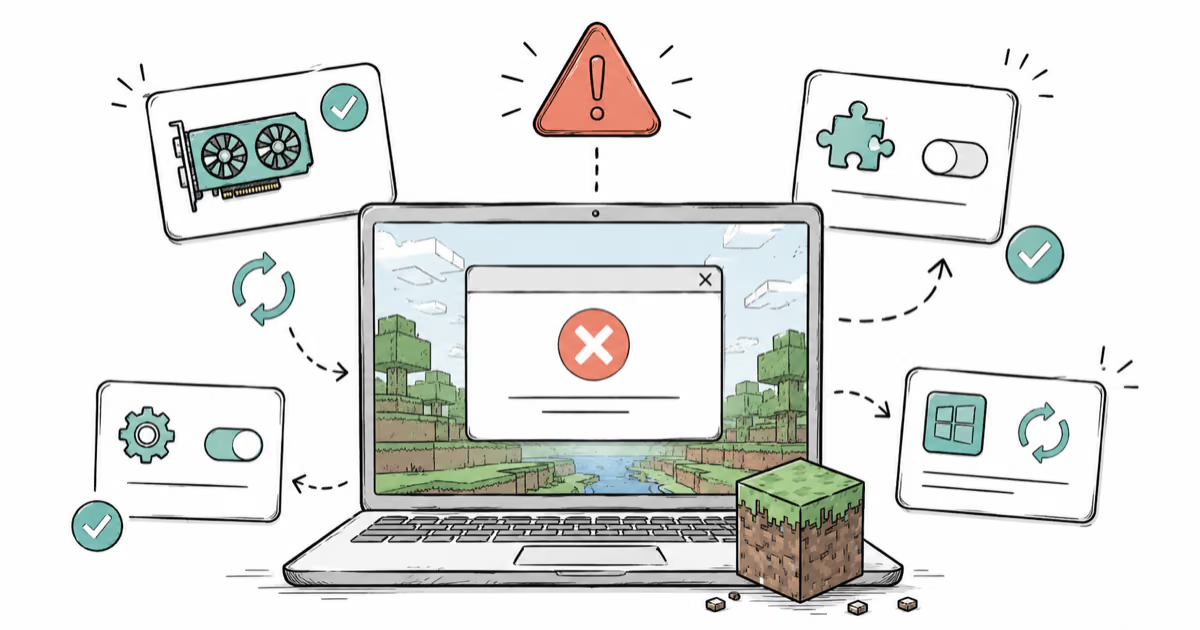
Minecraft Keeps Crashing? Java and Bedrock Fixes (2026)
Minecraft keeps crashing on startup or mid-game? Update your GPU driver, remove mods on Java, and reinstall Gaming Services on Bedrock. Fixes for both.

Pokemon GO Not Loading? Fix the Loading Screen 2026
Pokemon GO not loading or stuck on the Pokeball? Check server status, fix automatic date and time, grant location permission, clear the cache, and update.
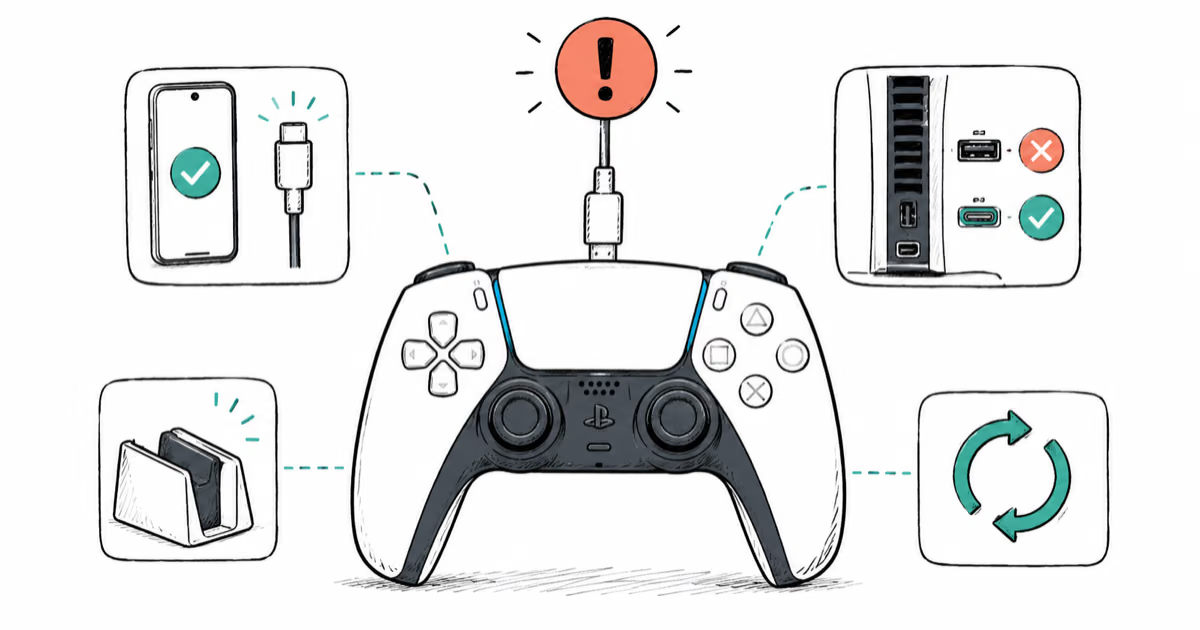
PS5 Controller Not Charging? 9 Fixes That Work (2026)
DualSense not charging? Swap the cable, use a rear port in Rest Mode, clean the USB-C port, and check power settings. 9 fixes for a dead PS5 controller.