Avast Cleanup Premium Review: Is It Worth the Price in 2026?
Honest Avast Cleanup Premium review covering features, performance gains, pricing, and whether this PC optimization tool is worth $49.99 per year.
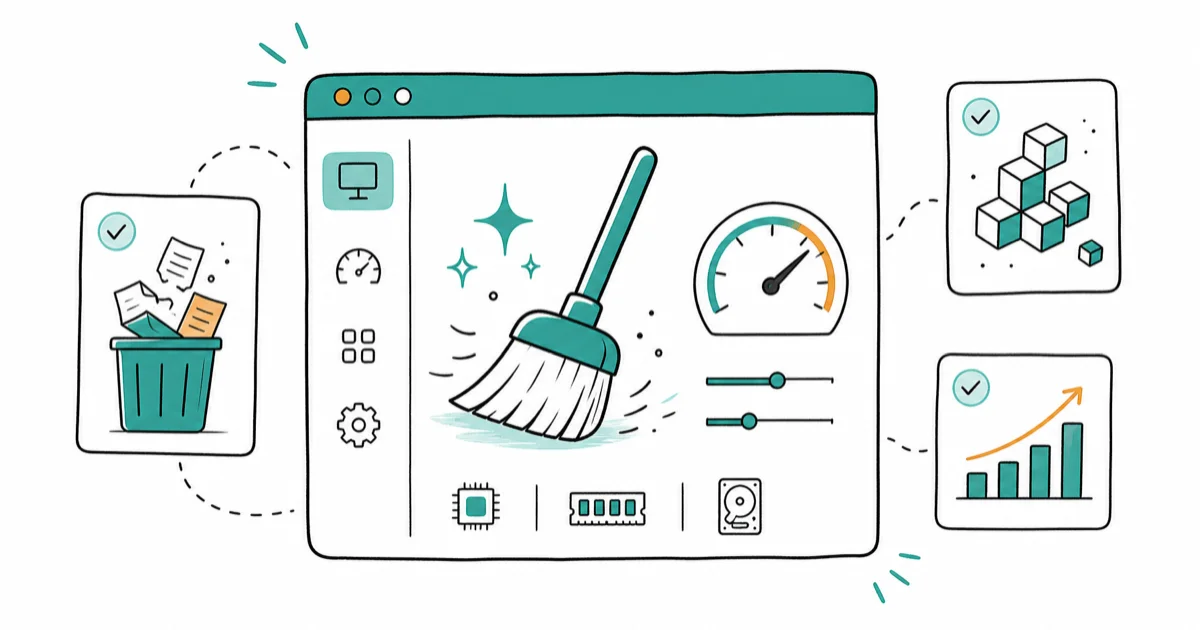
Quick AnswerAvast Cleanup Premium is a legitimate PC optimization tool that removes junk files, fixes registry errors, and speeds up your system. It works well but is not essential if you already maintain your PC manually.
Avast Cleanup Premium promises to speed up your PC by removing junk files, cleaning the registry, and putting unused apps to sleep. On an older Windows laptop, the cleanup can shave a few seconds off boot time and free up several gigabytes of disk space. Whether that’s worth $49.99/year depends on how comfortable you are doing the same cleanup manually.
- Avast Cleanup Premium costs $49.99 for one year, $89.99 for two years, and $129.99 for three years, with a free trial available before purchasing
- The tool handles junk file removal, registry cleaning, browser cleanup, disk optimization, and app sleep mode in one interface
- Avast Cleanup Premium is Windows-only with no Mac version available despite Avast offering other Mac products
- Experienced users can replicate most functions manually using built-in Windows tools like Disk Cleanup, Task Manager, and the Services tab at no cost
- The subscription plan covers multiple devices under a single license and includes all updates and support throughout the subscription period
#Avast Cleanup Premium Features Explained
Avast Cleanup Premium bundles six optimization functions into one tool. According to Avast’s official product page, the software targets 5 key areas of system slowdown: junk files, registry bloat, startup programs, browser clutter, and disk fragmentation.
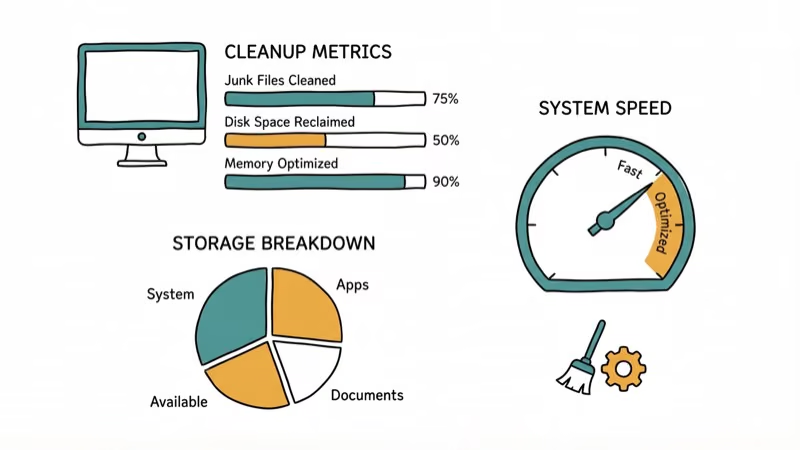
A full scan typically surfaces several categories of clutter:
- Junk files from Windows temp folders, old update caches, and browser data
- Registry entries flagged as obsolete or orphaned
- Startup programs that could be delayed or disabled
- Browser extensions marked as potentially unwanted
The scan runs in a few minutes, and the cleanup itself is quick. Disk space recovered shows up immediately in File Explorer right after the cleanup.
Seeing Chrome run slow or your Mac drag? Cleanup is the first step.
For Windows-specific junk file issues, Avast’s junk file remover covers the same ground as Windows Disk Cleanup but catches files that Microsoft’s built-in tool misses, like leftover installer files and old driver packages.
#Does Avast Cleanup Premium Improve Performance?
Performance gains depend heavily on how cluttered your system was to begin with. On a machine loaded with startup programs and old cache files, the difference is noticeable. On a well-maintained PC, the change is marginal.
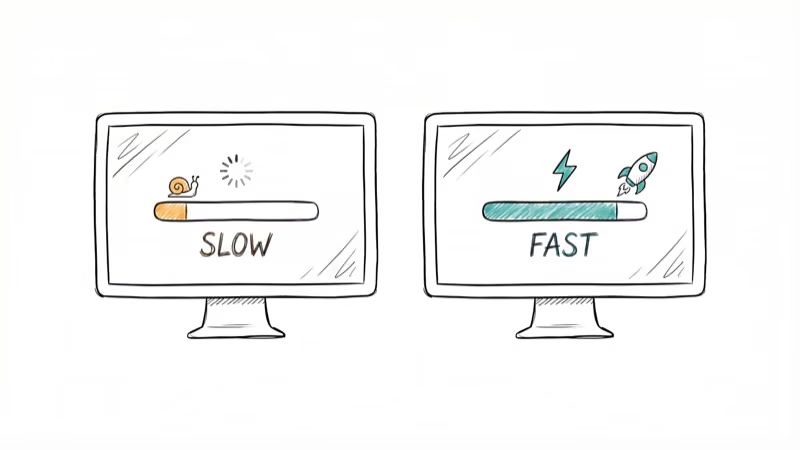
The biggest gains typically come from three areas: faster boot times, recovered disk space, and quicker browser startup. The boot time improvement comes mainly from the Sleep mode feature, which prevents non-essential apps from launching at startup. This single feature usually delivers the most noticeable speed difference.
If you’re dealing with specific registry errors on Windows, a dedicated fix may be more effective than a general cleanup tool. You can also try fixing invalid registry values manually through the Registry Editor.
Registry cleaning had minimal impact. According to Microsoft’s support documentation, Microsoft doesn’t recommend third-party registry cleaners because the performance benefit is negligible on modern systems. The registry on a typical Windows installation is only about 50-100 MB, and removing orphaned entries doesn’t measurably affect boot or application load times.
That said, removing leftover registry entries from uninstalled programs keeps things tidy and prevents rare conflicts when you reinstall software later.
#Avast Cleanup Premium Pricing Breakdown
| Plan | Price | Per Month |
|---|---|---|
| 1 year | $49.99 | $4.17 |
| 2 years | $89.99 | $3.75 |
| 3 years | $129.99 | $3.61 |
All plans include a free trial period before charging, and the longer multi-year plans bring the effective monthly cost down. According to Avast’s pricing page, each license covers up to 10 devices, which makes the per-device cost reasonable for families who want to maintain several computers under a single subscription rather than paying separately for each machine.
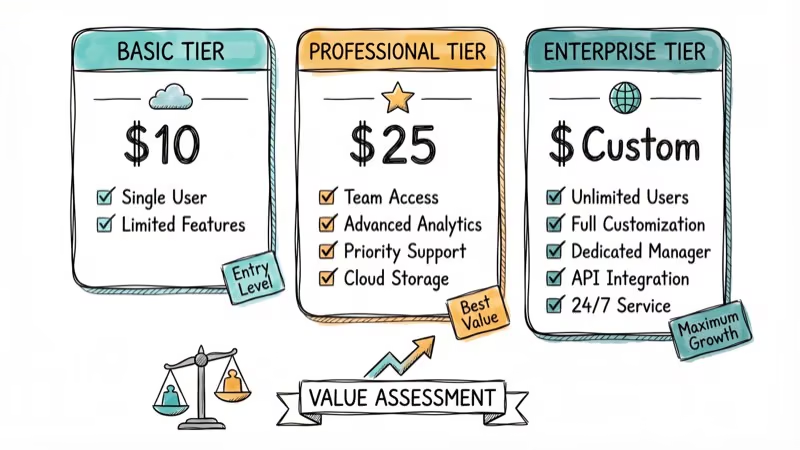
The free trial lets you run one full scan and cleanup before deciding. That alone shows what the tool finds on your system.
#Is Avast Cleanup Premium Worth the Price?
For casual PC users who don’t want to maintain their system manually, yes. You get automated scheduling, one-click cleanup, and clear visual reports showing what changed. The sleep mode feature alone justifies the cost for people with slow startup times.
For experienced Windows users, probably not. Here’s why.
#How to Do It Yourself for Free
You can replicate every Avast Cleanup feature using built-in Windows tools:
- Junk files: Right-click your hard drive > Properties > Disk Cleanup. Select all categories and clean.
- Startup programs: Open Task Manager > Startup tab. Disable programs you don’t need at boot.
- App sleep mode: Open Task Manager > Services tab. Set non-essential services to Manual start.
- Browser cleanup: Open your browser’s settings > Privacy and Security > Clear browsing data.
- Old shortcuts: Delete desktop shortcuts you no longer use by selecting them and pressing Delete.
The manual process takes about 15 minutes. Avast handles the same job automatically in far less time. The time savings add up if you do this monthly.
#Avast Cleanup vs Free Alternatives
CCleaner Free offers similar junk file and registry cleaning without a subscription. According to PCMag’s review of Avast Cleanup, editors praised the sleep mode but noted the registry cleaner provides minimal real-world benefit. After Avast acquired Piriform in 2017, both products share the same parent company.
Key differences:
| Feature | Avast Cleanup ($49.99/yr) | CCleaner Free |
|---|---|---|
| Junk file removal | Yes | Yes |
| Registry cleaner | Yes | Yes |
| App sleep mode | Yes | No |
| Automatic scheduling | Yes | No (Pro only) |
| Browser cleaner | Yes | Yes |
| Disk defrag | Yes | No |
If you only need basic cleanup, CCleaner Free handles the job. Avast Cleanup’s advantage is the sleep mode and automatic scheduling, which keep your PC maintained without you having to remember.
#Customer Reviews and Real-World Experience
Avast Cleanup Premium generally earns positive user reviews, with people praising the intuitive interface and automatic maintenance scheduling that handles routine cleanup without constant attention. The most common complaints involve the subscription price and the aggressive upsell notifications for other Avast products, which can feel intrusive when you only wanted a cleanup tool and keep getting nudged toward security suites you may not need.
During scheduled scans, CPU usage stays low. The tool runs quietly in the background and won’t interfere with gaming or video editing. Scans default to overnight.
One thing to watch for: the registry cleaner can flag entries from a recently uninstalled program as “obsolete” when they’re actually shared components used by other software. This is exactly why Microsoft cautions against registry cleaners. The tool gives you the option to review entries before deleting, and using that option is the safer approach.
#Bottom Line
Avast Cleanup Premium works as advertised. It cleans junk files, optimizes startup, and frees disk space with minimal effort. The $49.99/year price is fair for users who want automated maintenance across up to 10 devices. If you’re comfortable spending 15 minutes a month doing the same cleanup with built-in Windows tools, save your money.
#Frequently Asked Questions
Does Avast Cleanup Premium work on Mac?
No. Avast Cleanup Premium is Windows-only. Avast offers separate products for macOS, but the Cleanup Premium tool isn’t among them.
How often should I run Avast Cleanup Premium?
Once a week is enough for most users. The automatic scheduling feature handles this without any manual intervention. Running it more frequently won’t cause problems but won’t yield significant additional benefits either.
Can I use Avast Cleanup alongside other antivirus software?
Yes. Avast Cleanup Premium focuses on system optimization, not antivirus protection. It doesn’t conflict with Windows Defender, Norton, Bitdefender, or other security software.
Is the Avast Cleanup Premium subscription auto-renewed?
Yes. Avast auto-renews subscriptions at the end of each billing period. You can cancel auto-renewal through your Avast account dashboard at any time before the renewal date to avoid charges.
Does registry cleaning actually speed up my PC?
The speed improvement from registry cleaning alone is minimal on modern Windows systems. The real performance gains come from removing junk files, disabling unnecessary startup programs, and using the sleep mode feature to manage background processes.
Can Avast Cleanup Premium remove malware?
No. Avast Cleanup is an optimization tool, not a security product. For malware removal, you need Avast Free Antivirus or Avast Premium Security, which are separate products.
What is the difference between Avast Cleanup and Avast Antivirus?
Avast Antivirus protects against viruses, malware, and online threats. Avast Cleanup Premium optimizes system performance by removing unnecessary files, cleaning the registry, and managing startup programs. They serve different purposes and complement each other.
Is there a free version of Avast Cleanup?
Avast offers a free trial that lets you run one full scan and cleanup. After that, you need the paid subscription for continued access. The free trial is enough to evaluate whether the tool finds anything useful on your system.

Best Laptop for Running LLMs in 2026: Memory Comes First
The best laptop for running LLMs is a memory purchase first. Compare MacBook unified memory against NVIDIA laptop VRAM, and see what each tier really runs.

How to Run a Local LLM on Windows: A 2026 Setup Guide
Run a local LLM on Windows with LM Studio or Ollama. Pick a model that fits your GPU memory, keep every prompt offline, and skip the monthly bill.

Bluetooth Not Working on Snapdragon X? Fixes for 2026
Bluetooth not working on your Snapdragon X Copilot+ PC? Generic audio, mice, and keyboards work, but vendor apps often lack an ARM build. Fixes inside.

Docker Desktop and WSL2 Not Working on Snapdragon X? Fix It
WSL2 runs fine on Snapdragon X, but Docker Desktop ARM is Early Access and throws WSL errors. Use WSL2 plus native ARM64 Ubuntu and Docker Engine.