How Bumble's Location Works and How to Change It (2026)
Learn how Bumble's location works, how often it updates, and how to change your Bumble location with Travel Mode. Includes tips for fixing wrong location.
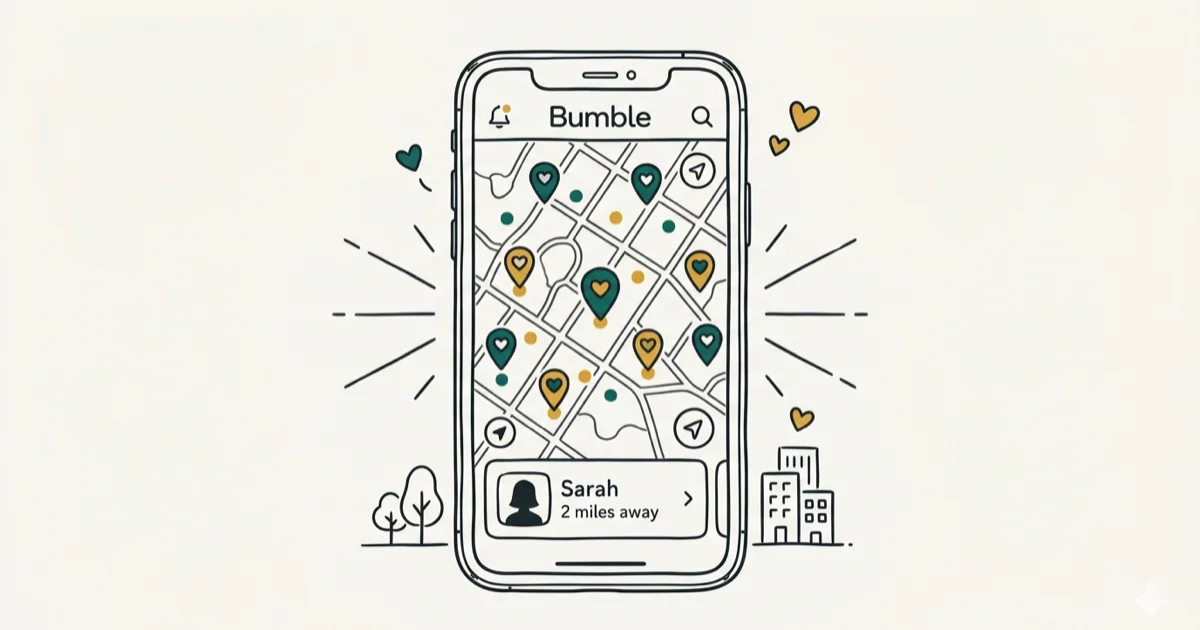
Quick AnswerBumble uses your phone GPS and Wi-Fi to detect your location each time you open the app. It shows potential matches within your set distance radius, and you can expand your reach using Travel Mode or a third-party GPS spoofing tool.
Bumble relies on your device’s GPS to connect you with nearby matches. The app only refreshes your coordinates when you actively open it, not in the background. This guide is only for your own device or account.
- Bumble updates your location only when you open the app, not in the background
- Travel Mode lets you set your location to any city for 7 days
- Your location displays as a city name with approximate distance
- Bumble requires location permission to show new matches
- GPS spoofing tools can change your location but risk account suspension
#How Does Bumble Use Your Location?
When you first sign up for Bumble, the app asks for permission to access your device’s location services. According to Bumble’s official help center, the app uses GPS and Wi-Fi data to determine your position each time you log in. Apple’s App Store listing for Bumble confirms the app requires location access to function properly.
Bumble only checks your location when you open the app. Closing Bumble completely stops all location updates until you reopen it.
Your location shows up as a city name to other users. They’ll also see an approximate distance, like “3 miles away.” Bumble doesn’t share your exact address or GPS coordinates with anyone.
If you’re wondering why your Bumble location is wrong, it’s usually because the app grabbed stale GPS data from your last session.
#Factors That Affect Your Bumble Match Results
Bumble’s matching algorithm considers three main factors: location, age range, and gender preference. Your distance filter controls how far Bumble searches for potential matches.
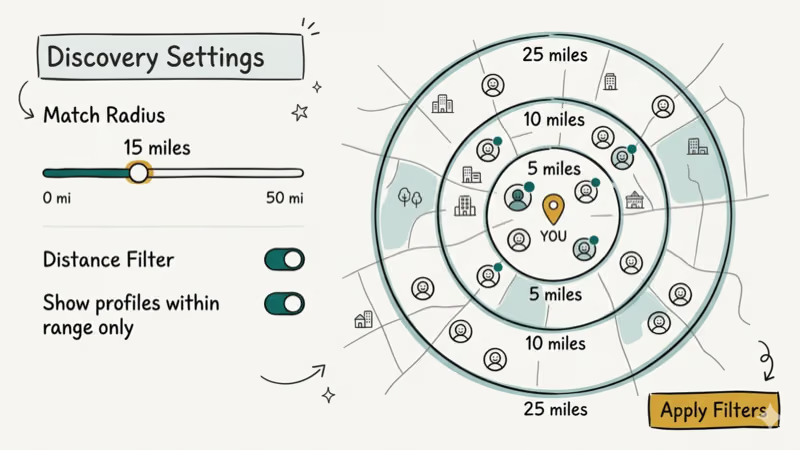
A wider radius (up to 100 miles) shows far more profiles. Smaller cities with fewer users benefit the most from expanding this range, where a tight radius can leave you with almost nobody to swipe on during a quiet week.
Bumble also uses a priority system for showing profiles. According to a 2023 report by Business of Apps, Bumble had over 40 million monthly active users worldwide. The app reportedly prioritizes recently active users, so people who haven’t opened the app in days will appear lower in your stack.
Here are a few things that directly affect your matches:
- Distance filter: adjustable from 1 to 100 miles
- Activity recency: profiles active in the last 24 hours rank higher
- Profile completeness: verified profiles with photos get more visibility
- Swipe behavior: consistent right-swiping on everyone may reduce your visibility
#Bumble Travel Mode Explained
Travel Mode is a premium Bumble feature that lets you set your location to any city worldwide for up to 7 days. It’s built for people who want to line up dates before a trip.
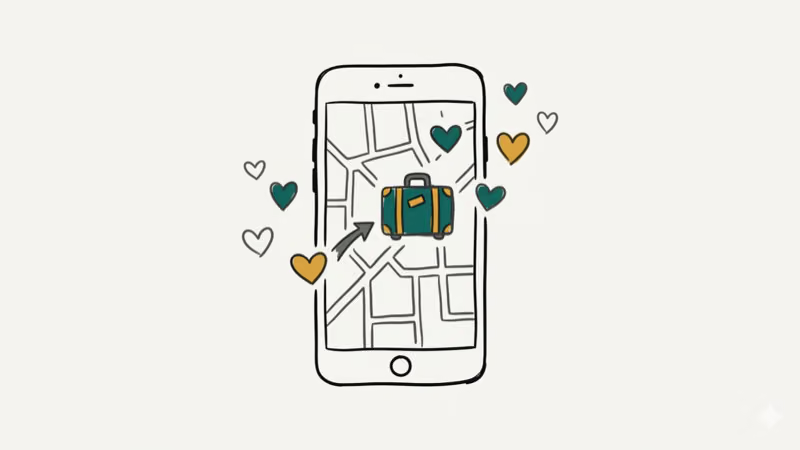
To activate Travel Mode:
-
Open Bumble and tap the gear icon to access Settings.
-
Under “Location Settings,” select “Travel to…”
-
Search for and pick your destination city.
-
The 7-day timer starts immediately.
One important thing to note: your profile will show a small airplane icon letting others know you’re using Travel Mode. You can’t hide this badge. Some users find this reduces their match rate because locals assume you’re just passing through.
You can switch cities as many times as you want during the 7-day window, but only one location stays active at a time. Travel Mode requires a Bumble Premium or Boost subscription. As noted in Bumble’s pricing page, Premium plans start at $29.99 per month when billed monthly.
If you need more details, check out our full guide on Bumble Travel Mode.
#Can You Change Your Bumble Location Without Travel Mode?
Yes, but it requires a GPS spoofing app on your device. Unlike Travel Mode, this method doesn’t add a travel badge to your profile, so matches won’t know you’ve changed your location.
On Android, you can enable developer options and use apps like Fake GPS Location to set a mock location. On iPhone, the process requires a desktop tool since iOS doesn’t allow mock locations natively.
Here’s the general process for iPhone:
-
Connect your iPhone to a computer.
-
Open a GPS spoofing tool (such as iToolab AnyGo or Tenorshare iAnyGo).
-
Select your desired location on the map.
-
Click “Go” to apply the spoofed coordinates.
-
Open Bumble, and the app picks up the new virtual location.
A word of caution: Bumble’s terms of service prohibit location manipulation, and that risk does not show up evenly across accounts. Spoofing may run without immediate consequences on some devices, but there’s always a risk of account suspension, since some accounts run for weeks while others get limited the first time the location jumps somewhere implausible. Bumble confirms that manipulating location data violates their community guidelines, so treat any spoofing as something that can cost you the account.
For Android users, our guide on allowing mock locations walks through the setup step by step. You can also check our broader location spoofer comparison for more options.
#Troubleshooting Bumble Location Problems
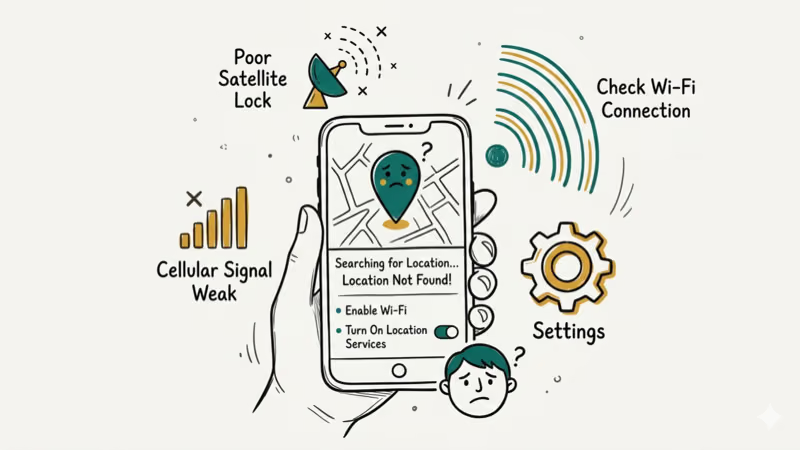
If you’re getting zero matches or seeing profiles from far away, several things could be wrong. The most common fix is simply closing and reopening the app to force a location refresh.
Other possible causes include:
- Location permission turned off: Bumble can’t function without GPS access
- Outdated app version: older builds sometimes have GPS bugs
- Wi-Fi-only location: GPS provides more accurate coordinates than Wi-Fi alone
- Low user density: rural areas naturally have fewer Bumble profiles
There’s a real gap between Wi-Fi-only and GPS+Wi-Fi location accuracy. A Wi-Fi-only reading can be off by a wide margin, while GPS+Wi-Fi pinpoints your location far more precisely. That gap matters when your distance filter is set to just a few miles.
If your location still seems wrong after trying the basics, a full GPS recalibration and a fresh Bumble sign-in usually fix the remaining edge cases.
#Other Bumble Features Worth Knowing
Beyond location, Bumble has several features that set it apart from other dating apps.
In heterosexual matches, women message first. The woman must send the first message within 24 hours or the match expires entirely. This rule is central to Bumble’s identity and differentiates it from Tinder and Hinge.
Bumble also offers profile verification. You take a selfie mimicking a specific pose, and the app compares it to your profile photos. Verified accounts get a blue checkmark.
The app goes beyond dating with BFF and Bizz modes. BFF connects you with same-gender friends, while Bizz works for professional networking. According to Google Play’s listing for Bumble, the app has been downloaded over 100 million times across all three modes.
You can also customize your Bumble notification sound to avoid missing matches. And if you decide the app isn’t right for you, here’s how to delete your Bumble account.
#Bottom Line
Bumble’s location system is straightforward once you understand how it works. The app only updates your position when you actively use it, and your exact coordinates stay private.
If you want to explore matches in a different city, Travel Mode is the safest official option. GPS spoofing tools work too, but they carry a risk of account suspension. Keep your location services enabled and your app updated for the best results.
#Frequently Asked Questions
Can you use Bumble without giving it location access?
No. Bumble requires location permission to function. Without it, the app won’t show new profiles at all.
How often does Bumble update your location?
Bumble refreshes your location each time you open the app or when someone interacts with your profile. It doesn’t track you in the background. If you haven’t opened Bumble in 3 days, your displayed location will still reflect the position from your last active session, not your current one.
Does Bumble show your exact address to other users?
No. Bumble only displays your city name and an approximate distance.
Can you use Bumble while traveling internationally?
Yes. Bumble works in most countries worldwide. When you open the app in a new country, it automatically detects your location and shows local profiles. You can also use Travel Mode to pre-set your destination before you arrive, which is helpful for lining up matches ahead of your trip.
Does changing your Bumble location reset your matches?
No. Existing matches and conversations remain intact. Only your discovery feed updates to show profiles from the new area.
Is Bumble’s Travel Mode free to use?
No. Travel Mode requires a Bumble Premium or Bumble Boost subscription. Premium costs $29.99 per month when billed monthly, with discounts available for 3-month and 6-month commitments. The feature lets you set your location to any city worldwide for up to 7 days at a time.

Google Messages Error 3100: Why RCS Is Broken on Galaxy
Google Messages RCS error 3100 hits Galaxy owners after phone or carrier switches. Google told 9to5Google a fix is coming. Here's what actually helps.

Is This Bank App Real? Spot a Fake App on Your Home Screen
A bank app can land on your home screen from a web page with no install warning. Learn the checks that tell a real banking app from a phishing web app.

Apps Crashing After iOS 27 Update? Fix Order (2026)
Apps crashing after the iOS 27 update? Update the app in the App Store first, then offload and reinstall to clear stale cache, then restart. The fix order.

Do AI Translation Earbuds Work Offline? What to Know
Do AI translation earbuds work offline? A few do with downloaded language packs, but most need the cloud. Here's what works offline and what you give up.