Bumble Travel Mode: How to Use it and is it Worth the Cost?
Bumble Travel Mode lets you match in any city before you arrive. Learn what it costs in 2026, how to enable it, and two free GPS spoofing alternatives.
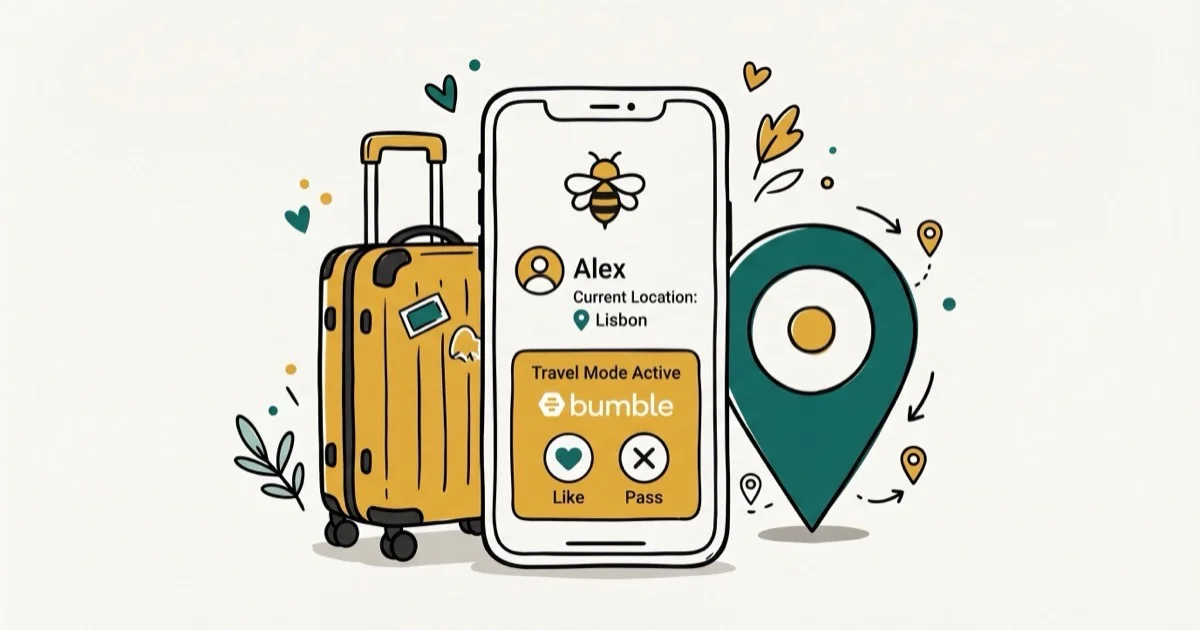
Quick AnswerBumble Travel Mode lets you match in another city before you arrive through Bumble Premium or Premium+. It changes your Bumble location virtually, while GPS spoofing is riskier because Bumble uses phone GPS and prohibits location misrepresentation.
Bumble Travel Mode lets you set your location to any city on the globe before you arrive, which is useful for lining up dates ahead of a trip. For frequent travelers, it’s one of Bumble’s most practical paid features because it changes matching location without spoofing your phone GPS.
- Travel Mode is an app-only Bumble Premium or Premium+ feature
- Once enabled, Bumble shows profiles from the selected area for the next 7 days
- Your profile shows a Travel Mode banner while the feature is active
- Travel Mode changes where Bumble shows you virtually, not your phone’s actual GPS
- GPS spoofing is riskier than Travel Mode because Bumble prohibits misleading location details
#Bumble Travel Mode Explained
Travel Mode is a location feature inside Bumble’s paid tier. It lets you pick any point on the map as your current location so that other Bumble users in that city see your profile in their local feed.
According to Bumble, Travel Mode lasts 7 days; its official Travel Mode documentation also says the feature works only in the app, requires Bumble Premium or Premium+, and adds a Travel Mode banner to your profile. That’s a key difference from a normal GPS location update.
According to Wikipedia, Bumble launched in December 2014; its Bumble page describes it as an online dating and social networking app. Travel Mode sits on top of that local-matchmaking model.
Travel Mode was introduced as Bumble’s direct response to Tinder Passport. Bumble’s version adds a visible travel signal as a transparency measure for potential matches.
#How to Enable Bumble Travel Mode
Travel Mode requires Bumble Premium or Premium+. Once subscribed, here’s how to turn it on:
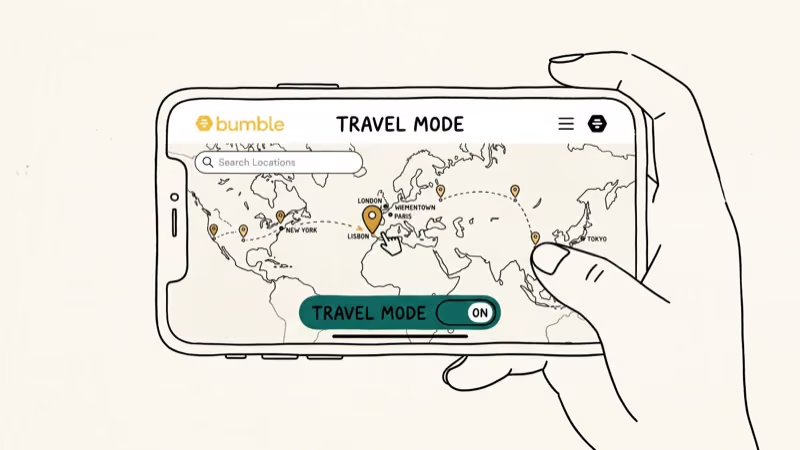
- Open the Bumble app and tap your profile photo in the top-left corner.
- Tap the grey gear icon to open Settings.
- Scroll to the Location section and tap Travel Mode.
- Use the map or search bar to pick your destination city.
- Tap Confirm. Your location changes immediately.
After confirmation, Bumble uses the selected city for discovery while Travel Mode is active. Matches from that area can appear in your swipe queue, and the Traveler badge appears on your profile automatically once the mode activates.
#Bumble Travel Mode Access in 2026
The safest current pricing guidance is to check Bumble’s in-app subscription screen before buying. Bumble’s public help page describes Travel Mode as a Premium or Premium+ feature, but subscription pricing can vary by region, platform, and offer window.
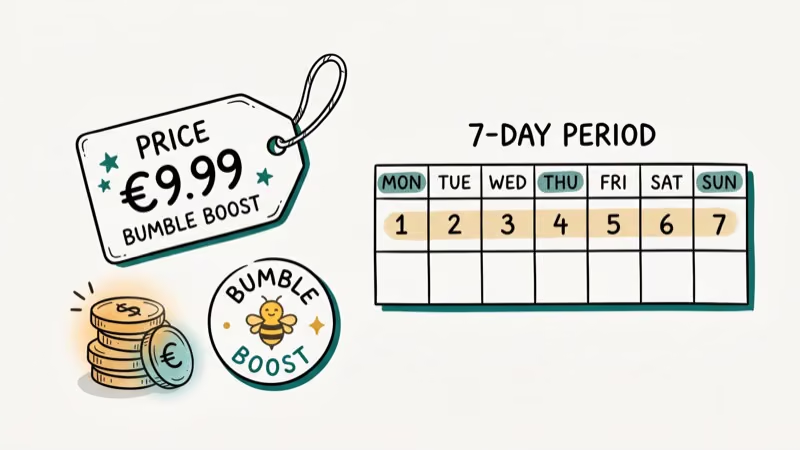
One activation changes your Bumble location for 7 days. If you need more time, reopen the app’s Travel Mode settings and check the current extension or subscription option shown for your account.
#Is Bumble Travel Mode Worth Buying?
For business travelers and people relocating, Travel Mode can deliver real value. Starting to match before arrival gives you time to introduce yourself, explain your travel context, and avoid spending the whole trip swiping.
The main limitation is the forced Traveler badge. Some users report lower match rates when the badge is visible, since potential matches in a city may deprioritize someone they know is only visiting. The Bumble blog recommends being upfront in your opener about how long you’ll be in town, which partially offsets this.
For budget-conscious users, repeated short trips can still add up quickly. Compare the in-app Premium and Premium+ options against how often you expect to use Travel Mode before committing to a longer subscription.
#Free Alternatives to Bumble Travel Mode
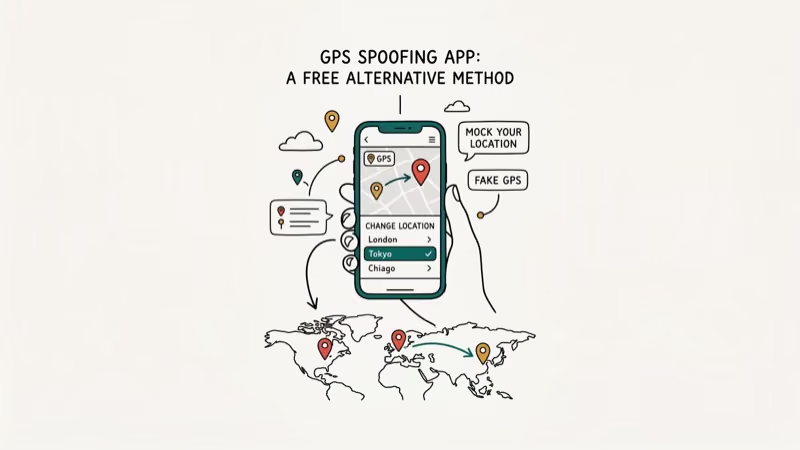
If you’d rather not pay, GPS spoofing apps change your iPhone or Android location at the system level. Bumble reads your device location rather than doing its own GPS check, so a spoofed location updates your profile city without triggering the Traveler badge.
According to Bumble’s location help page, your phone’s GPS automatically determines your Bumble location and your general location can’t be customized. That makes GPS spoofing a workaround rather than a supported Bumble setting.
#MockGo for iOS
MockGo is a desktop app (Mac/Windows) that changes your iPhone GPS location without jailbreaking. Connect your iPhone via USB, pick a destination on MockGo’s map, and tap Move Here. Bumble can then read the phone’s spoofed location instead of its physical GPS position.
Some links on this page are affiliate links, which means fone.tips may earn a commission at no extra cost to you.
Steps to use MockGo:
- Download and install MockGo on your computer, then open it.
- Connect your iPhone with a USB/Lightning cable.
- Click Start once MockGo recognizes the device.
- Click the Teleport icon (top-right), search for your target city, and click Search.
- Click Move Here to set the new location.
- Open Bumble. Your location now shows the target city.
MockGo works for other location-based apps too, including Pokemon Go and Tinder.
#iToolab AnyGo
iToolab AnyGo is a similar GPS tool. It supports both teleport mode (single-click location change) and route simulation (moves at walking, cycling, or driving speed). The route simulation is useful if you want location-based apps to see gradual movement rather than an instant jump.
Key difference from MockGo: AnyGo lets you import GPX route files from your computer, which makes it easier to simulate a realistic local commute pattern.
#How Does Bumble Travel Mode Compare to Tinder Passport?
Both tools serve the same core purpose. The key differences:
- Traveler badge: Bumble always shows it; Tinder lets you hide it
- Duration: Bumble’s activation lasts 7 days; Tinder Passport has no expiration
- Cost: Bumble requires Premium or Premium+ for Travel Mode; Tinder Passport is included in Tinder’s paid tiers
- App quality in your city: depends entirely on the local user base, not the feature
If hiding your traveler status matters, Tinder Passport has the advantage. If you already use Bumble and want to stay on one platform, Travel Mode is the simpler choice. Both features work best when your opener acknowledges the travel context instead of pretending you’re local.
Also check our guides on how Bumble location works and what to do when Bumble location is wrong for related tips.
For a broader comparison, see Bumble vs Tinder.
#Bottom Line
Bumble Travel Mode adds a Traveler badge to your profile and is currently tied to Premium or Premium+ access. It’s worth checking the in-app subscription screen before paying, because pricing and offer windows can vary by account, region, and platform. GPS spoofing apps like MockGo are a practical free alternative on iOS, but they’re less policy-safe than Bumble’s own travel feature.
#Frequently Asked Questions
Can other users see that you are using Travel Mode on Bumble?
Yes. All Bumble users who see your profile while Travel Mode is active will see a “Traveler” badge. You can’t disable this indicator, as it’s required by Bumble’s transparency policy. The only way to match in another city without the badge is to use a GPS spoofing app like MockGo or AnyGo, which changes your device location without telling Bumble you’re traveling.
Can I disable Bumble’s Travel Mode?
You can end Travel Mode early by returning to Settings > Location and turning it off manually. The 7-day period doesn’t refund unused days. Once disabled, your location reverts to your actual device GPS coordinates within a few minutes.
How long does Bumble Travel Mode last?
Each activation lasts 7 days. To continue matching in the same city after that, reopen Bumble’s Travel Mode settings and use the current extension or subscription option shown in your account. GPS spoofing apps don’t have a time limit; the location stays changed until you revert it manually.
Can I change cities after buying Bumble Travel Mode?
Yes. You can update your Travel Mode destination at any time within the 7-day window at no extra charge. Go to Settings > Location > Travel Mode and pick a new city. The 7-day clock doesn’t reset when you change cities.
Does Bumble Travel Mode work for same-city matching?
Travel Mode is primarily designed for out-of-town matching. If you set your location to your actual city, it behaves like regular Bumble location without spending Coins. The feature is most useful when you set a destination different from your current physical location.
Is GPS spoofing against Bumble’s terms of service?
According to Bumble’s authenticity guidelines, misleading or falsely stated facts about yourself, including permanent location, violate its rules. Using a GPS spoofing app can therefore conflict with Bumble’s rules, while Travel Mode is the supported option for travel matching.
What is the difference between Bumble Boost and Bumble Premium?
Bumble’s current support page lists Travel Mode under Premium and Premium+ access. Check the plan names and feature list inside your own app before upgrading, because Bumble has changed Boost, Premium, and coin-style packaging over time.

Google Messages Error 3100: Why RCS Is Broken on Galaxy
Google Messages RCS error 3100 hits Galaxy owners after phone or carrier switches. Google told 9to5Google a fix is coming. Here's what actually helps.

Is This Bank App Real? Spot a Fake App on Your Home Screen
A bank app can land on your home screen from a web page with no install warning. Learn the checks that tell a real banking app from a phishing web app.

Apps Crashing After iOS 27 Update? Fix Order (2026)
Apps crashing after the iOS 27 update? Update the app in the App Store first, then offload and reinstall to clear stale cache, then restart. The fix order.

Do AI Translation Earbuds Work Offline? What to Know
Do AI translation earbuds work offline? A few do with downloaded language packs, but most need the cloud. Here's what works offline and what you give up.