Best Gaming Headset 2026: Top Picks by Platform and Budget
Best gaming headset 2026 by platform and budget. Compare PC, PS5, Xbox, wireless, mic, latency, battery, comfort, and upgrade picks for buyers.
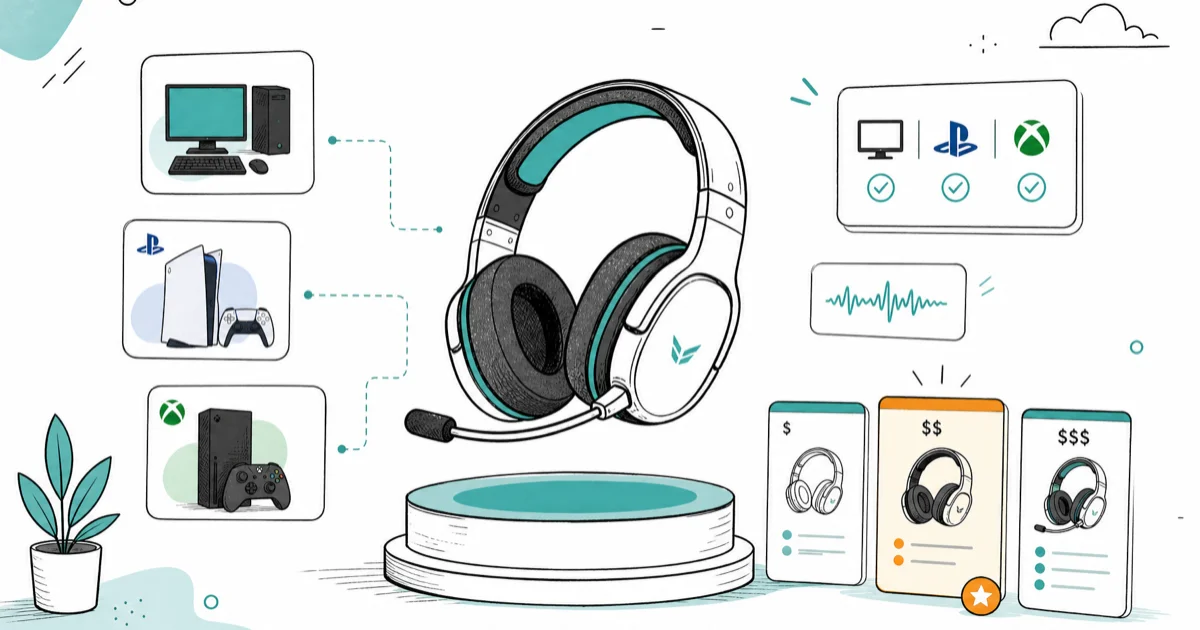
Quick AnswerThe HyperX Cloud III Wireless is the best gaming headset for most people in 2026, delivering most of a flagship sound stage at a mid-range price. Multi-console households should step up to a base-station headset that links PC, PS5, and Xbox at once.
The best gaming headset depends on your platform first and your budget second. A headset tuned for PC software EQ behaves differently on a PS5, and a wireless dongle that works on one console may need a base station for another. Start with the connection path, then narrow by sound, mic quality, comfort, and battery life.
- The HyperX Cloud III Wireless is the best gaming headset for most people in 2026, hitting roughly 80 percent of flagship sound quality at a mid-range price
- Platform decides compatibility: PC takes almost any 2.4 GHz dongle, PS5 works with USB or 3.5 mm, and Xbox often needs a base station
- Wireless latency is no longer a competitive disadvantage, since the best 2.4 GHz headsets now measure under 20 milliseconds, below human perception
- Mic quality and comfort matter more over a long session than driver size, so weight and clamp force are worth checking before sound stage
- A separate desktop microphone beats most built-in headset booms for streaming, which is why creators often split audio from voice capture
#How Do You Pick a Gaming Headset by Platform?
Platform comes first because it decides what even connects. A 2.4 GHz USB dongle is the universal gaming connection, but Xbox locks down wireless and often forces a base station or a licensed dongle. Sort the platform question before you compare sound.
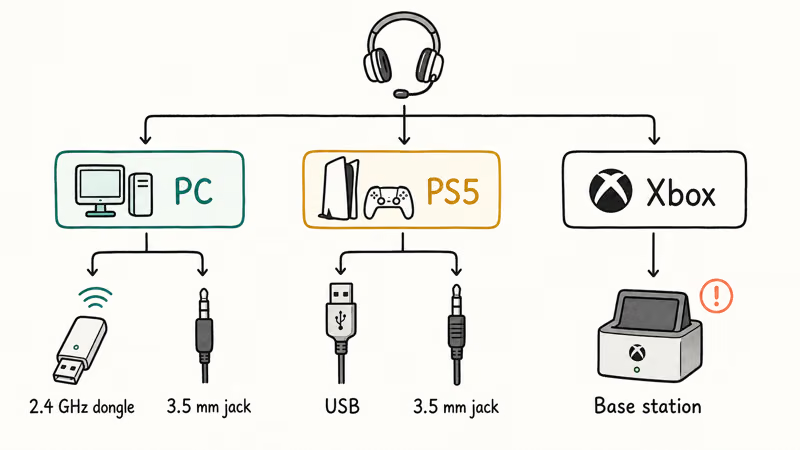
PC is the easy case. Almost every headset works over a 2.4 GHz dongle or a 3.5 mm jack, and PC software unlocks EQ tuning that consoles can’t match. Our best gaming headset for PC guide digs into the software side.
PS5 is nearly as flexible. According to Sony’s PS5 audio settings guide, 3D Audio works with any compatible headset connected over USB or a 3.5 mm jack on the controller, and most third-party 2.4 GHz dongles plug into the PS5’s USB ports without fuss. For console-specific picks, see our best gaming headset for PS5 breakdown. Xbox is the strict one, so check for explicit Xbox support before you buy.
#Best Gaming Headset Overall: HyperX Cloud III Wireless
The Cloud III Wireless is the easiest headset to recommend for most people because it nails the value math. Its 53 mm drivers are built for a wide, clean sound stage that helps with positional cues in shooters without pushing the price into flagship territory.
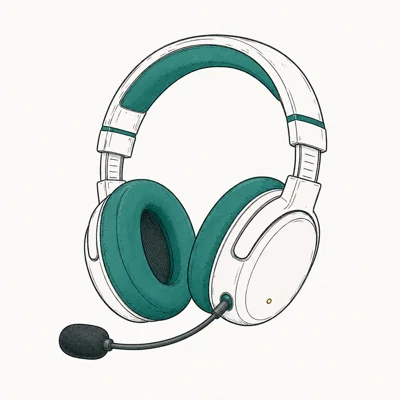
- 53 mm drivers give a wide sound stage for the price
- Low-latency 2.4 GHz dongle works on PC and PS5
- Plush memory-foam cushions stay comfortable past 3 hours
As an Amazon Associate fone.tips earns from qualifying purchases. Prices and availability on Amazon are accurate as of the date above and subject to change.
The value pitch is simple. The Cloud III Wireless delivers most of what a flagship headset offers at a fraction of the cost, and the remaining gap is small enough that most players won’t notice it mid-game. Tom’s Guide’s gaming headset roundup found that comfort and value drive its top placements as much as raw audio, which is exactly where this headset wins. Its memory-foam cushions are a major reason it stays easy to wear during long sessions.
It’s not perfect. The mic is good for team chat but not broadcast-grade, and there’s no simultaneous Bluetooth mixing like the pricier base-station headsets offer. For most players, neither limit is a dealbreaker.
#Best Premium Gaming Headset for Multi-Console Setups
One headset, three consoles. A base-station headset connects to PC, PS5, and Xbox at once and acts as an audio hub, the only clean way to cover Xbox alongside everything else. The trade is price and desk space.
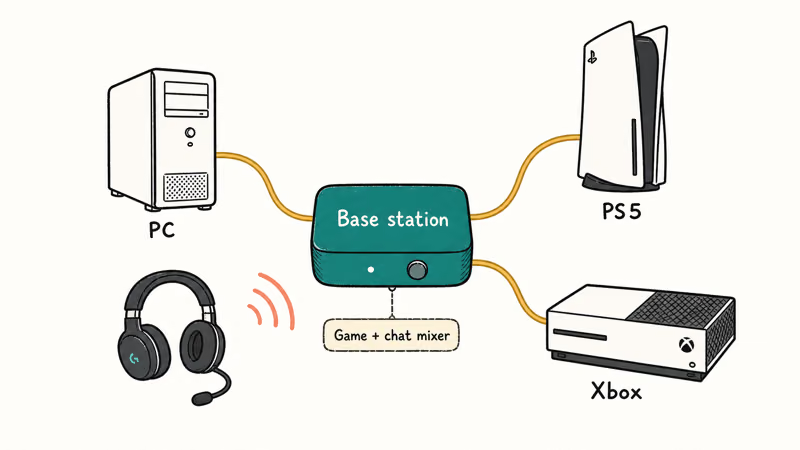
The Astro A50 X is the standout here. Its base station plugs into Xbox, PS5, and PC at once, works as an HDMI switcher, and runs a game-and-chat mixer across all three. The catch is cost, the desk space, and the HDMI cables it needs but doesn’t include in the box, so budget for the extras before you commit to the platform-hub approach.
Mostly one platform? The Audeze Maxwell brings planar magnetic drivers, though its weight makes it a poor pick for marathon sessions. Our best wireless gaming headset guide compares the premium tier.
#Does Wireless Latency Still Hurt Competitive Play?
This used to be the reason to stay wired. Not anymore. The best 2.4 GHz wireless headsets now measure under 20 milliseconds of latency, below the threshold of human perception, which means a cable buys you nothing in reaction time. Bluetooth is the laggy connection, not a dedicated gaming dongle, so the distinction that matters is dongle versus Bluetooth rather than wired versus wireless.
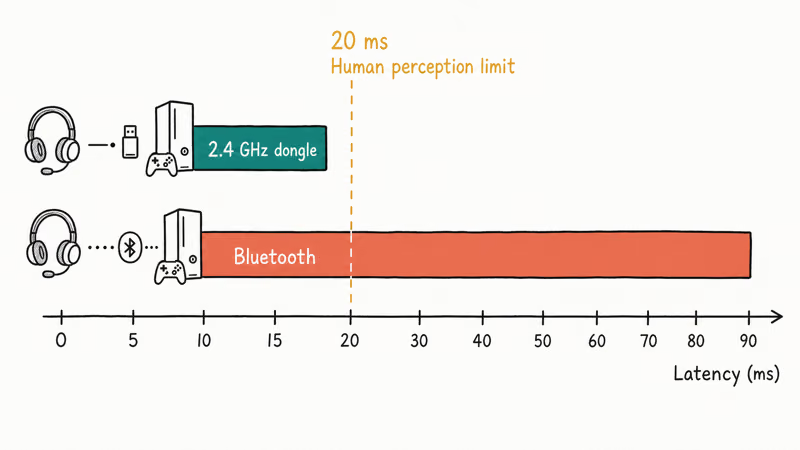
Tom’s Guide’s gaming headset testing found that the top wireless picks use dedicated 2.4 GHz dongles rather than Bluetooth specifically to minimize lag for gaming, so the old wired-only rule has faded. For ranked shooters, use the dongle rather than Bluetooth, and you keep the cable-free desk without giving up reaction time.
Competitive players who want the absolute lowest latency still lean toward featherweight wireless headsets built for esports. For everyone else, the convenience of wireless now outweighs the vanishing latency penalty.
#Budget Headsets and Audio Upgrades
Not everyone needs a flagship. A solid wired headset around the entry price tier still beats most laptop speakers and built-in console audio by a wide margin. The wired HyperX Cloud III and Logitech G435 are common starting points. Our best Bluetooth headphones under 100 guide covers dual-use picks for music and casual play, the kind of headphones that double as a commute companion when the game is off.
There’s also the upgrade path most people skip. A dedicated headphone amp or DAC can squeeze more clarity out of a good wired headset, especially high-impedance models. Our best gaming DAC guide explains when the upgrade is worth it.
#When a Separate Microphone Beats a Headset Boom
For team chat, no. For streaming, often yes. Built-in headset booms are tuned for clarity in a Discord call, not for broadcast, so most serious streamers split voice capture onto a desktop microphone. The difference is obvious the moment a stream goes live, when chat picks apart thin headset audio in seconds and a fuller voice keeps viewers from clicking away.
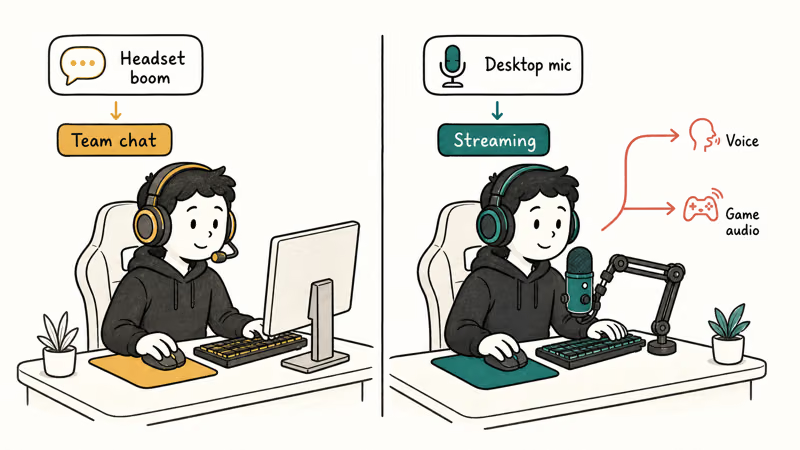
A standalone USB mic like the HyperX QuadCast S gives a richer, fuller voice than any headset boom, with a built-in pop filter and tap-to-mute. The usual streamer split is to keep the headset for game audio and route voice through the desktop mic, which keeps a broadcast sounding cleaner.
If you only play with friends, the headset mic is fine. Save a desktop mic for recording or streaming.
#Bottom Line
For most people in 2026, the HyperX Cloud III Wireless is the gaming headset to buy. It delivers roughly 80 percent of flagship sound at a mid-range price, the 2.4 GHz dongle covers PC and PS5, and the cushions stay comfortable through long sessions.
Step up to the Astro A50 X only if your desk runs an Xbox alongside a PS5 and PC, since its base station is the clean way to hub all three. Budget players should grab a wired Cloud III or G435 and add a DAC later for more clarity. And if you stream, pair any headset with a desktop mic like the QuadCast S, because a headset boom was never built for broadcast.
#Frequently Asked Questions
What is the best gaming headset for PC?
For most people, the HyperX Cloud III Wireless. It pairs a wide sound stage with a low-latency 2.4 GHz dongle and works with PC EQ software for fine tuning. PC is the most flexible platform for headsets, so almost any 2.4 GHz or 3.5 mm model works, which means you can prioritize sound and comfort over compatibility.
Is a wireless gaming headset good enough for competitive games?
Yes, over a 2.4 GHz dongle. The best wireless headsets now measure under 20 milliseconds of latency, below what a human can perceive, so they match wired response for ranked play. The one rule is to use the dedicated dongle rather than Bluetooth, since Bluetooth adds noticeable lag.
Does the HyperX Cloud III Wireless work on PS5?
Yes. Its 2.4 GHz dongle plugs into the PS5’s USB port and works without extra setup. It doesn’t officially support Xbox wireless, so check platform support if you also game on an Xbox.
Do I need a DAC for a gaming headset?
Usually not for a wireless headset, which has its own amplifier in the dongle. A DAC helps most with high-impedance wired headphones that a console or laptop can’t drive to full volume. If your wired headset sounds quiet or flat, a DAC is worth considering.
Is a headset microphone good enough for streaming?
For casual team chat, yes. For streaming or recording, a desktop USB microphone sounds noticeably richer. Most serious streamers split voice onto a dedicated mic and keep the headset for game audio.
How long should a gaming headset battery last?
It varies widely by model and use. Mid-range wireless headsets often run 30 hours or more per charge, while some endurance-focused models stretch far longer. Battery life drops if you run RGB lighting or active noise cancellation, so check the rating against how you actually play before you buy.
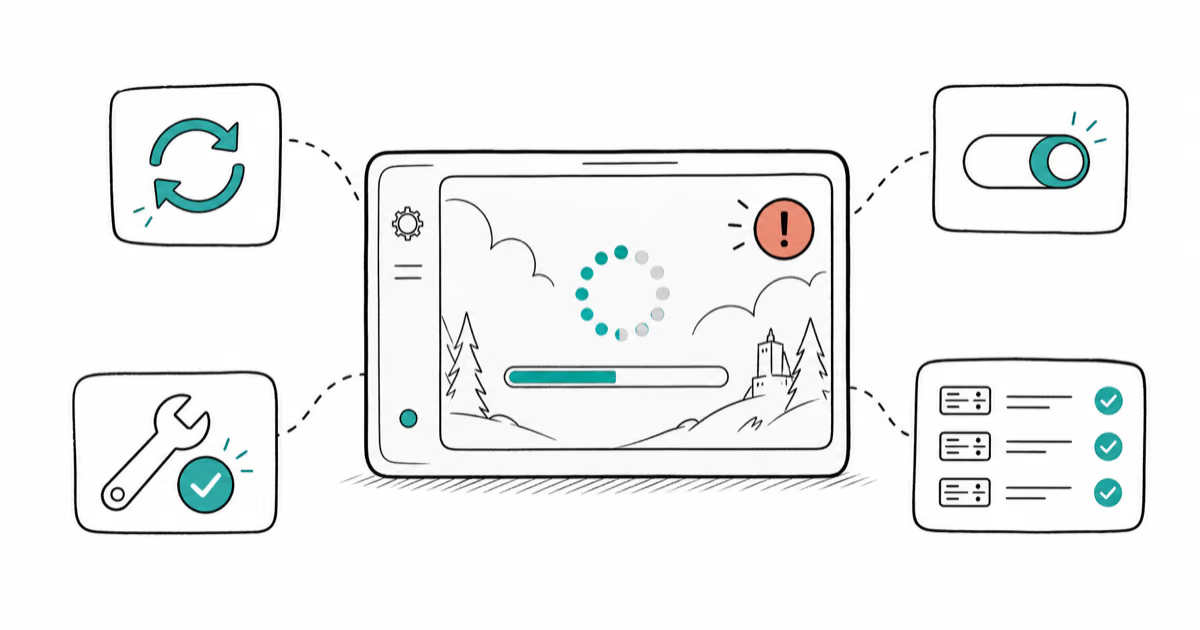
Fortnite Stuck on the Loading Screen? Fix It in 2026
Fortnite stuck on the loading screen? Check server status, fix the Windows N Media Pack and DirectX 11 on PC, clear the console cache, and verify files.
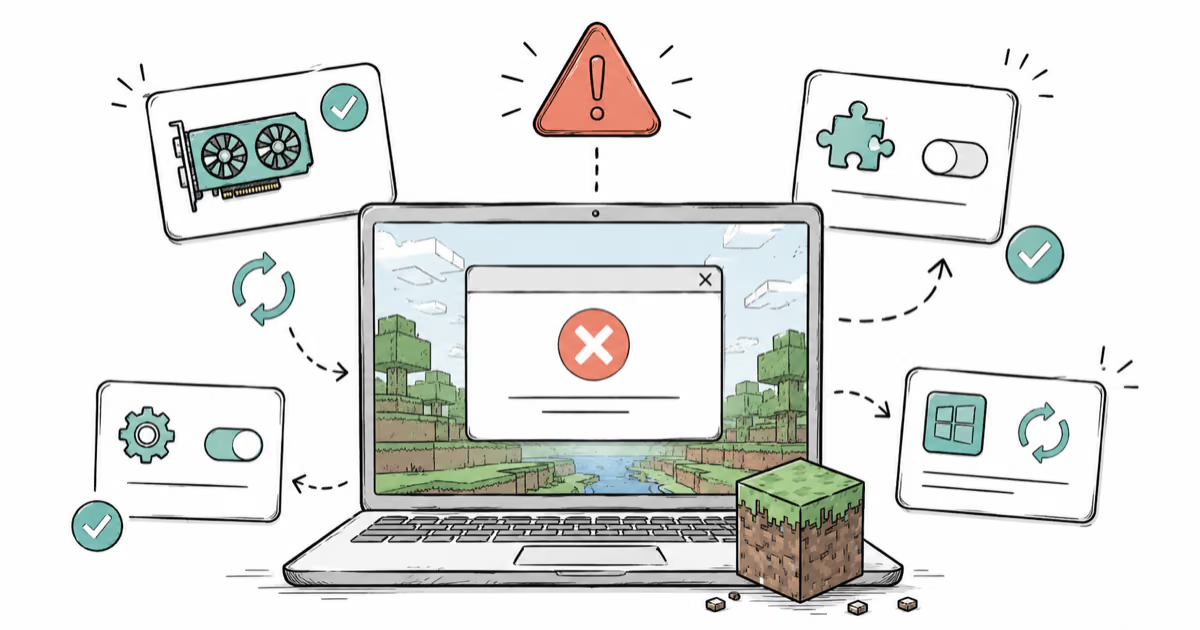
Minecraft Keeps Crashing? Java and Bedrock Fixes (2026)
Minecraft keeps crashing on startup or mid-game? Update your GPU driver, remove mods on Java, and reinstall Gaming Services on Bedrock. Fixes for both.
Pokemon GO Not Loading? Fix the Loading Screen 2026
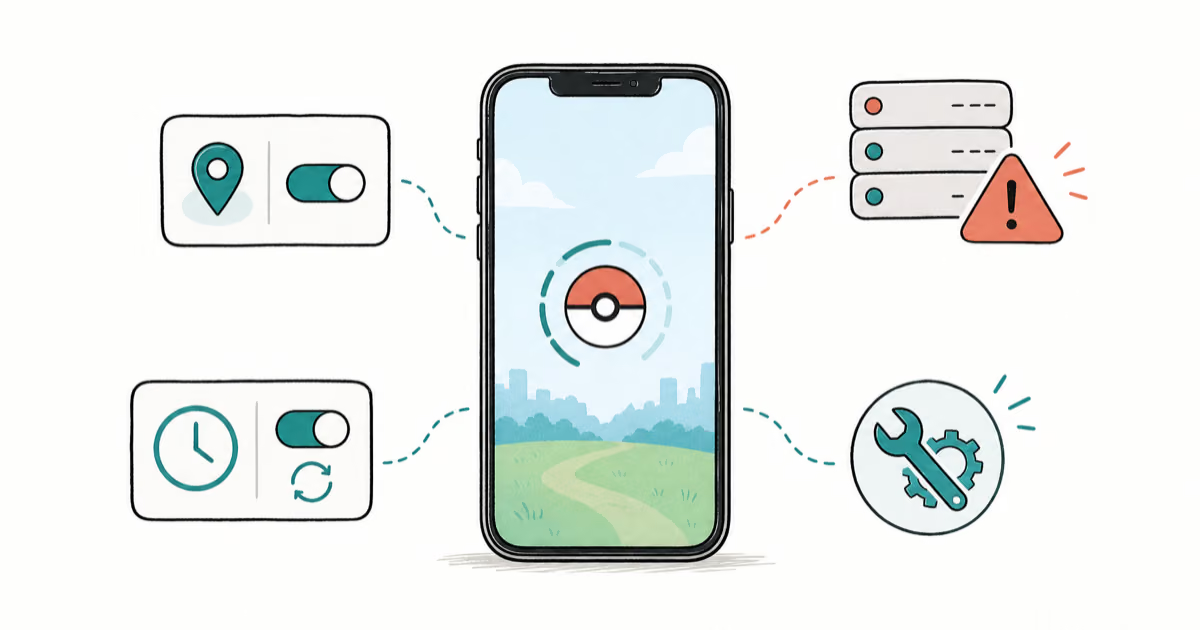
Pokemon GO not loading or stuck on the Pokeball? Check server status, fix automatic date and time, grant location permission, clear the cache, and update.
PS5 Controller Not Charging? 9 Fixes That Work (2026)
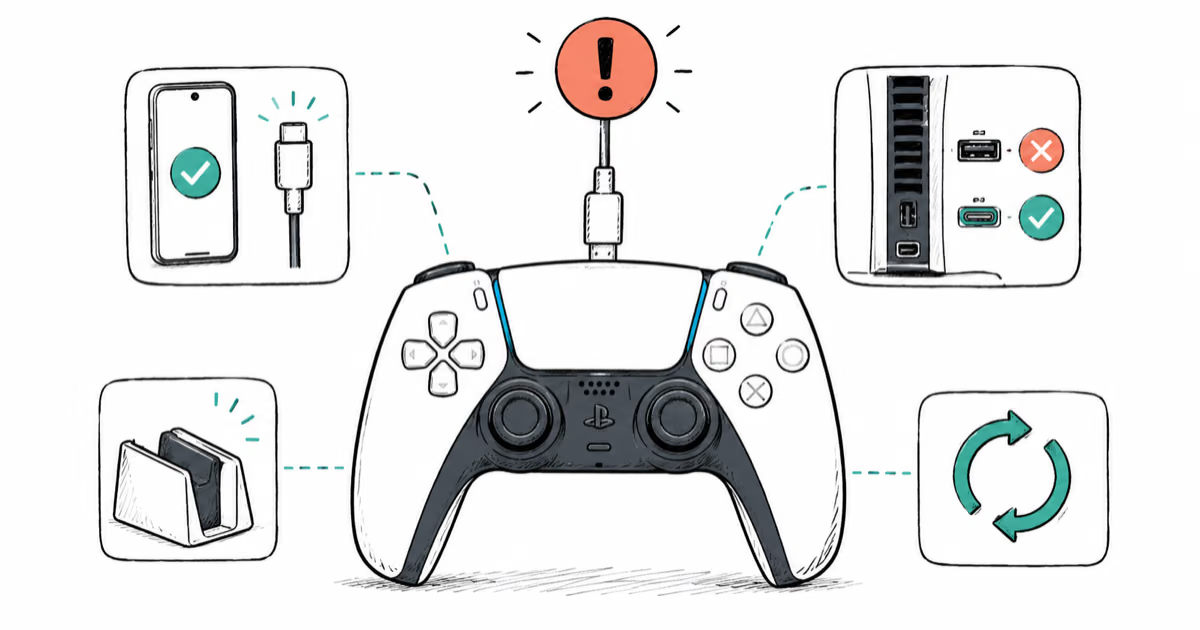
DualSense not charging? Swap the cable, use a rear port in Rest Mode, clean the USB-C port, and check power settings. 9 fixes for a dead PS5 controller.