Best Gaming DACs for PC, PS5, and Consoles in 2026
Find the best gaming DACs of 2026 for superior audio clarity, spatial awareness, and low latency. Top picks for PC, PS5, and console gamers.
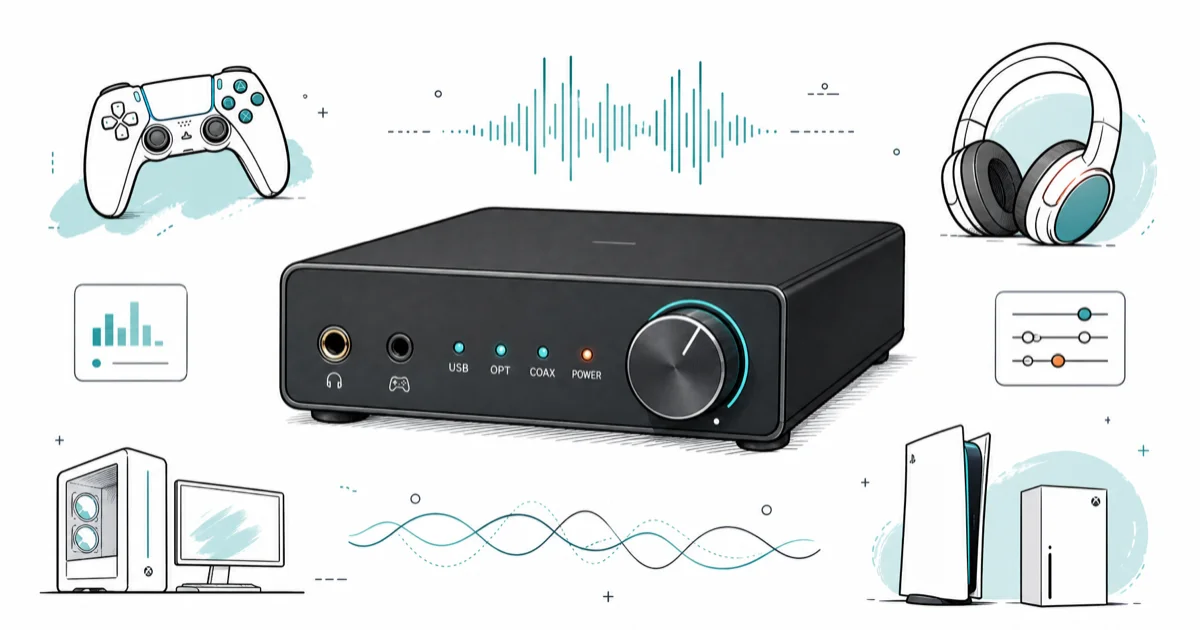
Quick AnswerThe Creative Sound BlasterX G6 is the best gaming DAC overall, delivering 32-bit/384kHz audio, 7.1 virtual surround, and broad cross-platform compatibility at a great price.
Most gaming PCs ship with built-in audio that’s good enough for casual use, but a dedicated DAC makes a noticeable difference when you need to pinpoint footsteps in competitive shooters or pick out dialogue in story-driven games. Seven DACs stand out for PC and console gaming, and they differ on audio clarity, spatial accuracy, latency, and how well they drive demanding headphones like the 250-ohm Beyerdynamic DT 990 Pro.
- The Creative Sound BlasterX G6 is the best all-around gaming DAC, supporting 32-bit/384kHz audio with 7.1 virtual surround and compatibility across PC, PS5, Xbox, and Nintendo Switch.
- A dedicated external DAC provides cleaner audio than built-in motherboard sound by isolating digital-to-analog conversion from electrical interference inside the PC case.
- The Mayflower ARC Mk2 is driverless and works on Windows, Mac, Linux, PS4, and PS5 straight out of the box with no software installation needed.
- Scout Mode on the Sound BlasterX G6 enhances footstep and environmental audio cues specifically, giving a competitive awareness advantage in first-person shooters.
- For high-impedance headphones (150 ohm and above), a DAC with a built-in headphone amplifier is required to drive them to proper listening volume without distortion.
#What is a Gaming DAC and Why Do You Need One?
According to digital-to-analog converter background, a Digital-to-Analog Converter (DAC) converts digital audio signals into analog signals that your headphones or speakers can reproduce. Every digital device has a built-in DAC, but dedicated external units bypass the electrical interference inside your PC case.
For gamers, a high-quality DAC can provide several significant benefits:
- Improved Audio Quality: Gaming DACs offer higher resolution audio processing, resulting in clearer, more detailed sound. This allows you to hear subtle audio cues that might be lost with lower quality audio.
- Enhanced Spatial Awareness: Many gaming DACs support virtual surround sound technologies, providing better positional audio. This can give you a competitive edge by helping you accurately locate enemies or important in-game sounds.
- Reduced Latency: High-end DACs process audio signals more efficiently than built-in sound cards, reducing the delay between an action occurring in-game and you hearing it.
- Powerful Amplification: Many gaming DACs include built-in amplifiers, allowing them to drive high-impedance headphones more effectively than standard audio outputs.
Here are the seven best gaming DACs to consider in 2026.
#Top Gaming DACs of 2026
#Creative Sound BlasterX G6
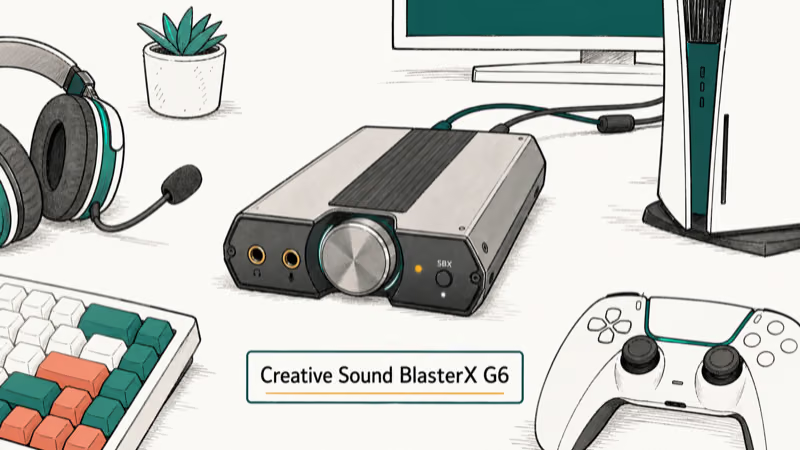
The Creative Sound BlasterX G6 stands out as a versatile and powerful gaming DAC.
Key Features:
- Supports up to 32-bit / 384kHz audio playback
- Cirrus Logic CS43131 DAC and Xamp headphone amplifier
- 7.1 Virtual Surround Sound and Scout Mode for enhanced awareness
- Compatible with PC, Mac, PS4/PS5, Nintendo Switch, and Xbox consoles
In competitive shooters like Valorant and CS2, the Sound BlasterX G6’s Scout Mode makes enemy footsteps noticeably louder and easier to place directionally compared to onboard audio. The cleaner positional cues make it easier to react quickly than with standard motherboard output.
As an Amazon Associate, fone.tips earns from qualifying purchases.
#Mayflower ARC Mk2
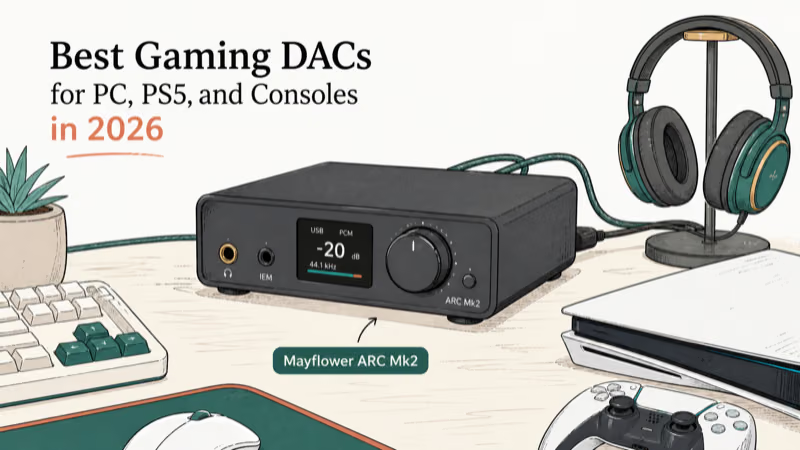
The Mayflower ARC Mk2 is a solid, no-nonsense gaming DAC that focuses on delivering high-quality audio without unnecessary frills.
Key Features:
- Pcm5242 DAC chip with a powerful headphone amplifier
- Driverless compatibility with Windows, Mac, Linux, PS4, and PS5
- Built-in bass boost DSP
- Handmade in the US with premium build quality
The ARC Mk2’s amplifier drives demanding 250-ohm headphones like the Beyerdynamic DT 990 Pro to comfortable volume without distortion. The bass boost DSP adds warmth to explosion effects in single-player games without muddying dialogue.
#EPOS Sennheiser GSX 1000 2nd Edition
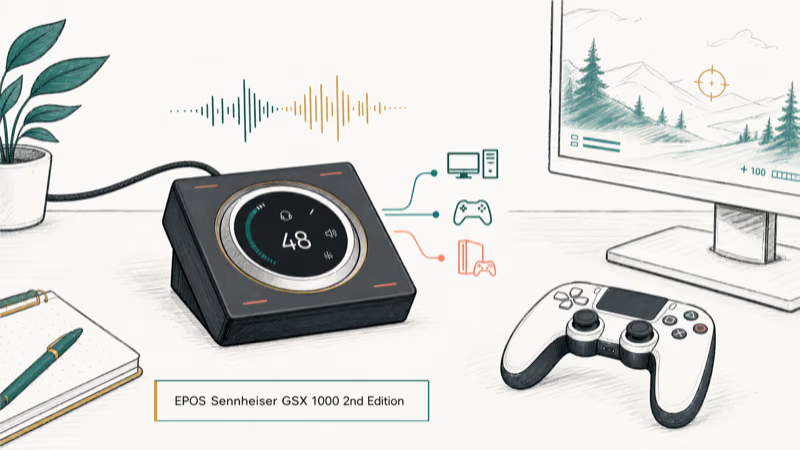
The EPOS Sennheiser GSX 1000 2nd Edition is designed specifically with gamers in mind, offering a unique blend of features and audio quality.
Key Features:
- EPOS Engineered 7.1 Surround Sound & Binaural Rendering Engine
- Customizable audio presets and EQ settings
- High-performance microphone input with sidetone control
- Sleek design with touchscreen control and LED panel
This DAC shines in its ability to provide precise, three-dimensional audio, which is crucial for competitive gaming. The customizable audio presets allow you to optimize sound for different game genres, while the high-quality mic input ensures clear communication with teammates.
#Astro Gaming MixAmp Pro TR
The Astro Gaming MixAmp Pro TR is a favorite among console gamers, offering a range of features tailored for both competitive and casual play.
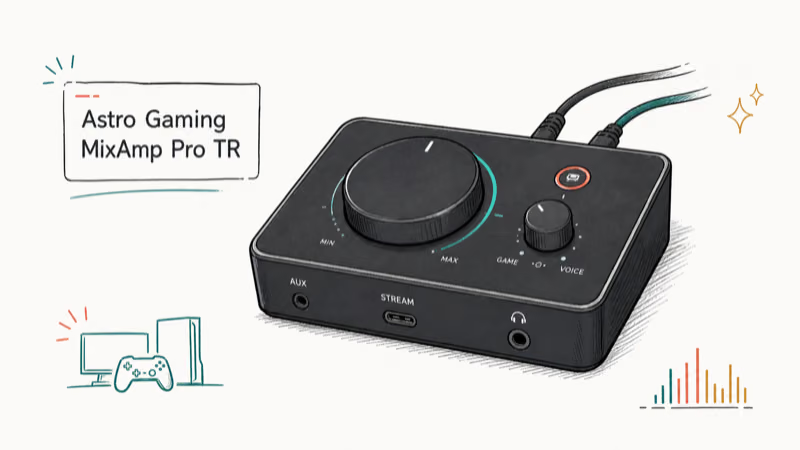
Key Features:
- Compatible with Xbox, PlayStation, and PC
- Dolby Audio processing for immersive surround sound
- Voice balance control for perfect game/chat audio mix
- Mobile app for additional customization
This DAC’s strength lies in its versatility and ease of use. The ability to quickly adjust game/chat balance is particularly useful for team-based games, while the Dolby Audio processing ensures you’re always immersed in your game world.
#iFi Zen DAC 3
The iFi Zen DAC 3 is a high-performance DAC that offers audiophile-grade sound quality for both gaming and music listening.
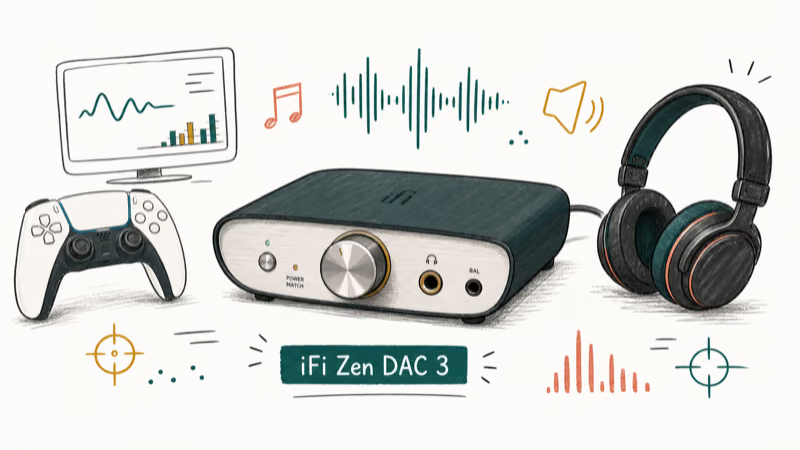
Key Features:
- High-quality DAC with integrated headphone amplifier
- Supports MQA and DSD audio formats
- Variable or fixed audio output options
- Sleek, minimalist design
While not exclusively designed for gaming, the Zen DAC 3’s exceptional audio quality makes it a great choice for gamers who also appreciate high-fidelity music. Its powerful amplifier can drive even demanding headphones, so you get clean output even at high volume.
#FiiO K3
The FiiO K3 is a compact and affordable DAC that punches above its weight class in terms of audio quality.
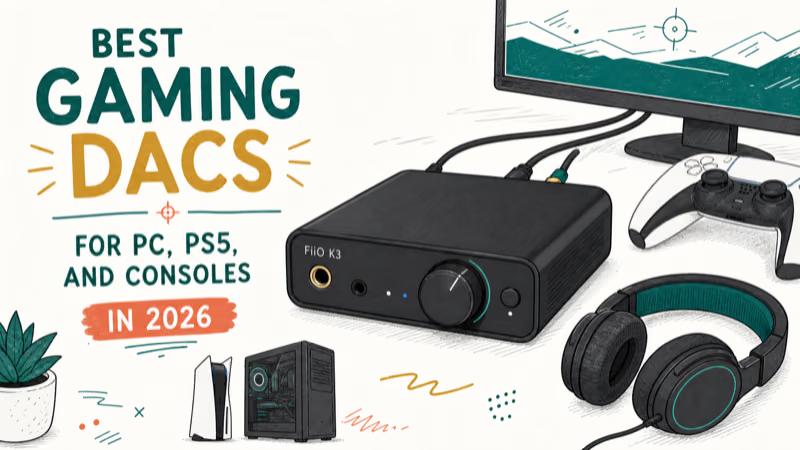
Key Features:
- Supports high-resolution audio up to 384kHz/32-bit
- Bass boost and gain switch for audio customization
- Balanced and unbalanced outputs
- USB-powered for easy setup
Despite its small size and budget-friendly price, the FiiO K3 delivers impressive audio quality. It’s an excellent entry-level option for gamers looking to upgrade from their onboard audio without breaking the bank.
#Sound Blaster GC7
The Sound Blaster GC7 is designed for gamers who want comprehensive control over their audio experience.
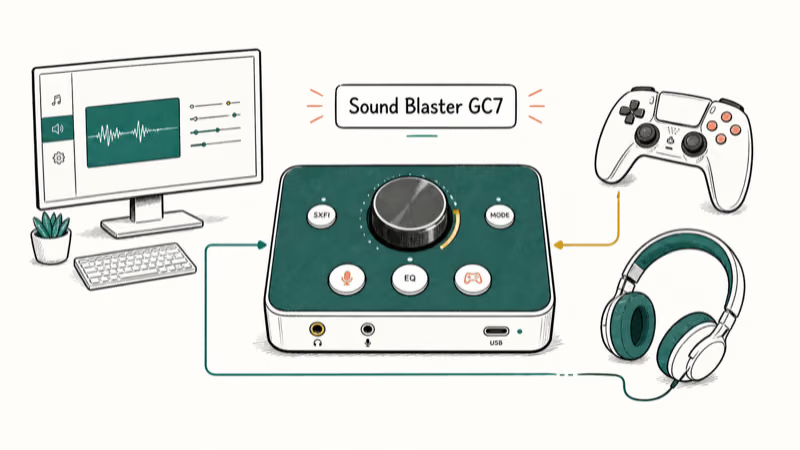
Key Features:
- Super X-Fi Headphone Holography Technology
- Dual DSP with advanced audio processing features
- Customizable buttons for quick audio adjustments
- Compatible with PC, PlayStation, and Nintendo Switch
This DAC stands out for its advanced audio processing capabilities and user-friendly design. The Super X-Fi technology creates a highly immersive soundstage, while the customizable buttons allow for quick audio adjustments without interrupting your gameplay.
#Key Features to Look for in a Gaming DAC
When selecting a gaming DAC, consider the following factors:
- Audio Quality and Resolution: Look for DACs that support high-resolution audio (at least 24-bit/96kHz) for the best sound quality.
- Connectivity Options: Ensure the DAC has the right inputs and outputs for your gaming setup. USB is common for PC gaming, while optical inputs are useful for consoles.
- Compatibility: Check that the DAC is compatible with your gaming system(s) of choice.
- Additional Features: Consider features like virtual surround sound, EQ settings, and microphone inputs based on your needs.
- Build Quality and Design: A well-built DAC will last longer and potentially provide better audio quality due to reduced interference.
#How Do You Set Up a Gaming DAC?
Setting up a gaming DAC is generally straightforward. Creative’s support documentation states that the Sound BlasterX G6 works plug-and-play on PS5 and Switch, while PC users get additional customization through the Creative app.
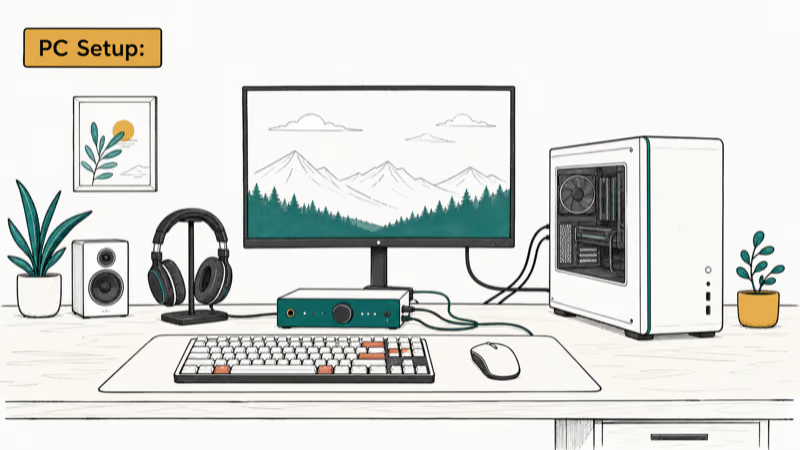
#PC Setup:
- Connect the DAC to your PC via USB.
- Install any necessary drivers (many DACs are plug-and-play).
- In your PC’s sound settings, select the DAC as your default playback device.
- Adjust any DAC-specific settings using its control software.
#Console Setup:
- Connect the DAC to your console via USB or optical cable.
- Adjust your console’s audio output settings to match the DAC’s capabilities.
- If using a headset, connect it to the DAC’s headphone output.
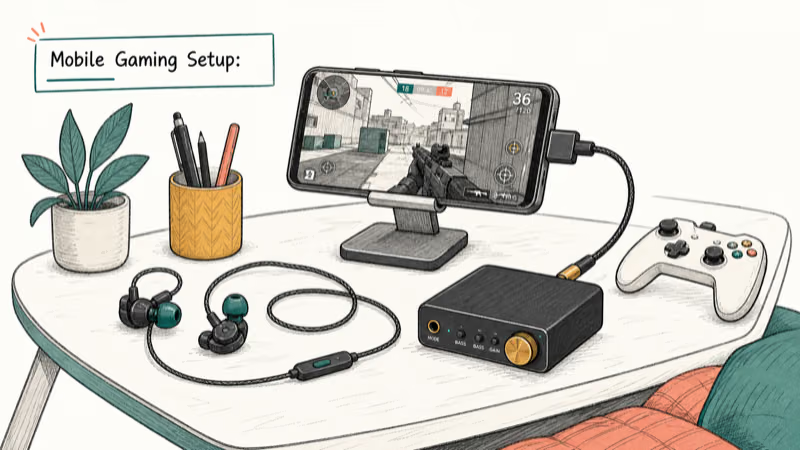
#Mobile Gaming Setup:
- For wired DACs, use a USB-C to USB-A adapter if necessary.
- For Bluetooth DACs, pair the device with your phone in the Bluetooth settings.
- Ensure your game’s audio is routed through the DAC in your phone’s settings.
#Frequently Asked Questions
Will a gaming DAC improve my gameplay?
A DAC won’t directly improve your mechanical skills, but it enhances your ability to hear audio cues like footsteps and reloads. In competitive FPS games, that positional awareness can translate to faster reaction times. The difference between a DAC like the Sound BlasterX G6 and onboard audio is most noticeable in fast, sound-driven games like Valorant.
Do I need a DAC if my headphones already sound good?
Even with quality headphones, a dedicated DAC can improve clarity and reduce background hiss from electrical interference. The improvement is most noticeable with headphones above 80 ohms.
Can I use a gaming DAC with a console?
Many gaming DACs work with PS5, Xbox, and Nintendo Switch via USB or optical connection. The Sound BlasterX G6, Mayflower ARC Mk2, and Astro MixAmp Pro TR all support console connectivity out of the box.
Is a more expensive DAC always better for gaming?
Not necessarily. The FiiO K3 at around $70 delivers audio quality that most gamers find hard to distinguish from the $200 EPOS GSX 1000. Higher-end DACs matter more for music listening than for gaming.
Do gaming DACs add latency?
USB DACs typically add 1 to 5 ms of latency, which is imperceptible during gameplay. Bluetooth DACs can add 40 to 200 ms and aren’t suitable for competitive gaming. Stick with wired USB or optical connections for the lowest latency.
What impedance headphones work with gaming DACs?
Most gaming DACs handle headphones up to 150 ohms without issues. For 250-ohm or 600-ohm headphones, look for DACs with built-in amplifiers like the Sound BlasterX G6 or iFi Zen DAC 3.
#Optimizing Your Gaming Setup
While a high-quality DAC is crucial for excellent audio, other components of your gaming setup are equally important. Here are some additional considerations:
- Gaming Mouse: For precise control, consider a silent gaming mouse to minimize distractions, or a vertical gaming mouse for improved ergonomics during long gaming sessions.
- Racing Simulation: For racing game enthusiasts, a quality sim racing cockpit can provide an immersive experience.
- Budget Gaming PC: If you’re on a tight budget, consider a prebuilt gaming PC under $500 to get started with PC gaming.
- Voice Changer: For added fun in multiplayer games, a voice changer gaming headset can provide entertainment and anonymity.
#Bottom Line
The Creative Sound BlasterX G6 is the best gaming DAC for most players. It works across PC, PS5, Xbox, and Switch, and its Scout Mode gives a real competitive edge in FPS games. If you want something simpler, the Mayflower ARC Mk2 delivers clean audio with zero driver installation. Budget-conscious gamers should start with the FiiO K3 at around $70.

Fortnite Stuck on the Loading Screen? Fix It in 2026
Fortnite stuck on the loading screen? Check server status, fix the Windows N Media Pack and DirectX 11 on PC, clear the console cache, and verify files.

Minecraft Keeps Crashing? Java and Bedrock Fixes (2026)
Minecraft keeps crashing on startup or mid-game? Update your GPU driver, remove mods on Java, and reinstall Gaming Services on Bedrock. Fixes for both.

Pokemon GO Not Loading? Fix the Loading Screen 2026
Pokemon GO not loading or stuck on the Pokeball? Check server status, fix automatic date and time, grant location permission, clear the cache, and update.

PS5 Controller Not Charging? 9 Fixes That Work (2026)
DualSense not charging? Swap the cable, use a rear port in Rest Mode, clean the USB-C port, and check power settings. 9 fixes for a dead PS5 controller.