How to Save Amazon Prime Video for Offline Viewing
Save Amazon Prime Video for offline viewing using the official download feature. Covers supported devices, download limits, and legal considerations.
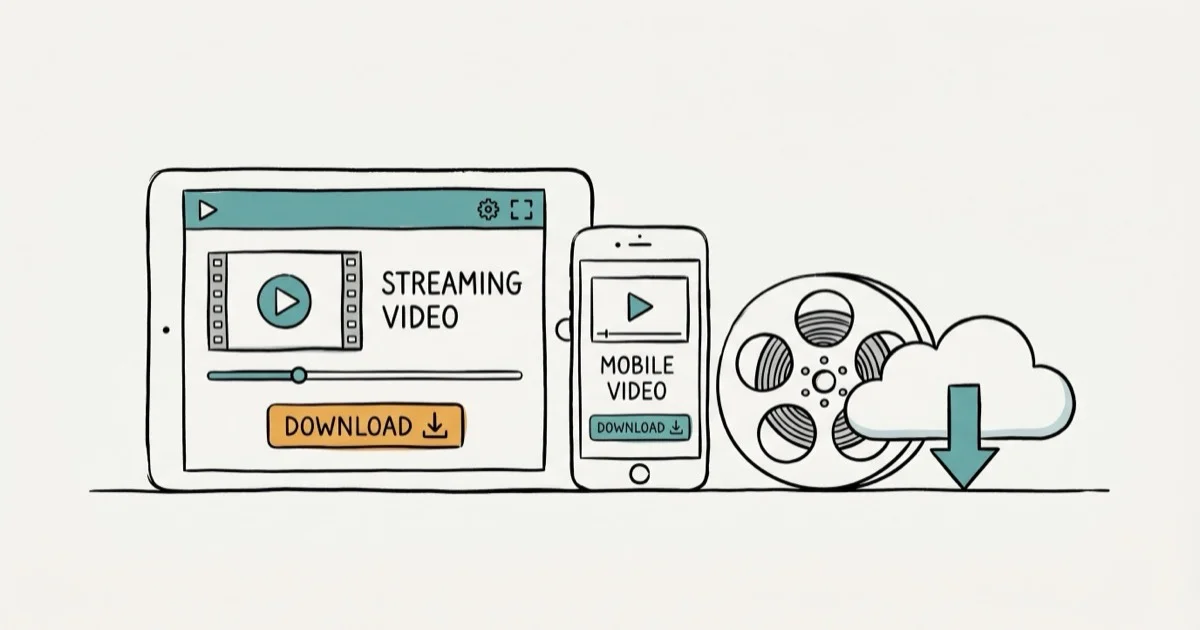
Quick AnswerAmazon Prime Video has a built-in download feature that lets you save movies and TV shows for offline viewing on your phone or tablet. This is the safest and most reliable way to watch Prime content without an internet connection.
Amazon Prime Video already includes a download feature for offline viewing on mobile devices and select computers. If you’ve been searching for an “Amazon Prime Video ripper,” the official method is both easier and legal.
The Prime Video download feature works on both iPhone and Android phones, and downloading a single episode is usually quick on a normal connection. Amazon’s built-in tool is reliable enough for most offline viewing needs without any third-party software.
- Amazon Prime Video lets you download up to 25 titles at once on supported devices
- Downloads work on iOS, Android, Fire tablets, and Windows 10/11 via the Prime Video app
- Downloaded content expires 48 hours after you press play, and 30 days after downloading
- Circumventing DRM protections violates the DMCA and similar laws in many countries
- Third-party ripping tools carry legal risks, malware exposure, and violate Amazon’s Terms of Service
#How Does the Official Download Feature Work?
Amazon built offline viewing into the Prime Video app. No third-party software needed.
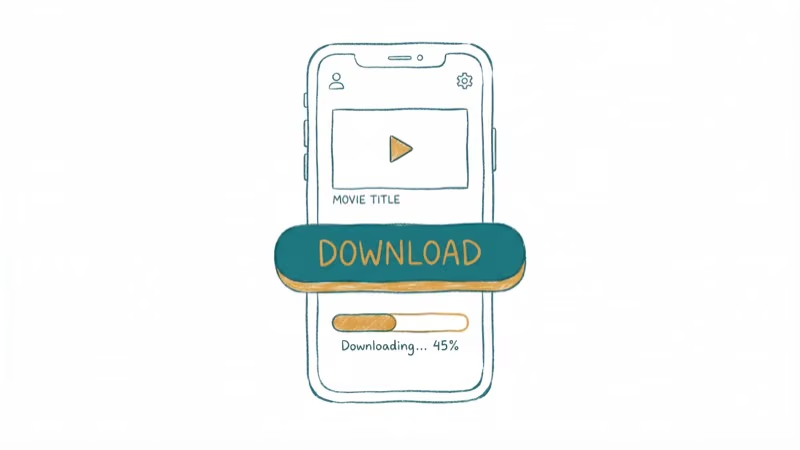
To download a video, open the Prime Video app, find the title you want, tap the Download button below the description, pick your quality setting (Best, Better, or Good), and wait for it to finish.
Not every title is downloadable. According to Amazon’s help page on downloading, availability depends on licensing agreements with content providers, so look for the download icon on a title’s detail page to confirm before you try.
A one-hour show uses roughly 0.5 GB at “Better” quality. “Best” bumps that to 1.2 GB.
#Download Limits and Restrictions
Amazon caps offline downloads in several ways.
Storage limits: You can save up to 25 titles simultaneously across all devices linked to your account. Some titles restrict downloads to only 2 devices at once.
Time limits: Downloaded titles stay on your device for up to 30 days. After you press play, you have 48 hours to finish watching before the title expires. Reconnect to the internet and re-sync the app to reset these windows.
Device limits: Downloads work on phones, tablets, and Windows 10/11 computers. Mac isn’t supported for offline downloads through the Prime Video app, though you can stream to a TV wirelessly using AirPlay or Chromecast instead.
Geographic restrictions: Some content can only be downloaded in certain regions. If you use a VPN while traveling, you might lose access to titles you previously saved.
#Why Do People Search for Amazon Prime Video Rippers?
Most people looking for ripping tools want one of two things: a permanent copy of a movie before their subscription ends, or the ability to play content on devices that don’t support the Prime Video app like older media players and car entertainment systems.
The frustration makes sense at $14.99/month. But download restrictions exist because Amazon doesn’t own most content on the platform.
According to Amazon’s Terms of Use, subscribers get a limited license to stream and temporarily download content for personal, non-commercial use. Permanent copies and format conversion aren’t covered by that license, so any tool that creates them operates outside what Amazon permits.
If you’re frustrated with video playback errors or download failures, troubleshooting the app often fixes things without any third-party tools.
#Legal Risks of Third-Party Ripping Tools
Circumventing DRM (Digital Rights Management) protections violates the Digital Millennium Copyright Act (DMCA) in the United States and similar laws in other countries. These methods are only for content you have a valid Amazon Prime subscription to access on your own device.
The DMCA prohibits bypassing content protection, distributing circumvention tools, and sharing ripped content. Penalties: up to $500,000 in fines and five years in prison.
According to 2-system DRM background, according to the U.S. Copyright Office, even personal-use ripping of DRM-protected content sits in a legal gray area. DRM systems such as Widevine and FairPlay cover major streaming platforms, making circumvention legally risky regardless of the service.
Ripping tools also carry practical dangers. Many are bundled with malware.
If you’re concerned about payment issues with your Amazon account, resolve those through official support rather than downloading suspicious software.
#Better Alternatives to Ripping
Consider these legal options first.
Screen recording (personal use): Built-in screen recording on Windows (Game Bar), macOS (QuickTime), iOS, and Android can capture video on your screen, though quality won’t match the original and Amazon may black out the video on some devices when it detects recording.
Purchase individual titles: Buying a specific movie through Amazon gives you a download with fewer DRM restrictions than subscription content.
Download for offline travel: Amazon’s official feature covers this perfectly. Download before your flight and you get 48 hours of viewing time after pressing play, which is enough for most trips including international long-hauls.
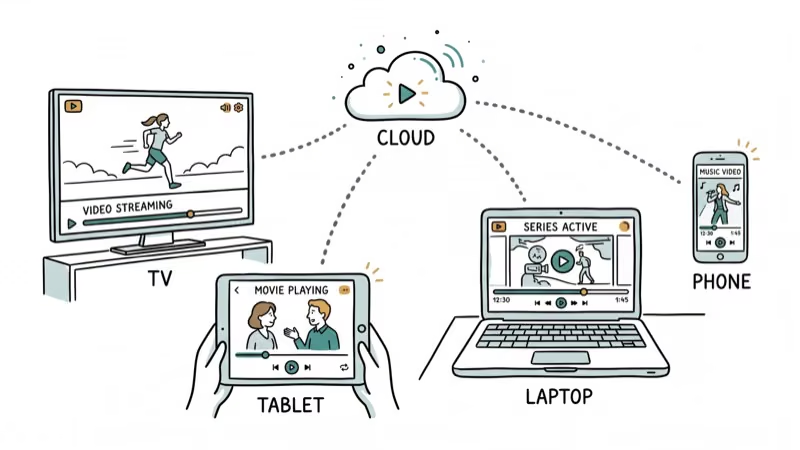
Use multiple devices: The Prime Video app runs on Fire Stick, Roku, smart TVs, gaming consoles, and phones. Install the app on your target device instead of ripping.
If you also use other streaming platforms, check how to download videos from other services through their official features.
#Getting Better Video Quality From Downloads
Pick “Best” in the app settings. That’s the short answer.
To adjust quality on mobile, go to Settings > Stream & Download in the Prime Video app. “Best” gives you up to 1080p on most devices and 4K on Fire tablets.
For TV playback, use an HDMI adapter instead of wireless casting to avoid the compression artifacts that come with AirPlay and Chromecast mirroring, which can noticeably degrade picture quality on screens larger than 40 inches. You can also stream directly on Firestick for the best quality without downloading anything.
The Windows app caps downloads at 1080p. On a 4K monitor, the gap between a download and a live 4K UHD stream is visible.
On a phone screen, “Best” downloads look essentially identical to streaming, since the display is too small to show the difference. The 1080p ceiling is mainly noticeable on a large TV, where lower resolution shows up more next to a native 4K stream.
#Bottom Line
Start with Amazon’s built-in download feature. It covers offline viewing for travel and commutes without legal risk.
Third-party ripping tools carry real legal consequences under the DMCA and often come loaded with malware. The convenience isn’t worth the risk when Amazon’s official option covers the most common reasons people want offline content. If the download feature isn’t working, troubleshoot the app before looking elsewhere.
#Frequently Asked Questions
Can you download Amazon Prime Video for offline viewing?
Yes. The Prime Video app on iOS, Android, Fire tablets, and Windows 10/11 has a built-in download feature. Tap the download icon on any eligible title. Not every title supports downloads since it depends on licensing agreements between Amazon and content providers.
How many titles can you download at once on Prime Video?
Up to 25 across all devices. Some titles add a 2-device cap.
How long do Amazon Prime Video downloads last?
Downloads expire 30 days after saving. Once you press play, the 48-hour countdown starts. Reconnect to the internet and reopen the app to refresh timers on unwatched titles.
Is it legal to rip Amazon Prime Video content?
Circumventing DRM protections violates the DMCA in the United States and equivalent laws in many countries. Even for personal use, ripping DRM-protected streaming content exists in a legal gray area. Distributing ripped content is clearly illegal in most jurisdictions.
Why does the screen go black when I try to screen record Prime Video?
That’s HDCP (High-bandwidth Digital Content Protection) at work. Amazon activates this DRM measure to block recording apps from capturing video output, and it affects both hardware capture devices and software screen recorders across iOS, Android, Windows, and macOS.
Can you watch Prime Video downloads on a computer without the app?
No. The app is required and only available on Windows 10 and 11. No Mac support for offline downloads.
What video quality are Prime Video downloads?
Up to 1080p on most devices. The app has three tiers: Good (roughly 0.3 GB/hour), Better (about 0.5 GB/hour), and Best (around 1.2 GB/hour). Some 4K Fire tablets support higher resolutions, but that’s the exception rather than the rule for now.
Do Amazon Prime Video downloads use mobile data?
Yes, downloads use your active connection. Enable “Wi-Fi Only” under Settings > Stream & Download to avoid cellular charges. A one-hour show at “Better” quality eats roughly 500 MB, which can drain a capped data plan fast.

Google Messages Error 3100: Why RCS Is Broken on Galaxy
Google Messages RCS error 3100 hits Galaxy owners after phone or carrier switches. Google told 9to5Google a fix is coming. Here's what actually helps.

Is This Bank App Real? Spot a Fake App on Your Home Screen
A bank app can land on your home screen from a web page with no install warning. Learn the checks that tell a real banking app from a phishing web app.

Apps Crashing After iOS 27 Update? Fix Order (2026)
Apps crashing after the iOS 27 update? Update the app in the App Store first, then offload and reinstall to clear stale cache, then restart. The fix order.

Do AI Translation Earbuds Work Offline? What to Know
Do AI translation earbuds work offline? A few do with downloaded language packs, but most need the cloud. Here's what works offline and what you give up.