Download TikTok Videos Without a Watermark: 5 Methods
Download TikTok videos without a watermark using 5 free methods for iPhone, Android, and PC. Step-by-step guide with quality comparisons included.
Quick AnswerCopy the video link from TikTok, paste it into a free tool like SnapTik or ssstik.io, and download the watermark-free version in under 10 seconds. Works on iPhone, Android, and desktop browsers.
TikTok’s built-in save feature adds a watermark to every downloaded video, showing the creator’s username and the TikTok logo in the corner. Five removal methods work on iPhone and Android, all producing clean watermark-free downloads for public videos. This guide applies only to a device or account you own.
- TikTok’s native download always adds a watermark with the creator’s username and the TikTok logo overlay
- Online tools like SnapTik and ssstik.io strip watermarks in under 10 seconds on Wi-Fi
- Only public account videos can be downloaded; private accounts block all third-party tools
- Downloaded videos save at 720p or 1080p depending on the original upload quality
- Always credit the original creator when reposting downloaded TikTok content elsewhere
#How Do You Download TikTok Videos Without a Watermark?
Every watermark-removal tool uses the same three-step workflow: copy the video link from TikTok, paste it into the tool’s search box in your browser, and tap download to save the clean file without any TikTok branding on it.
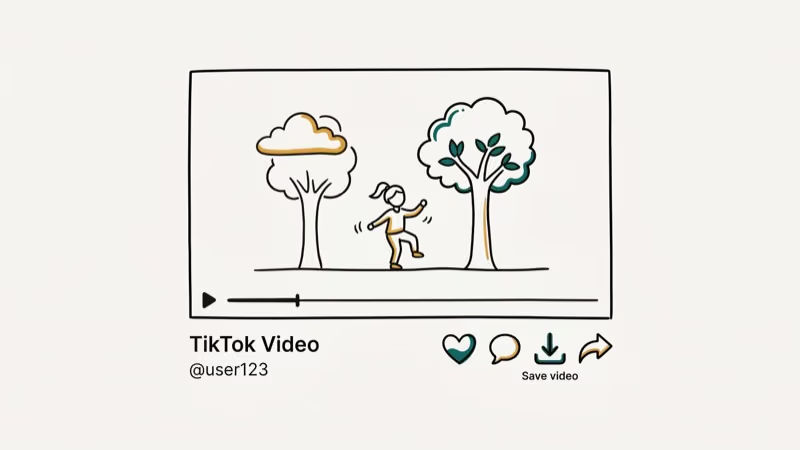
Open TikTok, tap Share, then Copy Link.
All five methods below work on both iOS and Android. If you need the file in a specific format, our guide on converting TikTok videos to MP4 covers that.
#Method 1: SnapTik
SnapTik is among the fastest and highest-quality watermark-free downloaders available. According to SnapTik’s homepage, the tool processes videos without requiring any account creation or software installation on your device whatsoever.
Copy the link, open snaptik.app, paste it, and tap Download.
Over Wi-Fi, the download typically finishes in a few seconds at 1080p with no visible compression artifacts.
One warning though: SnapTik runs ads between steps, and some of those ads mimic the real download button so closely that it’s hard to tell them apart. The actual download links specifically say “Download Server” followed by a number, so look for that exact text before tapping anything on the results page.
#Method 2: SSSTikTok
SSSTikTok at ssstik.io has been running since 2020 and still works, with separate buttons for watermark-free video, watermarked video, and audio-only MP3.
Copy the link, go to ssstik.io, paste it, tap Download, and select Without Watermark. Based on TikTok’s official community guidelines, downloaded content should respect the original creator’s rights.
On iPhone, it typically delivers 1080p within a few seconds.
On iPhone specifically, the download lands in the Files app instead of Photos. Open Files, find the MP4, tap the share icon, and select Save Video to move it to your camera roll.
#Method 3: MusicallyDown
MusicallyDown at musicaldown.com has been around since the Musical.ly era. Slower than SnapTik but functional.
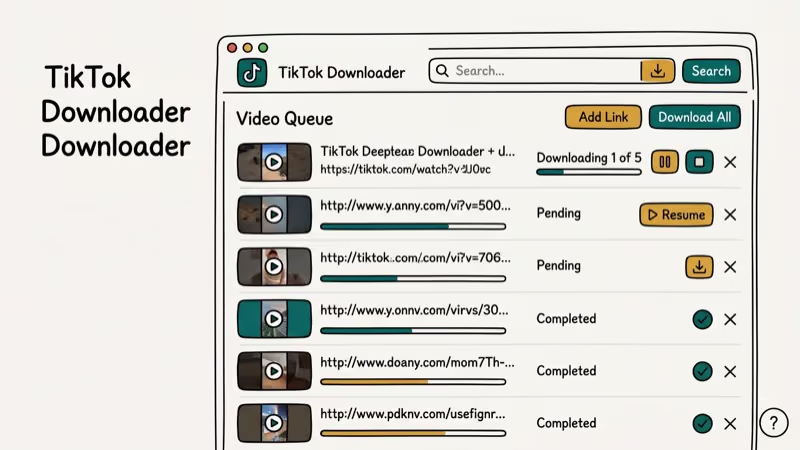
Copy the link, open musicaldown.com, paste it, confirm the Without Watermark checkbox, and tap Download. It takes a bit longer than SnapTik, and some clips come through at 720p instead of 1080p without explanation.
If you regularly save media from social platforms, this copy-paste-download workflow will feel very familiar since every browser-based downloader tool on the internet follows the exact same pattern regardless of which video platform you’re saving from.
#Can You Download TikTok Videos Directly on Your Phone?
TikTok’s built-in Save Video works, but it always stamps the watermark on the output, and no setting in the app removes it. TikTok is one of the most-shared platforms on the internet, with enormous daily video sharing activity across its user base. If the watermark doesn’t bother you for personal use, the built-in option beats every third-party tool for speed and reliability.
On Android, downloads go straight to your Downloads folder. Samsung Internet and Brave handle these sites better than Chrome.
On iPhone, Safari saves downloads to the Files app. Move the video to your camera roll by opening Files, finding the MP4, tapping share, and selecting Save Video. Takes about 10 extra seconds.
You can also screen record on TikTok using your phone’s built-in recorder instead. That captures the watermark too, but it’s instant and doesn’t require visiting any external website or copying any links at all, which makes it the fastest option when you just need a quick save and don’t care about getting a perfectly clean file.
#Method 4: TikTok’s Native Save (With Watermark)
If the watermark doesn’t bother you, this is by far the fastest approach available on any platform. Open the video, tap Share, tap Save Video, and the clip lands in your camera roll in about two seconds flat. No browser, no external tool, no link copying required.
The output includes the TikTok logo in one corner and the creator’s username overlaid as text across the video.
Some creators disable downloads entirely through their privacy settings, and when they do, the Save Video button vanishes from the share menu. No third-party tool can override this restriction, so screen recording becomes your only real option.
Downloading lots of clips? Check why TikTok takes up so much storage for cleanup tips.
#Method 5: Desktop Browser Extensions
Extensions add a download button right on TikTok’s web player, cutting out the copy-paste step. Search the Chrome Web Store for “TikTok downloader” and pick one with at least 10,000 users and updates from the last 3 months.
Extensions like “Video Downloader for TikTok” save 1080p files in both watermarked and clean versions. Firefox has equivalent extensions in the Add-ons store.
According to Google’s Chrome Web Store developer policies, every extension must disclose what browsing data it accesses before it can be listed. Read the permissions before installing. For a broader overview of browser extension safety, 9to5Google’s extension guide recommends limiting to extensions updated within the last 90 days.
#Copyright Rules and Legal Risks
Downloading TikTok videos for personal offline viewing is a gray area in most places. Reposting without credit is where real problems start, and commercial use without permission is outright illegal in most jurisdictions.
TikTok’s Terms of Service confirm creators retain full ownership of everything they post, and the platform reserves the right to take action against accounts that repeatedly violate these rules. According to TikTok’s Intellectual Property Policy, platform content can’t be reproduced or distributed without the rights holder’s explicit authorization.
Personal viewing with downloads enabled is fine. Private sharing carries low risk. Public reposting without attribution violates community guidelines.
If you’re building your own TikTok presence instead, our guide on how to blow up on TikTok covers what actually drives reach and visibility on the platform right now.
#Tips for Getting the Best Download Quality
TikTok compresses every upload, so the maximum quality any tool can deliver is whatever TikTok’s servers store, which caps at 1080p for most recent videos and 720p for older content from before 2022.
Pick HD when offered.
Here is how the methods compare:
| Tool | Watermark | Resolution | Quality |
|---|---|---|---|
| TikTok app | Kept | 1080p | Original |
| SnapTik | Removed | 1080p | Near-original |
| ssstik.io | Removed | 1080p | Near-original |
| MusicallyDown | Removed | 720-1080p | Slight loss |
Download over Wi-Fi when possible since some tools silently drop resolution on slow mobile data connections without any warning, and you won’t notice the quality difference until you try playing the file on a larger screen where the lower resolution becomes obvious.
If you plan to edit the videos afterward, free video editing software without watermarks is available on both desktop and mobile.
#Bottom Line
SnapTik is the best starting point for watermark-free TikTok downloads. SSSTikTok works as a backup. For your own content, save the original before posting. Always credit creators when reposting.
TikTok Tips & Tricks
#Frequently Asked Questions
Do TikTok downloader websites work on iPhone?
Yes. Paste the link in Safari, tap download, then move the file from Files to Photos by tapping share and Save Video.
Can you download TikTok videos from private accounts?
No. Every third-party download tool relies on TikTok’s public video URLs, so private account content won’t even load when you paste the link. If you want to save a private account’s video, you’d need to follow them, wait for approval, and then use TikTok’s built-in Save Video feature, which still applies the watermark. There’s no workaround for private accounts.
Will the creator know if you download their TikTok?
TikTok doesn’t send notifications when someone uses a third-party tool to download a video. The built-in Save Video feature shows a total download count, but creators can’t identify who saved their content.
Why do some videos say downloads are restricted?
The creator disabled downloads in their privacy settings. Third-party tools usually can’t bypass it.
Do TikTok downloader tools contain viruses?
Browser-based tools like SnapTik and ssstik.io don’t require installation, which eliminates the main malware vector. The real danger is clicking fake download buttons that are actually ads in disguise. Use an ad blocker, and close any page immediately if it asks you to install software or grant device permissions.
What video format do downloaded TikTok videos use?
MP4 on both iPhone and Android at 1080x1920 vertical resolution. If you need a different format, desktop converters like VLC or HandBrake handle the conversion.
How long can a downloaded TikTok video be?
TikTok allows videos up to 10 minutes, and download tools handle the full length. A 10-minute 1080p file runs around 150-200 MB.
Can you batch download multiple TikTok videos at once?
Most free browser tools process one video at a time. Desktop applications and some browser extensions support batch downloads by accepting multiple links, but those typically require installation rather than running directly in a browser.
How to Block TikTok on iPhone and Android: Parent Guide
Block or limit TikTok on your child's iPhone or Android using Screen Time, Family Link, and router settings. Step-by-step parental control guide.
TikTok Parental Controls: Setup Guide for Families
Set up TikTok parental controls using Family Pairing, Restricted Mode, and privacy settings. Step-by-step guide to protect your child on TikTok.
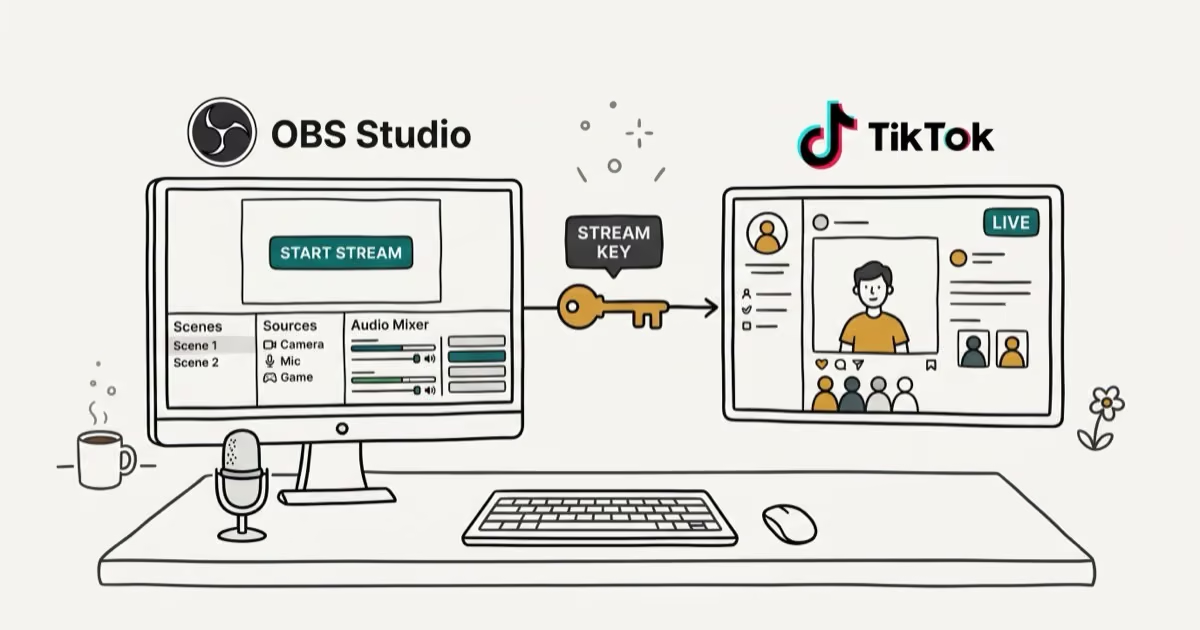
How to Get a TikTok Stream Key for OBS and Streamlabs
Get a TikTok stream key to broadcast from OBS or Streamlabs. Covers the 1,000-follower requirement, CarterPulse application, and OBS setup steps.
How to Make a Joint TikTok Account With Friends (2026)
Set up and manage a joint TikTok account with friends. Covers shared login setup, content planning, security tips, and the Collaboration Post alternative.