watchOS 27 Compatible Apple Watch Models: 2026 List
watchOS 27 runs on Apple Watch SE 3, Series 9, 10, 11, and Ultra 2 and 3, dropping Series 6 through 8. See the confirmed list and the S9 chip floor.
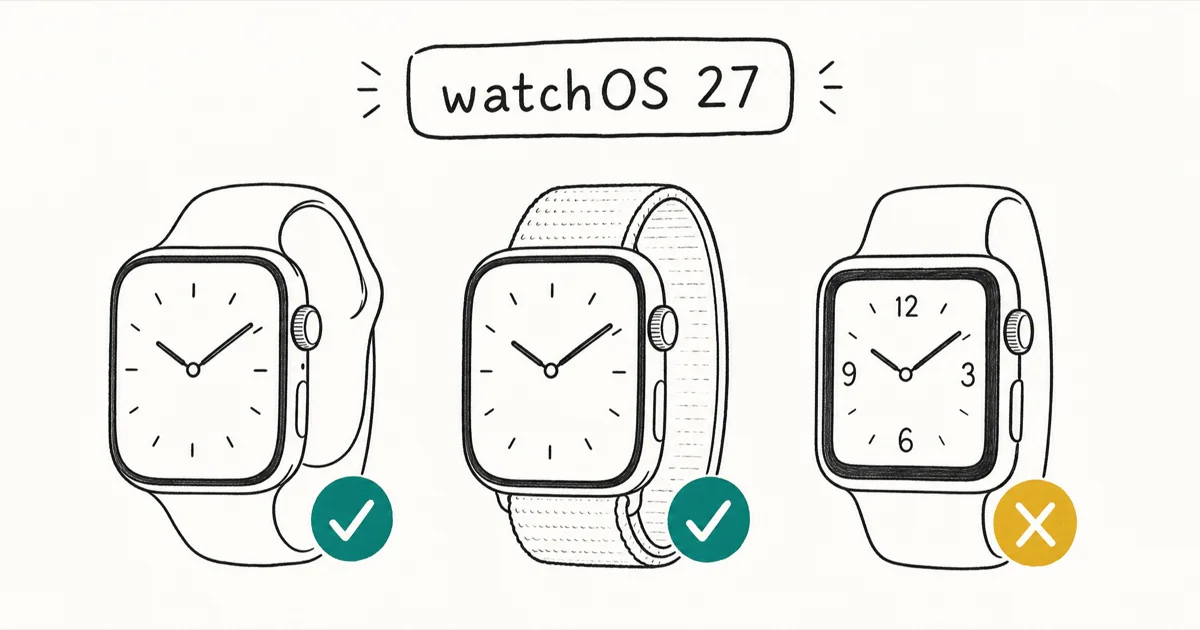
Quick AnswerwatchOS 27 supports Apple Watch SE 3, Series 9, 10, and 11, plus Ultra 2 and Ultra 3. Series 6, 7, 8, the first Ultra, and SE 2nd gen are dropped.
Announced at WWDC on June 8, 2026, the watchOS 27 compatible Apple Watch list is shorter than last year’s. Apple raised the chip floor to the S9 SiP, so several watches that ran watchOS 26 can’t make the jump. Series 9 or newer is in; Series 8 or older is out.
This guide lists every supported model, names the watches Apple cut, and explains the iPhone pairing requirement you need before you can install.
- watchOS 27 supports six models: Apple Watch SE 3, Series 9, 10, 11, Ultra 2, and Ultra 3
- Apple dropped five models this cycle: Series 6, 7, 8, the first-gen Ultra, and SE 2nd gen
- The cutoff line is the S9 SiP, so anything below that chip generation is excluded
- You need an iPhone 11 or later, or iPhone SE 2nd gen or later, running iOS 27 to pair
- Two developer betas have seeded (June 8 and June 23, 2026), with a final release expected this fall
#Which Apple Watches Support watchOS 27?
Apple confirmed the list at the WWDC 2026 keynote and posted it to the watchOS product page. According to Apple’s watchOS 27 page, six Apple Watch models run the new release, and every one of them uses the S9 system-in-package or a later chip.
That chip is the line Apple drew this year. Not sure which model you own? Apple’s identify your Apple Watch page walks you through finding the model number in the Watch app.
Here is the confirmed supported list:
| Apple Watch model | Generation year | watchOS 27 status |
|---|---|---|
| Apple Watch Series 11 | 2025 | Supported |
| Apple Watch Ultra 3 | 2025 | Supported |
| Apple Watch Series 10 | 2024 | Supported |
| Apple Watch SE 3 | 2025 | Supported |
| Apple Watch Series 9 | 2023 | Supported |
| Apple Watch Ultra 2 | 2023 | Supported |
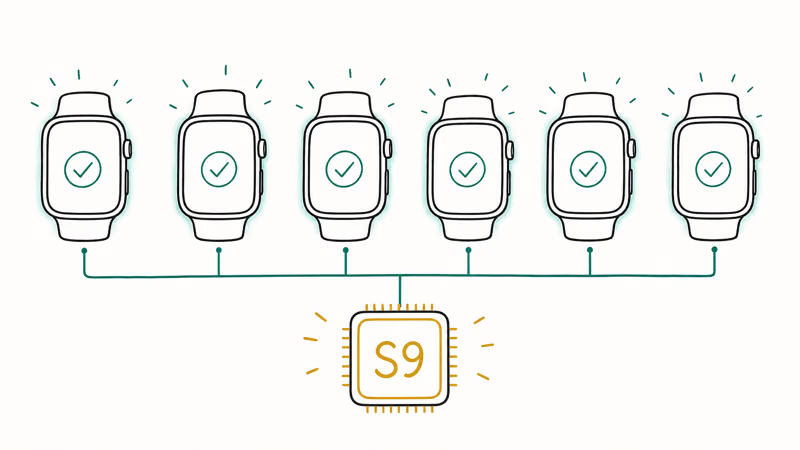
The pattern is simple once you know the chip story. The S9 SiP first shipped in the Series 9 and Ultra 2 back in 2023, and every watch released since then carries that chip or a newer one. That’s why the supported list starts at the Series 9 rather than going back another generation, a clean break that’s easy to remember: own a watch from 2023 onward and you’re almost certainly in.
Apple’s published compatibility list matches the S9 chip floor across all six supported watches, with no surprise inclusion or exclusion hiding in the lineup. If your watch is a Series 9 or anything Apple has released since, you’ll get the update.
#Did watchOS 27 Drop Any Models?
Yes, and more than last year. watchOS 27 cuts five models that ran watchOS 26, which is a noticeably harder break than the 2025 cycle. The reason is the chip jump: Apple moved the floor up to the S9 SiP, leaving the older S-series watches behind.
These models can’t install watchOS 27:
- Apple Watch Series 6 (2020)
- Apple Watch Series 7 (2021)
- Apple Watch Series 8 (2022)
- Apple Watch Ultra, first generation (2022)
- Apple Watch SE, second generation (2022)
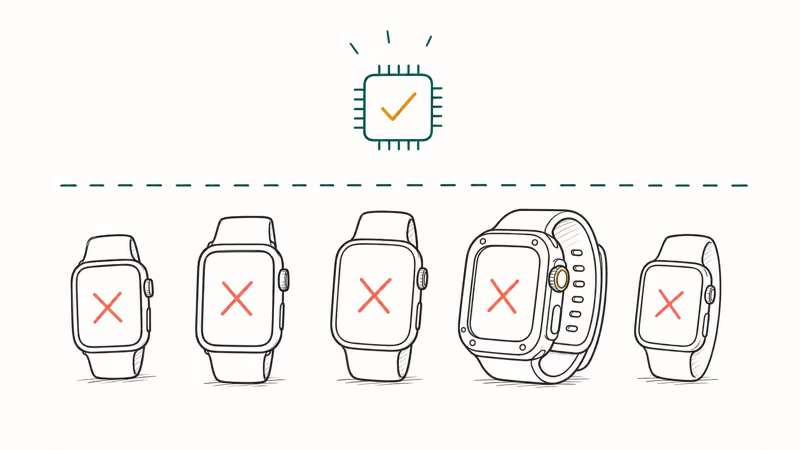
The first-generation Ultra surprises some people, since it launched as a premium model in 2022. But it shipped with the S8 SiP, which traces back to the A13 Bionic core, and that places it below the new threshold. The5krunner’s watchOS 27 compatibility writeup states that the compatibility line is the S9 SiP and above, so the original Ultra falls just short despite its high-end positioning.
If you’re still tracking activity on one of these dropped watches, our guide on what to do when your Apple Watch is not tracking steps covers fixes that work on the watchOS version you’re stuck on. And if the watch refuses to update at all, the Apple Watch unable to check for update walkthrough handles that error.
#The iPhone You Need to Pair With watchOS 27
An Apple Watch is only half the requirement. You also need a compatible iPhone running the matching iOS release, because the Watch app and the update itself flow through your phone.
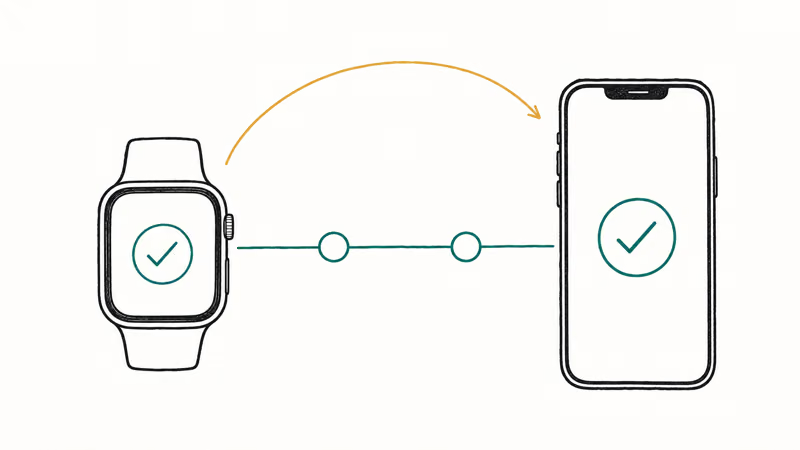
Apple’s page states that watchOS 27 needs an iPhone 11 or later, or an iPhone SE 2nd generation or later, running iOS 27. That’s the same A13 Bionic floor Apple set for iOS, so the two lists line up. If your iPhone runs iOS 27, it can pair with a watchOS 27 device.
The practical wrinkle: both halves have to qualify at once. The Watch app gates the update behind the paired phone’s iOS version, so confirm your iPhone sits on the iOS 27 list before you even look at the watch side.
For the full phone breakdown, see our iOS 27 compatible iPhones guide. Still stuck? Our how to pair Apple Watch manually steps can reset the connection.
A failed watchOS update can be a phone compatibility problem rather than a watch problem. If the paired iPhone has fallen off the supported list, the update may never show. Check the phone first.
#watchOS 27 Release Timeline
watchOS 27 follows Apple’s usual three-stage rollout, and the first stage already landed. The first developer beta seeded on June 8, 2026, the same day as the keynote, and the second arrived on June 23, 2026 as build 24R5305g, reaching every compatible model except the Apple Watch Ultra 3.
Developer beta 3 followed on July 6, 2026, still with no change to the supported-watch list above. The public beta is now available, released July 2026.
The5krunner reports that the public beta arrived in July 2026 (released July 13) and expects the general release in September. That fall timing matches Apple’s long-standing pattern of shipping the final watchOS build alongside new Apple Watch hardware, so a September arrival is the safe assumption even though Apple hasn’t committed to an exact date.
The window is a target, not a guarantee. For how the phone-side schedule lines up, our iOS 27 release date timeline tracks the matching iOS milestones.
If you’re itching to try the update early, remember that the developer and public betas are pre-release software and can drain battery or break apps. Beta builds tend to shorten battery life noticeably in the first weeks. Our iOS 27 beta battery drain notes apply to the watch side of the beta too, since the two betas usually land together.
#Whether to Update a Supported Watch Right Away
If your watch is on the list, there’s no rush. Wait for the stable September build unless you have a specific reason to beta-test. Our watchOS 27 features guide walks through every confirmed change, from the standalone Siri app to the on-watch Workout Buddy.
The safe move is to wait for the fall release. Betas can disrupt complications, drain battery, and occasionally break the connection to your iPhone. If the watch ever gets stuck mid-update, our fix for an Apple Watch stuck on the Apple logo is the first thing to try. No separate watch backup is needed, since it syncs through your paired iPhone.
#How the watchOS 27 Cut Compares to Last Year
watchOS 26 in 2025 was a gentle year for Apple Watch owners, keeping older models in the fold. watchOS 27 is the opposite. It draws a much firmer line, and that shift is worth understanding if you bought a watch in the 2020 to 2022 window.
The dividing factor is the S9 SiP. Apple introduced that chip in 2023 and held off raising the floor to it last cycle, which spared the Series 6 through 8 for one more year. This year Apple pulled the trigger, and those models, plus the first Ultra and SE 2nd gen, all dropped together. A five-model cut in a single release is a sharp move by Apple’s standards.
The upside is predictability for newer owners. Buy a Series 9, 10, or 11, or either current Ultra, and you’re on the right side of the chip line. The Series 9 and Ultra 2 sit lowest on the list, so watch those in future years.
#Bottom Line
Series 9, 10, 11, SE 3, Ultra 2, or Ultra 3: you get watchOS 27 this fall, free. Confirm your paired iPhone runs iOS 27 first, then update from the Watch app once the release lands in September.
Series 6, 7, 8, first-gen Ultra, or SE 2nd gen: the road ends at watchOS 26. Your watch keeps working and will get any remaining watchOS 26 point fixes, but no new features arrive. If you rely on the latest health and workout tools, this is the cycle to plan an upgrade, and the Series 9 is the cheapest way onto the supported line.
If a dropped watch starts misbehaving on its final OS, try a reset or re-pair before replacing it. Many late-life issues are software, not hardware, and clear with a quick fix you can do at home in a few minutes without a Genius Bar trip.
#Frequently Asked Questions
Is the Apple Watch SE 2 compatible with watchOS 27?
No. The SE 2nd gen was dropped and stays on watchOS 26. Only the third-generation SE is supported.
Why was the first Apple Watch Ultra dropped from watchOS 27?
The original Ultra uses the S8 SiP, built on the A13 Bionic core, and that chip sits below the new S9 floor. Despite launching as a premium model in 2022, the first Ultra can’t make the cut this year.
What is the oldest Apple Watch that runs watchOS 27?
The Series 9 and Ultra 2, both from 2023, are the oldest. They share the S9 SiP floor.
Do I need a specific iPhone to install watchOS 27?
Yes. watchOS 27 requires an iPhone 11 or later, or an iPhone SE 2nd generation or later, running iOS 27. If your paired iPhone is older than that and capped at an earlier iOS, the update won’t appear in the Watch app even when the watch itself is on the supported list, which catches a lot of people off guard.
When can I download watchOS 27?
The first developer beta arrived on June 8, 2026, and the second on June 23, 2026. A public beta is now available, with the final release expected in September.
How many Apple Watch models did watchOS 27 drop?
Five: the Series 6, 7, 8, the first-generation Ultra, and the SE 2nd gen. That’s a larger cut than watchOS 26 made, driven by the jump to the S9 chip floor.

Mac mini M6 vs M5 Pro: Which Model Should You Buy?
Mac mini M6 vs M5 Pro compared on price, memory, ports, displays, and real workloads. Find the better 2026 Mac mini for your desk and budget.

Apple Siri Settlement: Who Qualifies and How to Claim
Apple's $250 million Siri settlement covers iPhone 15 Pro and iPhone 16 models bought June 2024 to March 2025. See who qualifies and how claims work.

iOS 26.6.1 Security Update: What Apple Fixed and Who Gets It
Apple released iOS 26.6.1 on August 17 with 29 security fixes, including an IPSec interception bug. See what it patches, who gets it, and how to update.

iPhone Adaptive Power: How It Works and When to Use It
Learn how iPhone Adaptive Power works, which models support it, what it changes, and when Low Power Mode is still the better battery-saving choice.