iOS 27 Safari Features: AI Tab Groups and Page Alerts
iOS 27 Safari uses AI to organize your tabs into topics and adds Notify Me, which watches a webpage and alerts you to changes like price drops or restocks.

Quick AnsweriOS 27 Safari adds AI that organizes your open tabs into topic groups like shopping, travel, and work, plus a Notify Me tool that watches a webpage and alerts you when something changes, such as a price drop or restock. Apple confirmed both at its WWDC 2026 keynote.
Safari is one of the apps Apple aimed its 2026 AI push at, and two iOS 27 features stand out: a tool that organizes your tabs into topics automatically, and a Notify Me option that watches a webpage and tells you when it changes. Apple confirmed both at its WWDC 2026 keynote on June 8.
Tab chaos finally has an answer.
- iOS 27 Safari uses AI to group your open tabs into topics like shopping, travel, and work
- A new Notify Me feature watches a webpage and alerts you to changes, such as a price drop or a restock
- You tell Safari what change to watch for, and it monitors the page in the background
- Safari also gains natural-language extension creation, so you can build a simple extension by describing it
- Tab organization is an Apple Intelligence feature, so it needs an iPhone 15 Pro or newer
#How Does Safari Organize Tabs in iOS 27?
If you’re the kind of person who ends up with 40 open tabs, this is the feature for you. According to Engadget’s keynote coverage, Apple Intelligence will “smartly organize your tabs into topics” in iOS 27.
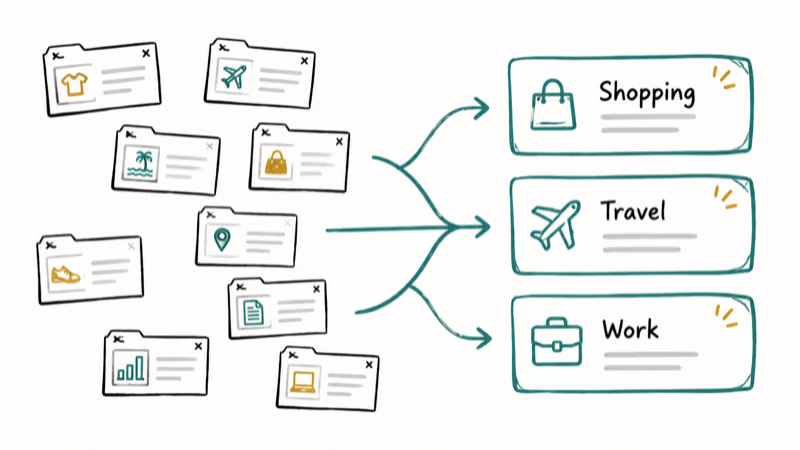
So a pile of open tabs sorts itself into groups.
Shopping tabs cluster together, travel research lands in its own group, and work links sit apart from the rest. The sorting happens automatically, which is the point: you don’t build the groups by hand, Safari reads what each tab is about and does it for you. It’s the same shared-model approach behind the wider iOS 27 AI features.
#What Is Safari’s Notify Me Feature?
This is the one that quietly changes how you use the web. Engadget confirms that Safari can “notify you of changes to a web page, such as for a product price drop or restock.”

You tell Safari what to watch.
Instead of reloading a product page every few hours to see if a sold-out item is back, you ask Safari to watch it. It checks in the background and pings you when the change happens.
Macworld confirms that “Safari will organize tabs into topics and watch webpages for you to notify you when they change,” so the feature isn’t limited to shopping. Any page you need to monitor, a ticket release, a job listing, a restock, becomes a set-and-forget alert.
Without Notify Me, the fallback is bookmarking a page and remembering to check it later. A sold-out item can come back in stock or a price can drop while nobody is reloading the page. A background watcher that does the checking for you removes exactly the part humans are bad at: the remembering.
#Building Safari Extensions With AI
This is the most developer-flavored of the three features. Macworld reports that iOS 27 adds natural-language Safari extension creation, so you describe the extension you want in plain English and Safari helps build it.
That lowers the bar for small customizations.
A simple extension that hides an element on a site, or tweaks how a page looks, no longer needs you to write code from scratch. It won’t replace a real developer for anything complex, but for the small personal tweaks most people never bother with, describing it in words is far less work than learning the extension format.
#Which iPhones Get These Features
The AI tab organization is an Apple Intelligence feature, so it follows the same hardware rule as the rest of the platform’s AI tools.
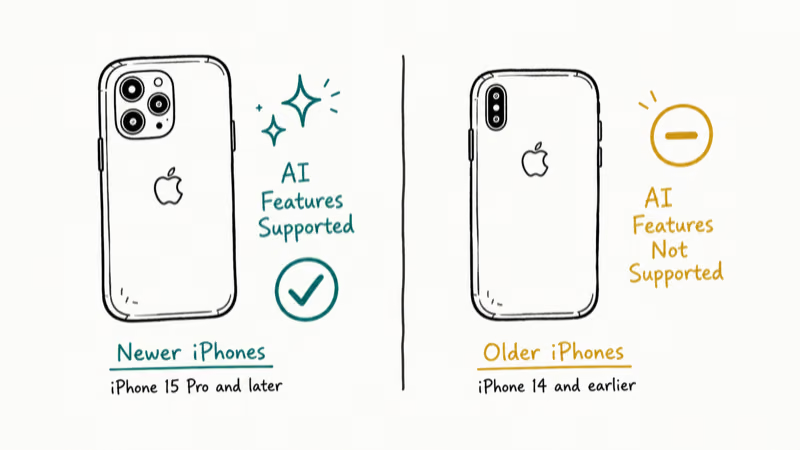
Apple Intelligence needs an A17 Pro chip or newer.
That means the iPhone 15 Pro, iPhone 15 Pro Max, and every iPhone 16 and iPhone 17 model get the AI tab grouping. A standard iPhone 15 or older runs iOS 27 but skips the Apple Intelligence layer. Our iOS 27 compatible iPhones guide lists exactly which models qualify, and the broader redesigned Siri follows the same hardware line.
The hardware gate is easy to miss. The feature simply doesn’t appear on an unsupported phone, with no prompt to upgrade.
#How Safari Fits the Rest of iOS 27
Safari isn’t getting these features in isolation. Apple spread Apple Intelligence across its built-in apps in iOS 27, and Safari’s tab and page tools are one slice of that.
The pattern is consistent.
Each app gets a couple of targeted AI helpers rather than one giant assistant bolted on, which is the same logic behind the system-wide image tools and the Photos editing upgrades. For the full picture of what landed, our iOS 27 new features roundup covers every app.
#The Safari Features Reach iPad Too
These aren’t iPhone-only. Apple is rolling Apple Intelligence across iPhone, iPad, and Mac in 2026, so the same Safari tab and page tools land on iPadOS 27.
The hardware rule carries over.
On iPad, AI tab organization needs an Apple Intelligence-capable model, the same way it does on iPhone. Notify Me, the page-watching tool, is the part that reaches the widest set of devices, which makes it the feature most readers will actually get their hands on. Apple’s own iOS preview pages are the place to confirm the final per-device details once the release ships.
#Bottom Line
The Notify Me feature is the one most people will actually use day to day, because waiting on a price drop or a restock is a universal annoyance and a background watcher solves it cleanly. It doesn’t need the newest hardware either.
The AI tab organization is the bigger win, if you keep dozens of tabs open on a newer iPhone.
iOS 27 Beta
#Frequently Asked Questions
Does iOS 27 Safari organize tabs automatically?
Yes. Apple Intelligence in iOS 27 groups your open Safari tabs into topics like shopping, travel, and work without you sorting them by hand. Apple confirmed the feature at WWDC 2026.
What does Safari’s Notify Me feature do?
It watches a webpage for you and alerts you when something changes, like a price drop or a restock. You tell Safari what to look for, and it monitors the page in the background instead of you reloading it.
Do I need Apple Intelligence for the Safari tab feature?
Yes. AI tab organization needs an iPhone 15 Pro or newer. Standard iPhone 15 and older models skip it.
Can I make Safari extensions without coding in iOS 27?
Yes. iOS 27 adds natural-language Safari extension creation, so you describe what you want in plain English and Safari helps build a simple extension. It’s aimed at small personal tweaks, not complex tools.
When does iOS 27 come out?
According to Apple’s August 24 release entry, iOS 27.0 developer beta 7 is build 24A5424a. The public beta is now available, with the full release in September 2026.
Does Notify Me work on any website?
It’s designed to watch a webpage for changes you specify, like a price drop, a restock, a ticket release, or a job listing. You tell Safari what to look for on the page, and it monitors that page in the background and alerts you when the change you described actually happens, which works well for pages that update predictably.
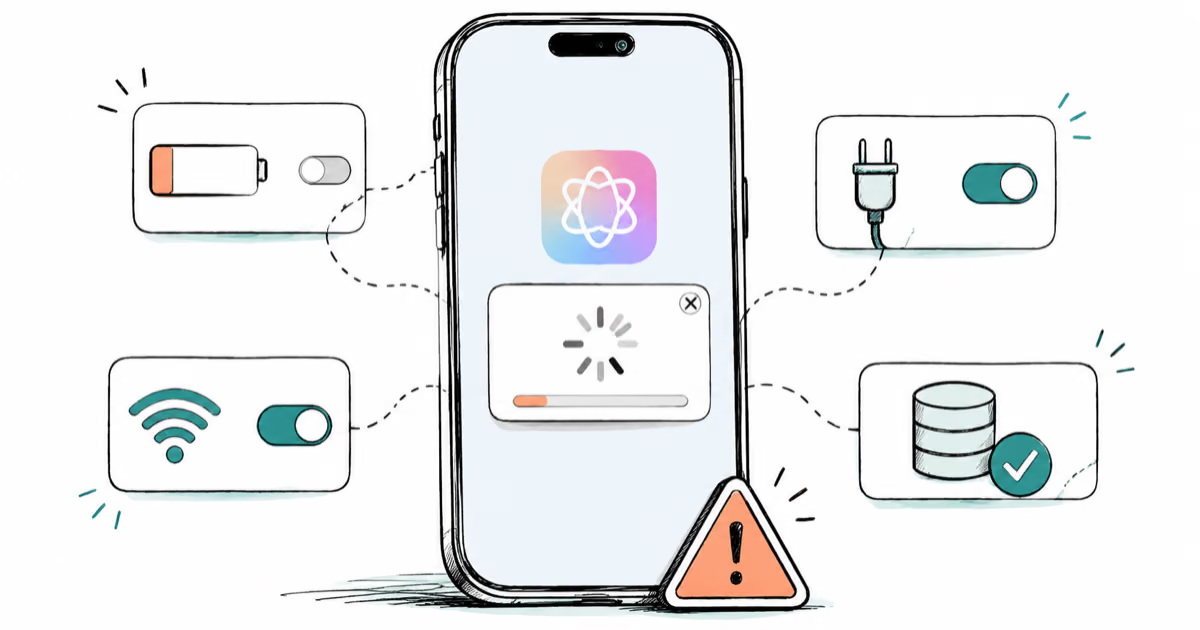
Apple Intelligence Not Working on iPhone? Fixes (2026)
Apple Intelligence not working on iPhone after iOS 27? Turn off Low Power Mode, stay on Wi-Fi while charging, and free up 7 GB. Step-by-step fixes.

Apps Crashing After iOS 27 Update? Fix Order (2026)
Apps crashing after the iOS 27 update? Update the app in the App Store first, then offload and reinstall to clear stale cache, then restart. The fix order.

Genmoji or Image Playground Not Working? iOS 27 Fix
Genmoji or Image Playground not working on iOS 27? Turn on Apple Intelligence, free up 7 GB, drop Low Power Mode, and let the image model finish.
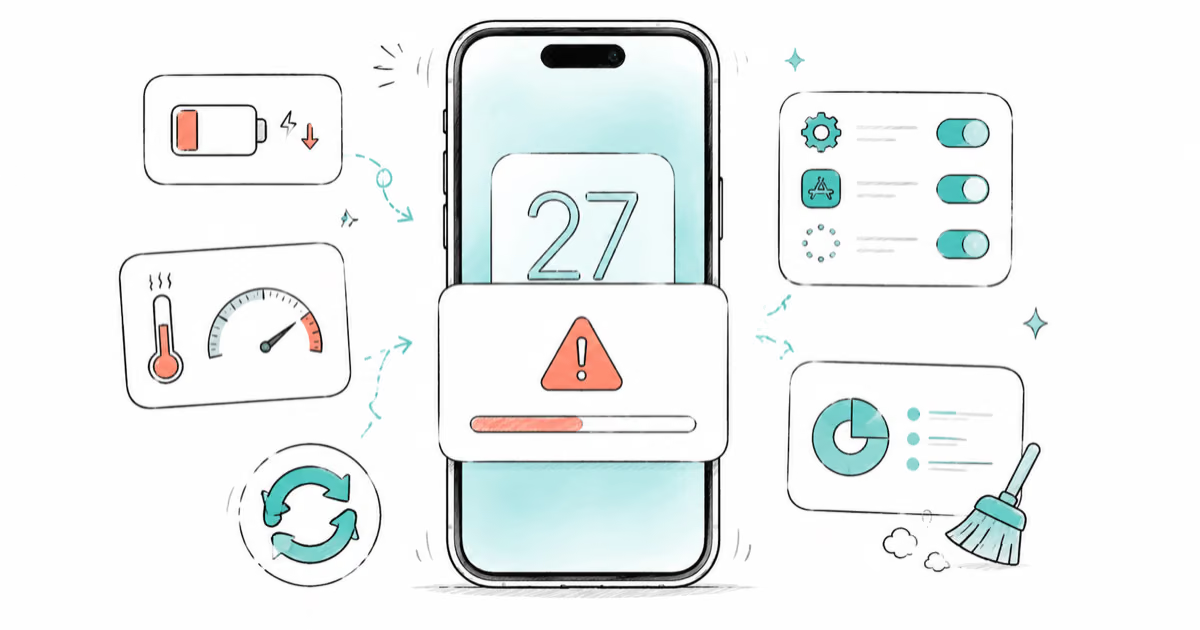
iOS 27 Problems and How to Fix Each of Them (2026)
iOS 27 problems? Battery drain, overheating, Wi-Fi drops, crashing apps, and Apple Intelligence stuck. Each problem with its top fix and full guide here.