iOS 27 Image Playground: Realistic AI Images Arrive
iOS 27 gives Image Playground a new Apple model that creates realistic photos, keeps the Animation, Illustration, and Sketch styles, and works system-wide.

Quick AnsweriOS 27 upgrades Image Playground with a new Apple generative model that creates realistic, photo-style images for the first time, alongside the existing Animation, Illustration, and Sketch styles. Apple confirmed the change at its WWDC 2026 keynote, and it ships in the developer beta now.
iOS 27 rebuilds Image Playground around a new Apple generative model, and the headline change is realism. The app that once produced only cartoonish art can now create realistic, photo-style images straight from a text prompt. Apple confirmed the upgrade at its WWDC 2026 keynote on June 8, and it reaches iPhone, iPad, and Mac.
That’s a real shift, not a tweak.
- Image Playground in iOS 27 generates realistic images for the first time, powered by a new Apple model rather than the older cartoon-only system
- The original Animation, Illustration, and Sketch styles all stay, so nothing you used before disappears
- Image generation works system-wide, and other apps can call the same engine instead of building their own
- Realistic generation needs Apple Intelligence hardware, which starts at the iPhone 15 Pro and every iPhone 16
- The feature is live in the iOS 27 developer beta, with the public beta now available and a full release expected in September 2026
#What’s New in iOS 27 Image Playground
Image Playground launched in iOS 18 with a deliberately narrow scope: Animation, Illustration, and Sketch, and nothing else. The cartoon look was a safety call as much as a creative one, since stylized output sidesteps the deepfake and likeness problems that realistic AI images create.
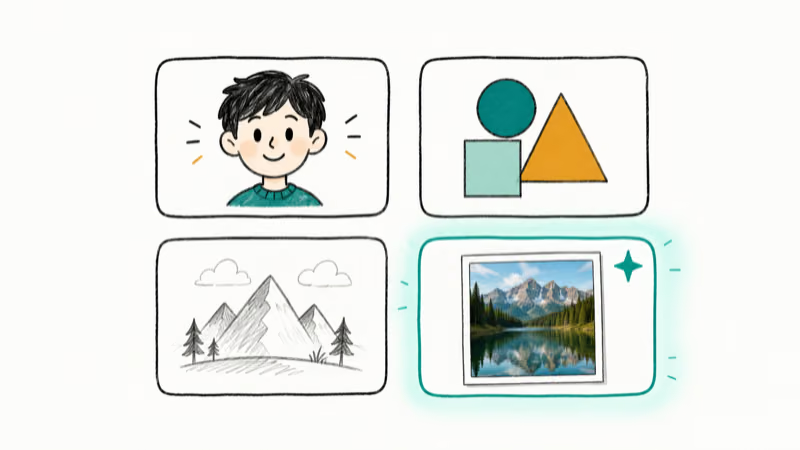
iOS 27 changes the foundation.
According to Macworld’s iOS 27 guide, the app “gets a huge improvement in quality and flexibility, and can now create realistic images.” A new Apple generative model replaces the constraint that kept everything cartoonish. The realistic mode joins the existing styles instead of replacing them, so you keep Animation, Illustration, and Sketch whenever a stylized look fits better.
#How Realistic Are the New Images?
AppleInsider states that the new Apple model brings photorealistic generation into Image Playground, a capability that used to require the optional ChatGPT path. So photo-style results move out of an external handoff and into Apple’s own pipeline.
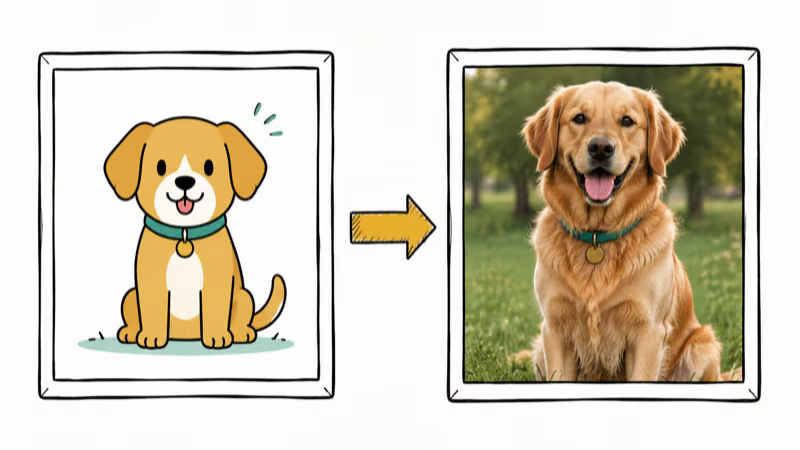
The original Image Playground was intentionally stylized: prompts that would be photographic elsewhere came back as Animation, Illustration, or Sketch, since the older model had no realistic path at all. The iOS 27 model removes that wall, so the same prompt can now return a photo-style result or a stylized one depending on the mode you pick.
Apple also widened the canvas. Tom’s Guide reported that you can now generate images across a far wider range of sizes, instead of the square-ish output the first version favored.
#The Styles and Sizes You Get
Realism is an addition, not a swap. The three original looks stay exactly where they were.
- Animation for the soft 3D cartoon style
- Illustration for flat, graphic art
- Sketch for hand-drawn line work
- Realistic as the new fourth option
The size change matters more than it sounds. A square image works for a chat sticker, but it’s useless as a wallpaper, a banner, or a document header. Flexible sizing helps because generated images need different shapes for wallpapers, banners, and document headers.
#Where You Can Use Image Playground
The biggest structural shift is that Image Playground stops being a single app. Macworld confirms that the engine “is used throughout the system” so “other apps can call on this new image-generation prowess.”
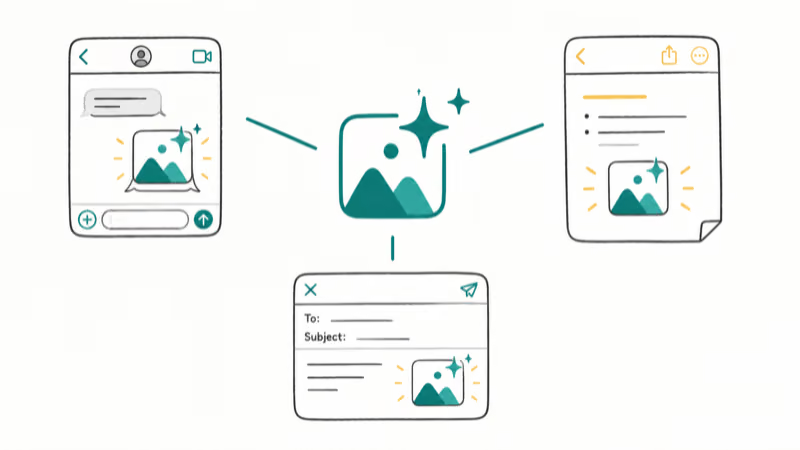
No more open-app, copy, paste dance.
The generator now appears inside the apps you already use, a system-wide capability rather than a destination. That follows the same direction as the rest of Apple’s 2026 push, where the iOS 27 AI features lean on shared system models rather than one-off tools, and the new Photos editing tools draw on generative AI the very same way.
It pairs with the rebuilt assistant too. Once you have a redesigned Siri that handles multi-step requests, asking it to generate an image and drop it into a note becomes a single instruction.
#Which iPhones Get Realistic Image Playground?
Realistic generation is an Apple Intelligence feature, not a basic iOS 27 feature, and that distinction sets the hardware bar higher than the operating system itself.
Plenty of phones run iOS 27 but can’t touch Apple Intelligence.
Apple Intelligence requires an A17 Pro chip or newer, which means the iPhone 15 Pro, iPhone 15 Pro Max, and every iPhone 16 and iPhone 17 model. A standard iPhone 15 or older installs iOS 27 but skips the generative image tools. For the full list of which phones run the update, see our iOS 27 compatible iPhones guide.
#When You Can Try It
Apple confirmed the usual rollout calendar at WWDC. According to its August 24 release entry, iOS 27.0 developer beta 7 is build 24A5424a.
The public beta is now available, with a full release in September 2026. Macworld points to “Monday, September 14 a likely release date based on past patterns,” in line with Apple’s typical mid-September iOS launches. Our iOS 27 release date timeline tracks each beta as it lands.
No developer account? The July public beta is your entry point, though early betas drain battery and break apps, so use a spare device.
#Bottom Line
The realistic upgrade is what makes Image Playground useful instead of a novelty. If you have an iPhone 15 Pro or any iPhone 16 or 17, the iOS 27 version is worth trying the moment you’re on the beta, since realistic output, larger sizes, and system-wide access close the gaps that made the first version easy to ignore.
If you have a standard iPhone 15 or older, you’ll get iOS 27 but not this feature. Wait for September.
iOS 27 Beta
#Frequently Asked Questions
Does iOS 27 Image Playground make realistic photos?
Yes. A new Apple generative model lets the app create realistic, photo-style images from a text prompt, which the previous version couldn’t do. Apple confirmed this at WWDC 2026, and Macworld describes it as a “huge improvement in quality and flexibility.” The older Animation, Illustration, and Sketch styles remain available too.
Do the old cartoon styles go away?
No. Animation, Illustration, and Sketch all stay in iOS 27. Realism is added as a new option.
What iPhone do I need for realistic Image Playground?
You need an Apple Intelligence device, which starts at the iPhone 15 Pro and includes every iPhone 16 and iPhone 17. A standard iPhone 15 or older can install iOS 27 but can’t run the generative image tools, so the chip matters more than the iOS version here.
Is Image Playground free in iOS 27?
Yes. Image Playground is part of Apple Intelligence and built into iOS 27 at no extra cost on supported devices. There’s no subscription for the realistic styles.
When does iOS 27 Image Playground come out?
It’s in developer beta 7 now, released August 24, 2026, with the public beta now available and a full release in September 2026.
Can other apps use Image Playground in iOS 27?
Yes. The generator works system-wide, so other apps can call the same Apple model instead of building their own image tools. Generated images can appear inside apps you already use rather than only in the standalone Image Playground app.
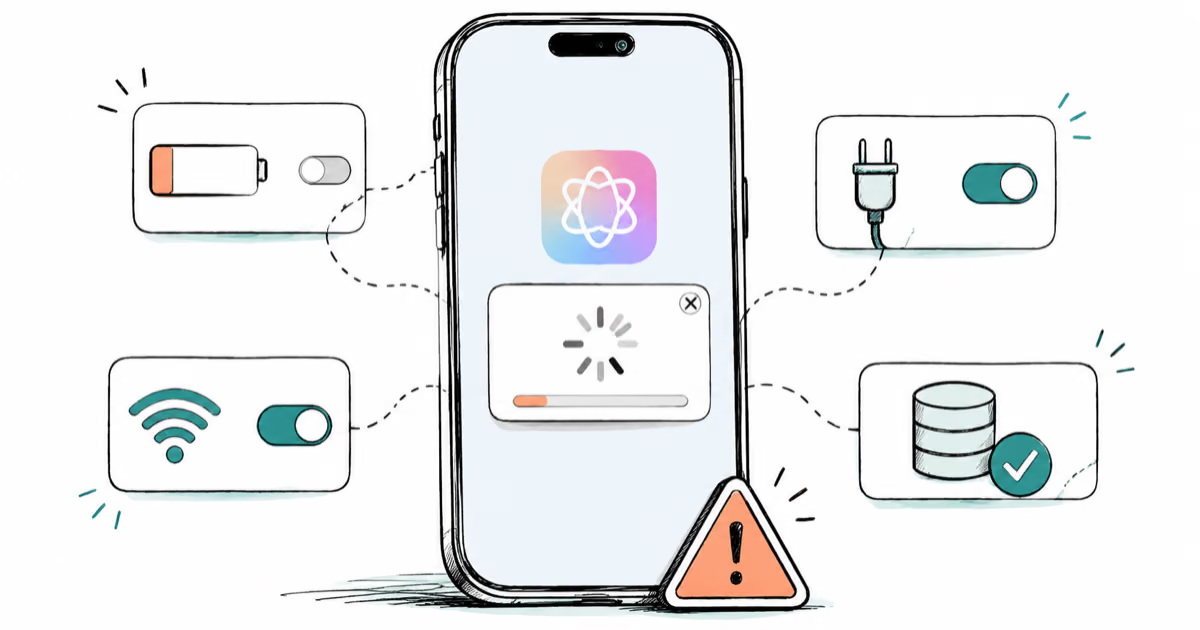
Apple Intelligence Not Working on iPhone? Fixes (2026)
Apple Intelligence not working on iPhone after iOS 27? Turn off Low Power Mode, stay on Wi-Fi while charging, and free up 7 GB. Step-by-step fixes.

Apps Crashing After iOS 27 Update? Fix Order (2026)
Apps crashing after the iOS 27 update? Update the app in the App Store first, then offload and reinstall to clear stale cache, then restart. The fix order.

Genmoji or Image Playground Not Working? iOS 27 Fix
Genmoji or Image Playground not working on iOS 27? Turn on Apple Intelligence, free up 7 GB, drop Low Power Mode, and let the image model finish.
iOS 27 Problems and How to Fix Each of Them (2026)
iOS 27 problems? Battery drain, overheating, Wi-Fi drops, crashing apps, and Apple Intelligence stuck. Each problem with its top fix and full guide here.