How to Find Saved Reels on Instagram: Step-by-Step Guide
Find saved Reels on Instagram through the Saved section, collections, or Activity log. Works on iPhone and Android with the 2026 Instagram layout.
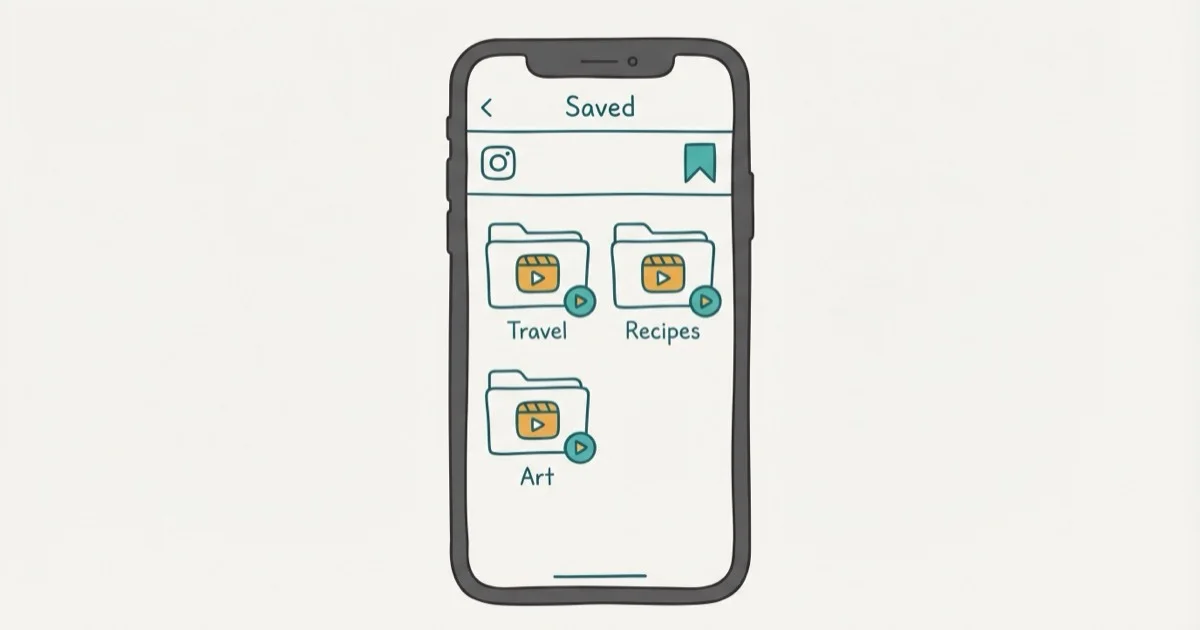
Quick AnswerOpen your Instagram profile, tap the three-line menu icon in the top right, then tap Saved. Your saved Reels appear alongside saved posts in your collections.
Instagram buries the Saved section behind a menu instead of giving it a dedicated tab. Your saved Reels, posts, and stories all end up in the same place, and finding a specific clip you saved weeks ago requires knowing where to look.
- Saved Reels live under Profile > three-line menu > Saved on both iPhone and Android
- You can organize saved Reels into custom collections for easier access later
- Instagram doesn’t have a “watch history” feature, but your Liked section shows Reels you interacted with
- Saved Reels require an internet connection to view and won’t play offline
- If a creator deletes their Reel, it disappears from your Saved section too
#Where Are Saved Reels on Instagram?
Open Instagram and go to your profile (tap your photo in the bottom right). Tap the three-line menu icon in the top-right corner, then tap Saved.
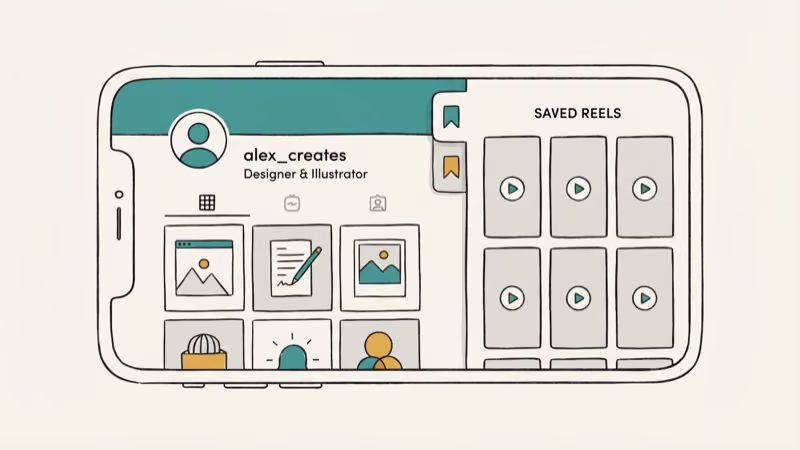
You’ll see all your saved content organized into collections. If you saved a Reel without adding it to a specific collection, it goes into the All Posts default folder. Scroll through to find Reels mixed in with saved photos and carousel posts.
The same Saved menu path applies on both iPhone and Android. On some iPhone models, the three-line menu icon may sit slightly higher because of the Dynamic Island area.
If you’re having trouble with Instagram videos in general, check whether Instagram videos are playing properly before troubleshooting your saved Reels.
#How to Organize Saved Reels Into Collections
Collections make it much easier to find specific Reels later. Here’s how to set them up:
-
When saving a Reel, tap and hold the bookmark icon instead of tapping once.
-
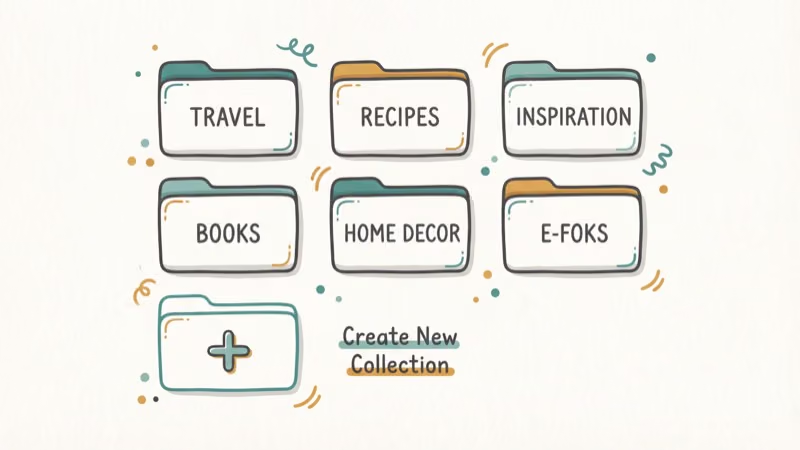
Instagram shows your existing collections and a + button to create a new one.
-
Name the collection something descriptive like “Recipes” or “Workout Ideas.”
-
Tap Save to Collection to file the Reel.
You can also move previously saved Reels into collections. Open the Saved section, find the Reel, tap it, then tap the bookmark icon and select a collection.
Collections display Reels in reverse chronological order (newest first). Instagram doesn’t let you reorder items within a collection, so the most recent save appears at the top.
According to Instagram’s Help Center, saved posts and Reels are private by default. No one can see what you’ve saved, not even the creator of the Reel. Instagram’s Reel recording guide states that a single Reel can run up to 3 minutes, so even longer clips you bookmark stay intact in your collection.
#Can You Find Reels You’ve Already Watched?
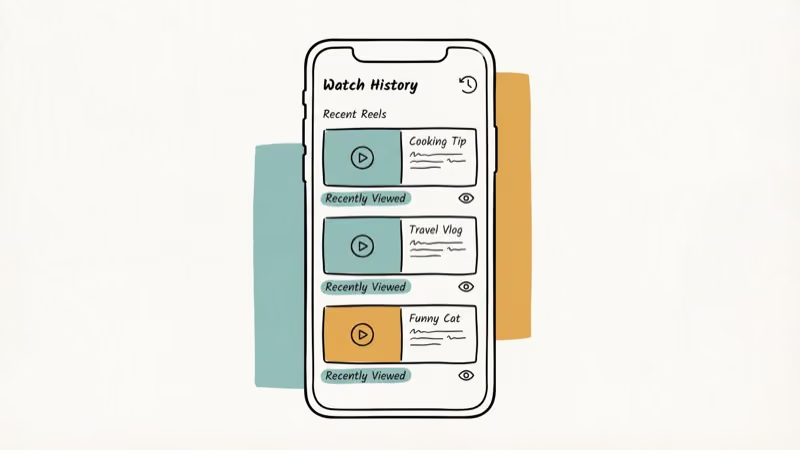
Instagram doesn’t have a dedicated watch history. There’s no “Recently Watched” tab like YouTube has. But there are two workarounds.
Check your Liked Reels. Go to Profile > three-line menu > Your Activity > Interactions > Likes > Reels. This shows every Reel you’ve liked. If you tend to like the Reels you enjoy, this is essentially a rough viewing history.
Check your browsing history through Your Activity. Instagram tracks your activity timeline under Your Activity > Time Spent. While it doesn’t list individual Reels, it shows how much time you spent on the app each day, which can help narrow down when you watched something.
The Likes section is usually more useful because it lists liked Reels by date. The time-spent data is less helpful for finding specific clips because it doesn’t show individual Reel titles.
#Reasons a Saved Reel Might Disappear
This happens more often than you’d expect. There are four common reasons:
The creator deleted the Reel. If the original gets deleted, your saved copy vanishes too.
The creator changed their account to private. If you don’t follow them, you lose access to all their content including anything you previously saved. Following them again restores access.
A network error interrupted the save. If your connection dropped while tapping the bookmark icon, the save may not have completed. There’s no notification when this happens.
An app bug corrupted the save. Clearing Instagram’s cache (go to Settings > Storage > Clear Cache on Android, or delete and reinstall on iPhone) sometimes fixes missing saved content. According to Instagram’s troubleshooting page, clearing the cache doesn’t delete your account data.
If your Instagram Reels aren’t working at all, that’s a separate issue from missing saved content.
#How to Save Reels From Other People
Saving someone else’s Reel takes one tap. While viewing the Reel, tap the bookmark icon at the bottom right. A brief “Saved” toast notification confirms it worked.
Not every Reel can be saved. Some creators disable downloads and saves on their content. If the bookmark icon is grayed out or missing, that creator has turned off saving for their posts. Tom’s Guide confirms that this per-post control sits with the creator, so a clip you can save today might be locked tomorrow.
You can also share a Reel to your close friends or via DM, which creates a link you can revisit later even if saving is disabled on the original Reel.
For related Instagram features, check out how to work with Instagram drafts or fix Instagram stories not working.
#Tips for Managing a Large Saved Collection
If you save a lot of content, the default “All Posts” folder becomes a mess quickly. Here’s what works:
-
Create collections by topic before you start saving. Set up folders like “Recipes” or “Tech Tips” so organizing is one long-press away.
-
Unsave old content regularly. Tap the bookmark on anything you no longer need.
-
Use collection search. Instagram added search to Saved in late 2025. Tap the magnifying glass to search by caption text.
For related fixes, see comments not posting or screenshot notifications.
#Bottom Line
Go to Profile > three-line menu > Saved to find all your saved Reels. Use collections to stay organized, and long-press the bookmark icon when saving to file Reels into the right folder immediately. If a saved Reel disappears, the creator likely deleted it or went private.
Instagram Tips & Tricks
#Frequently Asked Questions
Can other people see my saved Reels on Instagram?
No. Your saved posts and Reels are completely private. Only you can see them. Instagram doesn’t show a “saved” indicator to the creator or anyone else viewing your profile.
Do saved Reels take up storage on my phone?
No. Saved Reels are stored on Instagram’s servers, not your device. They require an active internet connection to view. If you want offline access, you’d need to download the Reel separately using a third-party tool.
Is there a limit to how many Reels I can save?
Instagram hasn’t published an official limit. In practice, users report saving thousands of posts and Reels without hitting a cap. Collections can hold hundreds of items each.
Can I save Reels from private accounts?
Yes, but only if you follow the account. If you unfollow a private account later, you lose access to all their saved content until you follow them again and they approve you.
Why isn’t the bookmark icon showing on some Reels?
The creator may have disabled saving for their content, or you might be viewing a promoted/ad Reel that doesn’t support bookmarking. Updating Instagram to the latest version can also fix missing UI elements caused by app bugs.
How do I find a Reel I saved months ago?
Open Saved, then scroll down through All Posts, or use the search feature within the Saved section (available since late 2025). If you organized it into a collection at the time, check that collection first. The sort order is newest first, so older saves are at the bottom.
Can I share my saved Reels collection with someone else?
No. Instagram collections are private and can’t be shared. To share specific Reels, open each one individually and use the Send button to share via DM or copy the link.
Do saved Reels disappear when I clear the Instagram cache?
No. Clearing the cache removes temporary files from your device but doesn’t affect your saved content, which is stored on Instagram’s servers. Your collections remain intact after clearing cache or reinstalling the app.
Instagram Parental Controls: Family Center Setup (2026)
Set up Instagram Family Center, privacy settings, Hidden Words, content filters, and time limits with your teen's consent on iPhone or Android.
Instagram Notifications Not Working? Quick Fixes (2026)
Instagram notifications not working? Fix push alerts, DMs, likes, and Stories on iPhone and Android in under 5 minutes with proven 2026 steps.
Instagram "We Limit How Often" Error: How to Fix It 2026
Instagram says "we limit how often you can do certain things"? Wait 24-48 hours, slow down likes and follows, then appeal through Help Center.
Instagram Name Checker: Find Available Usernames Fast
Check Instagram username availability instantly with free tools like Namechk and KnowEm. Find perfect handles and avoid the frustration of taken names.