How to Convert ACSM to PDF: The Complete Step-by-Step Guide
Convert ACSM files to PDF using Adobe Digital Editions. Covers what ACSM files are, how to authorize your computer, and how to edit the resulting PDF.
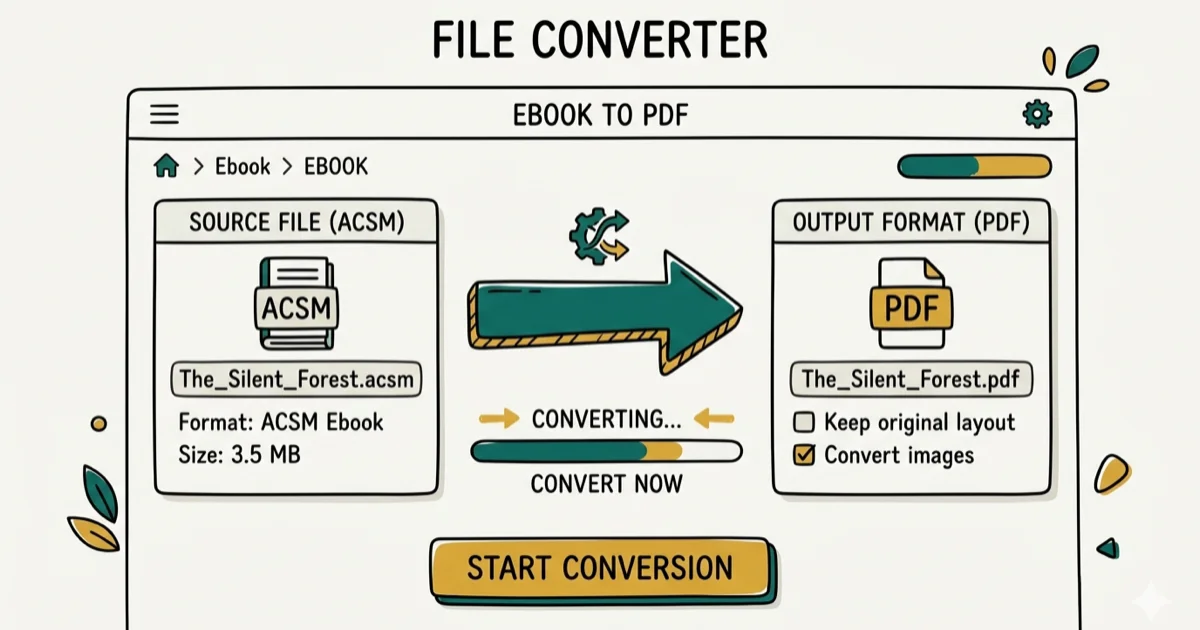
Quick AnswerTo convert ACSM to PDF, open the ACSM file in Adobe Digital Editions — the software communicates with Adobe servers, verifies your purchase, and downloads the eBook as a DRM-protected PDF or EPUB file on your computer.
ACSM files are tiny download tickets for Adobe Digital Editions, not the actual eBook.
- An ACSM file is a download ticket, not an eBook; ADE uses it to retrieve the actual PDF or EPUB
- Adobe Digital Editions is required because ACSM files contain DRM data tied to your Adobe ID
- Downloads usually complete within minutes once your device is authorized
- Converting to PDF does not remove DRM; the file still requires authorized software
- PDFelement supports editing, merging, password protection, and batch conversion on the downloaded PDF
#What Is an ACSM File?
ACSM stands for Adobe Content Server Message. According to Adobe’s Digital Editions documentation, an ACSM file contains authorization data that links a book purchase to your Adobe ID. The file itself holds no eBook content; it’s essentially a token.
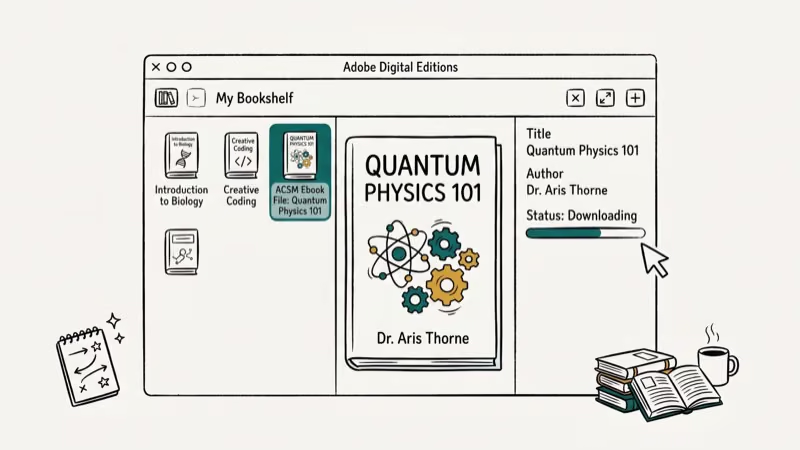
When you open an ACSM file in Adobe Digital Editions, the software contacts Adobe’s content servers, confirms your purchase is legitimate, and downloads the actual eBook in either PDF or EPUB format to your computer.
This is an important distinction: you can’t open an ACSM file like a normal PDF because it won’t display text or pages. The ACSM file’s sole purpose is to authorize and retrieve the book. If you’re comparing document signing services, our guide on Adobe Sign vs. DocuSign covers both platforms in depth.
#How to Convert ACSM to PDF
The conversion requires Adobe Digital Editions. The process is straightforward once you understand what the ACSM file actually does.
#Step 1: Download Adobe Digital Editions
Download Adobe Digital Editions from Adobe’s official download page. Install it following the on-screen instructions, then launch the software.
In the menu bar, go to Help, then select Authorize Computer. A window prompts you for your Adobe ID and password. Enter your credentials and click Authorize. If you don’t have an Adobe account, click Create an Adobe ID; the process takes about 2 minutes.
Authorization is a one-time step per computer. ADE remembers your credentials for future downloads.
#Step 2: Open the ACSM File to Download the eBook
Locate the ACSM file in File Explorer (Windows) or Finder (macOS). Right-click the file and choose Open with Adobe Digital Editions.
ADE immediately connects to Adobe’s servers. You’ll see a download progress bar. Once the download finishes, the eBook opens automatically inside ADE and appears in your library.
The converted file is saved to Documents > My Digital Editions (Windows) or Documents/Digital Editions (macOS).
The file will be PDF or EPUB, depending on what the publisher chose.
#Finding Your Downloaded eBooks
Adobe Digital Editions saves downloaded eBooks to Documents > My Digital Editions on Windows and Documents/Digital Editions on macOS. Files are saved in the format the publisher chose — either PDF or EPUB.
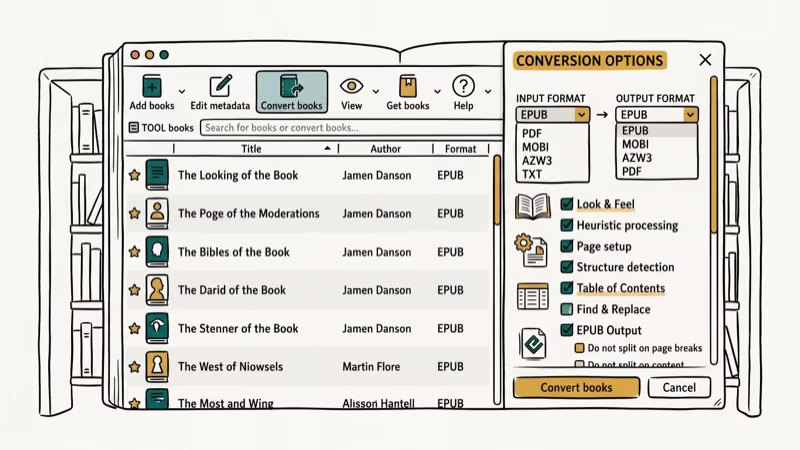
You can also change the default save location in ADE under Edit > Preferences > General on Windows. On macOS, find it under Adobe Digital Editions > Preferences. If you need to convert an ODT file to PDF or work with other document formats, those can be saved to the same folder for organization.
#Editing the Converted PDF with PDFelement
Once you have the PDF, you may want to edit, annotate, or reorganize it. Standard PDF readers like Adobe Reader only support basic annotation. For full editing, you need a dedicated PDF editor.
PDFelement supports text editing, page extraction, and batch conversion for PDF files. The trial is free and gives full access for a week, which is enough time to evaluate whether the license cost makes sense for your workflow before buying.
Some links on this page are affiliate links, which means fone.tips may earn a commission at no extra cost to you.
#Features of PDFelement
-
Form filling with automatic field detection
-
Custom form creation with drop-down lists and digital signatures
-
Page extraction: pull specific pages into a separate file
-
Add pages: insert content from other documents
-
Password protection: AES 256-bit encryption for sensitive documents
-
Split and merge: combine multiple PDFs or divide one into sections
-
Text editing: change fonts, sizes, and content directly in the PDF
-
Batch conversion: convert multiple PDF files to Word, Excel, or other formats simultaneously
According to Wikipedia’s PDF article, PDF became an open ISO standard (ISO 32000-1) in 2008 with over 1 billion PDF files created annually, which explains why third-party editors like PDFelement can fully read and write PDF files without any compatibility concerns. For scanned documents, you can also convert TIFF to PDF using similar tools.
#Does ACSM Conversion Remove DRM Protection?
A common misconception is that converting ACSM to PDF strips the DRM protection. It doesn’t. The resulting PDF still contains Adobe’s DRM layer. You can open it in ADE or other authorized applications, but you can’t edit it freely or transfer it to unauthorized devices.
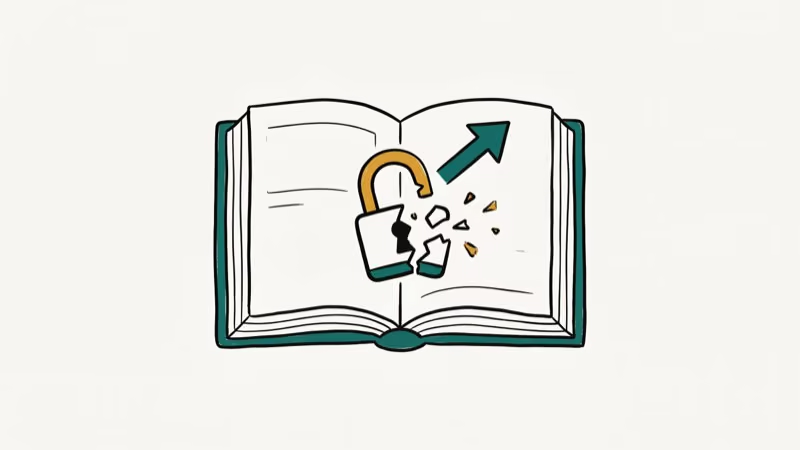
Wikipedia’s article on digital rights management confirms that Adobe’s ADEPT DRM system encrypts eBook content using AES 128-bit encryption, making it unreadable outside authorized applications. To read on a non-authorized device, you’d need to re-authorize it with your Adobe ID. ADE supports up to 6 authorized devices per account.
For related file tasks, see our guide on converting TIFF to PDF.
#Troubleshooting Common ACSM Errors
If ADE shows “E_ACT_NOT_READY” or “Error getting license,” the most common cause is an expired Adobe ID session. Sign out of ADE under Help > Authorize Computer, sign back in, and retry the ACSM file. Make sure your system clock is correct; ADE’s DRM verification is time-sensitive and fails if your clock is more than 15 minutes off.
Connection errors during download usually mean a firewall or VPN is blocking ADE’s server access. Temporarily disable your VPN and retry. ADE connects to adobe.com on port 443 for license verification.
#Bottom Line
The ACSM-to-PDF workflow is straightforward: install Adobe Digital Editions, authorize your computer with your Adobe ID, and double-click the ACSM file. The actual eBook usually downloads within minutes and saves to your Documents folder. If you need to edit or reorganize the resulting PDF, PDFelement handles that with full feature access. The batch conversion feature alone saves time when working with multiple eBooks.
#Frequently Asked Questions
Can I convert ACSM files to formats other than PDF?
Yes. Depending on what the publisher chose, Adobe Digital Editions downloads the eBook as either PDF or EPUB. EPUB is often the format for novels, while PDF is more common for textbooks and illustrated content.
Are there free tools to convert ACSM files?
Adobe Digital Editions is completely free to download and use. You only need a free Adobe ID. For editing the resulting PDF, PDFelement requires a paid license, though Calibre is a free open-source alternative for format conversion.
Will converting ACSM to PDF remove the DRM protection?
No. The PDF downloaded through Adobe Digital Editions retains DRM protection and can’t be opened in a standard PDF viewer like Preview or Chrome. To access the content, you need authorized software — ADE or another Adobe-authorized reader signed in with the same Adobe ID that purchased the book. Transferring the file to another device also requires that device to be authorized in ADE first.
Can I convert ACSM files on a mobile device?
Yes. Adobe Digital Editions is available for iOS and Android. Sign in with your Adobe ID and open the ACSM file from your email.
The eBook downloads directly into the app. Mobile support has been available since ADE version 3.0, which came out in 2015.
What happens if my Adobe ID authorization expires?
Adobe IDs don’t expire, but device authorizations can be reset. If you get a new computer, simply re-authorize it in ADE with the same Adobe ID. Your previously downloaded eBooks remain in your account’s library and can be re-downloaded.
Is Adobe Digital Editions available for Mac?
Yes. Adobe Digital Editions runs on macOS 10.9 and later. The Mac version has the same interface and supports the same ACSM workflow. Download it from Adobe’s website, authorize it with your Adobe ID, and open your ACSM file exactly as you would on Windows.

Google Messages Error 3100: Why RCS Is Broken on Galaxy
Google Messages RCS error 3100 hits Galaxy owners after phone or carrier switches. Google told 9to5Google a fix is coming. Here's what actually helps.

Is This Bank App Real? Spot a Fake App on Your Home Screen
A bank app can land on your home screen from a web page with no install warning. Learn the checks that tell a real banking app from a phishing web app.

Apps Crashing After iOS 27 Update? Fix Order (2026)
Apps crashing after the iOS 27 update? Update the app in the App Store first, then offload and reinstall to clear stale cache, then restart. The fix order.

Do AI Translation Earbuds Work Offline? What to Know
Do AI translation earbuds work offline? A few do with downloaded language packs, but most need the cloud. Here's what works offline and what you give up.