Best InDesign Alternatives for Mac: 10 Free and Paid (2026)
Compare the 10 best InDesign alternatives for Mac in 2026. Free and paid options from Scribus, Affinity Publisher, Canva, and more for desktop publishing.
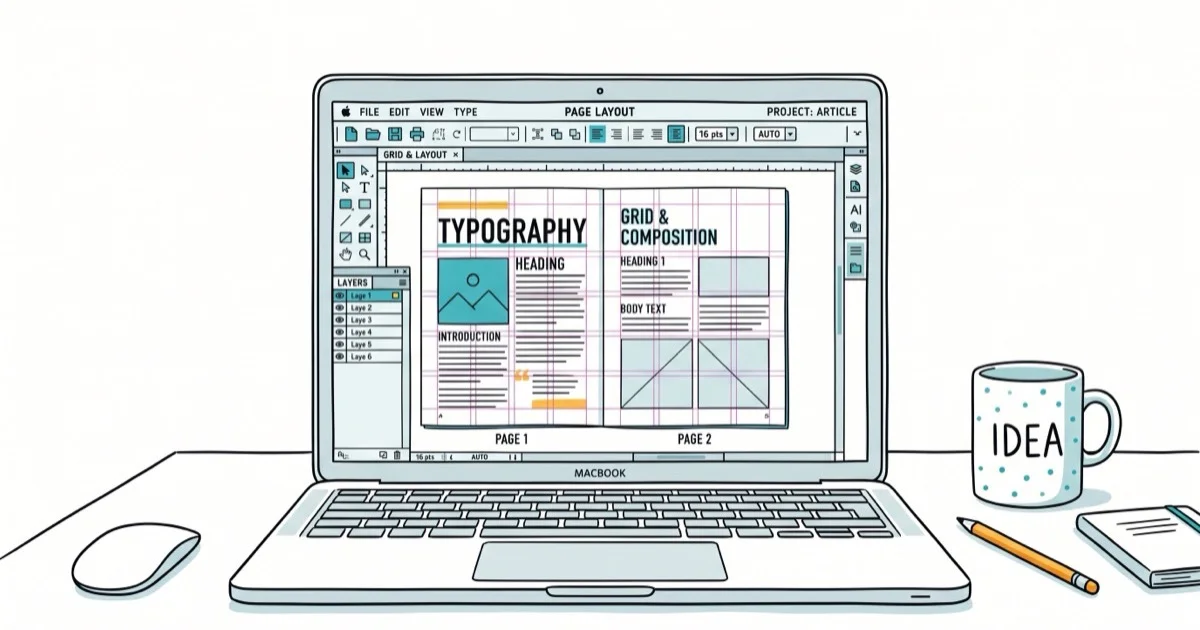
Quick AnswerAffinity Publisher is the best InDesign alternative for Mac, offering one-time purchase pricing at $70, full CMYK support, and master page editing that closely matches InDesign workflows.
Adobe InDesign costs $22.99/month, and that adds up fast for freelancers and small teams. This guide compares 10 InDesign alternatives for Mac that match InDesign’s layout and typesetting capabilities without the subscription cost.
- Affinity Publisher is the strongest paid alternative at $70 one-time, with full CMYK support, master pages, and a familiar layout workflow.
- Scribus is the best free option with support for PDF creation, ICC color management, and bitmap formats, though it can’t open native InDesign files.
- Canva works best for beginners who need quick designs without learning desktop publishing, but it’s limited for professional print work.
- QuarkXPress remains a serious competitor with support for 36 languages and advanced WYSIWYG editing, though it’s the most expensive option listed.
- Most alternatives can’t import .INDD files directly, so you’ll need to export from InDesign as PDF or IDML before switching tools.
#What Are the Best Free InDesign Alternatives for Mac?
Free options carry you further than you’d expect on Mac. The two standouts are Scribus for print layout and SpringPublisher for quick beginner projects.
Staying with InDesign after all? Our guides on inserting images in InDesign and resizing images in InDesign cover the day-to-day work.
#1. Scribus
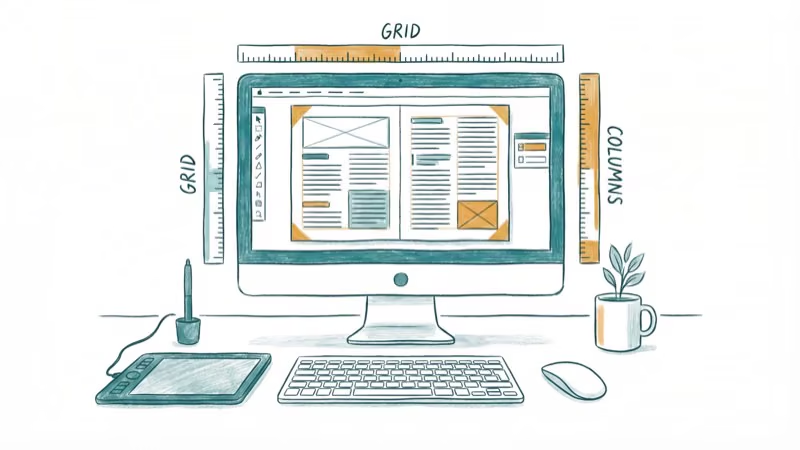
Scribus is a publishing application for desktops. It’s designed especially for producing flexible layouts to prepare files. This tool allows users to create interactive PDFs and animations. All of these striking features make Scribus an InDesign alternative for Mac.
Scribus features an easy-to-use interface. It has impressive features like bitmap formats, flexible page templates, ICC color management, PDF creation, spot colors, and CMYK colors. This tool even supports markup languages like Lilypond and Latex.
#Pros
-
Available for free
-
Supports bitmap formats
-
User-friendly interface
#Cons
-
No support for INDD files and Pantone colors
-
No print feature
-
Needs scripts for performing several functions
Compatibility: Linux, Mac, and Windows
#2. SpringPublisher
It’s a free desktop publishing tool that helps in creating posters, brochures, flyers, books, magazines, presentations, newsletters, etc.
This InDesign alternative is really easy and simple to use, which makes it perfect for beginners. One can use this tool for creating simple designs and adding text, codes, and vector shapes.
With SpringPublisher, you can even work with layers and layouts. It even works great for editing images using a wide variety of available templates. Using its free version, you can save designs with a maximum of 180 DPI output.
#Pros
-
Lots of amazing templates and layouts
-
Available for free
-
Great for beginners
#Cons
- No premium version is available
Compatibility: Mac and Windows
#Top Paid Desktop Publishing Software
Paid Mac apps trade subscription pain for one-time purchases or annual licenses. Affinity Publisher leads here, but QuarkXPress and Swift Publisher each serve a different budget and workflow.
#3. Affinity Publisher
Affinity Publisher comes with a revolutionized desktop publishing. This InDesign alternative comprises a lot of exciting features.
Some of these features include photo editing tools and altered graphic design. It works on both Windows and Mac systems.
With Affinity Publisher, it’s really easy to update spreads, master pages, and contents. The “Sections” tab allows you to allocate material pages and control design in an intuitive way.
One can simply edit the master layer on a single page with this tool. Its editing styles are really easy to control and work similarly to MS Word.
#Pros
-
Easy to navigate and intuitive interface
-
Offers various templates
-
Comprises all the InDesign functions
#Cons
-
Inadequate typography tools
-
Only available for beta users
Compatibility: Mac and Windows
Also read: InDesign vs. Publisher – Which is The Best?
#4. QuarkXPress
It’s another great InDesign alternative. QuarkXPress is designed especially for editing and developing complex files. It even works perfectly in a WYSIWYG setting with complex files. With this tool, you can create editable PDF files.
The most recent version of QuarkXPress allows you to publish in 36 different languages other than English. It enables users to enjoy control over shapes, text, opacity, images, and shapes.
QuarkXPress works great with a wide variety of file formats. The tool helps you in producing advertisements, magazines, brochures, catalogs, books, newspapers, mobile apps, flipbooks, etc.
#Pros
-
Supports almost all devices
-
Available for use in WYSIWYG environments
#Cons
-
Advanced user-interface
-
Expensive InDesign alternative
Compatibility: Mac and Windows
#5. Swift Publisher
Swift Publisher is a desktop publishing and plain page layout software. This InDesign alternative comes with impressive features. One can use these amazing features for creating professional documents like catalogs and brochures.
The template gallery of Swift Publisher offers more than 300 options for advertisements, flyers, restaurant menus, and catalogs. Using the section “Electronic Media,” you can even design Twitter and Facebook covers.
To manage multipage documents, you can use several options present on the window, including layout tools and a toolbar.
#Pros
-
Comes with 300 templates for various desktop publishing requirements
-
Affordable tool
-
Really easy and simple to use
#Cons
-
Not available for Windows
-
These are just key tools for importing and creating graphics files
Compatibility: Mac
#Cloud and Web-Based Design Platforms
Browser-based tools skip installation entirely and run on any Mac with a modern browser. Canva and Lucidpress both fit here, though they’re tuned for very different audiences.
#6. Canva
Canva is a very popular graphic design application for non-designers and beginners. This InDesign alternative comes with a user-friendly interface.
Here, users can select from a wide range of graphics, design visuals, document templates, and fonts. It enables users to produce a web-ready version of any design product.
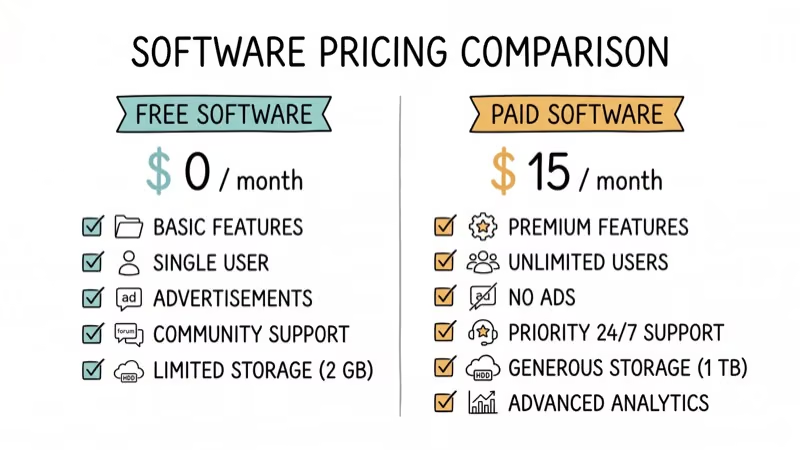
This platform features various adders and icons. The amazing thing about this tool is that it’s available for free. However, there are in-app purchases for layouts, templates, and photographs. Otherwise, this tool works fine without even paying a penny.
#Pros
-
Drag-and-drop and simple interface
-
Available for free
-
Advanced features available
-
Comes with lots of features
#Cons
- The problem persists while billing
Compatibility: Mac and Windows
#7. Lucidpress
Lucidpress is a tool that users use to create and design various document layouts. This web-based software is great for print. It even carries out dynamic work when it comes to working with digital formats. The incredible features of this software make it the best InDesign alternative.
Lucidpress comes with a lot of amazing features, which are really easy to manage. Using these features, users can work without facing browser-side issues. It works efficiently as a graphic design application. Just register on the application and start working on your documents.
#Pros
-
Works perfectly with all browsers
-
No need to download any app
-
Protected with SSI through AES-25bit encryption
#Cons
-
Its free version allows publishing to just three pages
-
Complex user-interface
Compatibility: Mac
#PDF-Focused and Cross-Platform Layout Tools
Some workflows lean closer to PDF editing or cross-platform layout work than classic page design. PDFelement, PageStream, and VivaDesigner each serve those niches on Mac.
#8. PDFelement
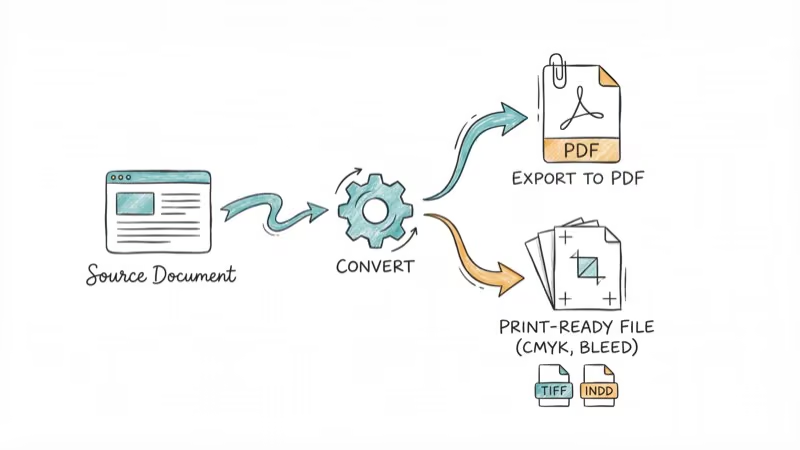
PDFelement is the best InDesign alternative for Mac. This converter tool was designed specially to deliver a premium PDF experience. It even works perfectly with macOS 13 version. What makes PDFelement incredible is its superb features.
This PDF Page Remover tool’s amazing features help users produce professional PDF files. Some of its features include the OCR functions and various editing tools. It can even convert, extract, protect, and share files.
#Pros
-
User-friendly and simple interface
-
Improved OCR experience to convert scanned PDFs to searchable and editable text
-
Product and turn PDFs into other formats
-
Annotate and edit PDFs like word processors
-
Protect PDFs with digital signatures, permissions, redaction, and passwords
-
24/7 customer support, along with an online forum
-
It can convert PDF files and add text to PDF
#Cons
- Noted no cons so far
Compatibility: Up to macOS 13 and Windows 11
#9. PageStream
PageStream is a great desktop publishing tool. This InDesign alternative was launched initially under the tag “Publishing Partner,” which made its way into the market in 1986. PageStream works exactly like InDesign on Mac systems. Users can easily manage their work using the interesting features of this software.
The tool enables users to incorporate powerful and smooth graphics features into projects. Hence, you don’t have to switch between tools to attain that illustration appeal. There are lots of tools available for promoting flexibility and speed in the design parameters.
#Pros
-
Inexpensive InDesign alternative
-
Works across several operating systems
-
Easy-to-use interface
#Cons
-
Bad customer support
-
No OCR feature
Compatibility: Linux, Mac, Amiga OS, and Windows
#10. VivaDesigner
VivaDesigner is another powerful InDesign alternative. It comprises all the striking features that you get with InDesign. Undoubtedly, this tool is really powerful than InDesign. The best part is that VivaDesigner is so simple and easy to use.
This application offers amazing features like CMYK and master page optimization. This makes the printing and assembling of documents a lot easier. With the integrated word processor of VivaDesigner, you can edit and write articles directly.
#Pros
-
Intuitive user interface
-
Enhanced collaboration among users
#Cons
- Expensive InDesign alternative
Compatibility: Mac
#How Do These Alternatives Compare to Adobe InDesign?
For a multi-page brochure layout, Affinity Publisher comes closest to matching InDesign’s workflow.
Quark states that QuarkXPress supports publishing in 36 different languages, which is wider language coverage than most alternatives on this list. According to Adobe’s Creative Cloud plans page, the InDesign single-app plan starts at $22.99 per month, the baseline that most paid alternatives are positioned against. Affinity’s official Publisher page states that the app imports InDesign IDML files, which is the feature that makes migration practical without rebuilding layouts from scratch.
CNET’s services and software section recommends weighing one-time purchase pricing against ongoing subscription cost when a small team plans to use the tool for several years.
#Tips for Switching from InDesign to a Mac Alternative
Most alternatives can’t open .INDD files directly, so you’ll need to export your project as IDML, PDF, or EPS before opening it in another tool. Affinity Publisher reads IDML, which preserves the closest match to the original layout.
If your workflow relies on shared style libraries or linked text frames, plan to rebuild those structures by hand. The transition isn’t painless, but it’s manageable on a per-document basis rather than an entire archive.
#Bottom Line
Affinity Publisher is the best InDesign alternative for professionals who want a one-time payment of $70 instead of InDesign’s $22.99/month subscription. For free options, Scribus handles print layouts well, and Canva is the fastest option for beginners creating digital designs.
The learning curve is short for InDesign users switching to Affinity Publisher, mostly because the panel layout and master page concepts carry over directly.
If you’re weighing the $22.99/month subscription against a one-time purchase, our guide on how to cancel an Adobe subscription without fees walks through the exit path before you commit to Affinity Publisher.
For more InDesign productivity tips, see our guide on how to wrap text in InDesign.
Mac Tips & Tricks
#Frequently Asked Questions
Can these alternatives open InDesign (.INDD) files?
Most alternatives can’t open .INDD files directly. You’ll need to export your InDesign projects as PDF, IDML, or EPS first. Affinity Publisher supports IDML import, which preserves most of your layout and formatting.
Can these tools handle complex typography?
Yes. Affinity Publisher, QuarkXPress, and VivaDesigner all support advanced typography features like OpenType, kerning, tracking, and optical margin alignment. Canva and SpringPublisher are more limited in this area.
Are these alternatives good for both print and digital?
Most handle both. Affinity Publisher and QuarkXPress are strong for print with full CMYK support. Canva and Lucidpress are better suited for digital-first publishing.
Can I try these before buying?
Most offer free trials or free versions. Scribus, Canva, and SpringPublisher are completely free. Affinity Publisher has a 30-day trial, and QuarkXPress offers a demo version.
How do these compare in pricing?
Free options: Scribus, Canva (basic), SpringPublisher. One-time purchase: Affinity Publisher ($70), Swift Publisher ($20). Subscription: QuarkXPress ($399/year). The price gap between free and paid mostly comes down to CMYK support and professional print features.
Which alternative is closest to InDesign’s workflow?
Affinity Publisher is the closest match. It uses familiar concepts like master pages, text frames, and linked text chains. Most InDesign keyboard shortcuts work the same way or can be remapped easily.
macOS 27 Golden Gate: Release Date and Compatible Macs
macOS 27 Golden Gate was announced at WWDC 2026. Here is the release date, the Apple Silicon-only compatible Mac list, and every confirmed new feature.
How to Copy and Paste on a Mac: Shortcuts and Fixes
Copy and paste on a Mac with Command-C and Command-V. Learn the cut shortcut, paste without formatting, Universal Clipboard, and fixes when it breaks.

How to Use the Phone App on Mac: macOS Tahoe Setup Guide
Set up the Phone app on macOS Tahoe to relay iPhone cellular calls. Covers requirements, FaceTime setup, Call Screening, and common firewall fixes.
How to Use iPhone Mirroring on Mac: Full 2026 Setup Guide
Set up iPhone Mirroring on macOS Sequoia with iOS 18. Covers hardware requirements, the six common error messages, EU limits, and a shared-Mac privacy fix.