Best Emoji Apps for Android and iPhone in 2026 (Proven)
Compare the best emoji apps for Android and iPhone in 2026: SwiftKey, Facemoji, Kika Keyboard, Emoji Free, GIF tools, themes, and compatibility.
Quick AnswerSwiftKey Keyboard is the best emoji app overall because it combines predictive emoji suggestions, flow-typing, and a massive emoji library into one free keyboard for both Android and iOS.
Your phone’s default keyboard has a limited emoji selection. Third-party emoji keyboards can offer far more emoji options plus features like predictive suggestions, custom GIF creation, themes, stickers, and emoji art.
- SwiftKey Keyboard offers flow-typing and predictive emoji suggestions on Android and iOS for free
- Facemoji includes 3,600+ emojis and can turn your selfie into a custom emoji using face recognition
- Kika Keyboard provides 100+ themes along with its emoji library and works on Android devices
- Emoji Keyboard Pro lets you search popular GIFs and create your own directly inside the app
- Most emoji apps are free to download, though some offer premium features through in-app purchases
#Which Emoji Keyboard Apps Are the Best?
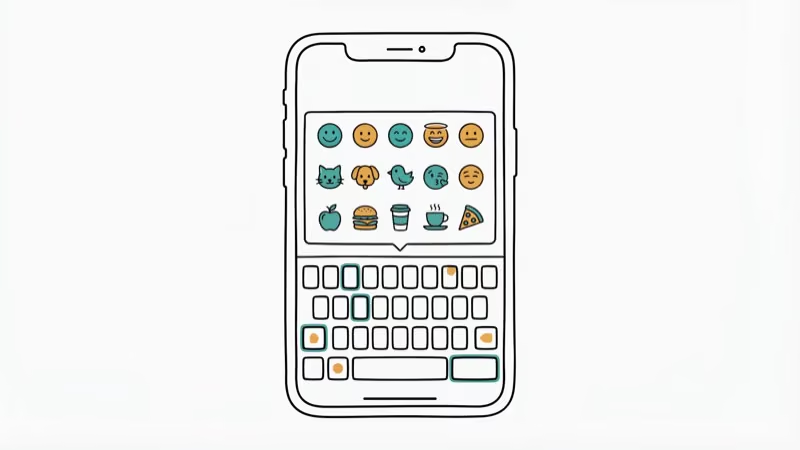
The emoji app market has exploded since emoticons became standard in messaging. This roundup focuses on apps that work across popular messaging platforms like WhatsApp, Messenger, and iMessage. According to Wikipedia’s emoji article, the Unicode Consortium has standardized over 3,600 emojis as of Unicode 15.1, but most default keyboards only show a fraction of those.
Here are the top 5 emoji keyboard apps to compare first.
#1. SwiftKey Keyboard + Emoji
SwiftKey is the best emoji app for its all-in-one approach. It’s a full keyboard replacement with flow-typing, a user-generated dictionary, and a massive built-in emoji library.
What makes it stand out is the predictive emoji feature. Type “Let’s enjoy a drink!” and SwiftKey can suggest a wine glass emoji, saving taps compared to manual emoji searching.
Price: Free | Platforms: Android and iOS | Developer: Microsoft
If you’re looking for apps that enhance your texting experience, also check out our Fabulous app review and the best anonymous chat apps.
#iOS Emoji App Options
#2. Emoji Free
Emoji Free packs hundreds of animated emojis, static emojis, and emoji art (pictures composed from multiple emojis). You can add them to emails or texts directly. The app also includes emoji fonts that add extra flair to your messages.
It’s iOS-only and free, though you’ll see ads between editing sessions.
Price: Free | Platforms: iOS | Developer: Jinmin Zhou
#Cross-Platform and Android Keyboards
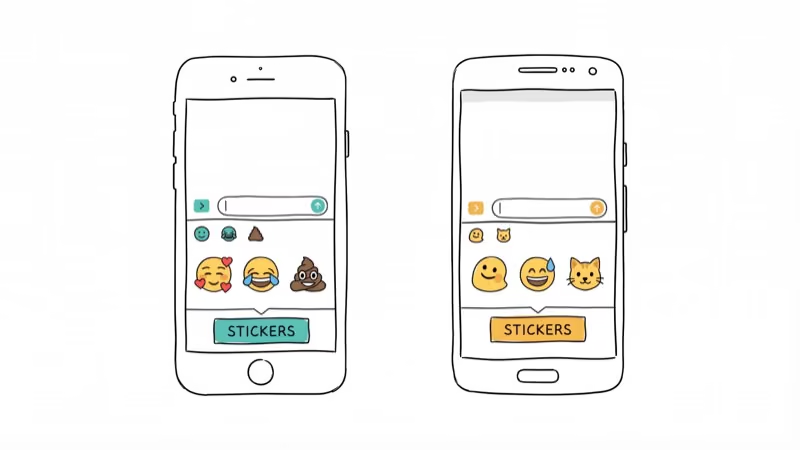
#3. Emoji Keyboard Pro
Emoji Keyboard Pro has thousands of built-in emojis and lets you customize the keyboard’s appearance with hundreds of themes. PCMag’s review of mobile keyboards also recommends customizable emoji keyboards for users who want more personality from their keyboard.
The standout feature is GIF search and creation. You can find trending GIFs and send them directly, or create your own from photos. It integrates with WhatsApp, Viber, and other messaging apps.
Price: Free | Platforms: Android | Developer: Emoji Keyboard Dev
#Android-Only Emoji Keyboard Picks
#4. Facemoji
Facemoji has over 3,600 emoticons, stickers, and GIFs covering every mood you can think of. But the real draw is the emoji combo and emoji prediction engine, which suggests emoji sequences based on what you’re typing.
The app can also turn your face into a custom emoji using your phone’s camera. Face-to-emoji tools work best with clear lighting and unobstructed faces, and glasses can still make expression matching less reliable.
Price: Free | Platforms: Android | Developer: Omnipresence
#5. Kika Keyboard
Kika Keyboard comes with a user-friendly interface and a large emoji, sticker, and GIF library. You can share emojis across social platforms directly from the keyboard. It also includes standard features like auto-correct, prediction, and 100+ themes with custom fonts and key sounds.
The newer emoji additions include unicorn, taco, and other food emojis that default keyboards often lack. If you also need a good printer for stickers, physical emoji stickers pair well with these digital keyboards.
Price: Free | Platforms: Android | Developer: Kika Tech
#What Emoji Games and Tools Are Available?
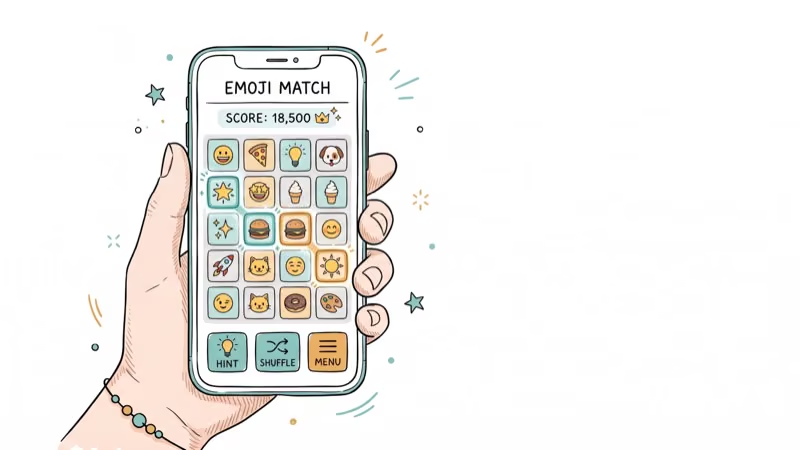
Beyond keyboard apps, a few emoji-themed games and tools have gained popularity. Linkmoji converts any URL into an emoji short-link you can share. It’s a fun novelty, though it’s more of a party trick than a daily tool.
According to Emoji and Earth Porn, the browser game asks you to spot a static emoji hidden among dozens of moving ones. It sounds straightforward, but the visual noise makes it surprisingly challenging.
For more fun texting games that go beyond emojis, check out our roundup of the best options for Android and iPhone.
#Choosing the Right Emoji App
Pick SwiftKey if you want the best overall keyboard with emoji predictions. Pick Facemoji if creative custom emojis matter most. Pick Kika if you want the widest theme selection.
#Bottom Line
SwiftKey is the best emoji app for most people because it combines a full keyboard replacement with predictive emoji suggestions, flow-typing, and a massive emoji library for free on both platforms. If you want the most creative emoji features, Facemoji’s face-to-emoji camera and 3,600+ emoji count make it the top Android pick. Grab one, customize it, and you’ll never go back to your phone’s default emoji picker.
#Frequently Asked Questions
Can you use these emoji apps on both Android and iOS?
SwiftKey works on both platforms. Facemoji, Emoji Keyboard Pro, and Kika Keyboard are Android-only, while Emoji Free is iOS-only. If you switch platforms, our guide on iPhone emoji for Android walks through the closest visual matches before you migrate.
Do emoji apps work with WhatsApp and Messenger?
Yes. All the keyboard apps listed above integrate with popular messaging platforms including WhatsApp, Facebook Messenger, Viber, and Telegram. Emojis inserted through these keyboards appear as standard Unicode characters to recipients.
Are these emoji apps free to download?
All 5 apps are free to download and use. Some display ads in the free version or offer premium themes and sticker packs through in-app purchases, typically ranging from $0.99 to $4.99.
Can you create custom emojis with these apps?
Facemoji lets you turn selfies into custom emojis using face recognition. Emoji Keyboard Pro lets you create custom GIFs from photos. SwiftKey doesn’t have a custom emoji creator but offers sticker packs you can download.
Do emoji keyboard apps slow down your phone?
Modern emoji keyboards usually take modest storage and memory compared with games or media apps. Older phones with under 2 GB of RAM may see slight delays when loading theme packs.
How often do emoji apps add new emojis?
Most emoji keyboard apps update their libraries when the Unicode Consortium releases new emoji standards, which happens annually. SwiftKey and Facemoji typically add new emojis within 2-4 weeks of each Unicode release.

Google Messages Error 3100: Why RCS Is Broken on Galaxy
Google Messages RCS error 3100 hits Galaxy owners after phone or carrier switches. Google told 9to5Google a fix is coming. Here's what actually helps.

Is This Bank App Real? Spot a Fake App on Your Home Screen
A bank app can land on your home screen from a web page with no install warning. Learn the checks that tell a real banking app from a phishing web app.

Apps Crashing After iOS 27 Update? Fix Order (2026)
Apps crashing after the iOS 27 update? Update the app in the App Store first, then offload and reinstall to clear stale cache, then restart. The fix order.

Do AI Translation Earbuds Work Offline? What to Know
Do AI translation earbuds work offline? A few do with downloaded language packs, but most need the cloud. Here's what works offline and what you give up.