How to Find and Share Your Amazon Profile Link in 2026
Find your Amazon profile link from your Account page on desktop or the Amazon app. Covers sharing, privacy settings, and what others can see.
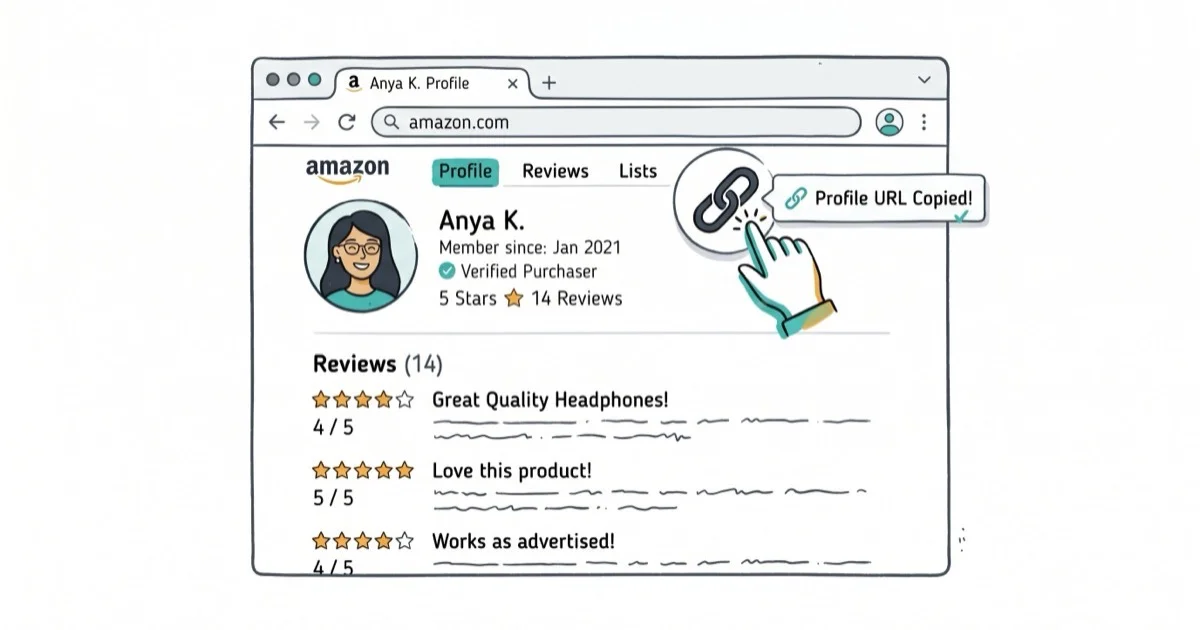
Quick AnswerGo to Amazon.com, sign in, click Account & Lists > Your Account > Profile. Your Amazon profile link is the URL in your browser address bar. Copy it and share it with anyone. The link shows your public reviews, ratings, and bio.
Your Amazon profile link is the URL that points to your public profile page. It shows your display name, reviews, ratings, and any bio you’ve added. Finding it takes about 30 seconds on desktop, though the mobile app doesn’t let you copy the link directly.
- Find your profile link at
Account & Lists>Your Account>Profile, then copy the URL - The mobile app doesn’t offer a copy-link option; use a mobile browser instead
- Your profile shows only public info: display name, reviews, and wish lists
- Amazon doesn’t let you customize the profile URL; it’s auto-generated from your account ID
- Sharing your profile link is safe and exposes no order history or payment data
#How to Find Your Amazon Profile Link on Desktop
Go to amazon.com and sign in. Hover over Account & Lists in the top right corner and click Your Account. Scroll down to “Ordering and shopping preferences” and click Profile. Copy the URL from your browser’s address bar.
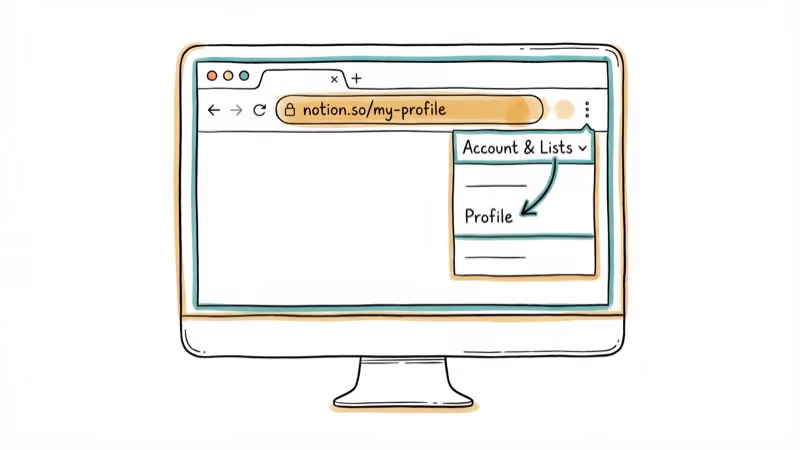
That URL is your profile link. It looks like amazon.com/gp/profile/amzn1.account.XXXXX. According to Amazon’s help page on profiles, it displays your public name, bio, and reviews.
When you share the profile URL, other people can see your public reviews and display name but not your order history or payment information.
#How Do You View Your Public Profile on the Amazon App?
The Amazon mobile app doesn’t have a direct way to copy your profile link. You can see what your public profile looks like by opening the app, tapping the three-line menu, then Your Account, scrolling to “Personalization,” and tapping Profile. Hit “See what others see” at the top.
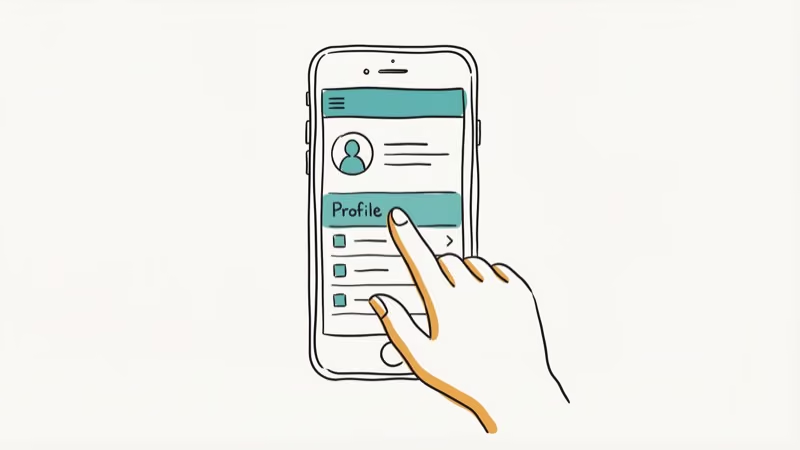
This shows your public profile view. To get the actual shareable link, open Amazon in a mobile browser (Safari or Chrome) and follow the desktop steps above.
The mobile browser version uses the same public profile page as desktop. The profile URL you copy from Safari or Chrome is the shareable link for that profile.
#What Information Does Your Amazon Profile Show?
Your Amazon profile link shares only public information:
| Visible to others | Not visible |
|---|---|
| Display name | Real name (unless set as display name) |
| Profile bio | Email address |
| Public reviews and ratings | Order history |
| Public wish lists | Payment methods |
| Helpful votes received | Shipping addresses |
According to Amazon’s privacy settings page, you can control what appears on your profile. If you want to hide your reviews or wish lists, go to your profile and click “Edit privacy settings.”
Sharing your profile link is safe. It doesn’t expose any sensitive account information. If you’re dealing with other Amazon account issues, check our guide on payment revision needed on Amazon.
#Amazon Profile Privacy Settings
Customize what’s visible before sharing. Go to Account & Lists > Your Account > Profile and click Edit your profile.
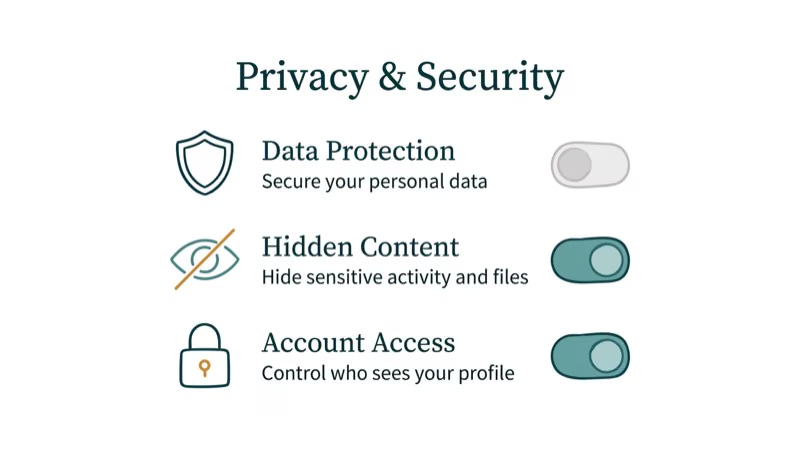
Two privacy areas matter most here: review visibility and wish list settings. For company context, see Amazon background. You can hide individual reviews by selecting Delete review on each one.
For managing other online accounts, check our guides on deleting a Bumble account or Poshmark accounts.
#Troubleshooting Common Profile Link Issues
If your profile link doesn’t work when shared, check these common causes:
Link shows “Page not found.” You probably copied an incomplete URL. The full address bar content includes a long alphanumeric string at the end that’s easy to miss when selecting text, so double-click to select the entire URL or use Ctrl+L (Cmd+L on Mac) to highlight it.
Profile appears empty. Your privacy settings are hiding reviews and activity. Click Edit privacy settings to check.
Can’t find the Profile option. Some older Amazon accounts need to create a profile first. Go to Account & Lists > Your Account and look for “Create your profile” under Personalization.
#Sharing Your Profile Link on Social Media and Messaging Apps
Yes. Copy your profile link and paste it anywhere, including Facebook, Twitter, LinkedIn, or messaging apps. The link works for anyone, even people who aren’t signed into Amazon. They’ll see your public profile with your display name, bio, and reviews.
According to Amazon’s community guidelines, sharing your profile is encouraged, especially if you’re an active reviewer. Some Amazon Vine reviewers share their profiles to build credibility with readers.
Messaging apps may display a profile-name preview when you paste the link. The link still opens to the same public Amazon profile page.
#Bottom Line
Find your Amazon profile link by going to Account & Lists > Your Account > Profile, then copy the URL from your address bar. The link only shows public information like your display name and reviews. You can’t copy the link from the mobile app, but you can use a mobile browser instead. If you’re also looking for help with Amazon account holds or DoorDash payment methods, check our other guides.
#Frequently Asked Questions
Can I customize my Amazon profile link?
No. Amazon generates your profile URL automatically based on your account ID. You can’t change it to a custom URL. However, you can customize your display name, bio, and profile photo, which are what people see when they visit your link.
Is it safe to share my Amazon profile link?
Yes. It only shows your display name, bio, and reviews. No email, order history, payment methods, or addresses.
Can I hide my reviews from my Amazon profile?
Yes. You can delete individual reviews or adjust your privacy settings to hide all reviews at once. Go to your profile page and click Edit privacy settings to control what’s visible. Changes take effect immediately, so you can verify by opening your profile link in an incognito window right after saving.
Does the Amazon app let me share my profile link?
No. The app shows your profile but doesn’t provide a copy-link option. Use a mobile browser instead.
Can someone find my real name from my Amazon profile?
Only if you set your real name as your display name. Amazon lets you choose any display name for your profile. If you’re concerned about privacy, change it to a pseudonym or initials. The change applies to all your existing reviews retroactively.
How do I find someone else’s Amazon profile?
Click on any reviewer’s name on a product page. That opens their public profile directly. You can also search for profiles by name, though Amazon’s search feature for profiles is limited and inconsistent.

Google Messages Error 3100: Why RCS Is Broken on Galaxy
Google Messages RCS error 3100 hits Galaxy owners after phone or carrier switches. Google told 9to5Google a fix is coming. Here's what actually helps.

Is This Bank App Real? Spot a Fake App on Your Home Screen
A bank app can land on your home screen from a web page with no install warning. Learn the checks that tell a real banking app from a phishing web app.

Apps Crashing After iOS 27 Update? Fix Order (2026)
Apps crashing after the iOS 27 update? Update the app in the App Store first, then offload and reinstall to clear stale cache, then restart. The fix order.

Do AI Translation Earbuds Work Offline? What to Know
Do AI translation earbuds work offline? A few do with downloaded language packs, but most need the cloud. Here's what works offline and what you give up.