WWDC 2026 Wallpapers: Download for iPhone, iPad, and Mac
Apple's three WWDC 2026 wallpapers for iPhone, iPad, and Mac are available free. No account needed. Download links and setup steps included.
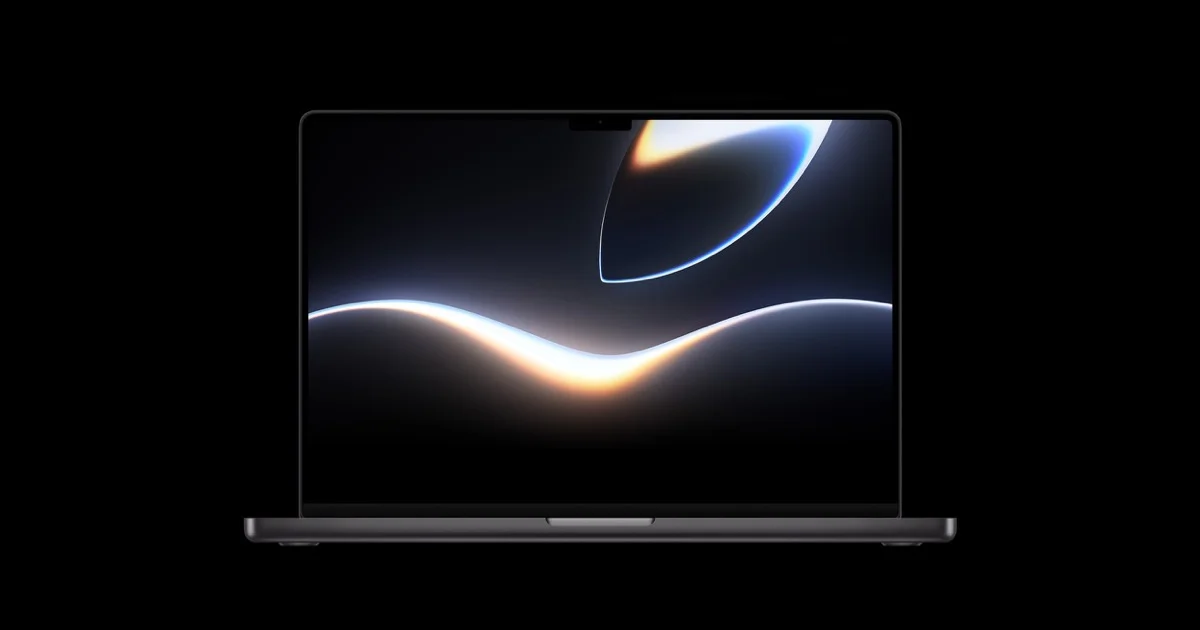
Quick AnswerApple released three free WWDC 2026 wallpapers for iPhone, iPad, and Mac. Download them at developer.apple.com/wwdc26/wallpaper/ with no Apple ID required.
Three free official wallpapers, one for iPhone, one for iPad, and one for Mac.
- Apple released three WWDC 2026 wallpapers: one each for iPhone, iPad, and Mac.
- All three are free to download at Apple’s official WWDC 2026 wallpaper page with no account required.
- The wallpapers use the same bold color palette seen in the Liquid Glass design system announced at WWDC 2026.
- iPhone and iPad wallpapers are set through the Photos app; Mac wallpapers go through System Settings.
- iOS 27 will ship new system wallpapers with the public release, expected in fall 2026.
#What Are the WWDC 2026 Wallpapers?
Apple has published a set of exclusive wallpapers on the opening day of WWDC every year since 2014. They’re separate from the default wallpapers in iOS or macOS, and according to Apple’s WWDC 2026 wallpaper page, all three files are free to download without an Apple ID or developer enrollment. The 2026 collection reflects the Liquid Glass aesthetic from the WWDC 2026 keynote, the same design language that defines iOS 27 and macOS 27.
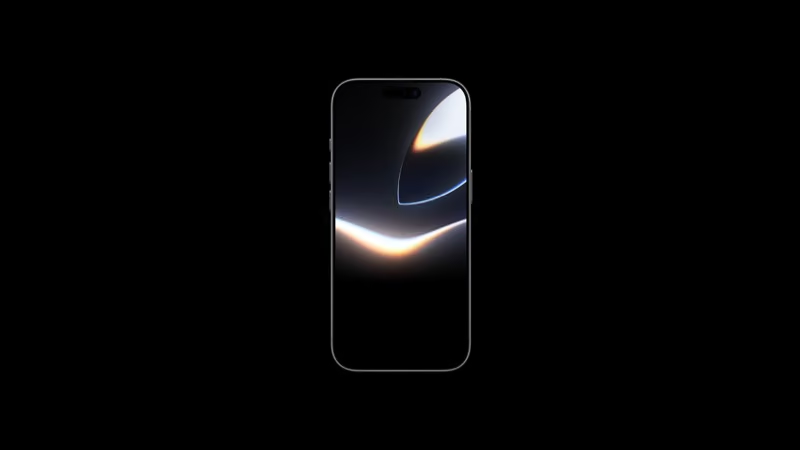
The iPhone wallpaper is portrait-oriented. It fills the Lock Screen on all iPhone models from iPhone 12 onward, and Apple’s documentation states that the file is optimized for the 2556x1179 resolution of the iPhone 16 Pro and Pro Max without upscaling. The iPad wallpaper is landscape-first and works on any iPad running iPadOS 18 or later. The Mac version fills most monitor aspect ratios without cropping.
Apple distributes all three from developer.apple.com/wwdc26/wallpaper/.
#How to Download the WWDC 2026 Wallpapers
No account is needed for any of the three downloads.
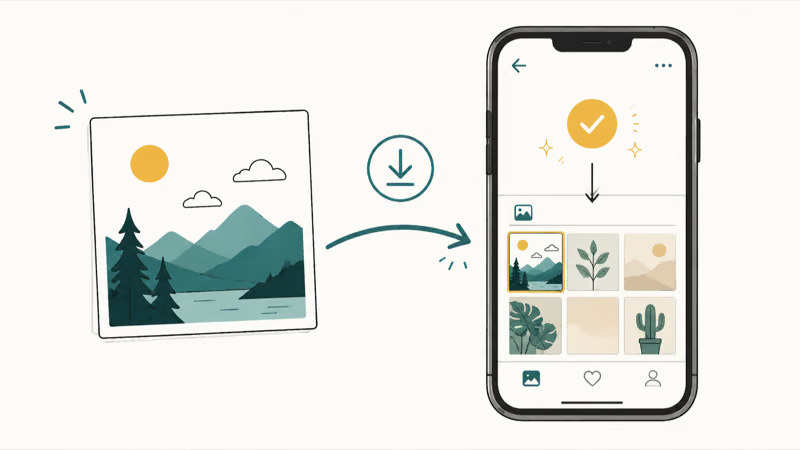
On iPhone or iPad: open Safari and go to developer.apple.com/wwdc26/wallpaper/. Scroll to your device’s section, long-press the wallpaper image, then tap Add to Photos. The file saves to your Recents album.
On Mac: go to the same page in any browser, click the Mac wallpaper to open it at full size, then use File > Save Image As in Safari or right-click and select Save Image.
The files save through the normal browser flow: to Photos on iPhone or iPad, and to the selected download folder on Mac. No account sign-in is needed before downloading.
#How to Set the iPhone and iPad Wallpaper
Once the image is saved to Photos, go to Settings > Wallpaper > Add New Wallpaper and tap All Photos.
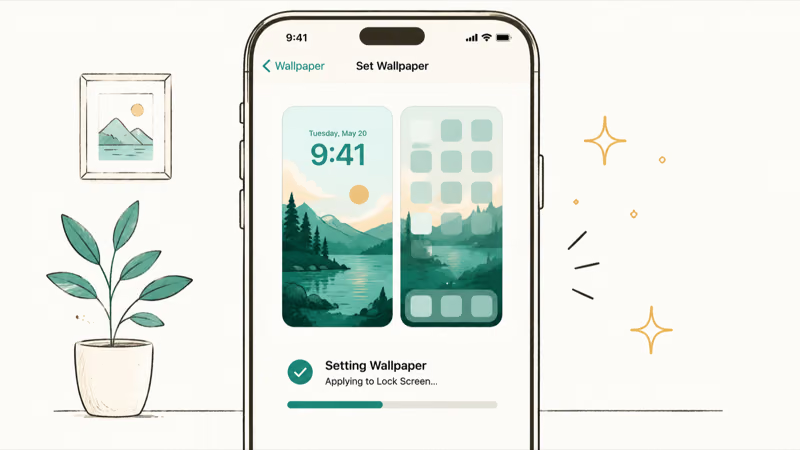
Find the WWDC wallpaper in your Recents album and select it. iOS asks if you want to set it on the Lock Screen, Home Screen, or both. Choosing Set as Wallpaper Pair applies it to both screens simultaneously with Apple’s default depth effect treatment. You can use the pinch gesture to reposition the image before confirming.
For iPad, the steps are identical through Settings. iPadOS applies the wallpaper at the correct resolution automatically.
#How to Set the WWDC 2026 Wallpaper on Mac?
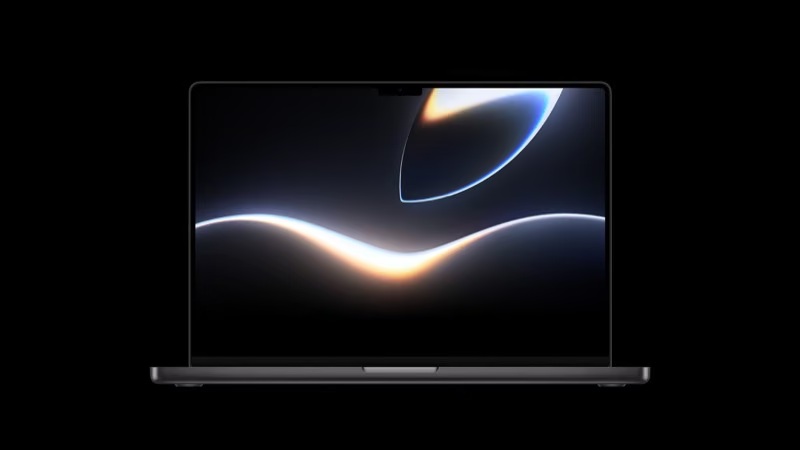
Mac uses System Settings, not Photos.
- Download the Mac wallpaper to your Downloads folder.
- Open
System Settings>Wallpaper. - Click Add Photo and select the file you downloaded.
- Set the display mode to Fill Screen.
Apple recommends the Fill Screen mode for these wallpapers because monitors that don’t match the image’s aspect ratio can display letterboxing instead of a full bleed.
If you have multiple monitors, set the wallpaper separately on each. In System Settings > Wallpaper, the display selector at the top lets you switch between connected screens and apply the image to each individually.
For more Mac wallpaper and Lock Screen options, see the Mac lock screen guide.
#iOS 27 System Wallpapers Are Coming This Fall
The WWDC collection is a limited release, separate from iOS 27’s built-in wallpapers.
iOS 27’s system wallpapers ship with the final public release in September. They’re built around the Liquid Glass depth layer, where the wallpaper integrates with the translucent card interface on the Lock Screen. That integration is what makes the iOS 27 wallpapers a distinct category from the WWDC collection.
MacRumors reported that the new iOS 27 parallax system takes the Lock Screen deeper than any previous iOS version.
The iOS 27 Siri redesign guide covers how the Dynamic Island and translucent reply cards interact with the Lock Screen visual layer, which the new system wallpapers are built to complement.
The iOS 27 public beta typically starts a few weeks after WWDC. The iOS 27 beta guide has the expected release schedule.
If you’re weighing whether to install the developer beta, the should I install iOS 27 beta guide walks through the trade-offs.
#Why Apple Releases WWDC Wallpapers Separately
These wallpapers preview the year’s design direction.
The 2026 collection uses the same core palette as the Liquid Glass system: rich gradient transitions, high contrast accent tones, and the translucent layering that defines iOS 27’s interface. Setting one of these wallpapers gives you a feel for the iOS 27 color palette before the beta releases bring the full UI. Developers attending WWDC in person typically set the wallpaper during the conference, and the design spreads quickly on social media in the days around the keynote.
Each year’s WWDC wallpaper is a deliberate preview. The 2025 collection previewed the gradient direction of iOS 18.2. The 2024 collection introduced the translucent material language that later shaped iOS 18’s translucent elements. In 2026, the bold gradient reflects where iOS 27 is going.
#What to Expect From iOS 27 Wallpapers
Expect the first preview in developer beta builds, typically two to three weeks after WWDC.
The WWDC wallpaper page doesn’t update with new system wallpapers. They appear inside device Settings when you install the beta. For context on the full iOS 27 feature set, the iOS 27 AI features overview covers everything Apple confirmed at the WWDC 2026 keynote.
#Bottom Line
The three WWDC 2026 wallpapers are available now at developer.apple.com/wwdc26/wallpaper/. Download the iPhone, iPad, or Mac version for free, no account needed. Setup runs through Photos on iPhone and iPad, or System Settings on Mac.
iOS 27’s built-in wallpapers are separate and will appear in developer beta builds in late June or early July 2026.
#Frequently Asked Questions
Do I need an Apple Developer account to download the WWDC 2026 wallpapers?
No. Apple’s WWDC 2026 wallpaper page is publicly accessible without signing in. You can download all three wallpapers without an Apple ID or developer membership.
Are the WWDC 2026 wallpapers different from the iOS 27 system wallpapers?
Yes. The WWDC wallpapers are a limited release tied to the developer conference. iOS 27’s built-in wallpapers ship with the September public release and will include new dynamic options that aren’t part of the WWDC collection.
What resolution are the WWDC 2026 wallpapers?
Apple provides high-resolution files for each device. The iPhone version is 2556x1179.
Can I use the WWDC 2026 wallpaper on older iPhones?
Yes. The wallpaper saves as a standard JPEG and works on any iPhone that can save photos from Safari. It displays correctly on models going back to iPhone 12.
Why doesn’t the Mac wallpaper fill my display correctly?
Make sure the display mode is Fill Screen in System Settings > Wallpaper. The Fit to Screen option adds letterboxing on most monitor sizes. If letterboxing persists with Fill Screen, try Stretch to Fill Screen as a fallback for non-standard aspect ratios.
Where does the wallpaper save after I download it on iPhone?
Tapping Add to Photos saves it to your Recents album in the Photos app. Open Settings > Wallpaper > Add New Wallpaper, then go to All Photos to find it.
Will Apple add more WWDC 2026 wallpapers to the page later?
Historically, no. Apple limits this page to one design per device type after launch. New wallpapers come with software releases, not through this page.

Mac mini M6 vs M5 Pro: Which Model Should You Buy?
Mac mini M6 vs M5 Pro compared on price, memory, ports, displays, and real workloads. Find the better 2026 Mac mini for your desk and budget.

Apple Siri Settlement: Who Qualifies and How to Claim
Apple's $250 million Siri settlement covers iPhone 15 Pro and iPhone 16 models bought June 2024 to March 2025. See who qualifies and how claims work.

iOS 26.6.1 Security Update: What Apple Fixed and Who Gets It
Apple released iOS 26.6.1 on August 17 with 29 security fixes, including an IPSec interception bug. See what it patches, who gets it, and how to update.

iPhone Adaptive Power: How It Works and When to Use It
Learn how iPhone Adaptive Power works, which models support it, what it changes, and when Low Power Mode is still the better battery-saving choice.