How to Find and Add Friends on Spotify: 5 Easy Ways
Find and add friends on Spotify using search, contacts, profile links, or collaborative playlists. Works on iPhone, Android, and desktop in 2026.
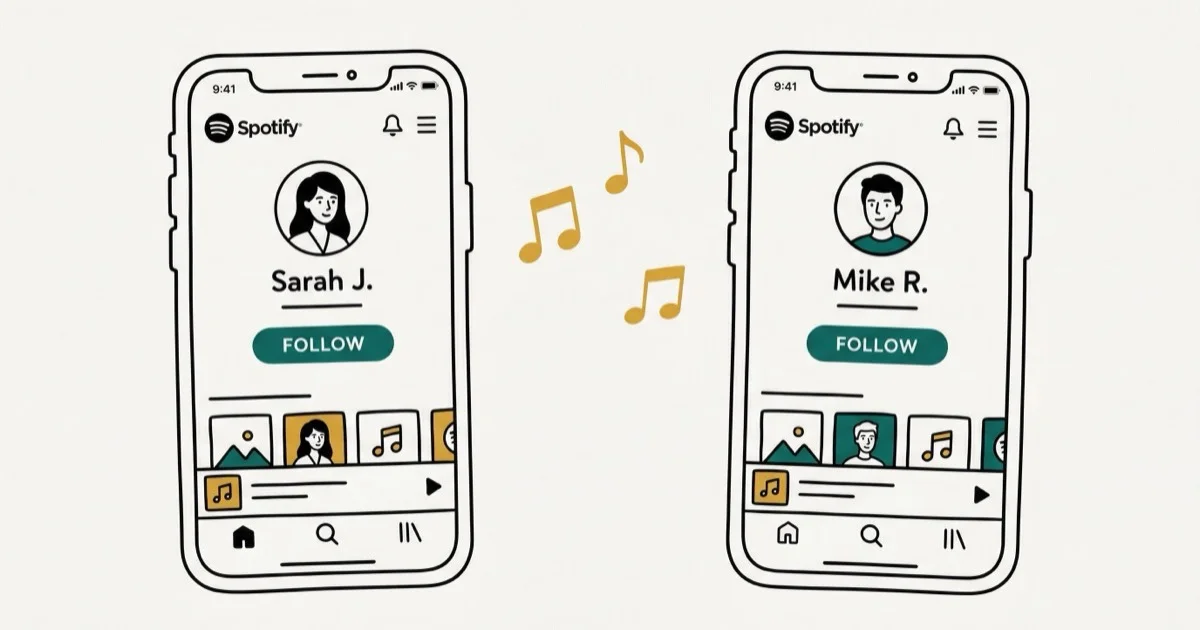
Quick AnswerOpen Spotify, tap Search, and type your friend's name or username. Tap their profile and hit Follow. You can also find friends through your phone contacts or by sharing profile links directly.
Spotify’s social features let you follow friends, see what they’re listening to, and build playlists together. The catch is that Spotify doesn’t make these features obvious, and the steps differ depending on whether you’re on a phone or desktop. This guide applies only to a device or account you own.
- Search for any Spotify user by name or username directly in the search bar on any device
- Import phone contacts to find friends who already have Spotify accounts
- Share your Spotify profile link via text or social media so friends can follow with one tap
- The Friend Activity sidebar on desktop shows real-time listening from people you follow
- Collaborative playlists let multiple friends add songs to one shared playlist
#How Do You Find Someone on Spotify by Name?
The search bar works for both artists and regular users. Open Spotify on your phone or desktop, tap Search, and type your friend’s display name. Scroll past the artist and song results to find profiles listed under “Users” or “Profiles.” According to Spotify’s friend-following help page, you can search for a user’s name, filter results to Profiles, and follow the profile you want to connect with.
Common names return dozens of results. Ask your friend for their exact username or profile link to skip the guessing game. Partial-name searches work best when the person has a unique display name, but a direct profile link is still the most reliable option.
Usernames are different from display names. They’re permanent, random alphanumeric strings assigned at account creation. Your friend can find theirs under Settings > Account in the Spotify app, and sharing it directly saves both of you time compared to scrolling through search results.
If you’re having trouble with Spotify itself, check whether Spotify is responding properly before troubleshooting the search.
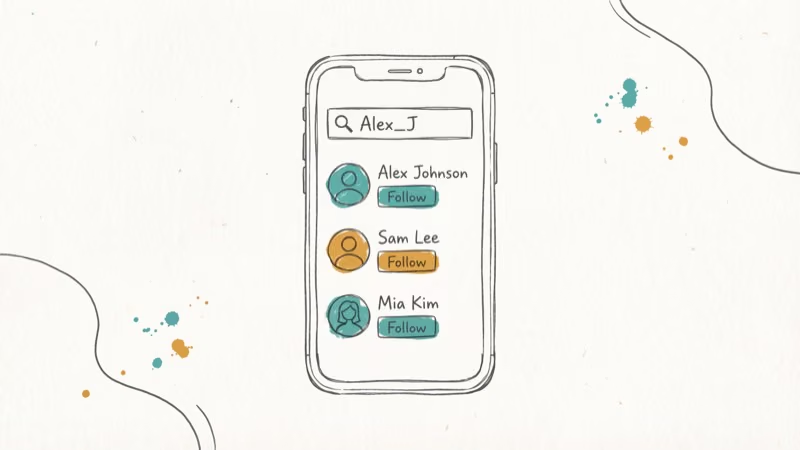
#How to Add Friends Using Your Phone Contacts
Spotify can scan your phone’s contact list to find friends. It’s the fastest method by far.
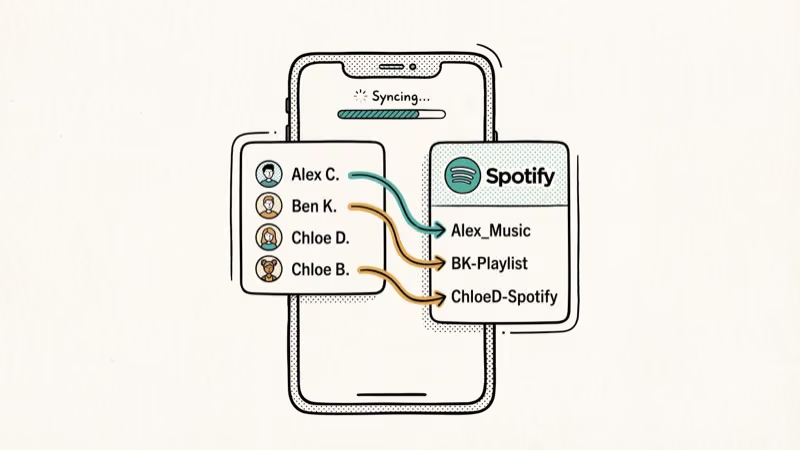
On your phone, tap your profile icon, then tap the three-dot menu or Find Friends option. Spotify asks for access to your contacts. Grant it, and you’ll see a list of contacts who have Spotify accounts linked to the same phone number.
The results depend on how many of your contacts have linked their phone number to Spotify, so you might see fewer matches than expected.
According to Spotify’s privacy policy, your contact data is processed only to find matches and isn’t stored permanently. You can disconnect contacts anytime in Settings.
#Adding Friends by Sharing Profile Links
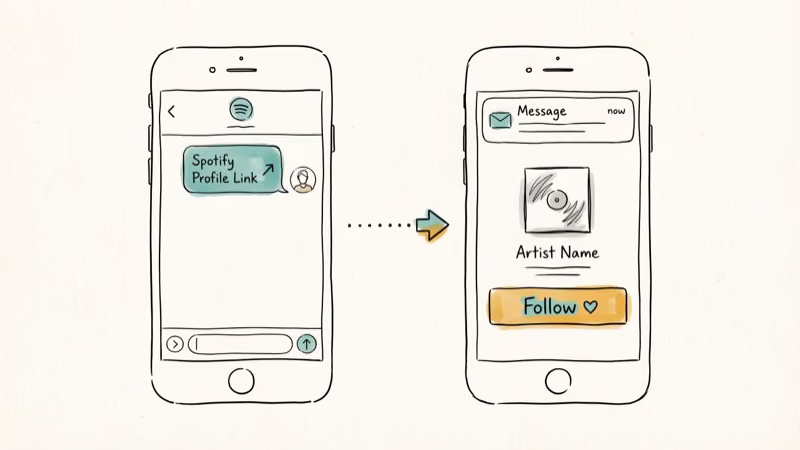
Profile links work across every platform and don’t require searching. Open your Spotify profile, tap the three-dot menu, and select Share. You’ll get a link like open.spotify.com/user/yourname that you can send via text, email, or any messaging app.
When your friend taps the link, Spotify opens directly to your profile with a Follow button. Works perfectly even if your display name is too common for search to find reliably, and the link never expires.
You can also generate a Spotify Code (a scannable barcode) from your profile. Keep the code bright and centered so Spotify’s camera scanner can read it.
If you want to share music rather than profiles, learn how to create a collaborative playlist that friends can add songs to.
#What Can You See After Following Someone?
Following a friend on Spotify unlocks a few social features, but it’s more limited than you’d expect.
Friend Activity sidebar (desktop only): Shows what your friends are listening to right now. This only appears on the desktop app when your window is at least 1190 pixels wide. Go to Settings > Display > Show Friend Activity to turn it on.
Public playlists: You can browse and follow any playlists your friend made public. Private ones stay hidden.
Listening history: Not shared. Followers only see your currently playing track (unless you’ve turned on Private Session) and your public playlists. There’s zero way for someone to see every song you’ve ever played.
According to Spotify’s support page on social features, you can enable Private Session anytime to hide your listening activity from all followers. The session automatically turns off after 6 hours of inactivity.
If you’d rather clean up your library before adding friends, here’s how to delete playlists on Spotify.
#How to Remove or Block Someone on Spotify
Unfollowing is quick. Visit the person’s profile and tap Following to toggle it back to Follow. No notification goes out, and they’ll have no idea unless they manually check their follower count.
Blocking goes further. Tap the three-dot menu on someone’s profile and select Block. Blocked users can’t see your public playlists, and their activity disappears from your Friend Activity sidebar entirely. Spotify recommends blocking over unfollowing if you want complete separation, since unfollowing alone still lets the other person view your public content.
One catch: blocking doesn’t remove songs they already added to your collaborative playlists. Delete those tracks manually.
#Following Artists vs. Following Friends
Following artists is simpler than following friends. Tap Follow on any artist’s page, and you’ll get notifications when they release new music. No limit on artist follows.
Artists always appear at the top of search results. Friends’ profiles show up further down under a separate “Users” or “Profiles” section, which is why searching for people feels harder than searching for music.
If you use Spotify across multiple countries, you might also want to know how to change your Spotify country to access region-specific content.
#Bottom Line
Start with the search bar if you know your friend’s username. Use contact syncing for a bulk approach, or share profile links when search results are cluttered. The desktop Friend Activity sidebar is the best way to see what friends are playing in real time. If Spotify gives you trouble along the way, clearing the queue or restarting the app usually fixes odd behavior.
#Frequently Asked Questions
Can you find friends on Spotify without Facebook?
Yes. Spotify removed Facebook friend-finding in most regions. Use the search bar, phone contacts, or direct profile links instead. These methods work on all devices without any social media account connected.
Does Spotify notify someone when you follow them?
No. Spotify doesn’t send a notification when someone follows you. The only way to find out is by checking your followers list manually, which most people rarely do.
Is there a limit to how many people you can follow on Spotify?
Spotify doesn’t publish an official follower limit for regular user accounts. In practice, users have reported following over 10,000 accounts without hitting a cap. Artist follows and user follows count separately.
Can you see who views your Spotify profile?
No. Spotify doesn’t offer a profile viewer feature. You can see your followers list, but there’s no way to tell if someone visited your profile without following you.
Why can’t I find my friend on Spotify search?
Your friend might be using a different display name than you expect, or their profile could be set to private. Ask them to share their profile link directly. Also make sure you’re scrolling past artist and song results to the “Users” section in search.
How do you make a collaborative playlist with friends?
Create a playlist, tap the three-dot menu, and select Invite Collaborators. Share the invite link with friends. Anyone with the link can add, remove, or reorder songs. You don’t need to follow each other to collaborate on a playlist.
Can you listen to Spotify together with friends in real time?
Yes. Spotify’s Group Session feature lets 2-10 people listen to the same music simultaneously. Everyone needs a Spotify Premium account. Start a session from the device menu and share the join link with friends.
Does blocking someone on Spotify remove them from collaborative playlists?
No. Blocking prevents them from seeing your profile and playlists, but songs they already added to shared collaborative playlists stay. You’ll need to remove those tracks manually from the playlist.

Google Messages Error 3100: Why RCS Is Broken on Galaxy
Google Messages RCS error 3100 hits Galaxy owners after phone or carrier switches. Google told 9to5Google a fix is coming. Here's what actually helps.

Is This Bank App Real? Spot a Fake App on Your Home Screen
A bank app can land on your home screen from a web page with no install warning. Learn the checks that tell a real banking app from a phishing web app.

Apps Crashing After iOS 27 Update? Fix Order (2026)
Apps crashing after the iOS 27 update? Update the app in the App Store first, then offload and reinstall to clear stale cache, then restart. The fix order.

Do AI Translation Earbuds Work Offline? What to Know
Do AI translation earbuds work offline? A few do with downloaded language packs, but most need the cloud. Here's what works offline and what you give up.