How to Delete a Trello Account, Board, or Card (2026)
Delete a Trello account, board, or individual card in a few steps. Covers closing boards, removing cards, and permanently deleting your account in 2026.
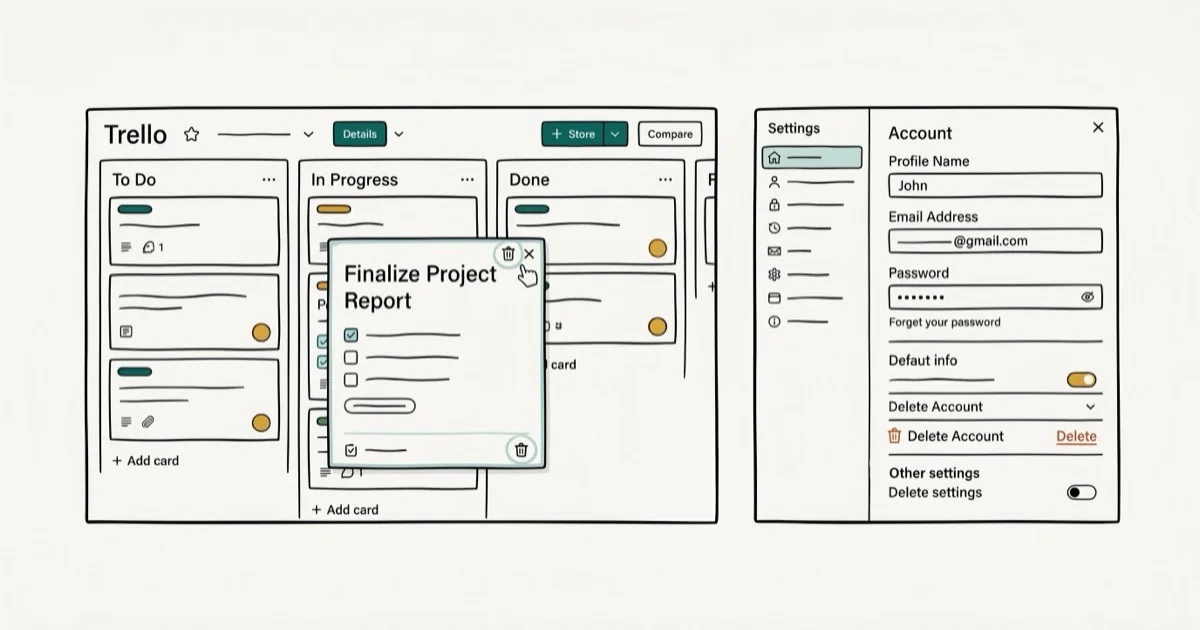
Quick AnswerTo delete a Trello card, open it and click Archive, then select Delete. To close a board, open its menu and choose Close Board. To delete your Trello account, go to trello.com/account and select Close Account at the bottom.
Trello uses a two-step system for most deletions: you archive or close something first, then permanently delete it. This guide covers all three deletion types on the current Trello web app, with each step laid out in order.
- Cards must be archived before the permanent Delete option becomes available.
- Boards are “closed” first and can be reopened for up to 30 days before deletion.
- Deleting your Trello account is permanent and removes all your boards and cards.
- Workspace admins can delete boards they own without needing Atlassian support
- Account deletion requires logging in at trello.com/account, not through the mobile app
#How Do You Delete a Trello Card?
Trello doesn’t offer a direct one-click delete for cards. You archive the card first, then permanently delete it from the archive.
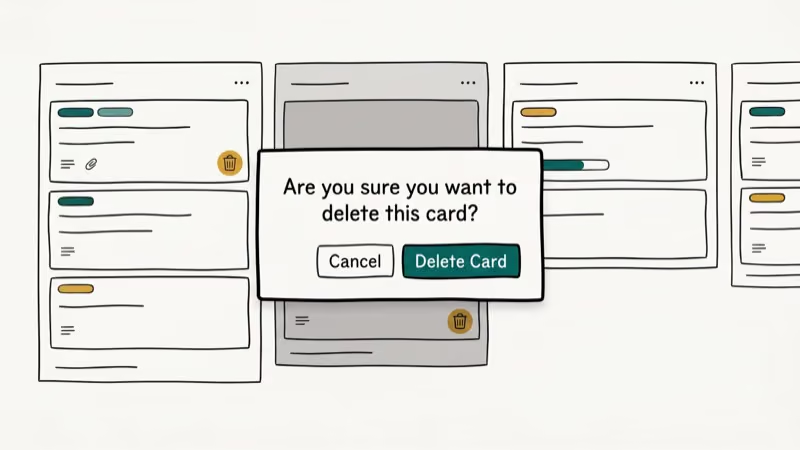
Open the card you want to remove by clicking on it. In the card menu on the right side, click Archive. The card disappears from the board view almost immediately, but it isn’t gone yet.
To permanently delete the archived card, click Show Menu in the top-right of the board, then select Archived Items. Find the card, click the Delete button next to it, and confirm. According to Trello’s official help center, deleted cards can’t be recovered after this step, so verify you’ve selected the right card before confirming.
#How Do You Delete a Trello Board?
Deleting a Trello board requires closing it first.
Click Show Menu in the top-right corner of the board, then scroll down and select Close Board. Trello asks you to confirm. The board moves to your closed boards list and stays there for up to 30 days before automatic deletion. You can reopen it any time during those 30 days.
To delete a closed board permanently before the 30-day window expires, go to your Trello home page, click Boards, and find the board under your closed boards. Open it, click Delete Board, and confirm. Permanently deleting a board full of cards completes almost instantly.
#How to Delete Your Trello Account Permanently
Trello account deletion is permanent. All your boards, cards, and workspace data are removed and can’t be recovered.
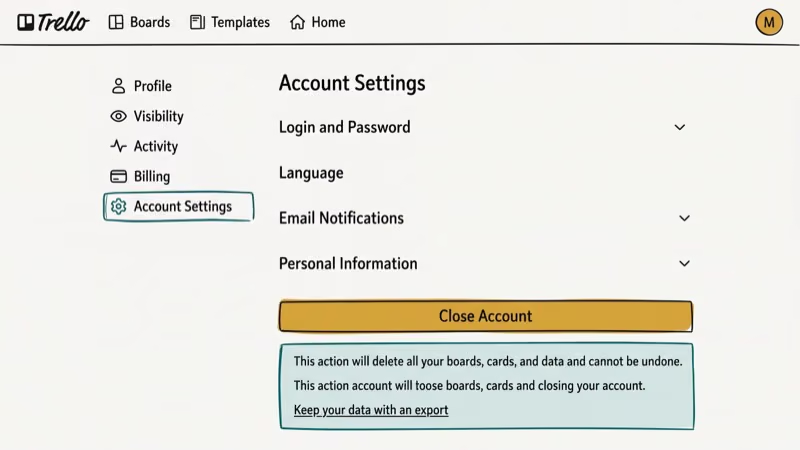
Go to trello.com/account and scroll to the bottom of the page. Click Close Account. Trello walks you through a confirmation flow. If you’re a workspace admin, you’ll need to transfer ownership or delete your workspaces before Trello allows account closure.
According to Atlassian’s account deletion documentation, closing your Trello account also closes your Atlassian account, which affects any other Atlassian products you use (Jira, Confluence). Trello states that account data is removed within 30 days of closure. Wikipedia’s Trello overview confirms that Trello was acquired by Atlassian in January 2017, which explains why deleting 1 account now affects all Atlassian services simultaneously. If you use Jira or other Atlassian tools, consider creating a separate account before closing Trello.
#How to Remove a Card Without Deleting It
Archiving removes a card from the board without permanently deleting it.
Open the card and click Archive in the card actions menu. The card leaves the board but remains searchable and can be unarchived at any time. This works well when you want to clean up a board without losing historical data. A card archive functions like a soft delete: visible in Archived Items but out of your active workflow.
#Exporting Your Data Before Deleting
Before permanently deleting a board or account, export your data so you have a backup.
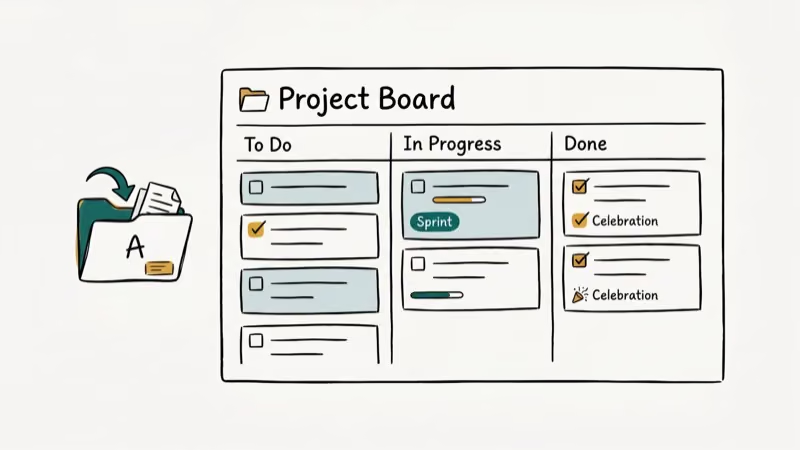
Open the board, click Show Menu, then More, then Print and Export. Choose Export as JSON to download all cards, checklists, and comments in a machine-readable format. Trello doesn’t offer a native CSV export for individual boards directly, but the JSON file contains every piece of data from that board. If you need your task list in spreadsheet format, consider copying cards to a notes app before deletion.
For full account export, go to trello.com/account and look for the data export option before initiating account closure. This is similar to how other apps handle deletion: how to delete your Snapchat account also gives you a data export window before permanent removal.
#How to Leave a Trello Workspace Without Deleting It
If you want to stop using a Trello workspace without deleting it, you can leave without removing any data.
Open the workspace settings from the left sidebar, go to Members, find your name, and click Leave Workspace. Your boards stay intact for other members. If you’re the only admin, Trello prompts you to assign a new admin before you can leave. This is different from deleting a workspace, which permanently removes all boards and cards belonging to it.
#Bottom Line
Archive cards first, then delete them from the Archived Items panel. Close boards through the board menu, then permanently delete from your closed boards list. For account deletion, go to trello.com/account and use Close Account, keeping in mind that this also closes your Atlassian account for Jira and Confluence. Always export your data before closing the account, and see how to delete saved messages on Snapchat for a similar two-step deletion pattern in another app.
#Frequently Asked Questions
Can you recover a deleted Trello card?
No. Once you permanently delete a card, it’s gone. Archived cards can be restored before permanent deletion, so if you only archived without deleting, find the card under Show Menu > Archived Items and restore it from there.
Is there a way to delete multiple Trello cards at once?
Trello doesn’t have a bulk delete. Archive and delete each card individually, or close and delete the entire board to wipe all cards at once.
Does deleting a Trello board delete all its cards?
Yes. Permanently deleting a board removes all lists, cards, attachments, and comments on that board with no way to recover individual items afterward. Archive the board and download a CSV export first if you need to preserve the data for records. The same permanent-deletion principle applies in most apps: deleting iPhone photos permanently also requires clearing the Recently Deleted folder as a second step before data is truly gone.
What happens to Trello boards owned by a deleted account?
Boards you own are removed permanently. Boards you contributed to but don’t own remain intact. Transfer ownership to preserve them before closing.
How do I delete a Trello workspace?
Open workspace settings from the left sidebar and look for Delete Workspace at the bottom. You must be a workspace admin to access this option, and existing admins will need to confirm. Deleting a workspace removes all boards, cards, and member access permanently, with no 30-day recovery window unlike individual boards. See how deleting a Steam account handles similar irreversible service closures.
Can I delete a Trello account from the mobile app?
No. Account deletion is only available through the web at trello.com/account, and the iOS and Android apps don’t include an account deletion option. Use a browser on desktop or mobile to access the Close Account settings. For comparison, deleting an Instagram account also requires the web flow rather than an in-app toggle.

Google Messages Error 3100: Why RCS Is Broken on Galaxy
Google Messages RCS error 3100 hits Galaxy owners after phone or carrier switches. Google told 9to5Google a fix is coming. Here's what actually helps.

Is This Bank App Real? Spot a Fake App on Your Home Screen
A bank app can land on your home screen from a web page with no install warning. Learn the checks that tell a real banking app from a phishing web app.

Apps Crashing After iOS 27 Update? Fix Order (2026)
Apps crashing after the iOS 27 update? Update the app in the App Store first, then offload and reinstall to clear stale cache, then restart. The fix order.

Do AI Translation Earbuds Work Offline? What to Know
Do AI translation earbuds work offline? A few do with downloaded language packs, but most need the cloud. Here's what works offline and what you give up.