Best Dailymotion Video Downloaders That Work in 2026
Download Dailymotion videos with free online tools, browser extensions, and desktop apps. Compare 12 methods for MP4 and MP3 in HD quality fast.
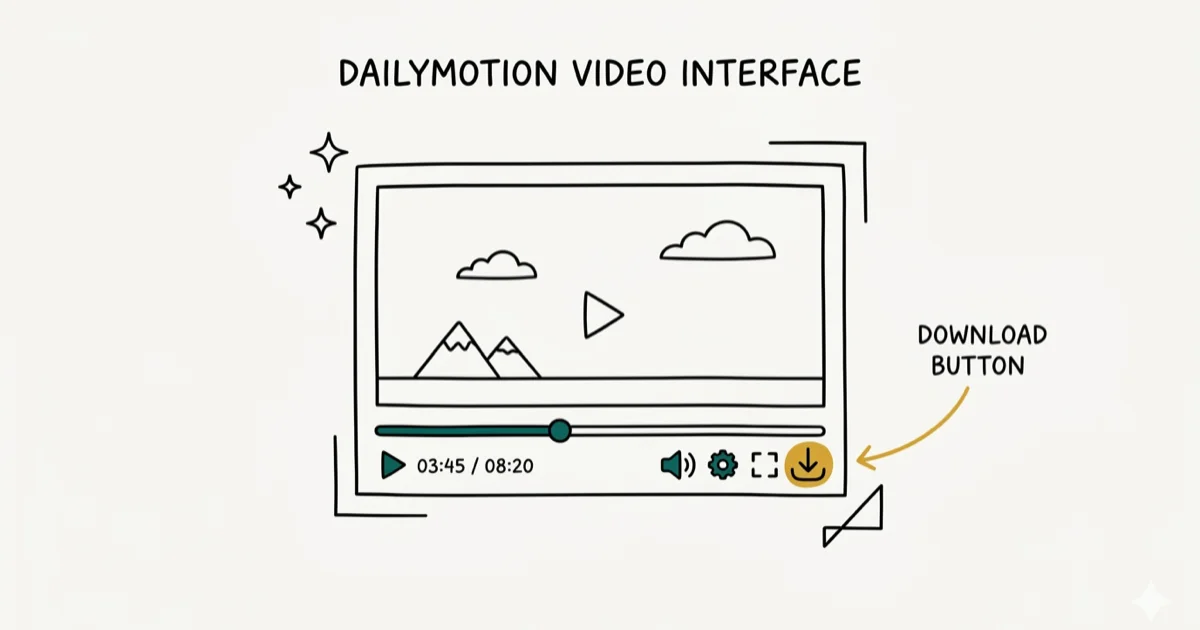
Quick AnswerThe fastest way to download a Dailymotion video is to paste its URL into an online tool like Cobalt Tools or SaveTheVideo. Both are free, need no account, and save videos in up to 1080p MP4 format within seconds.
Most Dailymotion video downloaders you find online are packed with pop-ups or bundled with shady installers. This guide covers over a dozen tools across Chrome, Firefox, Windows, and macOS that actually work without wasting your time.
- Cobalt Tools and SaveTheVideo download Dailymotion videos in under 30 seconds with zero sign-up
- 4K Video Downloader Plus supports batch downloads up to 4K for a $25 lifetime license
- The command-line tool yt-dlp handles Dailymotion but has intermittent 403 errors as of early 2026
- Dailymotion’s ToS prohibit downloading other users’ content, so only save videos you own
- Browser extensions work but often break after Chrome or Firefox updates
#What Are the Best Free Dailymotion Downloaders?
Online downloaders are the quickest option. No software to install, no accounts to create. You paste the video URL, pick a quality, and hit download. Here’s how five popular ones compare for a typical Dailymotion video.
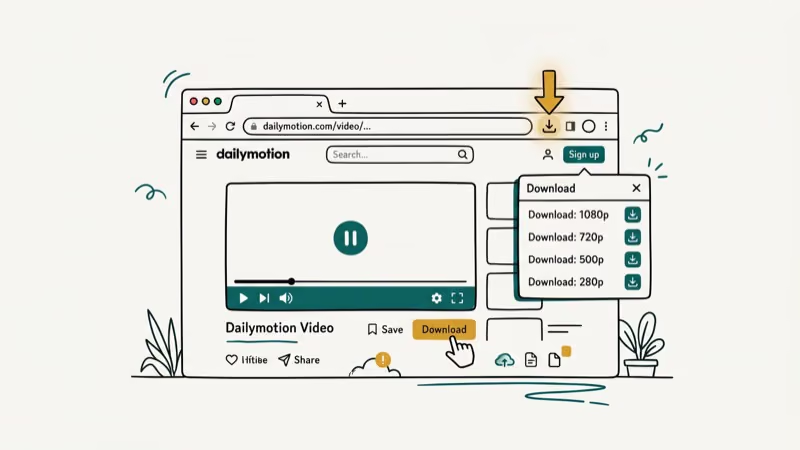
Cobalt Tools is the cleanest option of the group. It’s open source, has zero ads, and doesn’t track you. Paste a Dailymotion link, select MP4 or MP3, and the download starts quickly, limited mainly by your own connection speed.
According to Cobalt’s privacy documentation, no user data is ever collected or stored.
SaveTheVideo is another solid pick. It supports bulk downloads and can convert Dailymotion videos to MP4, MP3, or AAC. Quality options go up to 4K if the original video supports it. The interface is straightforward, though you’ll see a few ads on the page.
9convert handles single-video downloads well. Paste the URL, wait about 10 seconds for processing, then pick between 360p, 720p, or 1080p. No account needed. It occasionally shows a redirect ad when you click download, so watch for that.
Here’s how these three compare:
| Tool | Max Quality | Ads | Batch | Audio |
|---|---|---|---|---|
| Cobalt Tools | 1080p | None | No | Yes |
| SaveTheVideo | 4K | Some | Yes | Yes |
| 9convert | 1080p | Redirects | No | Yes |
If you also need to grab content from other platforms, check out our guide on how to download TikTok videos.
#Downloading Dailymotion Videos With Desktop Software
Desktop apps make sense if you download videos regularly or need batch processing. They’re more reliable than browser-based tools and usually offer higher quality options.
4K Video Downloader Plus replaced the original 4K Video Downloader after it was discontinued on February 1, 2026. The new version costs $25 for a lifetime license. It handles Dailymotion, YouTube, Vimeo, and about 50 other sites.
A typical Dailymotion video downloads quickly on a modern computer. According to 4K Download’s official site, the Plus version adds smart mode for one-click downloads and supports resolutions up to 8K. If you already know your preferred format and quality, smart mode lets you skip the selection dialog entirely and download with a single click.
yt-dlp is free, open source, and runs in the terminal. It supports over 1,000 sites but has intermittent 403 errors with Dailymotion as of February 2026.
Based on yt-dlp’s GitHub issue tracker, the extractor needs periodic updates when Dailymotion changes its API.
To use yt-dlp with Dailymotion, run:
yt-dlp "https://www.dailymotion.com/video/VIDEO_ID"Replace VIDEO_ID with the actual video identifier from the URL.
YTD Video Downloader offers a more traditional desktop experience with a graphical interface. It runs on both Windows and macOS and supports quality up to 8K. The free version limits you to one download at a time. If you need to convert videos between formats after downloading, YTD has a built-in converter.
#Browser Extensions for Dailymotion Downloads
Browser extensions sit between online tools and desktop software in terms of convenience. They add a download button directly to Dailymotion video pages so you don’t need to copy-paste URLs.
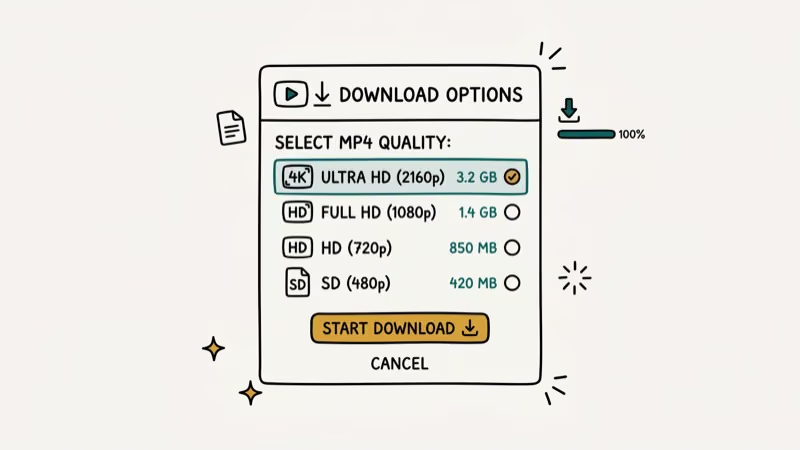
Video DownloadHelper is the most established option. It’s available for both Chrome and Firefox and has been around for over 15 years. When you’re watching a Dailymotion video, the extension icon lights up. Click it, pick your preferred quality, and the download starts.
One drawback: Chrome’s Manifest V3 changes have limited what extensions can do. Video DownloadHelper now requires a companion app for full functionality on Chrome.
FetchV works. Free tier caps at 720p.
There’s an important caveat with all browser extensions. They tend to break after major browser updates, and Video DownloadHelper has gone offline more than once following Chrome releases. You’ll usually need to wait a few days for the extension developer to push a fix.
As PCMag’s guide to browser extensions notes, download extensions are among the most frequently broken by browser security updates, so standalone web-based tools tend to be more reliable for long-term use.
If your downloaded videos end up too large for sharing, you might want to compress them for email afterward.
#Is It Legal to Download Videos From Dailymotion?
This is where things get tricky. Dailymotion’s Terms of Service explicitly prohibit downloading. According to Dailymotion’s Terms of Use, content “may not be downloaded, copied, reproduced, distributed, transmitted, broadcast, displayed, sold, licensed or otherwise exploited” without prior consent.
That said, there’s a distinction between:
- Your own content. If you uploaded a video, you can download it directly from your Dailymotion Studio under
Media>Videos. Based on Dailymotion’s Help Center, creators always have access to download their own uploads. - Public domain or Creative Commons content. Some Dailymotion videos are explicitly licensed for sharing and downloading.
- Someone else’s copyrighted content. Downloading this without permission violates both the Terms of Service and potentially copyright law.
For personal offline viewing of non-restricted content, enforcement is practically nonexistent. But redistributing downloaded videos or using them commercially could result in legal action. We’re not lawyers, and this isn’t legal advice.
#Downloading Dailymotion Videos on Mobile
The online tools work on phone browsers too. Open Cobalt Tools in Chrome or Safari on your phone, paste the Dailymotion link, and save the file. On iPhone, the downloaded video saves to your Files app by default. On Android, it goes straight to your Downloads folder.
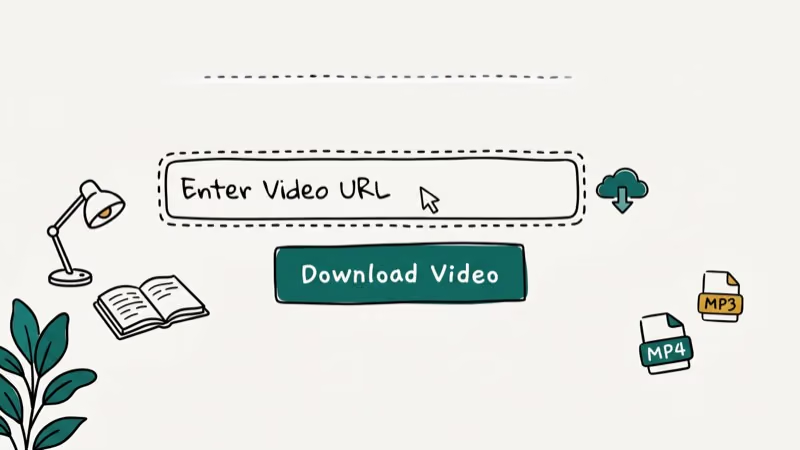
Android users can also try TubeMate for a native app experience. It runs in the background and supports multiple simultaneous downloads. For iOS, there’s no direct equivalent since Apple restricts sideloaded download managers.
If you’re working with audio specifically, our guide on how to download and convert Spotify music to MP3 covers similar tools for audio extraction.
#Picking the Right Download Method
Your best choice depends on how often you download and what you need.
For a one-off download, use Cobalt Tools. Paste the URL, grab the file, done. Takes about 20 seconds total with no sign-up.
For regular downloading, install 4K Video Downloader Plus. The $25 lifetime license pays for itself quickly if you download videos weekly. The smart mode feature saves clicks, and the built-in video player lets you preview downloads before saving them to your preferred folder. You can also queue up entire playlists and let them download overnight.
For developers, use yt-dlp. Script it, automate it, and keep it updated. You can build a download queue by piping a list of URLs from a text file directly to yt-dlp, which processes each one sequentially and saves files with consistent naming using the --output flag. Run yt-dlp -U weekly to pull in extractor updates before Dailymotion’s next API change breaks things.
#Bottom Line
Cobalt Tools is the best free Dailymotion downloader for most people. It’s clean, fast, and respects your privacy. For power users who need batch downloads and higher resolution, 4K Video Downloader Plus at $25 is worth it.
Skip tools with pop-up ads. They’re not worth the risk. For live training content rather than uploaded clips, our download WebinarJam video guide covers the four working methods for capturing webinar replays you have legitimate access to.
#Frequently Asked Questions
Can you download Dailymotion videos in 4K quality?
Only if the source video was uploaded in 4K. Most Dailymotion content tops out at 1080p. SaveTheVideo and 4K Video Downloader Plus are the two tools that handle 4K when it’s available, but you won’t find many 4K videos on the platform compared to YouTube.
Do online Dailymotion downloaders work on phones?
They do. Cobalt Tools and SaveTheVideo both work in mobile browsers on Android and iOS. On iPhone, the downloaded file saves to your Files app. On Android, it goes to your Downloads folder.
Why does yt-dlp give a 403 error with Dailymotion?
Dailymotion changes its API periodically. Run yt-dlp -U to update.
Is there a way to download Dailymotion videos without any software?
Yes. Online tools like Cobalt Tools and 9convert run entirely in your browser with no installs needed. Copy the video URL from Dailymotion, paste it into the tool, and download the file. This works on any operating system with a modern browser, including Chromebooks and Linux machines that might not support desktop download apps.
Can you convert Dailymotion videos to MP3?
Yes. Cobalt Tools, SaveTheVideo, and yt-dlp all extract audio from Dailymotion videos and save it as MP3. Quality typically ranges from 128 kbps to 320 kbps depending on the source. Pick the highest quality source video before converting for the best results.
What happens if a Dailymotion downloader stops working?
Switch to another tool from our list. Cobalt Tools recovers fastest.
Are free Dailymotion downloaders safe to use?
Open-source tools like Cobalt Tools and yt-dlp are the safest because their code is publicly auditable. Avoid downloaders that ask you to install a desktop app from an unknown publisher, require your Dailymotion login credentials, or show excessive pop-up ads. Stick to the tools mentioned in this guide.
How long does it take to download a Dailymotion video?
A 10-minute 720p video is roughly 150 to 200 MB, so the download time mostly comes down to your connection speed.

Google Messages Error 3100: Why RCS Is Broken on Galaxy
Google Messages RCS error 3100 hits Galaxy owners after phone or carrier switches. Google told 9to5Google a fix is coming. Here's what actually helps.

Is This Bank App Real? Spot a Fake App on Your Home Screen
A bank app can land on your home screen from a web page with no install warning. Learn the checks that tell a real banking app from a phishing web app.

Apps Crashing After iOS 27 Update? Fix Order (2026)
Apps crashing after the iOS 27 update? Update the app in the App Store first, then offload and reinstall to clear stale cache, then restart. The fix order.

Do AI Translation Earbuds Work Offline? What to Know
Do AI translation earbuds work offline? A few do with downloaded language packs, but most need the cloud. Here's what works offline and what you give up.