Checkm8 iCloud Bypass: What It Can and Cannot Prove
Understand the difference between the checkm8 exploit, a jailbreak, and removing Activation Lock before trusting a third-party unlock claim.
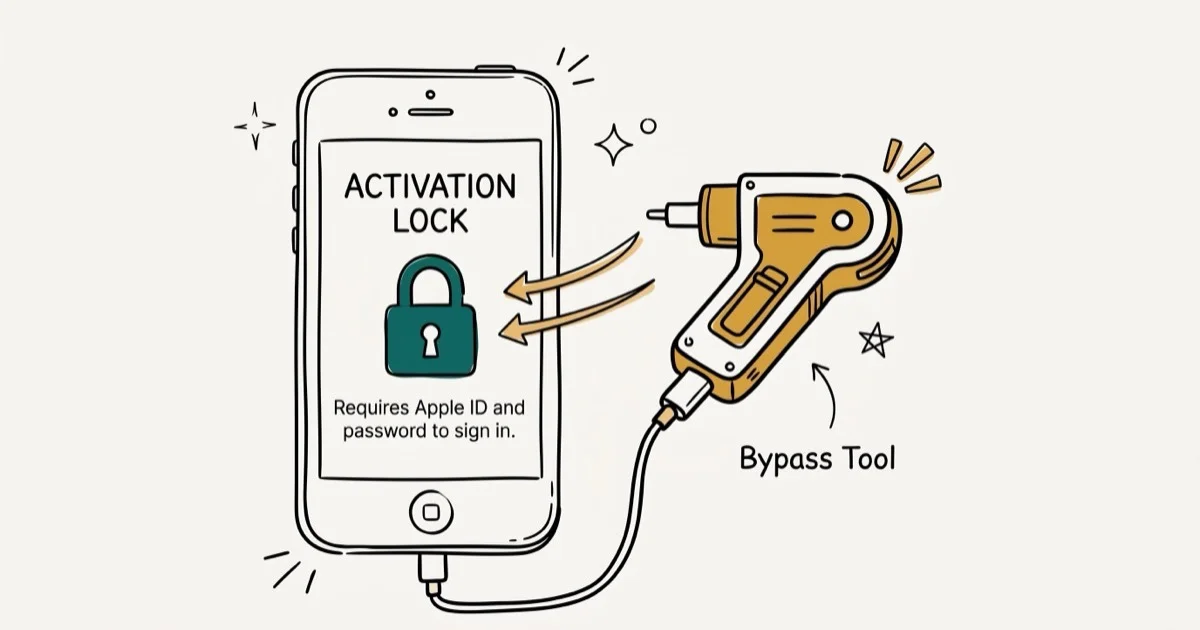
Quick AnswerCheckm8 is a bootrom exploit, not an Apple Account ownership change; a tool built on it may claim local access, but that doesn't prove Apple removed the server-side link. Start with Apple's documented routes.
“Checkm8 iCloud bypass” can mean an exploit, jailbreak, or commercial unlock claim. They’re different things, and home-screen access doesn’t prove account removal.
Use any security research tool only on a device you own or are explicitly authorized to test. If the device came from a seller, the safest result is still to have that seller remove it from their account or return it.
- The original checkm8 project describes a bootrom exploit and research utility, not an Apple-approved Activation Lock removal service
- Activation Lock is checked through Apple’s activation servers, so local access and account ownership are separate questions
- Compatibility and post-restart behavior are specific to the exact tool, device chip, and software version; there is no safe universal feature list
- Don’t give an unknown tool an Apple Account password, two-factor code, purchase receipt, or other identity evidence
- Apple’s current removal page gives official routes but does not promise a fixed decision time, approval, price, or restored feature set
#What Is Checkm8 Actually?
According to the axi0mX ipwndfu repository, checkm8 is a permanent, unpatchable bootrom exploit for specific Apple hardware. The original project scope is a research utility: the repository calls the implementation beta software, says that it comes without guarantees, and doesn’t present it as a one-click Activation Lock removal product.
That distinction matters:
- Checkm8 is the underlying exploit.
- A jailbreak may use an exploit to change what can run on a device.
- An Activation Lock removal changes whether Apple’s activation service accepts the device for setup without the previously linked account.
The first two don’t automatically establish the third. Marketing pages often use “checkm8” as a credibility label without documenting what their own software changes, what survives a restart, or which services remain available.
The historical checkra1n releases page reinforces why precise compatibility matters. It labels the visible release as beta software, documents model- and software-specific caveats, and provides macOS and Linux options rather than a universal workflow. Treat that page as a record of checkra1n’s documented compatibility, not proof that a separate product works on your device today.
#Why Isn’t Home-Screen Access the Same as Removing the Lock?
According to Apple’s Activation Lock platform-security guide, a device contacts Apple’s activation server during activation. Server-side activation is the critical boundary. For an unmanaged iPhone or iPad, Apple documents the linked Apple Account credentials or a previously used device passcode as ways to unlock the device. Managed devices have separate administrator controls.
According to Apple’s Activation Lock overview, the ownership link remains associated with the device on its activation servers and is checked again during activation or recovery. That’s why these statements must be evaluated separately:
- A tool boots the device or reaches part of iOS.
- The device can complete a normal activation with Apple.
- The previous owner’s account association has been removed.
- Calls, data, messaging, updates, sign-in, and restores behave normally.
Evidence for one item isn’t evidence for all four. If a vendor can’t state which result it means and show current documentation for the exact model and software version, the claim isn’t specific enough to rely on.
#What to Verify Before Running Any Third-Party Tool
Compatibility is product-specific. Don’t assume that every product using the checkm8 name has the same behavior. A useful vendor document needs to identify the exact build, device, software version, and test date, then distinguish activation from account removal and post-restart service behavior. Before downloading or paying, look for all of the following:
- A named developer and an authoritative download location
- A current compatibility table that includes the exact device identifier and installed software version
- A clear explanation of what happens after a restart, update, erase, or restore
- Separate disclosures for cellular service, messaging, Apple Account sign-in, and app installation
- A privacy policy covering device identifiers and diagnostic data
- Written refund terms that match the seller and checkout page you’ll actually use
- Cryptographic checksums or signed releases that let you verify the installer
If a copy asks for Apple Account credentials, a two-factor code, recovery key, receipt, or identity documents, stop. Give ownership evidence only to Apple.
The original ipwndfu repository warns that its research software can fail and could leave a device unusable. Back up accessible data before making low-level changes, and don’t experiment on a primary device. A tool’s use of an authentic exploit doesn’t make the surrounding installer, payment flow, or support operator trustworthy.
#Avoid Universal Claims About Calls, Data, and Warranty
Some third-party products describe their outcome as a “bypass” while imposing service or persistence limits. Those limits are product-specific. Without current evidence for a named build, it’s inaccurate to say that every checkm8-based result permanently disables the same services or that every device keeps them.
Ask the vendor to define each item in writing:
| Question | What a useful answer must identify |
|---|---|
| Does activation complete normally? | The exact model, software version, and test date |
| Do calls and mobile data work? | Carrier setup, SIM/eSIM state, and behavior after restart |
| Can the device use Apple services? | Sign-in, iMessage, FaceTime, App Store, and iCloud separately |
| Does the result survive changes? | Restart, erase, update, recovery, and restore separately |
| Can Apple service the device? | The applicable service terms, not a blanket warranty promise |
Jailbreaking or unauthorized modification can affect support or service eligibility, but the outcome depends on the applicable coverage terms and the problem being serviced. “Always voids every warranty” is too broad to use as a buying decision.
#Apple’s Current Activation Lock Options
According to Apple’s current How to remove Activation Lock page, Apple’s documented routes are:
- If it’s your device: enter the Apple Account and password used to set it up, or use the device passcode when Apple offers that option.
- If it belongs to a previous owner: ask that person to sign in at
icloud.com/find, select the device, and choose Remove This Device. - If it’s managed by a business or school: contact the organization’s IT department or device manager.
- If you have proof of purchase: Apple provides a link to start an Activation Lock support request.
Apple’s page doesn’t publish a fixed completion time or promise that every request will be approved. It also doesn’t say that a request requires Lost Mode, is always free, or guarantees a particular post-removal feature state. Don’t add those conditions or promises to the official route.
If the screen says “This iPhone is linked to an Apple Account”, deal with that ownership link first. Our official Activation Lock removal guide covers that process. A carrier unlock is a different change: it may remove a network restriction, but it doesn’t remove Activation Lock.
#What to Do With a Locked Used iPhone
When a recently purchased device is still linked to someone else, keep the evidence trail simple:
- Photograph the Activation Lock screen and record the device listing and transaction receipt.
- Ask the seller to use Apple’s remote removal steps. They don’t need the device in hand.
- If the seller won’t remove it, use the marketplace or payment provider’s dispute or return process while that option remains available.
- If your receipt qualifies as proof of purchase, start Apple’s support request from the Apple page above.
- Don’t send the seller or an unlock vendor your Apple Account credentials or two-factor code.
If the issue is your own forgotten account rather than a previous owner’s link, start with Apple Account recovery. An iPad owner should also distinguish the ownership link from a factory reset without an iCloud password.
If the immediate problem is only a forgotten device passcode, review Apple’s reset options without a passcode or computer. Activation Lock may still appear during setup.
#Bottom Line
Checkm8 is real security research, but its name does not prove that a commercial “iCloud bypass” safely removes an Apple Account association. Judge the exact product, device, software version, and claimed outcome independently. For a device you own, use Apple’s documented credentials, previous-owner removal, managed-device, or proof-of-purchase route before risking low-level software.
#Frequently Asked Questions
Which iPhones support checkm8?
Support is chip- and implementation-specific. The original ipwndfu repository publishes the devices and processors handled by that implementation. Check that live compatibility list and the separate product’s documentation; don’t infer support merely from an iPhone marketing name.
Does a checkm8-based tool need a Mac?
It depends on the implementation. The checkra1n releases page documents both macOS and Linux builds, so “macOS only” is not a safe general statement. A commercial product may have different host-system requirements.
Does a checkm8 bypass permanently disable calls or mobile data?
There is no universal answer for every product sold under that label. Require current evidence for the exact tool build, device, software version, carrier state, and behavior after restart. Local access alone does not prove normal activation or working services.
Can Apple remove Activation Lock for me?
Apple lets a person with proof of purchase start an Activation Lock support request. Its public removal page does not guarantee approval or publish a fixed turnaround. The linked owner can also remove the device remotely through Find My.
What happens if a research tool fails?
Stop instead of repeatedly changing recovery state. The original project warns that its beta software has no guarantees and may render a device unusable. Preserve any accessible backup, use the project’s documented recovery information, and seek Apple or qualified repair help if the device no longer starts normally.
Should I remove Activation Lock before selling an iPhone?
Yes. Apple tells sellers to sign out and remove the device from their account so the new owner can activate it. If the phone is no longer in hand, the owner can remove it through Find My on the web.
Mac mini M6 vs M5 Pro: Which Model Should You Buy?
Mac mini M6 vs M5 Pro compared on price, memory, ports, displays, and real workloads. Find the better 2026 Mac mini for your desk and budget.
Apple Siri Settlement: Who Qualifies and How to Claim
Apple's $250 million Siri settlement covers iPhone 15 Pro and iPhone 16 models bought June 2024 to March 2025. See who qualifies and how claims work.
iOS 26.6.1 Security Update: What Apple Fixed and Who Gets It
Apple released iOS 26.6.1 on August 17 with 29 security fixes, including an IPSec interception bug. See what it patches, who gets it, and how to update.
iPhone Adaptive Power: How It Works and When to Use It
Learn how iPhone Adaptive Power works, which models support it, what it changes, and when Low Power Mode is still the better battery-saving choice.