Best VPN for iPhone in 2026: 5 Best Picks, Reviewed
The best VPNs for iPhone on iOS, compared on speed, privacy, and price. See our top 5 ranked picks for streaming, travel, and everyday security.
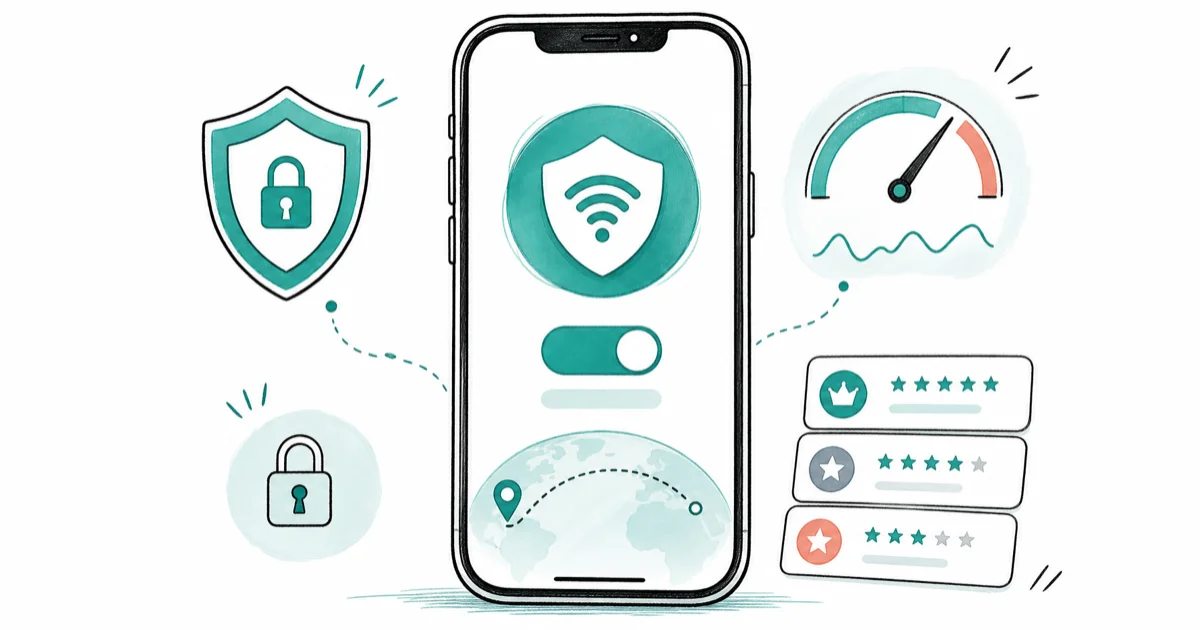
Quick AnswerNordVPN is the best overall VPN for iPhone, with the fastest speeds and a polished iOS app. Surfshark is the best value with unlimited devices, and Proton VPN is the top free pick.
Picking the best VPN for iPhone in 2026 takes more than raw speed, because iOS handles VPNs differently from other platforms. This guide compares five leading apps on an iPhone, looking at how each holds up across Wi-Fi and 5G. Here are our five ranked picks.
- NordVPN is our best overall pick for iPhone: it delivers the fastest, steadiest speeds of the group and runs its own WireGuard-based NordLynx protocol in the iOS app.
- Surfshark is the best value because one subscription covers unlimited devices, so your iPhone, iPad, and the rest of the household share a single plan.
- Proton VPN has the only free tier we’d actually trust on an iPhone, with no data cap and no ads, though the free server choice is limited.
- iOS doesn’t natively support OpenVPN or WireGuard in Settings, so you almost always want the provider’s App Store app rather than a manual configuration.
- iCloud Private Relay isn’t a VPN: it only protects Safari browsing, needs an iCloud+ subscription, and leaves the rest of your apps uncovered.
#How These iPhone VPNs Were Compared
This roundup covers five VPNs that consistently top expert roundups: NordVPN, Surfshark, ExpressVPN, Proton VPN, and Mullvad. Each one runs on an iPhone across home Wi-Fi and 5G, streaming, and large downloads to show how the iOS apps behave. Apps with a poor privacy record are left out, including a VPN that shut down and the free “unlimited” apps that quietly monetize your traffic.
The ranking weighs four things that matter most on an iPhone: real-world speed, the quality of the iOS app, the strength of the no-logs and audit record, and price per device. Lab benchmarks matter less than the practical question of whether a video keeps playing when the phone jumps from Wi-Fi to cellular on the train.
#The 5 Best VPNs for iPhone in 2026
Here’s how the five picks stack up, ranked by how well they fit a typical iPhone owner. If you also want coverage for streaming hardware, our guide to use a VPN on a Firestick handles that setup separately.
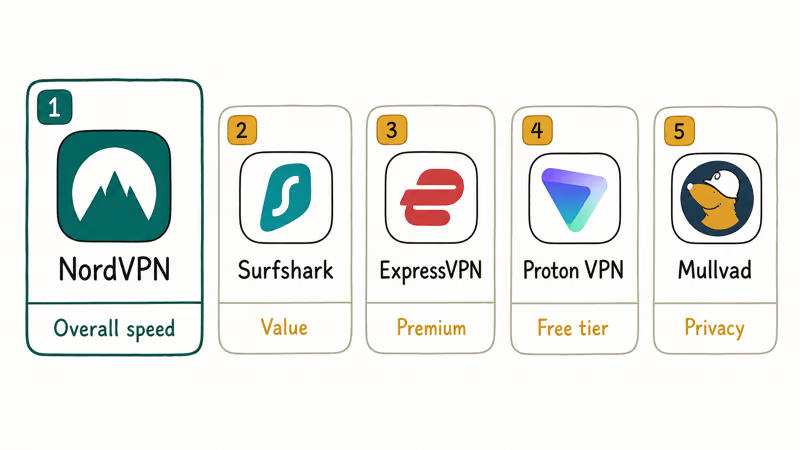
How the five best iPhone VPNs compare on the factors that matter most
| VPN | Best for | iOS protocol | Simultaneous devices |
|---|---|---|---|
| NordVPN | Overall speed | NordLynx (WireGuard) | 10 |
| Surfshark | Value | WireGuard | Unlimited |
| ExpressVPN | Premium polish | Lightway | 8 |
| Proton VPN | Free tier | WireGuard | 10 |
| Mullvad | Privacy | WireGuard | 5 |
#1. NordVPN: Best Overall for iPhone
NordVPN took the top spot because it’s the fastest and most consistent app of the group, and its iOS app is the cleanest too. It runs NordLynx, Nord’s WireGuard-based protocol, which kept downloads quick and streaming smooth even on cellular. Ten simultaneous connections cover a typical Apple household, and the kill switch and Threat Protection both work properly on iOS.
fone.tips may earn a commission when you subscribe through the links below, at no extra cost to you.
Some links on this page are affiliate links, which means fone.tips may earn a commission at no extra cost to you.
#2. Surfshark: Best Value
Surfshark wins on value because a single subscription covers unlimited devices, so the whole household shares one plan. The iOS app includes a split-tunneling feature Surfshark calls Bypasser, which lets your banking app skip the tunnel while everything else stays protected. Speeds trailed NordVPN slightly but stayed fast enough for 4K streaming on the iPhone.
#3. ExpressVPN: Best Premium App
ExpressVPN is the most polished premium option, with a tap-to-connect iOS app and its own Lightway protocol built for quick, stable connections. It costs more than the others and offers fewer simultaneous connections, but it’s the app we’d hand to someone who never wants to open a settings screen. If you want a frictionless premium pick, ExpressVPN is the safe choice.
#4. Proton VPN: Best Free Tier
Proton VPN is the pick if you need a free tier you can actually trust on an iPhone. Unlike most free apps, it has no data cap, shows no ads, and keeps no activity logs, funded instead by its paid plans and Proton’s wider privacy business. The catch is a small set of free server locations and no streaming support unless you upgrade.
#5. Mullvad: Best for Privacy
Mullvad is the most privacy-focused pick because it doesn’t ask for an email or name. You get a random account number instead, and you can even pay in cash. The flat monthly price never changes, and its iOS app is plain but reliable.
It’s the choice when account-free anonymity matters more than streaming features. If hiding your IP and rotating servers is the goal, it pairs well with our guide to hide your location.
For no-email accounts, audits, and the flat pricing trade-offs, read our Mullvad VPN privacy review for 2026.
#Do You Really Need a VPN on Your iPhone?
A VPN isn’t mandatory, but it earns its place in a few clear situations. If you’re not yet sure what a VPN does on iPhone, start there first, then come back to compare the apps.
The strongest case is privacy on networks you don’t control. We cover the full threat model in our guide to using a VPN on public Wi-Fi, but the short version is that a VPN hides which sites you reach from the network owner. It also lets you watch streaming subscriptions you already pay for while traveling, and it can sidestep ISP throttling on specific services.
Keep the scope honest. Set up a VPN on your own iPhone, on networks you have a right to use, for your own privacy. A VPN is legal in most countries, but it doesn’t put you above the law or a service’s terms of use, and a handful of places like China, the UAE, and Iran restrict or ban them.
#What Makes a VPN Different on iOS?
iOS handles VPNs in its own way, and that changes which app you should pick. Apple’s VPN deployment documentation confirms that iOS natively supports just 3 built-in VPN protocols (IKEv2, IPsec, and L2TP), so OpenVPN and WireGuard don’t appear in Settings at all. That’s why you install the provider’s App Store app: it bundles its own protocol instead of relying on the built-in list.
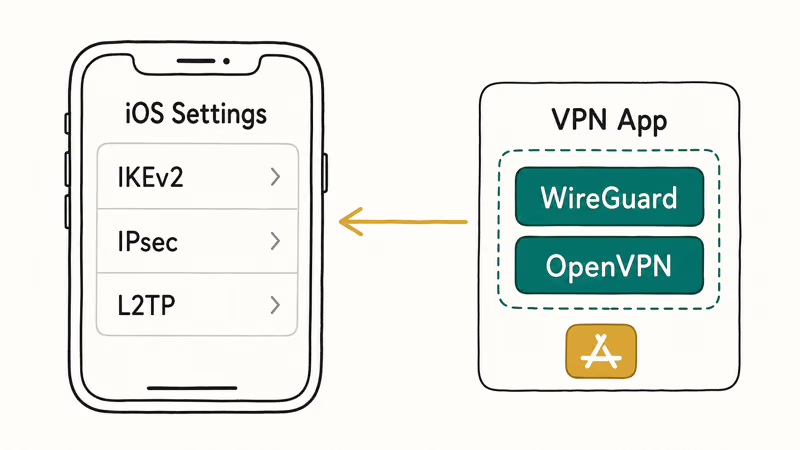
IKEv2 reconnects the fastest when the iPhone moves between Wi-Fi and cellular, which is why some manual corporate setups still rely on it. The WireGuard-based apps, like NordVPN’s NordLynx, are snappiest for large downloads and streaming.
A VPN also pairs with the rest of your privacy housekeeping. Run through our iPhone privacy settings alongside it, and if you specifically want to change your iPhone location, that’s a separate tool from a VPN’s IP masking.
#iCloud Private Relay Is Not a VPN
The most common iPhone mix-up is treating iCloud Private Relay as a free VPN. It isn’t one. According to Apple’s iCloud Private Relay page, the feature only protects browsing in Safari and requires an iCloud+ subscription, so everything outside Safari travels normally.
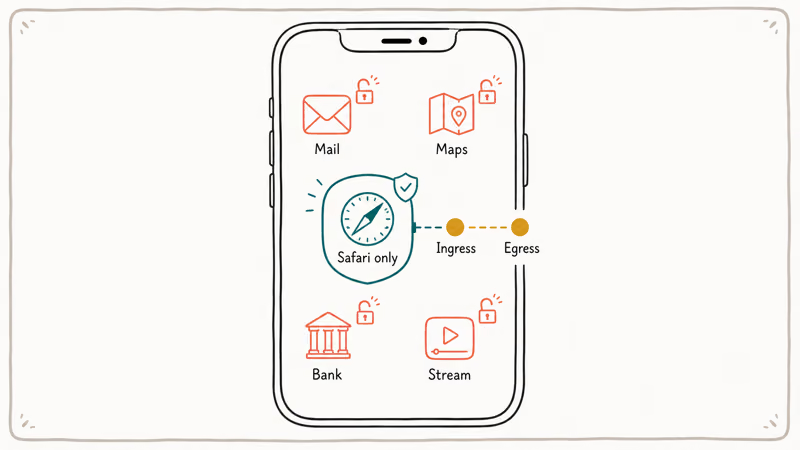
It also works differently under the hood. According to Apple’s security guide, Private Relay uses 2 separate proxies, an ingress relay run by Apple and an egress relay run by a content provider, so no single party sees both who you are and which sites you visit. A real VPN instead routes every app through one encrypted tunnel.
If you do want Private Relay on, you can enable it in Settings under your name, then iCloud. Apple’s documentation states that it hides your IP address and Safari activity from networks and websites, which is useful but far narrower than a full VPN.
#How to Set Up a VPN on Your iPhone
Setup on an iPhone is quick, and the official route is the App Store app rather than a manual profile. The app configures the connection for you and handles protocol choice, so most people never touch the built-in settings.
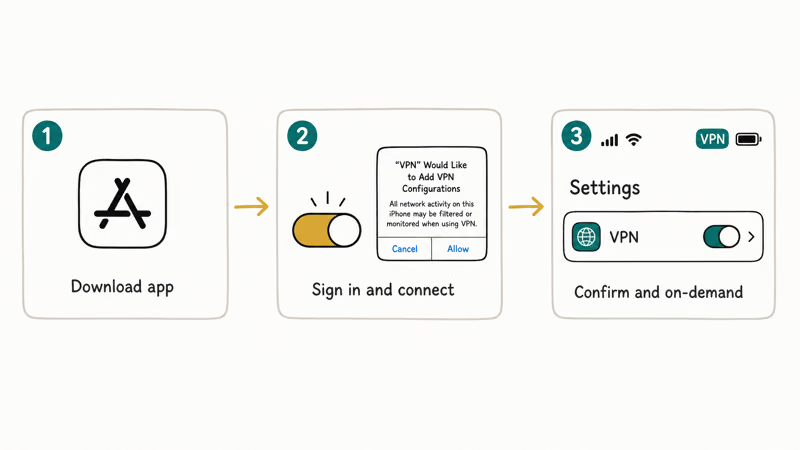
To install the app route:
- Open the App Store and download your chosen VPN, such as NordVPN or Proton VPN.
- Sign in with your subscription, then tap Connect and approve the VPN configuration prompt iOS shows.
- Open Settings, then General, then VPN & Device Management to confirm the profile is active, and set it to connect on demand.
Manual IKEv2 setup exists for people whose employer or school hands them a config, but for personal use the app is faster and harder to misconfigure. Once connected, a small VPN badge appears in the status bar so you always know it’s running.
#Bottom Line
For most iPhone owners, NordVPN is the one to get. It delivers the fastest, steadiest speeds of the group, has the cleanest iOS app, and its ten connections cover a normal Apple household.
Pick Surfshark instead if you want unlimited devices on a tighter budget, ExpressVPN if you’d rather pay more for a frictionless app, Proton VPN if you need a free tier that won’t sell your data, or Mullvad if account-free privacy is the priority.
Skip the free “unlimited” App Store VPNs that make money off your traffic, and remember iCloud Private Relay only guards Safari, not your whole iPhone.
#Frequently Asked Questions
Does Apple have its own built-in VPN?
No, Apple doesn’t ship a consumer VPN on the iPhone. iOS has the framework to connect to a VPN using IKEv2, IPsec, or L2TP, but you supply the service yourself through an app or a manual profile. iCloud Private Relay is the closest Apple feature, and it only covers Safari.
Is iCloud Private Relay the same as a VPN?
No. Private Relay only protects Safari browsing and DNS and needs an iCloud+ subscription, while a VPN routes every app on your iPhone through one encrypted tunnel.
Are free VPNs safe to use on an iPhone?
Most free VPNs aren’t worth the risk. Many fund themselves by logging your activity, injecting ads, or reselling your bandwidth, which defeats the point of running one. Proton VPN’s free tier is the rare exception we’d recommend, because it keeps no logs and shows no ads. If an app promises unlimited free data with no catch, assume your data is the product.
Will a VPN slow down my iPhone?
A little. Encrypting and rerouting traffic always adds some overhead, but with a fast provider like NordVPN on a WireGuard-based protocol, the drop is small enough that streaming and browsing feel normal.
Can I use one VPN subscription on my iPhone and my other devices?
Usually, yes. Most providers let one subscription cover several devices at once, so your iPhone, iPad, Mac, and laptop can all connect. NordVPN allows ten connections and Surfshark allows unlimited, while ExpressVPN and Mullvad cap the number lower. Check the device limit before you buy if you have a big household.
Is it legal to use a VPN on an iPhone?
In most countries, yes, using a VPN is perfectly legal. A few governments, including China, the UAE, and Iran, restrict or ban them, so check local rules before you travel. A VPN also doesn’t make illegal activity legal or override a service’s terms of use.
Why don’t OpenVPN and WireGuard appear in iPhone VPN settings?
Because iOS only builds in IKEv2, IPsec, and L2TP. OpenVPN and WireGuard aren’t part of the native settings, so providers ship them inside their own App Store apps instead. That’s why installing the app is almost always easier than a manual configuration.
Does running a VPN drain iPhone battery?
It uses some extra battery because the connection stays active in the background. The drain is modest with the WireGuard-based apps and a bit higher with always-on IKEv2 profiles. Turning the VPN off when you don’t need it, or using on-demand rules, keeps the impact small.

Is This Bank App Real? Spot a Fake App on Your Home Screen
A bank app can land on your home screen from a web page with no install warning. Learn the checks that tell a real banking app from a phishing web app.
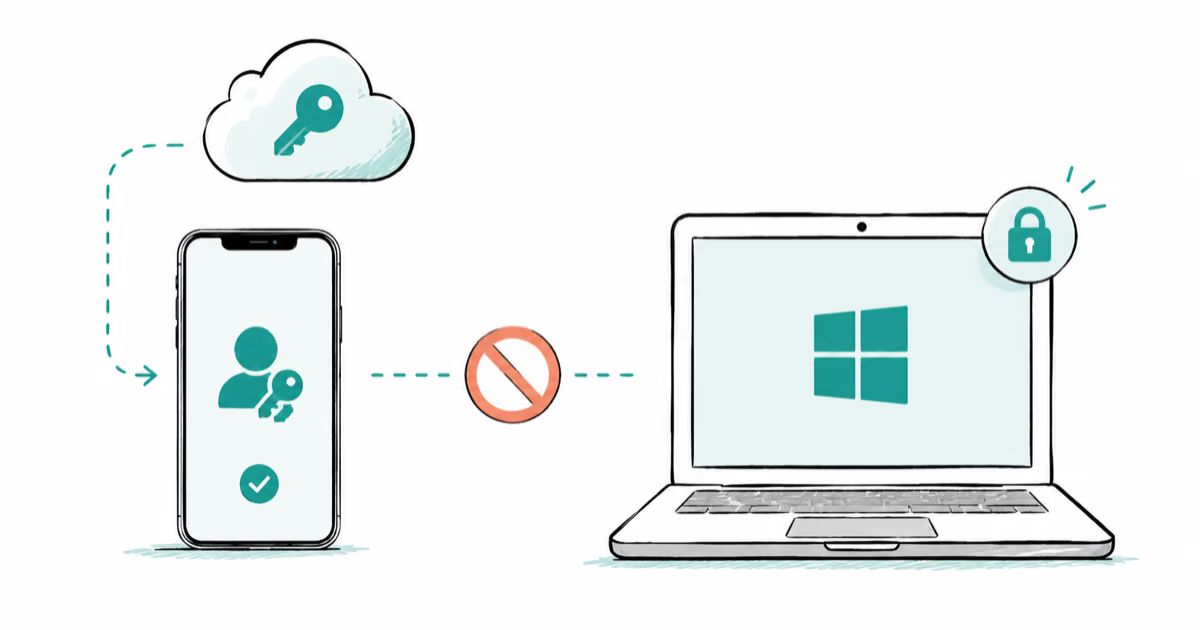
Passkeys Not Syncing Between iPhone and Windows? Read This
Passkeys not syncing between iPhone and Windows is by design, not a bug. Here is why iCloud passkeys skip Windows Hello and the three ways to fix it.
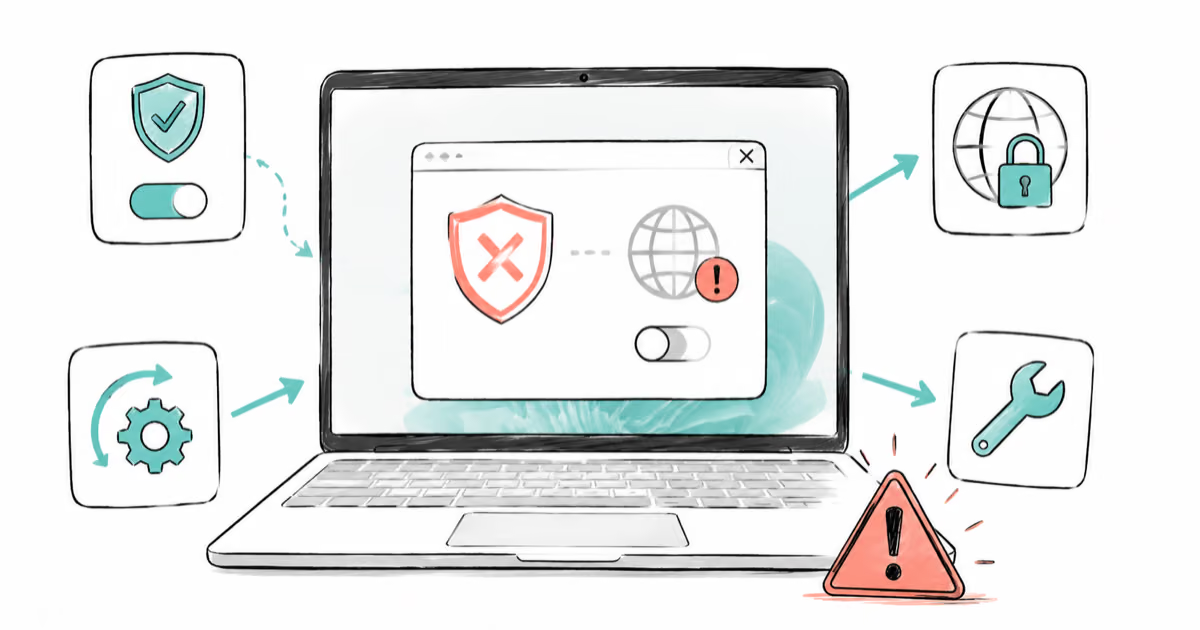
VPN Not Working on Snapdragon X? Why It Fails, How to Fix
Your VPN won't install or connect on a Snapdragon X Copilot Plus PC because Windows on ARM can't emulate the network driver. Here are the fixes that work.
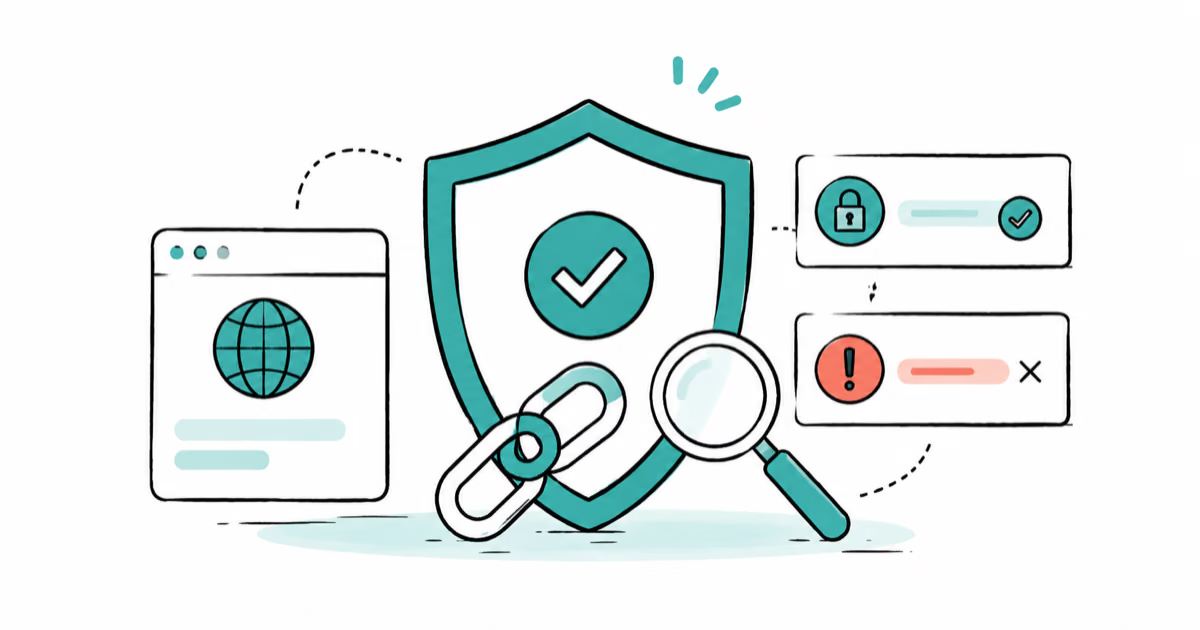
How to Check If a Link Is Safe Before You Click It
Learn how to check if a link is safe with official-first steps: read the real domain, use the app instead, and treat scanners as a second opinion only.