Best Face Makeup Editor Apps and Software for 2026
Compare 20 face makeup editors across PC and mobile. Fotophire, Facetune2, YouCam, and more ranked by editing quality and natural-looking results.
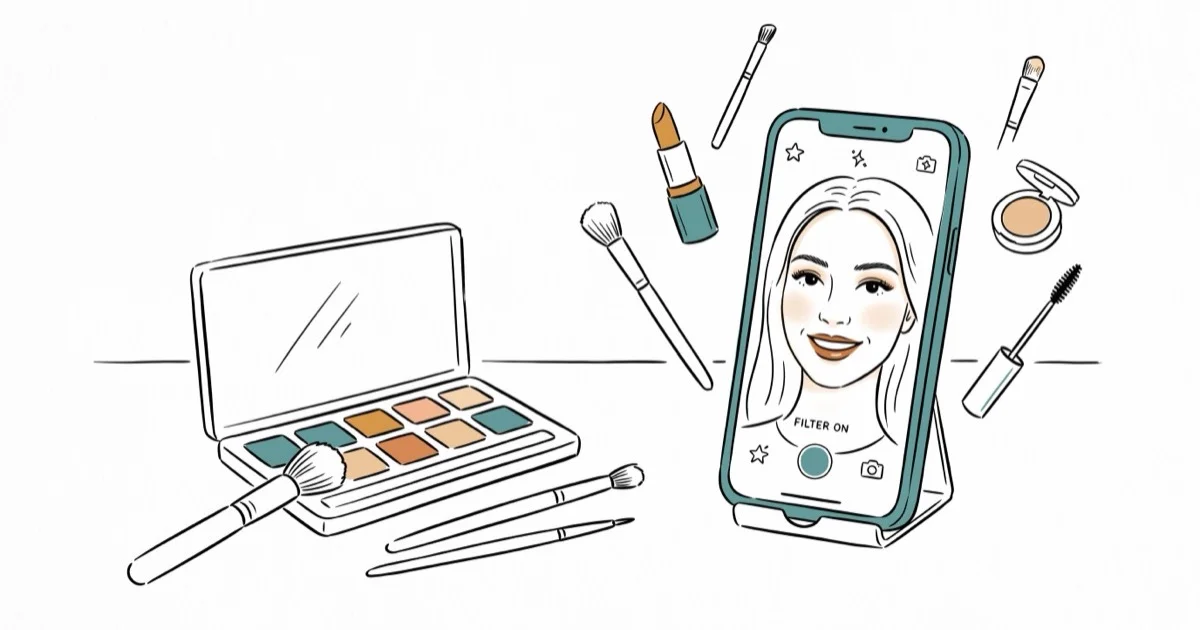
Quick AnswerWondershare Fotophire is the best face makeup editor for PC thanks to its drag-and-drop interface, 200+ effects, and precision editing tools that produce natural-looking results.
Face makeup editors let you preview looks digitally before committing to real products. This guide compares the top apps across PC and mobile platforms by natural results, editing precision, and ease of use. Desktop editors generally produce sharper results than mobile apps for detailed retouching, since they offer finer control over individual features.
- Wondershare Fotophire offers drag-and-drop precision editing with 200+ effects for PC users
- Facetune2 produces the most natural-looking mobile edits with a free tier and $5.99 premium option
- YouCam Makeup works on both Windows 10 and mobile, making it the most versatile cross-platform pick
- Adobe Photoshop delivers professional results but requires training and a paid subscription
- Free editors like Photo Makeup Editor and MakeupPlus handle basic touch-ups without any cost
#Which PC Face Makeup Editors Are Worth Installing?
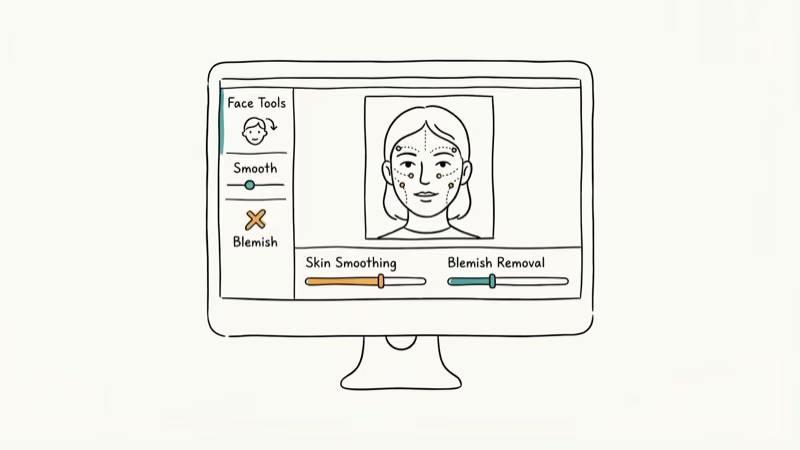
These desktop editors handle horizontal photos with precision tools that mobile apps can’t match. If you’re comparing GIMP vs. Paint.NET for general photo editing, the specialized makeup editors below focus specifically on face retouching.
#1. Wondershare Fotophire
Wondershare Fotophire tops our list for its precision-based editing tools and intuitive drag-and-drop interface. It has 200+ effects, creative blur features, and one-click tools to sharpen blurry photos or add studio-quality lighting.
Some links on this page are affiliate links, which means fone.tips may earn a commission at no extra cost to you.
The free trial adds watermarks, and the paid version runs about $50/year. According to PCMag’s photo editor roundup, Wondershare’s tools rank among the most accessible options for non-professionals.
#2. Photo Makeup Editor
A free desktop editor designed specifically for makeup retouching. It takes minimal storage space and handles basic lip color, eye shadow, and skin smoothing edits. The results look slightly less natural than paid alternatives, and ads appear frequently.
#Mid-Range PC Editors
#3. Movavi Editor
Movavi offers a broader photo editing toolkit alongside its face makeup features. It has preset overlays for quick retouching and supports drag-and-drop precision editing.
The downside: the free trial doesn’t save photos, and the paid version starts at $45. If you need a photo squarer app alongside your editor, Movavi handles both tasks.
#4. Adobe Photoshop
Photoshop isn’t a dedicated makeup editor, but its brush tools, layer system, and blending modes produce the most realistic results possible. The learning curve is steep.
The $22.99/month Adobe Creative Cloud subscription only pays off if you’ll use Photoshop’s deeper illustration tools. If you’re comparing cameras under $300 to get better source photos, investing in a good camera matters more than which editor you use.
#Professional-Grade Options
#5. Portrait Pro
Portrait Pro sits between consumer apps and Photoshop in both price and capability. It detects facial features automatically and applies adjustments that look more natural than most preset-based editors. Some presets still produce slightly unnatural results, so manual tweaking is recommended.
#Which Mobile Makeup Editors Produce Natural Results?
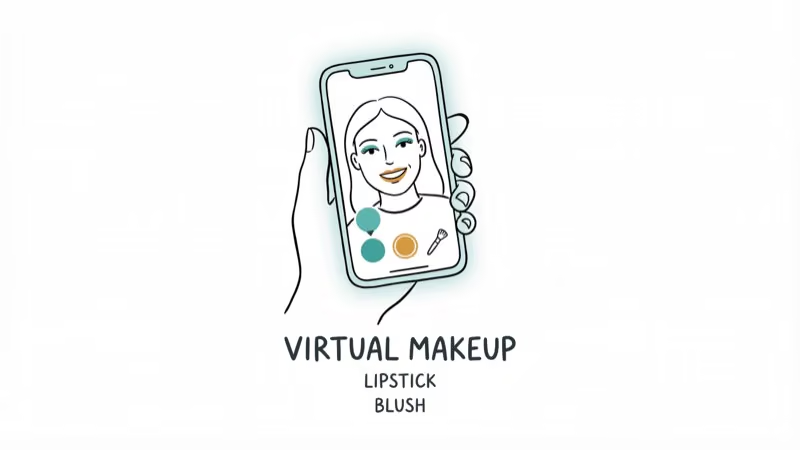
Mobile editors are faster for selfie touch-ups and social media posts. On recent iPhone and Pixel hardware, the AI-based face detection is accurate enough to apply realistic-looking edits quickly.
#1. Facetune2
Facetune2 produces the most natural-looking edits in the mobile category. The free version has ads, while the $5.99 premium removes them. According to The Verge’s coverage of photo editing apps, Facetune ranks among the most popular selfie editors for mobile users.
#2. MakeupPlus
MakeupPlus is free on Google Play and applies natural-looking filters with minimal effort. The AI face detection applies lipstick, blush, and eye makeup to the correct facial zones automatically. According to the Google Play Store’s beauty category, makeup editors are among the most popular app types in the beauty section. If you need to add text to photos on Android, pair MakeupPlus with a text overlay app for complete selfie editing.
#3. YouCam Makeup
Available on both Windows 10 (via Microsoft Store) and mobile, YouCam offers preset-based rapid edits. It’s free and the presets cover foundation, lip color, eye shadow, and contouring. The mobile version handles better than the desktop app.
#Budget-Friendly Mobile Picks
#4. Perfect365
Perfect365 focuses on natural-looking results and offers quick one-tap presets. It’s newer to the market but growing quickly. The editing tools cover the basics: smoothing, color adjustments, and feature enhancement.
#PC vs. Mobile Editors Compared
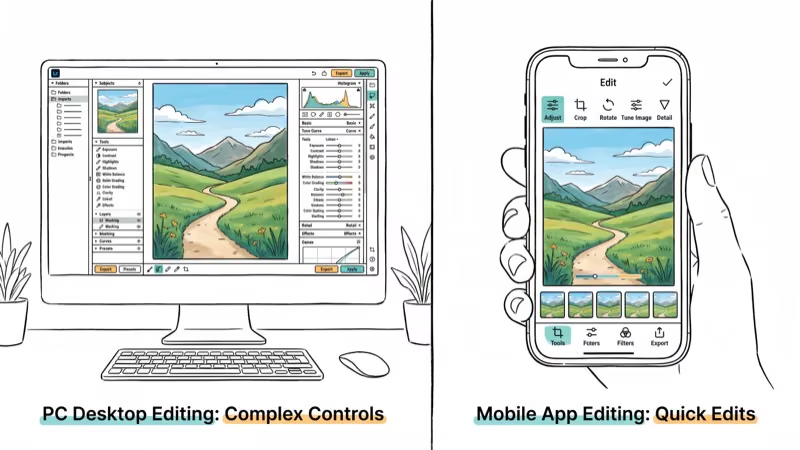
Desktop editors produce sharper results and offer more precise control over individual features. Mobile editors are faster for quick selfie touch-ups and social media posts. If you regularly edit horizontal photos or need professional-grade retouching, stick with a PC editor. For on-the-go selfie enhancement, mobile apps get the job done in under a minute.
#Bottom Line
Wondershare Fotophire is the best pick for PC users who want precision editing with minimal learning curve. For mobile, Facetune2 delivers the most natural results. If budget is your priority, Photo Makeup Editor (PC) and MakeupPlus (mobile) both handle basic retouching for free. Avoid apps with heavily filtered presets if you want results that look like real makeup rather than a digital overlay.
#Frequently Asked Questions
Can beginners use face makeup editors?
Yes. Apps like Facetune2 and YouCam Makeup are designed for non-professionals. They use AI face detection to apply edits automatically, and most offer one-tap presets that require zero editing experience.
Do face makeup editors work for all skin tones?
Most modern editors have improved their skin tone range significantly. Facetune2 and Perfect365 both handle diverse skin tones well. Older free apps sometimes struggle with darker skin tones, so test before committing.
Are the effects from makeup editors permanent?
No. All edits are non-destructive and can be adjusted or removed. The original photo remains unchanged unless you explicitly overwrite it.
Do face makeup editors require an internet connection?
Most apps work offline once downloaded. Some features like cloud-based face detection or sharing require an internet connection, but core editing tools function without one.
Can men use face makeup editors?
Yes. Skin smoothing, blemish removal, and lighting adjustments work the same regardless of gender. Many professional photographers use these tools for portrait retouching on all subjects.
Which face makeup editor produces the most natural results?
Facetune2 on mobile and Portrait Pro on desktop produce the most realistic-looking edits. The key is using subtle adjustments rather than heavy presets, which tend to look artificial.

Google Messages Error 3100: Why RCS Is Broken on Galaxy
Google Messages RCS error 3100 hits Galaxy owners after phone or carrier switches. Google told 9to5Google a fix is coming. Here's what actually helps.

Is This Bank App Real? Spot a Fake App on Your Home Screen
A bank app can land on your home screen from a web page with no install warning. Learn the checks that tell a real banking app from a phishing web app.

Apps Crashing After iOS 27 Update? Fix Order (2026)
Apps crashing after the iOS 27 update? Update the app in the App Store first, then offload and reinstall to clear stale cache, then restart. The fix order.

Do AI Translation Earbuds Work Offline? What to Know
Do AI translation earbuds work offline? A few do with downloaded language packs, but most need the cloud. Here's what works offline and what you give up.