iN-Box V4.8.0 Review: Can Its Unlock Claims Be Verified?
A cautious iN-Box V4.8.0 review that separates unverified product claims and download risks from Apple’s documented Activation Lock removal options.
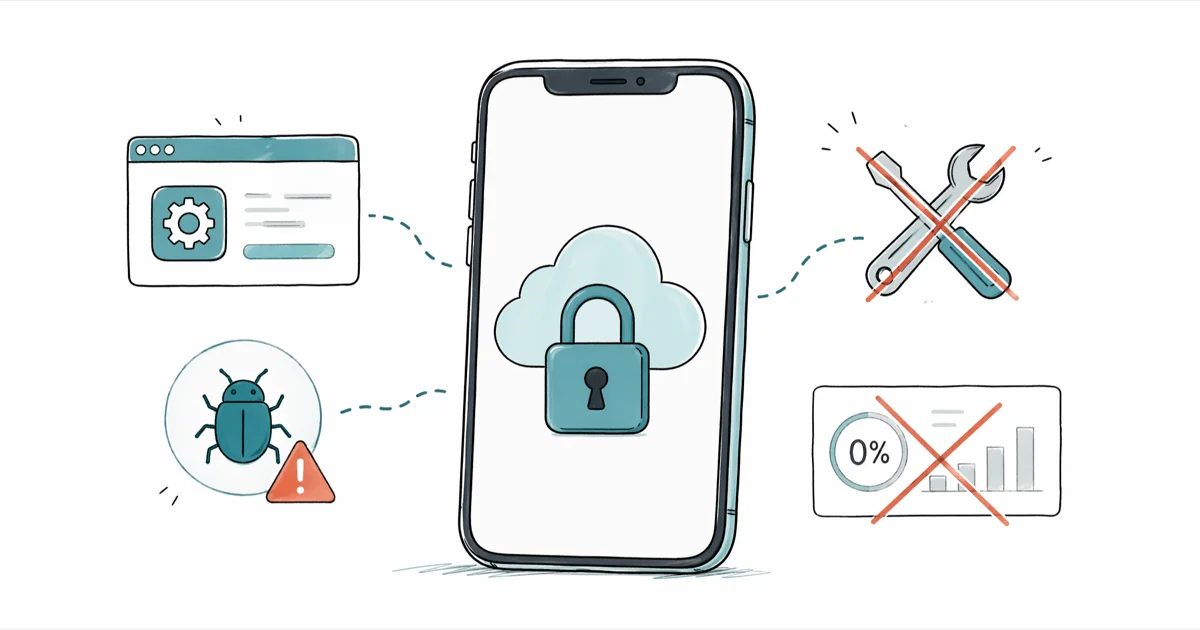
Quick AnswerThis review couldn't verify a current official developer, authenticated download, compatibility matrix, or reproducible Activation Lock result for iN-Box V4.8.0. Use Apple's documented routes first.
iN-Box V4.8.0 appears in third-party downloads as an Activation Lock utility. This review couldn’t verify a current authoritative developer, download, compatibility list, privacy policy, or reproducible result.
That verification gap doesn’t prove those items exist nowhere. It means a copy can’t be treated as trustworthy until its distributor supplies independently checkable evidence. This guide applies only to a device or account you own or are authorized to manage.
- “Not verified in this review” is a retrieval result, not proof that every copy is fake or malicious
- A progress bar, “success” message, or home-screen access does not prove that Apple removed the linked account on its activation servers
- Don’t submit an Apple Account password, two-factor code, recovery key, receipt, or identity document to an unverified tool
- Treat device-model, software-version, feature, persistence, and refund claims as separate statements that each need current evidence
- Apple documents owner credentials, previous-owner removal, managed-device help, and a proof-of-purchase support request; it does not promise a fixed turnaround or approval
#What Could This Review Verify?
Verification is still incomplete. We didn’t locate a current official iN-Box V4.8.0 site that identifies the developer and publishes an authenticated installer, current compatibility matrix, support channel, and privacy terms. We also didn’t find primary documentation that establishes what the named version changes on an iPhone or iPad.
That leaves several claims unresolved rather than disproved:
- Which operating systems can run the software
- Which exact iPhone or iPad identifiers it supports
- Whether it changes only local setup behavior or the server-side account association
- Which Apple and carrier services work afterward
- Whether any result persists through a restart, update, erase, recovery, or restore
- What data the software collects or transmits
A third-party screenshot or mirror description is not enough to answer those questions. Different files can use the same product name, and a historical description may not match the binary offered today.
#Why Do Activation Lock Claims Need Server-Side Evidence?
According to Apple’s Activation Lock platform-security guide, an iPhone or iPad contacts Apple’s activation server during activation. Server-side activation is the key boundary. On an unmanaged device, Apple documents the credentials for the linked Apple Account or a previously used device passcode as ways to unlock it. Supervised business and school devices have separate management controls.
According to Apple’s Activation Lock overview, the link is stored with Apple’s activation service and checked during activation and recovery. Consequently, each of these product claims needs its own proof:
- The program starts without error.
- The device reaches part of iOS.
- The device completes a normal activation with Apple.
- The previous owner’s account association is removed.
- Sign-in, messaging, calls, data, apps, updates, erase, and restore behave as described.
A video showing the first or second result does not establish the remaining results. Nor does invoking the name of an exploit prove that a particular installer contains, uses, or safely implements it.
#How to Evaluate an iN-Box Download
Before running any copy, ask the distributor for evidence that can be verified outside its own sales page:
| Check | Evidence worth accepting |
|---|---|
| Developer identity | A consistent legal or project identity with a support channel |
| Download integrity | A signed release or published checksum from the authoritative project |
| Compatibility | Exact device identifiers, software versions, host systems, and test dates |
| Result | Separate statements for activation, account association, calls, data, Apple services, and persistence |
| Data handling | A privacy policy naming the data collected, destination, retention, and deletion process |
| Payment | Seller identity and written refund conditions tied to the actual checkout |
| Recovery | Documented steps for a failed or interrupted operation |
If the distributor can’t provide those basics, don’t treat a download count, testimonial, or “one-click” label as a substitute.
#Download and Credential Risks
An unverified installer can be nonfunctional, modified, or harmful even when the product name once referred to a real utility. The absence of an authenticated origin also makes malware claims difficult to generalize: one sample may differ completely from another.
Use these boundaries with any unverified unlock utility:
- Don’t disable security software merely because an installer tells you to.
- Don’t enter an Apple Account password, two-factor code, recovery key, or device passcode into a third-party form.
- Don’t upload a receipt, government ID, or proof-of-purchase document outside the official Apple request.
- If a build asks for an IMEI, serial number, or other device identifier, stop until its privacy policy explains why, where the data goes, and how it can be deleted.
- Don’t install a configuration profile, root certificate, remote-access tool, or unknown driver without understanding its scope and removal path.
- Preserve an accessible backup before any firmware or recovery operation.
These precautions don’t establish that a particular copy is malicious. They limit the damage if its identity or behavior can’t be established.
#Do Not Infer Compatibility From Checkm8 Alone
According to the original checkm8 research repository, its implementation is a hardware-exploit research utility with processor-specific support. Exploit compatibility isn’t product validation. The repository doesn’t certify every commercial product that uses “checkm8,” “iCloud bypass,” or similar language.
A useful compatibility claim must identify the exact tool build, device identifier, software version, and expected outcome. Broad statements such as “all iPhones,” “modern devices,” or “checkm8 compatible” omit too much information. They also fail to distinguish a jailbreak or local setup change from removal of the account association on Apple’s activation servers.
The same caution applies to competing paid products. A brand name, refund badge, or historical review doesn’t prove current support or a current success rate. Check the vendor’s live documentation and payment terms for the exact device before buying; don’t copy an old price, percentage, or model range into a present-day recommendation. Our iCloud unlock tool comparison should be read with the same current-source rule.
#Apple’s Documented Removal Routes
According to Apple’s current How to remove Activation Lock page, Apple’s documented routes are:
- Your own device: enter the Apple Account and password used to set it up, or use the device passcode when that option appears.
- A previous owner’s device: ask that person to go to
icloud.com/find, select the device, and choose Remove This Device. - A business or school device: contact the organization’s IT department or device manager.
- A device with proof of purchase: use Apple’s page to start an Activation Lock support request.
Apple does not state on that page that the device must be in Lost Mode. It does not publish a fixed decision time, guarantee approval, promise a particular price, or say a carrier can escalate the request. Those details should not be presented as Apple policy without a current source.
If a seller still controls the linked account, remote removal is the cleanest route. If the seller refuses, use the marketplace or payment provider’s return or dispute process while it remains available. Our official Activation Lock removal guide covers the ownership link; a carrier unlock addresses a different network restriction. If it’s your forgotten account, start with Apple Account recovery instead of an unlock utility.
#What to Do If You Already Downloaded a Copy
If you downloaded but did not run it, delete the untrusted installer and obtain software only from an authenticated source. If you ran it, the safest response depends on what you granted:
- Disconnect the computer from the network if the program behaves unexpectedly.
- Record the file name, source page, checksum, prompts, and permissions requested.
- Remove any profiles, certificates, remote-access utilities, or drivers only through their documented system controls.
- Run the operating system’s current security scan and review account sign-ins from a separate trusted device.
- If you entered an Apple Account password, change it from a trusted device and review trusted devices.
- If you exposed an Apple Account recovery key, handle it separately: on a trusted device, follow Apple’s recovery-key settings to update the key or turn it off.
- Contact Apple Support if purchase evidence or other account-recovery information may have been disclosed.
Don’t repeatedly flash or restore a device merely to see whether the message changes. If accessible data isn’t backed up, an erase can make recovery harder while Activation Lock still returns at setup. Our guides to resetting an iPhone without a passcode or computer and resetting an iPad without an iCloud password explain why passcode recovery and Activation Lock remain separate issues.
#Bottom Line
This review can’t validate iN-Box V4.8.0 as a current Activation Lock solution, but it also doesn’t convert a failed search into proof that every copy is fake or malicious. The defensible decision is to withhold credentials, device identifiers, money, and low-level access until the distributor provides verifiable identity, integrity, compatibility, privacy, and outcome evidence. Start with Apple’s documented routes and the previous owner whenever possible.
#Frequently Asked Questions
Does iN-Box V4.8.0 bypass Activation Lock?
We could not verify a reproducible current result from an authoritative developer source. That is an unresolved claim, not proof of success or failure. A “success” screen or local home-screen access would not by itself prove that Apple removed the linked account.
Is iN-Box V4.8.0 malware?
There is no single authenticated current binary in this review that would justify a statement about every copy using the name. Unofficial copies can differ. Treat an unverified installer as high risk and require a signed release or authoritative checksum before running it.
Which devices does it support?
We did not find a current authoritative compatibility matrix. Require the exact device identifier, installed software version, host operating system, tool build, and expected post-restart behavior before accepting a compatibility claim.
Should I give an unlock tool my IMEI?
Not without a verified developer and privacy policy that explains the purpose, recipient, retention, and deletion process. An IMEI is a persistent device identifier. Apple Account credentials, two-factor codes, recovery keys, receipts, and identity documents should not be submitted to a third-party unlock tool at all.
Are paid Activation Lock tools more reliable?
Payment and refund language don’t prove a technical result. Evaluate the same identity, installer-integrity, compatibility, privacy, persistence, and support evidence before purchasing. Don’t rely on an old review’s model range, price, success rate, or refund promise.
Can Apple remove Activation Lock?
Apple allows someone with proof of purchase to start a support request and lets the linked owner remove a device through Find My. Its current public page does not guarantee approval or give a fixed turnaround.
Can my carrier remove Activation Lock?
A carrier can help with a carrier or network lock, but Apple’s public Activation Lock removal page does not describe carrier escalation as a removal route. Confirm which lock you are seeing before contacting either organization.
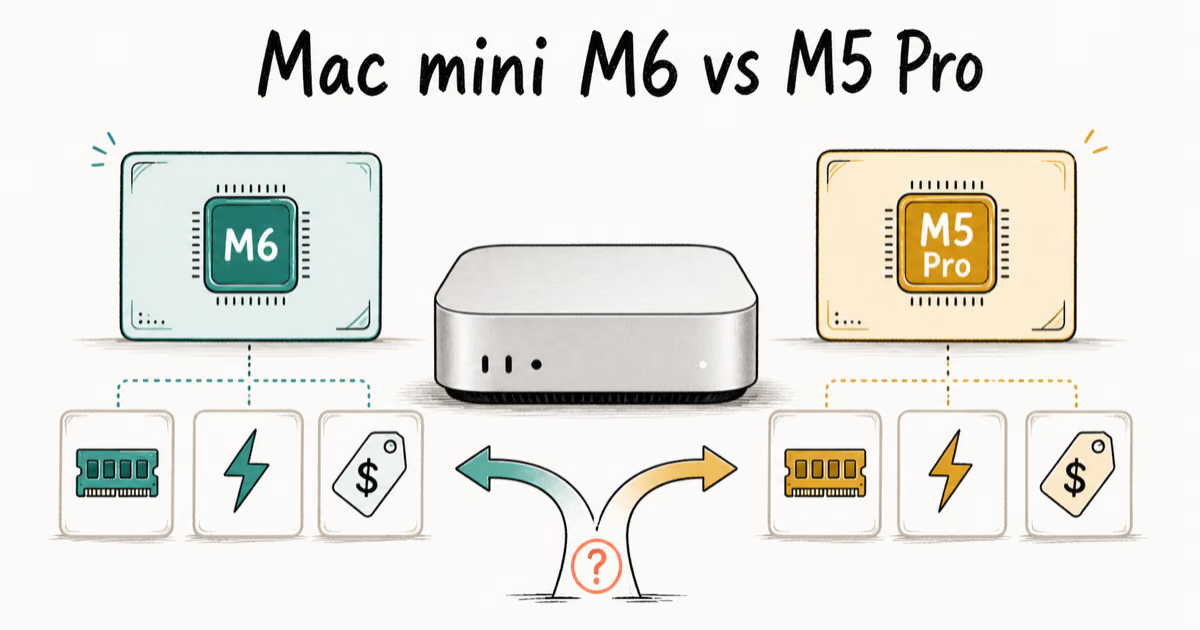
Mac mini M6 vs M5 Pro: Which Model Should You Buy?
Mac mini M6 vs M5 Pro compared on price, memory, ports, displays, and real workloads. Find the better 2026 Mac mini for your desk and budget.
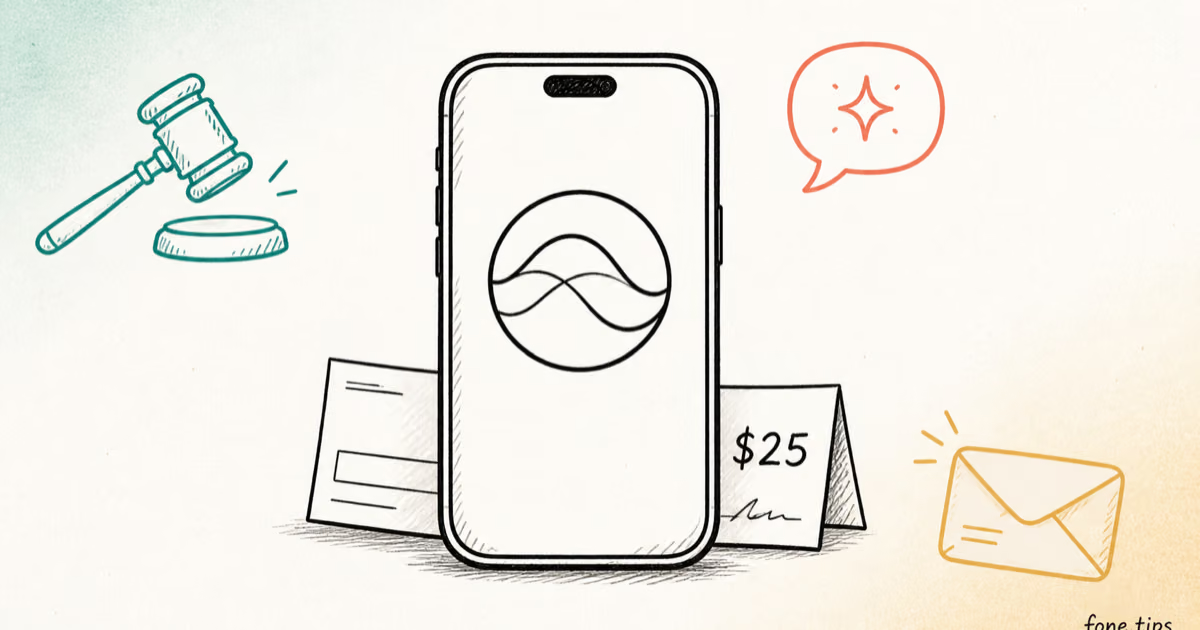
Apple Siri Settlement: Who Qualifies and How to Claim
Apple's $250 million Siri settlement covers iPhone 15 Pro and iPhone 16 models bought June 2024 to March 2025. See who qualifies and how claims work.
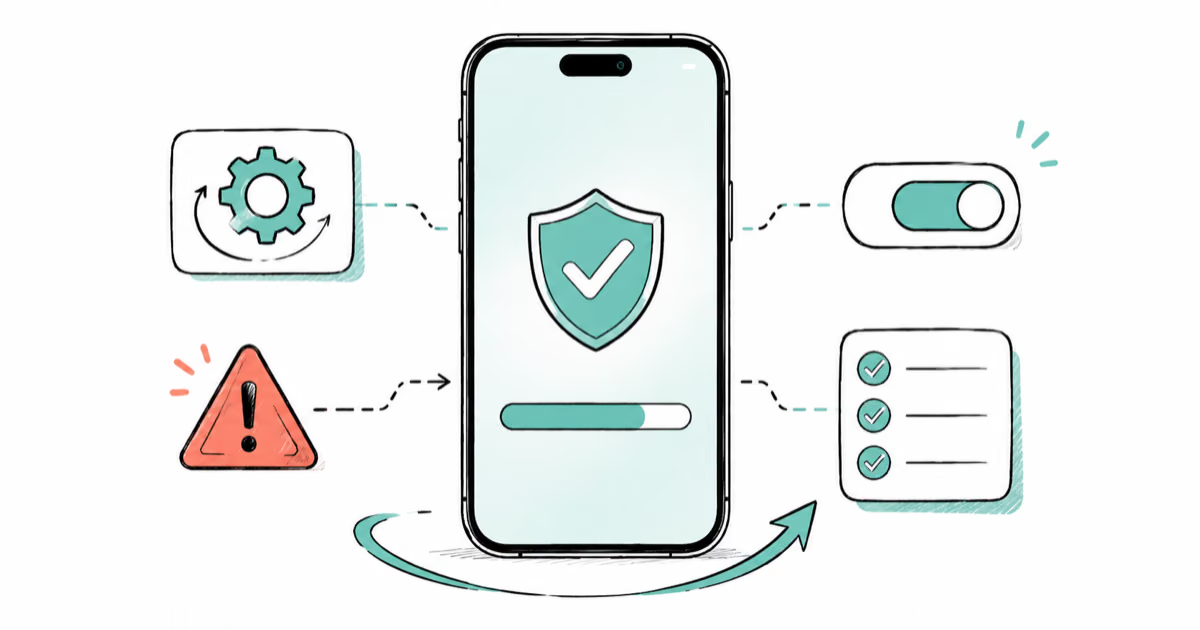
iOS 26.6.1 Security Update: What Apple Fixed and Who Gets It
Apple released iOS 26.6.1 on August 17 with 29 security fixes, including an IPSec interception bug. See what it patches, who gets it, and how to update.
iPhone Adaptive Power: How It Works and When to Use It
Learn how iPhone Adaptive Power works, which models support it, what it changes, and when Low Power Mode is still the better battery-saving choice.