How to Tell If Someone Turned Off Their Location on iPhone
Interpret a missing shared location on iPhone, check the correct Find My and Location Services controls, and avoid treating status text as proof.
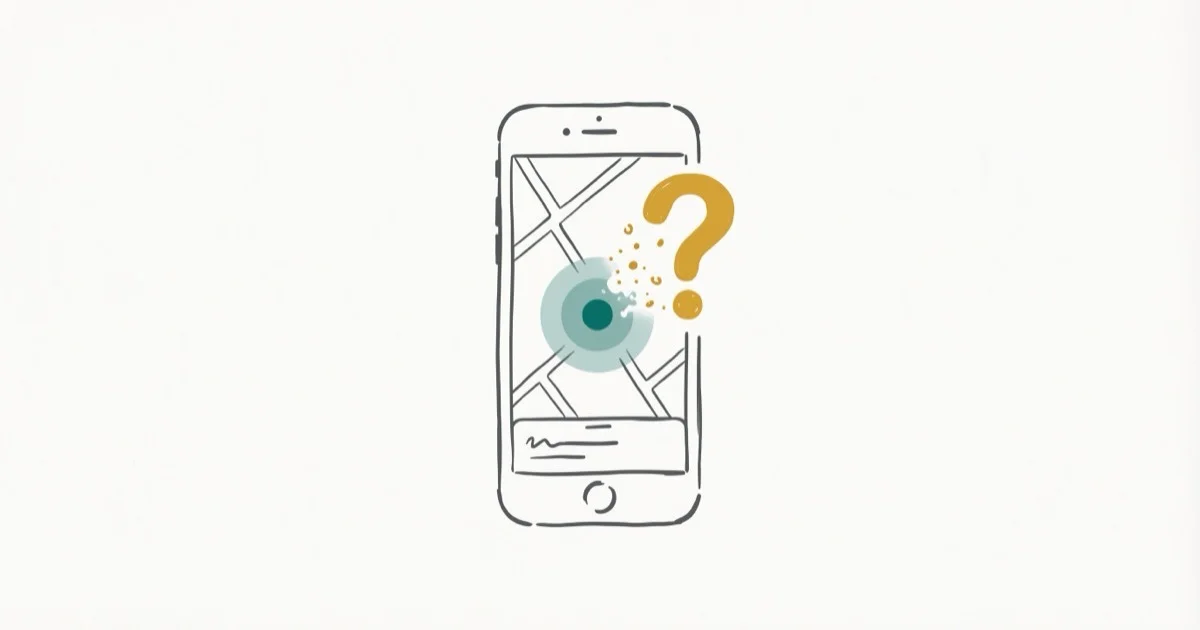
Quick AnswerNo Find My status proves that someone turned off location sharing. A missing pin, old timestamp, or unavailable message can reflect power, data, account, or device issues, so ask the person to check Find My with you.
A missing shared location is not proof that someone deliberately hid it. Find My can stop showing a current position when sharing changes, a device loses power or data, an account or app has a problem, or location information is temporarily unavailable.
Use these checks only with the other person’s cooperation. Don’t bypass their choice not to share.
- No single Find My indicator identifies why a shared location disappeared
- Check the Find My Me and People tabs instead of using a nonexistent Privacy & Security path
- Airplane Mode does not prove that GPS or every wireless radio is off
- A timestamp shows the age of displayed information, not why updating stopped
- Device recovery in Find My is separate from person-to-person location sharing
#What Does a Missing Location Actually Prove?
It proves only that Find My is not showing you a current shared position. It does not establish whether the person changed a sharing control, their phone lost power or data, or a service or account state changed.
According to Apple’s Location Services privacy page, an iPhone can use cellular, Wi-Fi, GPS, and Bluetooth information to determine location. Apple also warns that location-based information can be unavailable, inaccurate, or incomplete when data services are unavailable.
Those are separate layers:
- Positioning: The iPhone estimates its position.
- Data delivery: The device and service exchange an update.
- Permission: The owner chooses whether to share with you.
- Display: Your Find My app renders the information it received.
A problem at any layer can leave you without a current pin. The screen alone can’t identify which layer failed.
#Check the Sharing Controls with the Other Person
According to Apple’s current location-sharing guide, the controls are in Find My:
- Open Find My and tap Me to review Share My Location for everyone.
- Tap People, choose the relevant person, and review whether ongoing sharing is active for that relationship.
- The device owner can also open Settings > [their name] > Find My to review the location-sharing setting.
There is no Settings > Privacy & Security > Share My Location path. Privacy & Security > Location Services controls whether apps can use Location Services; person-to-person sharing is managed through Find My or the Apple Account path above.
Ask only if they want to continue sharing; the decision remains theirs.
#Separate Person Sharing from Lost-Device Tracking
People covers voluntary person-to-person sharing. Devices and Items cover hardware tied to the owner’s account.
According to Apple’s lost-device guide, statuses such as No location found, Offline, and Not sharing location • Online apply to devices and items. The page doesn’t define what another person’s People card must show or prove.
For your own missing phone, use the lost-phone checklist. Don’t transfer device labels to a People card.
#Airplane Mode Is Not a Diagnosis
According to Apple’s Airplane Mode page, turning it on initially disables cellular and Wi-Fi while leaving Bluetooth on. Wi-Fi and Bluetooth can also be used while Airplane Mode remains active.
Airplane Mode therefore does not prove that every radio is off, and it does not by itself prove that GPS reception stopped. What matters for a shared update is whether the phone can determine a position, reach the necessary data service, and still has permission to share.
Our separate guide explains what Airplane Mode changes for GPS without treating the airplane icon as evidence that someone intentionally hid.
#Poor Reception Can Affect Accuracy or Delivery
Apple says walls, vehicle roofs, tall buildings, and mountains can obstruct line of sight to GPS satellites. When that happens, the iPhone can use Wi-Fi or cellular networks until satellites are visible again.
That is different from saying a basement, tunnel, or rural area “blocks GPS completely.” A location can be delayed or less accurate because satellite visibility is weak, data service is missing, or both. The result still does not reveal intent.
If only your own iPhone has trouble with maps or positioning, work through the iPhone GPS troubleshooting guide before asking the other person to change anything.
#What Can a Timestamp Tell You?
A timestamp can tell you when the displayed information was recorded or last updated. It can’t tell you why a newer update is absent.
Don’t infer that a recent timestamp means the battery died, or that no timestamp means the person removed you. The app may be showing different states across versions, account conditions, and device types. Treat the label as interface state, not a remote diagnostic test.
The same caution applies to a missing dot or an unavailable message. Apple does not publish a People-tab decision table that maps any one of those signs to an intentional sharing change.
#Use a Cooperative Troubleshooting Order
Work from your side first, then ask the other person only for checks they agree to perform:
- Confirm scope. Check whether only one person’s entry is affected or your entire People list is stale.
- Reopen Find My. Close and reopen the app, then check the same account on another device you already own if one is available.
- Ask about sharing. Have the other person review
Find My>Meand their entry for you under People. - Check Location Services. On their device, with permission, verify
Settings>Privacy & Security>Location Services. - Check power and data. Ask whether the phone is powered on and has a working Wi-Fi or cellular connection.
Don’t sign out of an Apple Account merely to test a missing People entry. Signing out changes more than location sharing and is not a diagnostic result. If your own Find My app remains inconsistent, use Apple Support rather than asking someone else for account credentials.
For a broader privacy review on your own device, use the iPhone privacy settings checklist.
#Respect Location-Sharing Boundaries
Location sharing is voluntary, temporary, and revocable.
If sharing stops, the safe response is to ask rather than escalating to a tracking tool. Guidance about requesting location through a message still requires consent; a link or text can’t override the recipient’s settings.
To reduce sharing on your phone, follow the iPhone location privacy guide instead.
#Do Not Diagnose from Exact Status Wording
Find My wording varies by context, device type, account state, and software version.
There is no cited Apple source for the old claim that iOS 17 renamed No Location Found to Location Not Available everywhere. That version rule has been removed. Judge the screen by what it actually shows, then use the sharing, power, data, and Location Services checks above.
#Bottom Line
A missing pin, unavailable label, or old timestamp can’t prove that someone turned off location sharing. Check your own app first, then ask the person to review Find My’s Me and People controls if they want to continue sharing.
Keep device recovery, positioning, data delivery, and sharing permission separate. When the cause is unclear, cooperation or a direct conversation is more reliable than interpreting a Find My label as evidence.
iPhone tips & tricks
#Frequently Asked Questions
Does an unavailable location mean someone turned sharing off?
No. It means only that Find My is not showing you a current shared position. Sharing controls, power, data connectivity, account state, and service behavior can all affect what appears, and the People entry does not identify the cause.
Can someone stop sharing their location with one person?
Yes. Apple’s current guide lets the device owner choose a person under Find My > People and stop sharing with that person. They can also turn off sharing for everyone under Find My > Me.
Does turning off Location Services disable every Find My feature?
Don’t treat those as the same switch. Apple says apps can’t use Location Services in the foreground or background when the master setting is off, but lost-device recovery and person-to-person sharing are separate Find My functions. Lost-device results also depend on which Find My features were enabled beforehand and the device’s current power and network state.
Will Find My notify me when someone stops sharing?
Apple’s current location-sharing guide says the person whose access is stopped is not notified. They can still notice that the location is no longer visible, so stopping sharing should not be described as undetectable.
Can a timestamp tell whether the phone died?
No. It shows the age of the displayed information, not why a newer update did not arrive. Don’t use a missing or old timestamp to distinguish a dead battery from a permission, network, account, or service issue.
Does Airplane Mode always hide a shared location?
No. Apple says Bluetooth remains on when Airplane Mode is enabled, and Wi-Fi can be used while the mode stays active. GPS reception is not the same as data delivery, so the airplane icon alone can’t predict what Find My will display or prove why sharing changed.

How to Transfer Data to a New iPhone Without iCloud
Move everything to your new iPhone without iCloud: Quick Start device-to-device transfer, wired migration, and encrypted Finder or iTunes backups.
Best Wireless Earbuds for iPhone in 2026: USB-C Era Picks
Best wireless earbuds for iPhone in 2026, comparing AirPods Pro 3, Sony WF-1000XM6, Bose QC Ultra, and Anker Liberty 4 NC on the USB-C iPhone lineup.
iPhone Keyboard Lag? 7 Proven Fixes for iOS 26 (2026)
Fix iPhone keyboard lag with 7 proven fixes for iOS 26. Covers restart, storage, predictive text, third-party keyboards, and dictionary reset.
How to Block Porn on an iPhone: A Guide for Parents
Learn how to block porn on iPhone using Screen Time, DNS filtering, and safe browsers. Step-by-step guide for parents to protect kids' devices.