Best Wireless Mouse for MacBook in 2026: 4 Mac-Tuned Picks
Best wireless mouse for MacBook in 2026. Compare 4 Mac-tuned mice for gestures, USB-C charging, driver support, Bluetooth pairing, and travel fit.
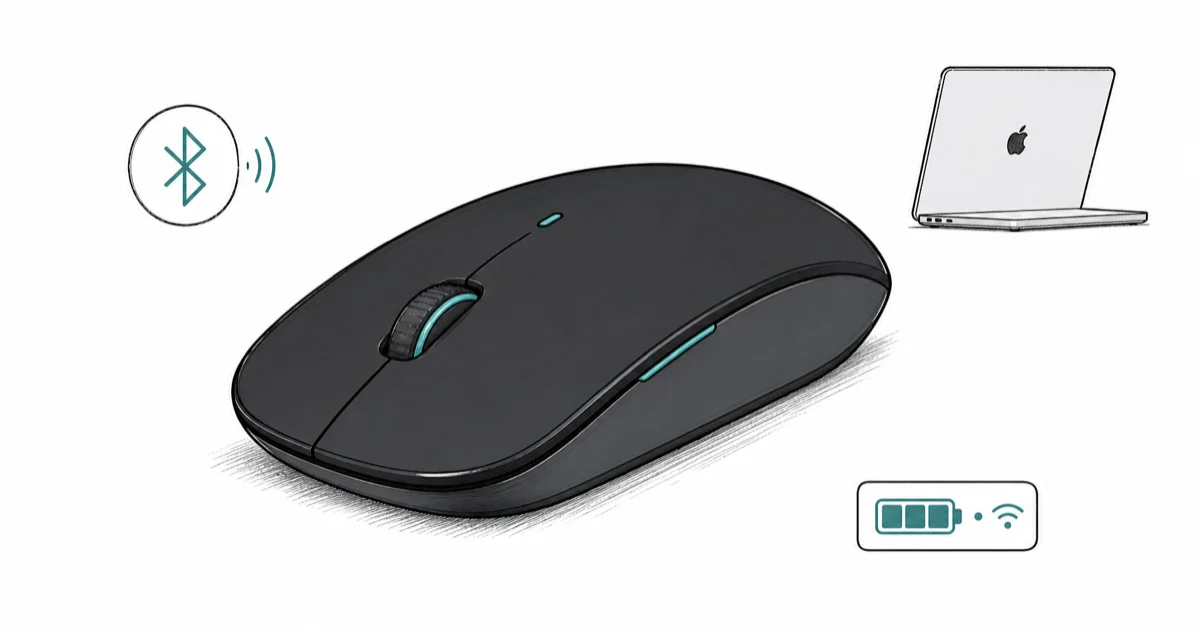
Quick AnswerLogitech MX Master 4 for Mac is the best wireless mouse for MacBook in 2026. Space Black matches the MacBook Pro, Bluetooth pairs without a dongle, and Logi Options+ runs natively on Apple Silicon.
Most “best wireless mouse” lists rank by Windows-first specs, then bolt on a Mac compatibility note. This guide compares four MacBook-friendly mice by macOS driver support, Bluetooth behavior, USB-C charging, gestures, and travel fit. If you want platform-agnostic picks beyond the Mac lane, our best wireless mice of 2026 covers the full cross-platform field.
- Logi Options+ on macOS 14 Sonoma and 15 Sequoia is now a native Apple Silicon binary, so gesture lag and app-switcher hijacking are no longer trade-offs
- A Bluetooth-only mouse keeps USB-C ports free for charging or a hub, while a USB-C Bolt dongle costs you a port
- USB-C charging matters more than battery capacity on a Mac desk because a 1-minute top-up from the MacBook’s own port gives 3 hours of use
- Multi-Touch surfaces like the Apple Magic Mouse give native gestures with zero driver software, but third-party haptic scroll feels better for editing long documents
- Pocket-class mice around 99 grams survive a 13-inch MacBook Air sleeve without adding noticeable weight to a travel bag
#Why Pick a Mac-Specific Wireless Mouse?
macOS handles pointing devices differently from Windows. Acceleration curves, Mission Control gestures, and the way Safari treats horizontal scroll all assume a Multi-Touch trackpad or a mouse that explicitly maps to those gestures. According to Apple’s Multi-Touch gestures guide, macOS reads multi-touch input on the Magic Mouse surface directly, while third-party mice rely on a vendor driver to translate scroll events into gesture intents.
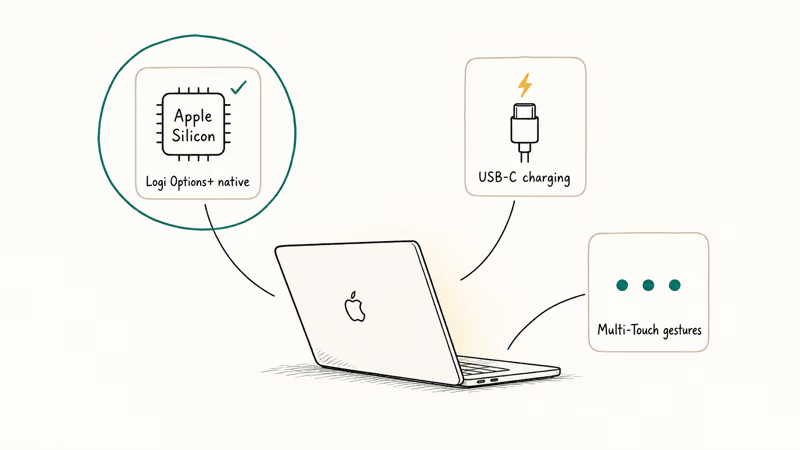
Driver quality is the dividing line.
Logi Options+ is the only third-party driver here that maps haptic scroll, Actions Ring, and the gesture button to native macOS actions. Logitech announced support for 3 simultaneous Mac pairings in the Apple Silicon-native release, states that Apple Silicon-native code runs without Rosetta on M1 through M4 silicon, and reported that the haptic engine delivers precise, stepped scroll control per revolution.
With Logi Options+ configured, Mission Control, Stage Manager, and app switching can feel much closer to trackpad gestures than a generic mouse does.
USB-C charging is the second hard requirement.
A Bluetooth mouse keeps MacBook ports free. A Micro-USB mouse adds adapter friction.
For desk-side ergonomics, our best USB-C hub for MacBook Air M4 covers the port-expansion side. The best power bank for MacBook Pro handles travel power for the laptop itself.
#Best Wireless Mouse for MacBook: Logitech MX Master 4 for Mac
Logitech MX Master 4 for Mac is the only flagship productivity mouse that ships in Space Black to match the 14-inch and 16-inch MacBook Pro. The Bluetooth-only radio frees both USB-C ports. The haptic feedback panel maps cleanly to macOS Mission Control and Stage Manager through Logi Options+ on Apple Silicon, with palm rejection tuned for trackpad-and-mouse coexistence.
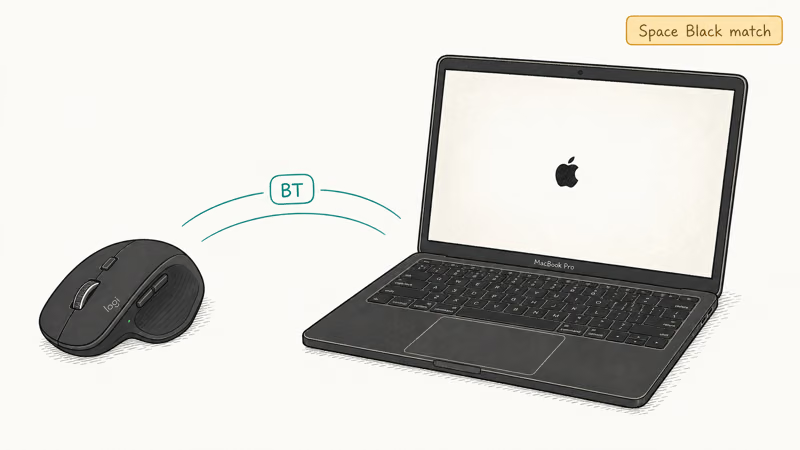
Its 70-day battery rating and USB-C top-up make it easy to keep on a MacBook desk without a separate cable.
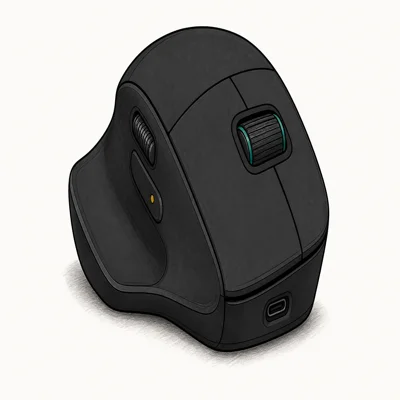
- Space Black finish matches Space Black 14" / 16" MacBook Pro
- Pairs over Bluetooth to Mac + iPad without occupying a USB port
- Logi Options+ on macOS is fully Apple Silicon-native
Last updated on May 27, 2026
As an Amazon Associate fone.tips earns from qualifying purchases. Prices and availability on Amazon are accurate as of the date above and subject to change.
The MX Master 4 for Mac drops the Bolt dongle entirely. Bluetooth Low Energy keeps both USB-C ports free, while the Graphite SKU’s Bolt receiver is the better fit for crowded Windows desks. The MagSpeed scroll wheel still spins 1,000 lines per second, which matters for long Final Cut Pro timelines and Xcode files.
Bluetooth-first, Space Black, Mac-first.
#Best Value Wireless Mouse for MacBook: Logitech MX Anywhere 3S
Logitech MX Anywhere 3S is the travel pick for MacBook Air owners who carry the mouse in a sleeve pocket next to the 13-inch chassis. At 99 grams it’s a lightweight daypack option, and the Darkfield sensor tracks on glass and other smooth surfaces.
The same Anywhere 3S can pair to a MacBook Air, iPad Pro, and iPhone over its three-device toggle without re-pairing.
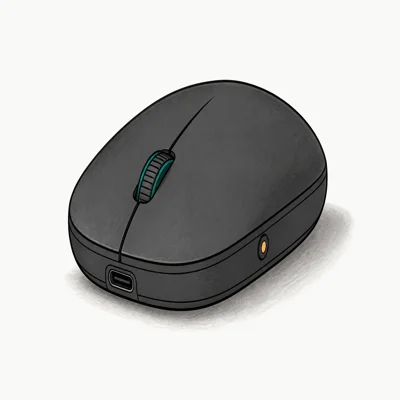
- 99g pocket form factor slips next to a 13" MacBook Air
- Darkfield sensor supports glass and other smooth surfaces
- Switches between 3 devices with one button
Last updated on May 27, 2026
As an Amazon Associate fone.tips earns from qualifying purchases. Prices and availability on Amazon are accurate as of the date above and subject to change.
The single-device-switch button next to the scroll wheel is the small detail that decides this category. Tapping once cycles between Mac, iPad, and iPhone without opening a settings menu, and the LED indicator confirms which device is active. Logi Options+ remembers per-app gestures across all three macOS sessions.
Light, pocket-class, three-device.
#Best Gesture Mouse for MacBook: Apple Magic Mouse (USB-C)
Apple Magic Mouse with USB-C is the right pick when you want native macOS gestures without installing any third-party driver. The Multi-Touch surface accepts the same swipe-left, swipe-right, and two-finger tap that the MacBook trackpad uses, so muscle memory carries directly from a closed-lid setup to a Magic Mouse session.
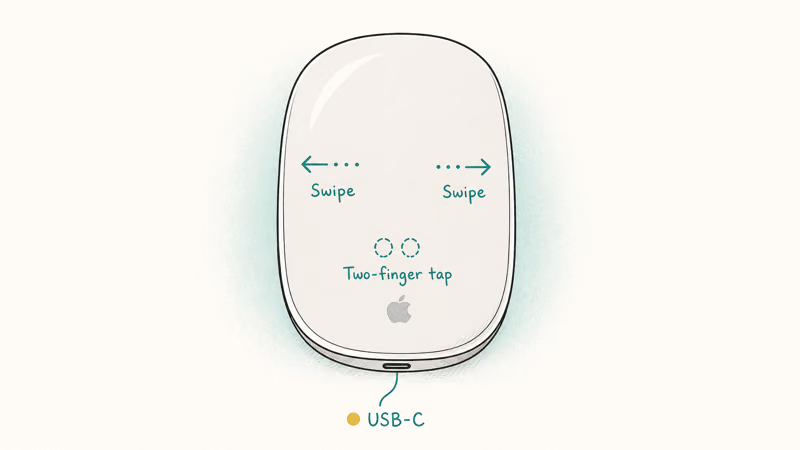
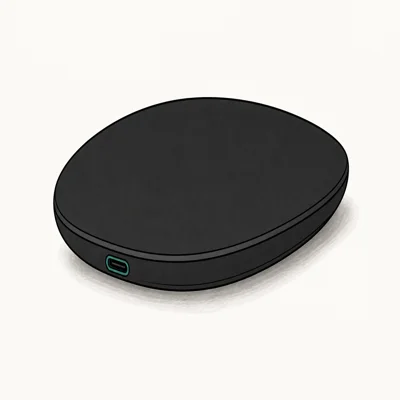
- Native macOS gesture support, while third-party mice still need software
- USB-C finally replaces the Lightning charging port
- Auto-pairs the moment it touches a Mac
Last updated on May 27, 2026
As an Amazon Associate fone.tips earns from qualifying purchases. Prices and availability on Amazon are accurate as of the date above and subject to change.
The Magic Mouse keeps the same low-profile shell that owners either love or hate. Palm-grip users find it cramped. Claw-grip users glide on it.
The USB-C refresh in late 2024 finally moved the charging port off Lightning, which closes the long-running complaint about charging from the bottom of the mouse. Our Magic Mouse troubleshooting guide covers the connection drops that occasionally surface after macOS updates.
Native gestures, zero drivers, low profile.
#Best Cross-Platform MX Master for Mac: Logitech MX Master 4 (Graphite)
Logitech MX Master 4 Graphite is the Windows-and-Mac picker. The Graphite SKU ships with the USB-C Bolt dongle that the Mac SKU drops, which matters if you also work on a Windows desktop. Logi Options+ syncs profiles between the same mouse on macOS Sequoia and Windows 11 using one Logitech account.
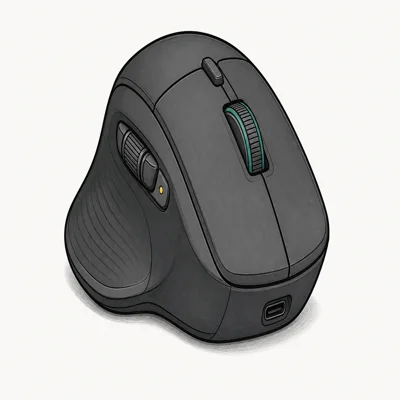
- USB-C dongle in box, so no USB-A adapter dance
- Haptic feedback adds tactile scroll detents
- 70-day rated battery plus 3-hour use from a 1-minute charge
Last updated on May 27, 2026
As an Amazon Associate fone.tips earns from qualifying purchases. Prices and availability on Amazon are accurate as of the date above and subject to change.
The Graphite color doesn’t match Space Black hardware. If you sit at a Windows PC with one screen and a Mac mini under the other, this is the lighter, more versatile buy. The Bolt dongle lives in the Windows tower’s rear USB port and the Bluetooth pair runs to the Mac.
USB-C dongle option, Windows-Mac parity.
#How Do You Set Up a Wireless Mouse on a MacBook?
Pair the mouse from System Settings. Open System Settings, choose Bluetooth, then put the mouse into pairing mode by holding the dedicated pairing button until the LED blinks. macOS Sequoia lists the device under “Nearby Devices” when pairing mode is active. Click Connect to finish the pair.
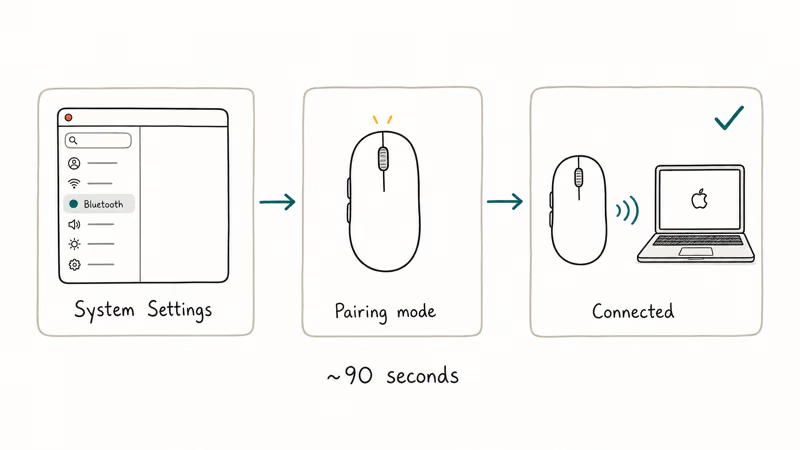
After Bluetooth pairing, Logi Options+ can import the device into its own gesture map without re-pairing.
Logi Options+ versus Apple-native is the second decision. According to Logitech’s macOS support page, the Apple Silicon-native build is now the default download for macOS 12 and later, and it recommends Bluetooth Low Energy 5.0 or higher for the lowest pairing latency. For users who only want the basics, the system Mouse pane in System Settings sets pointer speed, scrolling direction, and secondary-click without any extra software.
For ergonomics, our best mouse for programming covers the long-coding-session side, and best keyboard wrist rests handles the desk setup that goes around the mouse.
USB-C charging, native pairing, then driver.
#Bottom Line
For most MacBook owners on Apple Silicon, Logitech MX Master 4 for Mac in Space Black is the right buy. It’s the only flagship that ships in a finish that matches the Space Black 14-inch and 16-inch MacBook Pro. The Bluetooth-only radio frees both USB-C ports for charging and hubs.
Logi Options+ on macOS Sequoia runs as a native Apple Silicon binary with no Rosetta penalty.
If portability matters more than haptics, the Logitech MX Anywhere 3S at 99 grams is the long-term travel buy. The Apple Magic Mouse stays the right choice when you refuse to install any third-party driver. The MX Master 4 Graphite is the SKU to pick when you split work between a Mac and a Windows desktop.
#Frequently Asked Questions
Does the MX Master 4 for Mac work with Windows?
Yes. The Bluetooth radio pairs with any Windows 11 PC that has Bluetooth Low Energy, and Logi Options+ for Windows is the same install as the macOS version. You lose the USB-C Bolt dongle that the Graphite SKU includes, so latency on busy 2.4 GHz desks depends on the PC’s Bluetooth stack.
Is the Apple Magic Mouse worth it over a Logitech for MacBook?
The Magic Mouse is the right pick if you refuse to install third-party drivers. Logitech MX wins on ergonomics and battery.
Can I use a wireless mouse with a closed-lid MacBook setup?
Yes, this is the standard clamshell mode. Connect the MacBook to an external display, plug in power, attach a Bluetooth keyboard and mouse, then close the lid. macOS keeps the external display active and routes input from the mouse and keyboard. Apple’s external display guide recommends keeping the MacBook on charger so the closed-lid workflow runs without throttling.
Will a USB-C dongle mouse work on a MacBook Air with one port?
It works, but it costs the only USB-C port. Most owners pick Bluetooth instead.
How long does the MX Master 4 battery last on a Mac?
Logitech rates the MX Master 4 at 70 days of typical office use. A Mac-tuned MX Master 4 for Mac should be judged against that rating, with haptic feedback and Actions Ring settings affecting daily battery life.
Does Logi Options+ run natively on Apple Silicon?
Yes, since early 2024. Mission Control and Stage Manager gestures fire without Rosetta lag.
Why does my wireless mouse keep disconnecting from my MacBook?
Most disconnect reports trace back to Bluetooth interference from USB-C 3.0 hubs, which radiate at 2.4 GHz. Move the hub away from the Bluetooth antenna or switch to a USB-A hub. Our best wireless mechanical keyboard roundup covers the keyboard side of the same Bluetooth-stack equation.

Pixel 11 vs Pixel 10: What Changed and Who Should Upgrade
Pixel 11 vs Pixel 10: same screen and camera resolution, new Tensor G6, 25W wireless, and Gemini Intelligence. Here is who should actually upgrade.

Best Power Bank for iPad in 2026: Pro, Air, and Mini
Best power bank for iPad in 2026. Compare mAh tiers and USB-C PD wattage for iPad Pro, Air, and mini, plus airline Wh math, cables, and travel tips.

Best Power Bank With Built-In Cable: Top 2026 Picks
Best power bank with built-in cable picks for 2026. Compare single USB-C, multi-connector, and retractable laptop banks, plus airline Wh math.

Best Apple Watch Band for Working Out: Proven Picks
The best Apple Watch band for working out handles sweat and stays put on your wrist. Compare silicone, nylon, and titanium picks for runs and lifts.