Top 7 Anonymous Voice Changers for Pranks and Calls
Find the best anonymous voice changers for pranks and calls. Top picks include Clownfish, Magic Call, and more for Windows, iOS, and Android.
Quick AnswerClownfish Voice Changer is the best free anonymous voice changer for Windows, offering real-time voice effects across platforms like Discord, Steam, and Viber.
Want to prank your friends with an anonymous voice during a call? Voice changers make it easy to add fun effects to any conversation, and you don’t need technical knowledge to get started. This guide is only for your own device or account.
This guide compares seven popular voice changers across Windows, iOS, and Android so you can pick the best one.
- Clownfish Voice Changer is the best free Windows option with real-time effects across Discord and Steam
- Magic Call is the top mobile pick for iOS and Android with live voice changing during calls
- Voice changers also deter malicious callers and protect your identity on podcasts
- Real-time modulation lets you change your voice live during conversations
- Key factors: portability, platform compatibility, effect variety, and app support
#Which Voice Changers Work Best for Real-Time Calls?
Picking the right voice changer can be tricky since some only work on pre-recorded audio. The apps below all support real-time voice modulation, which means your voice changes live during a conversation.
If you’re looking for comfortable headphones to pair with your voice changer, check out our picks.
#1. Clownfish Voice Changer (Windows)
Clownfish Voice Changer is a free app for Windows 10 and 11 that works across Discord, Steam, Viber, and other platforms. Clownfish handles real-time voice changes with minimal lag, which makes it one of the fastest free options around.
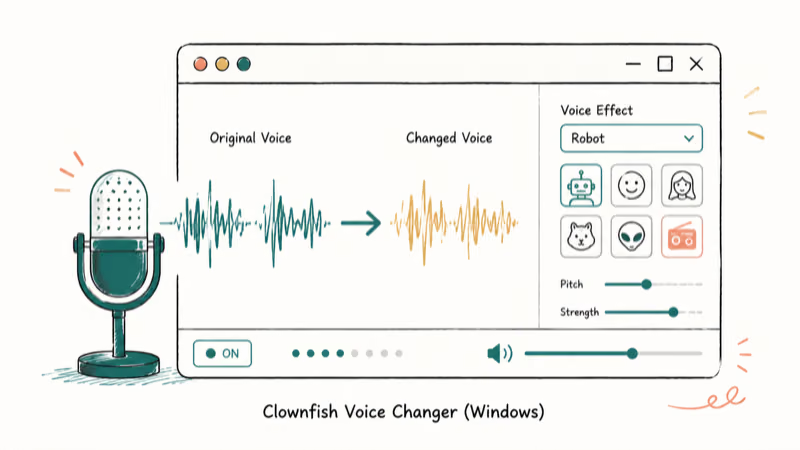
Key benefits include:
- Different sound-changing effects.
- Easy-to-understand features
- It comes with the background microphone music
- Different music sources
#2. Magic Call (iOS and Android)
Magic Call is the top pick for mobile users who want to change their voice during live phone calls. It modifies your voice instantly on both iOS and Android devices.
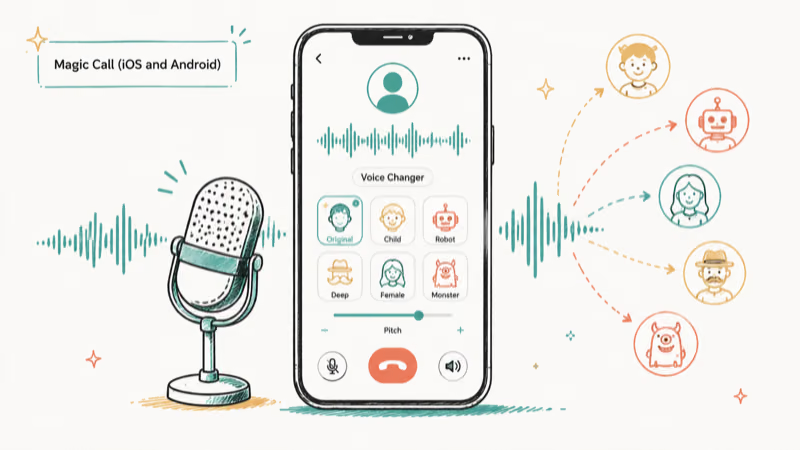
The app includes built-in character voices like Kids and cartoon styles, plus sound effects such as happy birthday and rain. Benefits include:
- Easy to use
- It has the feature of emoticons and various background themes
Download from Google Play Download from App Store
#3. Voice Changer Plus
Voice Changer Plus lets you apply different voice filters and share recordings at no cost. It offers a range of filters including robot voice and other effects, and you can adjust the pitch and speed of your voice.
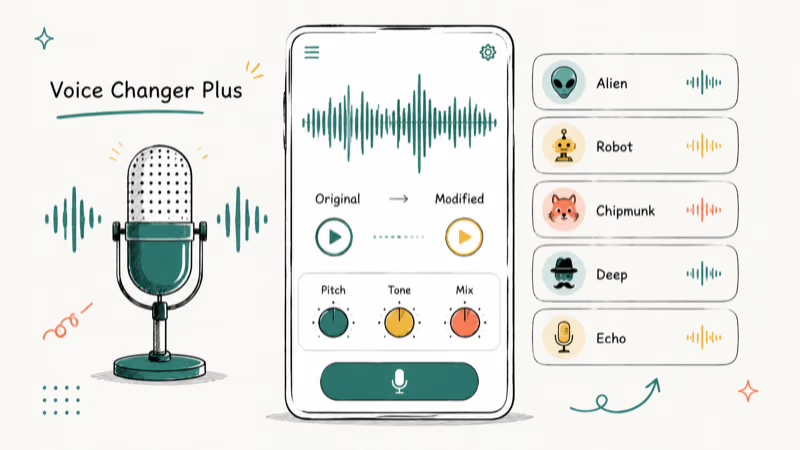
- You can use the reverse feature.
- Manage the speed of the voice
#4. Voice Changer Voice Recorder
This voice changer lets you sound like a superhero, alien, animal, and more. You can use its voice filter for singing and recording music, then edit and share the result. Here are some features you’ll enjoy:
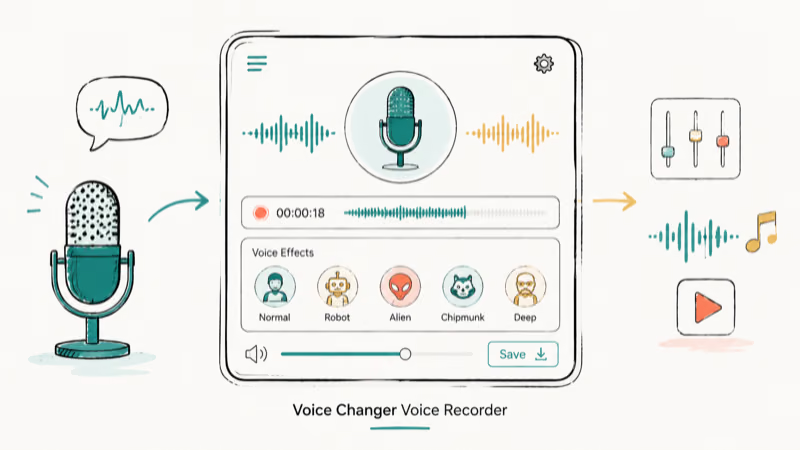
- Apply different effects such as studio reverb, choir, and so on.
- Features are easy to understand
#5. Super-Voice Editor
Super-Voice Editor has lots of voice effects that add fun to your conversations. You can change your voice to male, female, and other options.
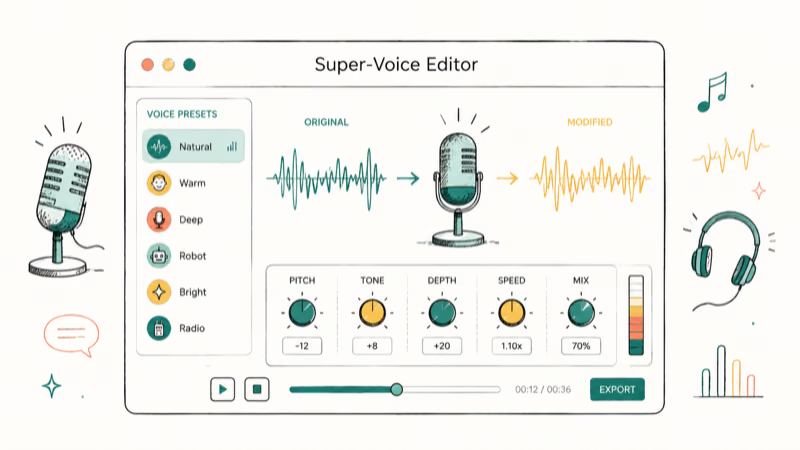
It also lets you edit and split audio clips. You can use it directly with WhatsApp to record and apply different voice filters on the spot.
#6. VoiceFX
VoiceFX is another solid choice for recording and applying voice effects. It has a live playback feature so you can hear how your modified voice sounds before sending it.
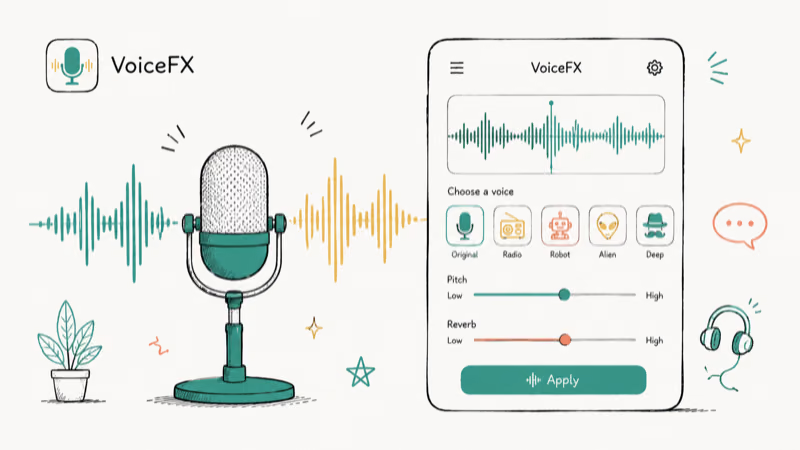
You speak directly into the app and apply filters to your audio in real time. The interface is straightforward enough that you won’t need a tutorial to get started.
Search your current Android store for this voice changer before installing; the old Google Play listing is no longer live.
#7. FunCall
FunCall lets you apply voice filters and prank your friends during live calls. It has plenty of sound effects to choose from.
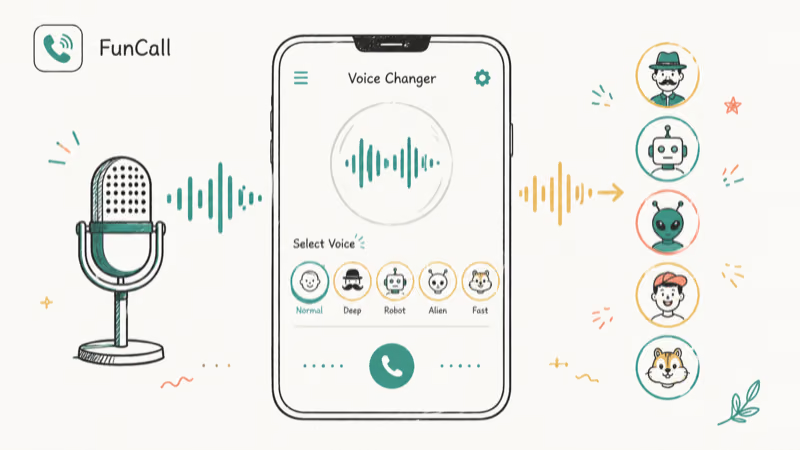
One standout feature is demo calls. You can listen to how the effect sounds before making the actual call. FunCall works on both Apple and Android devices.
- You can record the calls while calling
- Also, share the conversation with other masses.
Download from Google Play Download from App Store
Those are the top voice changers worth trying. Pick the one that fits your platform and budget to start having fun with friends. If you’re interested in changing your voice on specific platforms, check out our guide on voice changers for Zoom.
#Why Should You Use an Anonymous Voice Changer?
Voice changers aren’t just for pranks. According to the FCC’s consumer guide on unwanted calls, Americans receive billions of unwanted robocalls every year, and voice changers can help deter repeat callers.
Here are five practical reasons to use a voice changer beyond entertainment.
#1. Finding the Malicious Caller
If you keep getting calls from an unknown number, a voice changer can help. You can change your voice to a different gender or age to throw off persistent telemarketers.
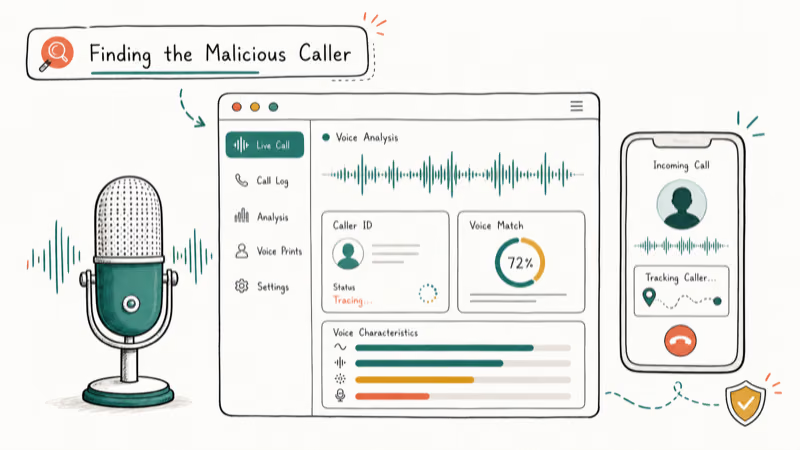
When you get a threatening call, always contact the police first. A voice changer can also scare off repeat callers since hearing an unexpected voice often makes them hang up and stop calling.
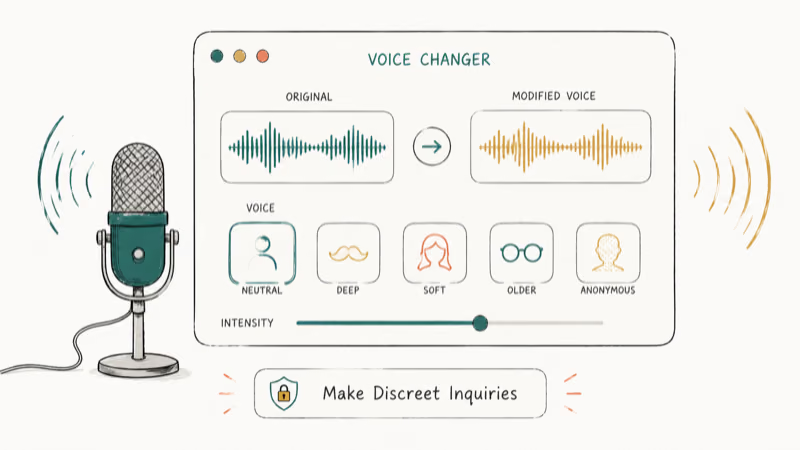
#2. Make Discreet Inquiries
Sometimes you need to ask questions without revealing who you are. Private detectives have relied on voice changers for years to gather information without tipping off subjects. It’s a simple but effective way to protect your identity during sensitive phone calls, especially when dealing with unfamiliar contacts or potential scams.
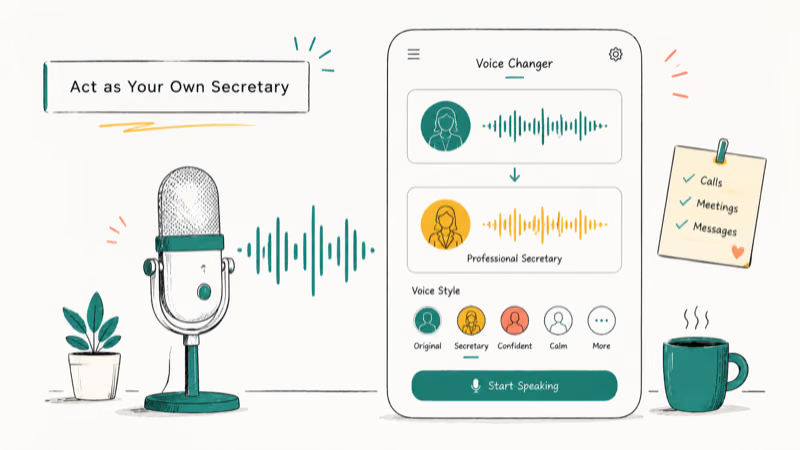
#3. Act as Your Own Secretary
A voice changer lets you play the role of your own secretary. Decline persistent clients politely without them recognizing you.
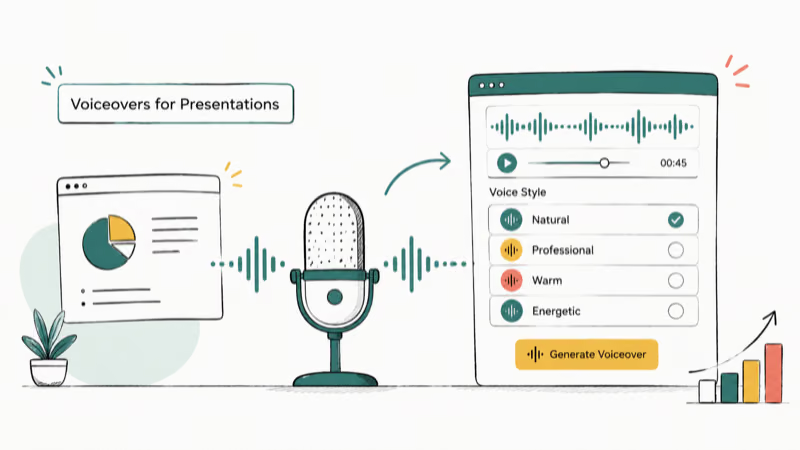
#4. Voiceovers for Presentations
If you don’t have the budget for professional voice talent, a voice changer is a budget-friendly alternative. You can maintain a polished, professional tone for events and presentations without spending hundreds of dollars on voice actors.
#5. Protect Your Identity
A voice changer helps keep your personal and professional lives separate. If you want to express opinions on a podcast or TikTok voice generator without being recognized, changing your voice protects your privacy while still letting you share your thoughts.
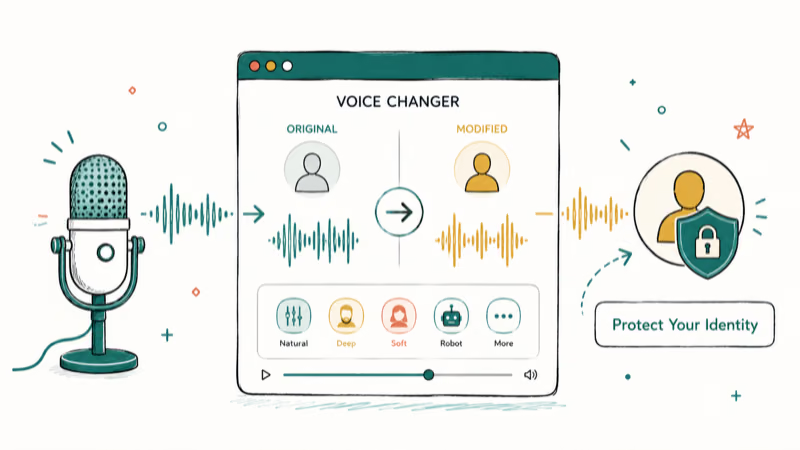
Voice changers aren’t limited to fun and pranks. They serve real purposes like deterring unwanted callers and protecting your identity online.
#Privacy and Safety When Using Voice Changers
Stick to official app stores like Google Play or the App Store. Third-party APKs can hide malware that records your conversations. Check app permissions before installing.
#Free vs Paid Voice Changers
Free apps like Clownfish and Voice Changer Plus give you basic effects and filters. Paid options like Magic Call’s premium tier unlock more voices, background sound packs, and higher audio quality. If you’re just pranking friends occasionally, free apps work fine. Power users who need consistent quality for content creation or podcasts should consider a paid subscription.
#Platform Compatibility and Setup Tips
Most voice changers work differently on each operating system. Windows apps like Clownfish install as system-level audio drivers, which means they work across all communication apps automatically. Mobile apps typically only modify voice within their own calling interface, so check whether your preferred app supports your communication platform before downloading.
If you also want to record your Discord calls while using a voice changer, make sure the recording software captures the modified output rather than the raw microphone input.
#Key Features to Look for in a Voice Changer
Quality matters most when picking a voice changer. According to Google Play’s app review guidelines, low ratings typically reflect performance issues that affect real-time audio. Apple’s App Store review process states that apps meeting its 2024 technical standards must maintain real-world performance to stay listed. Stick to apps with strong ratings and recent user reviews.
Key factors to evaluate include:
- Portability — does it work on your phone, tablet, or PC?
- Compatibility — does it support your preferred apps like Discord, WhatsApp, or Fortnite?
- Number of effects — more voice presets mean more variety for pranks
- Real-time support — can it modify your voice live during calls?
- Price — free versions often have fewer effects than paid alternatives
#Bottom Line
Clownfish Voice Changer is our top pick for Windows users who want a free, reliable voice changer with broad platform support. For mobile users, Magic Call delivers the best real-time experience on both iOS and Android. Pick the app that matches your platform, test the free version first, and upgrade only if you need extra effects.
#Frequently Asked Questions
Is it legal to use voice changers?
The legality depends on your jurisdiction. In most places, using them for personal entertainment and pranks is perfectly legal. Using a voice changer to commit fraud or impersonate someone for illegal purposes can lead to criminal charges.
Can voice changers work in real-time during calls?
Yes, apps like Magic Call and Clownfish handle this well. They modify your voice instantly with no pre-recording needed.
Are voice changers compatible with all platforms?
No. Clownfish is Windows-only, while Magic Call and FunCall work on iOS and Android. Check compatibility before downloading.
Can you use a voice changer for professional voiceovers?
You can use voice changers for basic voiceover work, but professional results usually require dedicated audio software like Adobe Audition. Voice changers are better suited for casual use, pranks, and content creation.
Are there any free voice changer apps?
Yes. Clownfish and Voice Changer Plus are both completely free. Paid apps typically offer more effects and better audio quality, but the free options handle casual pranks and basic voice modification just fine for most users who don’t need professional-grade output.
Do voice changers affect call quality?
Most voice changers add a small amount of latency to your audio, and the delay varies depending on the app and device. Free apps tend to have slightly more latency than paid ones, but the difference isn’t noticeable in normal conversation.

Best Laptop for Running LLMs in 2026: Memory Comes First
The best laptop for running LLMs is a memory purchase first. Compare MacBook unified memory against NVIDIA laptop VRAM, and see what each tier really runs.

Pixel 11 vs Pixel 10: What Changed and Who Should Upgrade
Pixel 11 vs Pixel 10: same screen and camera resolution, new Tensor G6, 25W wireless, and Gemini Intelligence. Here is who should actually upgrade.

Best Power Bank for iPad in 2026: Pro, Air, and Mini
Best power bank for iPad in 2026. Compare mAh tiers and USB-C PD wattage for iPad Pro, Air, and mini, plus airline Wh math, cables, and travel tips.

Best Power Bank With Built-In Cable: Top 2026 Picks
Best power bank with built-in cable picks for 2026. Compare single USB-C, multi-connector, and retractable laptop banks, plus airline Wh math.