9 min read
Waze Sound Not Working? 7 Fixes for Voice Navigation
Waze sound not working? Fix voice navigation with 7 proven methods for volume settings, Bluetooth audio routing, and app permissions on Android and iOS.
#How to Repair#iPhone
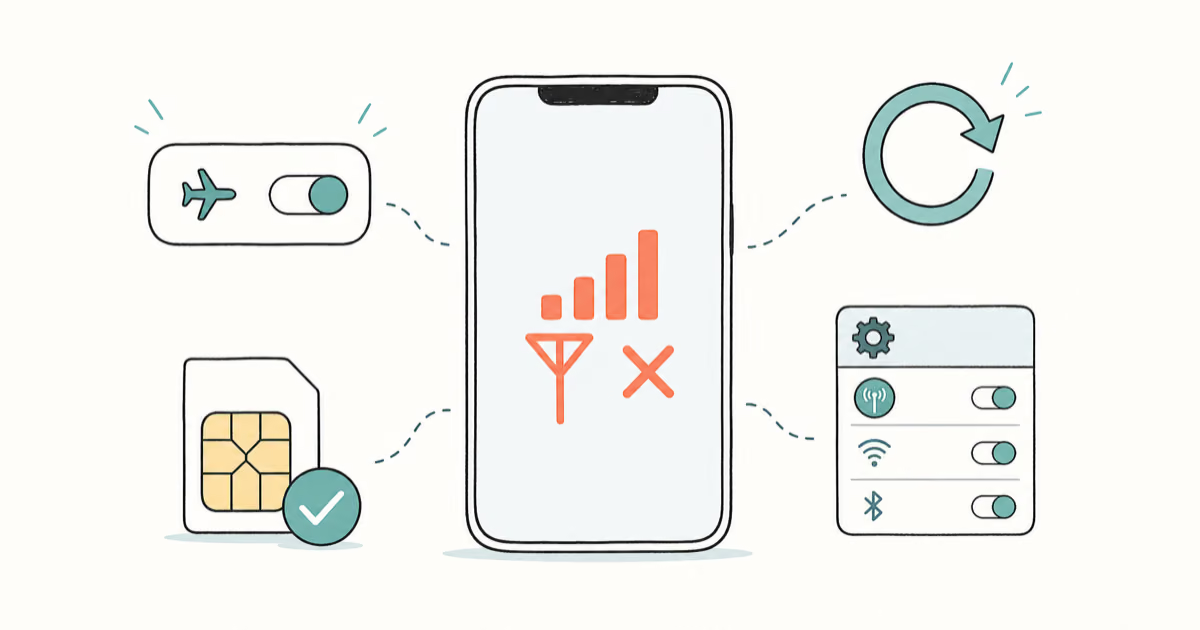
Fix the iPhone Network Not Available error with 10 proven fixes: Airplane Mode, network reset, SIM checks, carrier settings, and 5G/LTE switching.
Waze sound not working? Fix voice navigation with 7 proven methods for volume settings, Bluetooth audio routing, and app permissions on Android and iOS.
Fix the Ark Fatal Error with 7 proven methods including verifying game files, updating GPU drivers, and disabling overlays. Works on Windows 10 and 11.
Fix the IMS Service Has Stopped error on Android with 7 proven methods covering RCS, carrier settings, cache and data clears, and Safe Mode diagnosis.
Fix NAT type failed on PS4 with five practical solutions: enable UPnP, set a static IP, forward Sony's official ports, and use DMZ only as a last resort.
Fix the iOS Unable to Verify App error on your own iPhone using Apples trust prompt, the System Status page, iOS updates, and developer contact paths.
The iTunes Sync Session Failed to Start error blocks iPhone syncs and backups. Try these proven fixes, from cable swaps to a clean iTunes reinstall.
Fix DISM Error 87 in Windows with step-by-step solutions for incorrect syntax, missing admin privileges, corrupted system files, and Windows Module issues.
Fix Windows error 0x8007045D I/O device error during file transfers or backups. Step-by-step solutions including CHKDSK, driver updates, and cable checks.
Fix the SIM Card Is Not From Verizon Wireless error on iPhone or Android. Confirm carrier lock status, rebuild APN settings, and unlock through Verizon.
Fix the SIM Not Supported error on iPhone by checking Carrier Lock, swapping SIMs, and requesting a free carrier unlock that takes 2 to 5 days.
Fix the Google Play Store "error checking for updates" message with a proven cache-clear, account refresh, date, and storage flow that clears stalls fast.
Fix Minecraft no sound on Windows fast. Reload audio with F3+S, check Volume Mixer, update audio drivers, and verify in-game settings to restore sound.